
Velocity
An optimized, quality-of-life pack built to be your foundation. Stable, fast, and ready for anything.
Screenshots

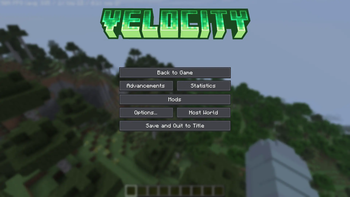
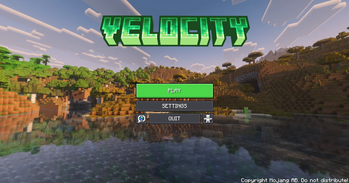
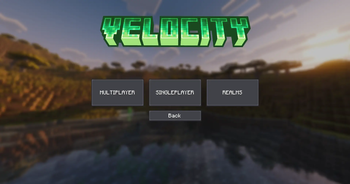
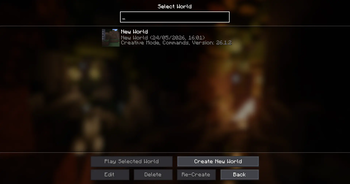
About this Modpack

Your Perfect Quality of Life Modpack
Velocity is focused on providing an all-in-one solution for Minecraft optimization. It prioritizes performance and stability while including quality-of-life features for a smoother, easier experience. Perfect for modpack creators seeking a reliable base or casual players looking for a stable, optimized game.



- Performance and stability optimizations
- UI enhancements (control search, smooth scrolling, etc.)
- Enhanced visuals (lower fire, shields, view maps in boats, etc.)
- OptiFine, LabyMod, and MinecraftCapes support
- Mouse tweaks for smoother inventory handling
- In-game resource pack, shader and world library
- No chat reports or restrictions
- Smooth camera zoom
- World Hosting
- Crash assistant
- Access to bedrock servers
- Access to older or newer minecraft servers
This project falls under the CC-BY-NC-SA License. If you want to use it for your own means, please read the license before doing so.
Available Versions
How to Set Up a Velocity Server
Order Server
Choose at least 4 GB RAM (6 GB recommended for Velocity). Based on player count: per 5 players.
Install Modpack in Dashboard
Open the modpack browser in the dashboard, search for "Velocity" and click "Install". The fabric loader and Minecraft 26.1.2 are configured automatically.
Start Server & Play
Start the server – all mods are loaded automatically. Share the server IP with friends and play together!
Frequently Asked Questions
Velocity server crashes or won't start – what to do?
Most common causes: insufficient RAM or wrong fabric loader. Check latest.log for "OutOfMemoryError" → increase RAM to at least 6 GB. For "Mixin" or "ClassNotFoundException" errors: modpack version and loader don't match. With Mado Hosting, loader and Minecraft version are auto-configured on modpack install – preventing most startup issues.
How much RAM does a Velocity server really need?
Minimum 4 GB, recommended 6 GB for stable performance. per 5 players. Important: Minecraft modpacks need more RAM than vanilla – plan extra per additional player. With Mado Hosting, you can scale RAM up live at any time without data loss (from €8/month).
Can I add custom mods to Velocity without conflicts?
Yes, but check compatibility: only use mods for the same loader (fabric) and same Minecraft version (26.1.2). Common issues: ID conflicts with recipe mods and incompatible coremod versions. The Mado dashboard mod browser only shows compatible mods and warns about known conflicts.
Velocity server lagging – performance tips
1) Increase RAM to 6 GB+. 2) Reduce server view-distance to 8 (server.properties). 3) Pre-generate chunks with the "Chunky" plugin. 4) Use /spark profiler to check which mods consume the most tick time. With Mado Hosting, all servers run on NVMe SSDs with dedicated CPU cores – eliminating hardware as a bottleneck.
Rent Velocity Server
Start your own server with automatic modpack installation.
Details
- License
- Creative Commons Attribution Non Commercial Share Alike 4.0 International
- Server-side
- Unsupported
- Client-side
- Required
Supported Versions
Start your Velocity Server now
From €8.00/month with 6 GB RAM for the best performance.
Configure Server →