
Venstone Modpack
Minecraft modpack designed for the Venstone minecraft server, the main goal is to improve the Vanilla experience.
Screenshots
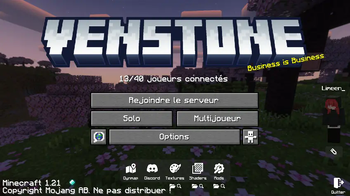
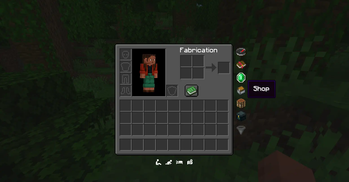


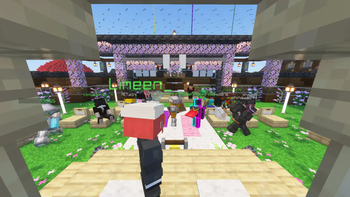

About this Modpack
⛏️ Venstone Modpack - Be simple.
Version: Minecraft 1.21.8 (Fabric)
The main goal is to improve the Vanilla experience and make everything easy for players.
Mods are only client side and are designed to be played on the Venstone minecraft server, however it should work fine on other servers or in singleplayer!
What Does the Venstone Modpack Add?
The Venstone Modpack is designed to enhance your Minecraft experience through a curated selection of mods that focus on improving the Vanilla gameplay. Here’s what our modpack adds:
📈 Performance & Visuals Enhancements:
- Sodium: Significantly boosts game performance by optimizing rendering.
- ImmediatelyFast: Reduces loading times and improves overall game responsiveness.
- Iris Shaders: Enables the use of various shaders to enhance the game’s visuals.
- Not Enough Animations: Enhances the visual experience of Minecraft by adding more realistic and dynamic animations to player and entity actions.
- Bobby: Render distance up to 30 chunks+ on servers !
⛏️ Quality of Life Features:
- Shulker Box Tooltip: Allows you to view the contents of shulker boxes without opening them.
- Mod Menu: Provides a user-friendly interface to manage installed mods.
- Simple Voice Chat: Facilitates in-game communication with a built-in voice chat feature.
- Auth Me: Allows you to switch account easily without restarting the game !
🎧 Audio Enhancements:
- AmbientSounds: Add immersive environmental and ambient sounds to the game.
- Dynamic Surroundings: Enhances the audio experience with improved sound effects.
🎨 Ressource Packs:
- Visual Enchantments Books: Every enchantment is now represented by simple and consistent texture changes, so you can identify the attributes of a tool with a simple look.
View more - Vanilla Tweaks: Fixes graphical bugs View more
- FreshAnimation: Gives an animation overhaul to the creatures in the default look of Minecraft. The aim is to make the mobs more dynamic and believable. View more
- Eyeless Fresh Moves: Better Player Animations View more
- Dark-Colorful-Container: Better vanilla-like containers gui_ View more
- Rail Fix
🌅 Pre-installed Shaders
- Complementary Shaders Re-imagined
Gallery
Main menu: Edit your settings, mods, packs & shaders easily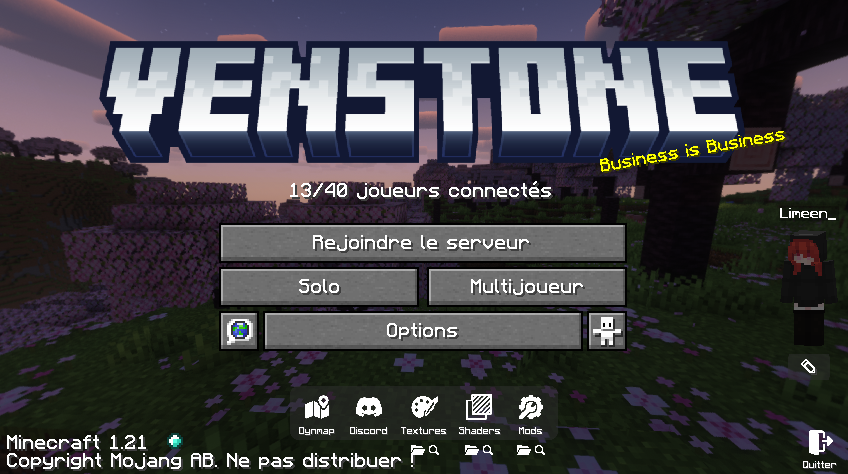
Quick action Inventory: Easy commands and emotes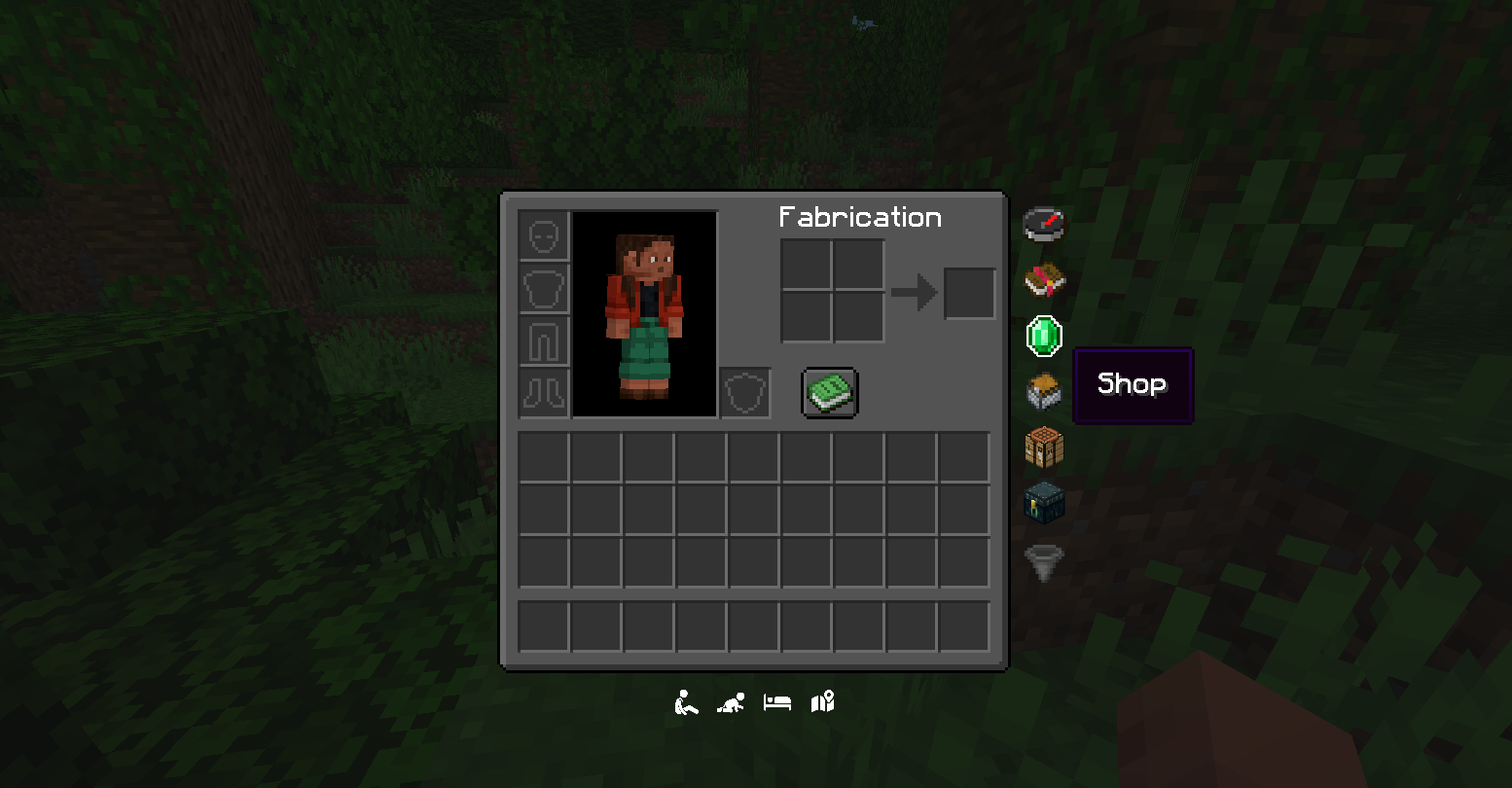
Render distance & Shaders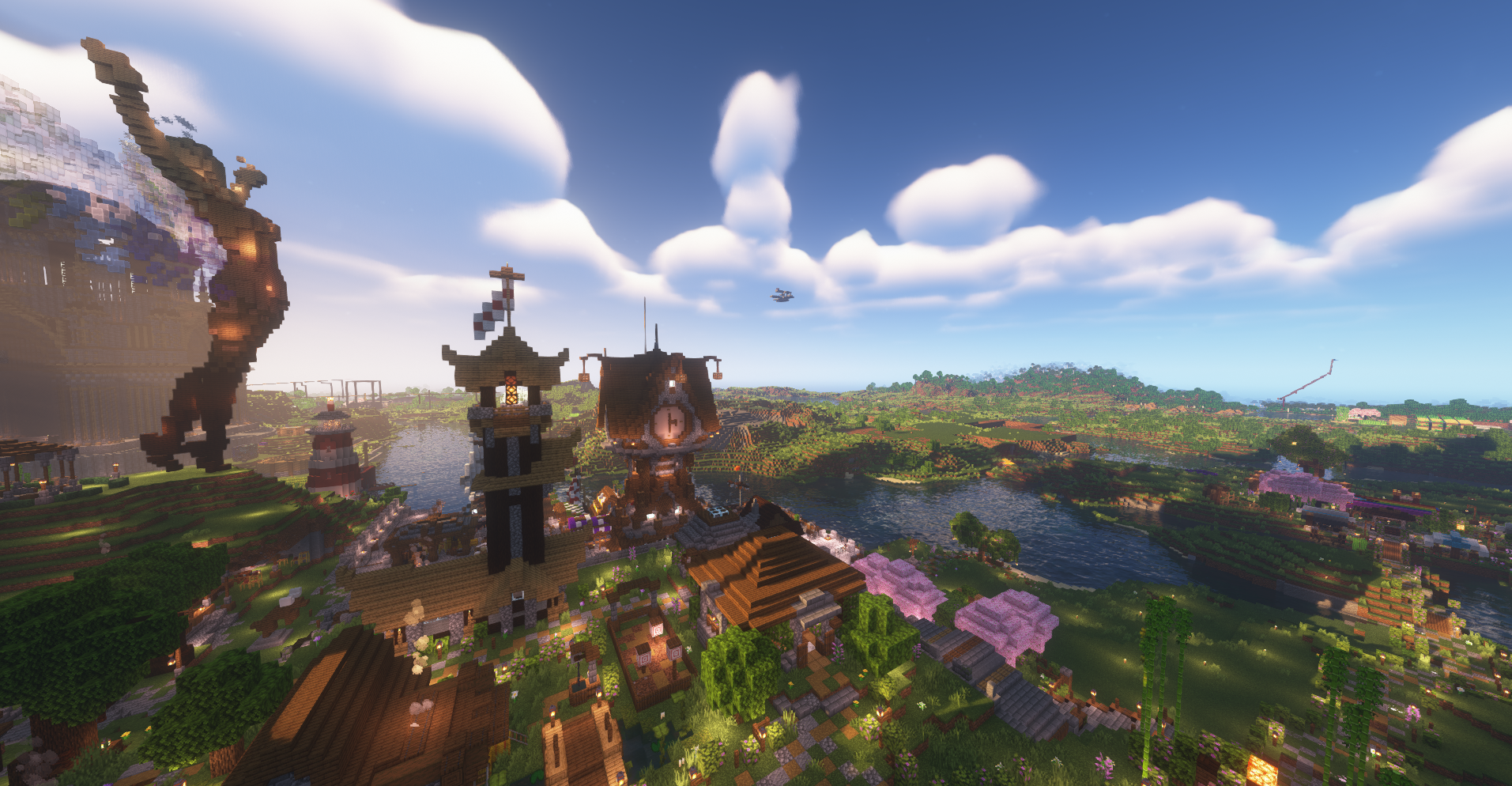
Available Versions
How to Set Up a Venstone Modpack Server
Order Server
Choose at least 4 GB RAM (6 GB recommended for Venstone Modpack). Based on player count: per 8 players.
Install Modpack in Dashboard
Open the modpack browser in the dashboard, search for "Venstone Modpack" and click "Install". The fabric loader and Minecraft 1.21.8 are configured automatically.
Start Server & Play
Start the server – all mods are loaded automatically. Share the server IP with friends and play together!
Frequently Asked Questions
Venstone Modpack server crashes or won't start – what to do?
Most common causes: insufficient RAM or wrong fabric loader. Check latest.log for "OutOfMemoryError" → increase RAM to at least 6 GB. For "Mixin" or "ClassNotFoundException" errors: modpack version and loader don't match. With Mado Hosting, loader and Minecraft version are auto-configured on modpack install – preventing most startup issues.
How much RAM does a Venstone Modpack server really need?
Minimum 4 GB, recommended 6 GB for stable performance. per 8 players. Important: Minecraft modpacks need more RAM than vanilla – plan extra per additional player. With Mado Hosting, you can scale RAM up live at any time without data loss (from €8/month).
Can I add custom mods to Venstone Modpack without conflicts?
Yes, but check compatibility: only use mods for the same loader (fabric) and same Minecraft version (1.21.8). Common issues: ID conflicts with recipe mods and incompatible coremod versions. The Mado dashboard mod browser only shows compatible mods and warns about known conflicts.
Venstone Modpack server lagging – performance tips
1) Increase RAM to 6 GB+. 2) Reduce server view-distance to 8 (server.properties). 3) Pre-generate chunks with the "Chunky" plugin. 4) Use /spark profiler to check which mods consume the most tick time. With Mado Hosting, all servers run on NVMe SSDs with dedicated CPU cores – eliminating hardware as a bottleneck.
Similar Modpacks

![Cobblemon Official Modpack [Fabric]](https://cdn.modrinth.com/data/5FFgwNNP/e7f9ee2e9d361623847853fe2ddce42f519ee64f.png)
![COBBLEVERSE - Pokemon Adventure [Cobblemon]](https://cdn.modrinth.com/data/Jkb29YJU/581ecf54530972afb18a04660afd820f2f24f6c7.png)
![Better MC [FABRIC] - BMC2](https://cdn.modrinth.com/data/shFhR8Vx/a19c2bcb51d38f32f138d3607e91cb2b7b8e387f_96.webp)


Rent Venstone Modpack Server
Start your own server with automatic modpack installation.
Supported Versions
Start your Venstone Modpack Server now
From €8.00/month with 6 GB RAM for the best performance.
Configure Server →