
XVN.
A new way to enjoy Minecraft, mixed with support for PvP Players, various other activities, while gaining a performance increase up too 750%+! (HARDWARE DEPENDENT.)
Screenshots
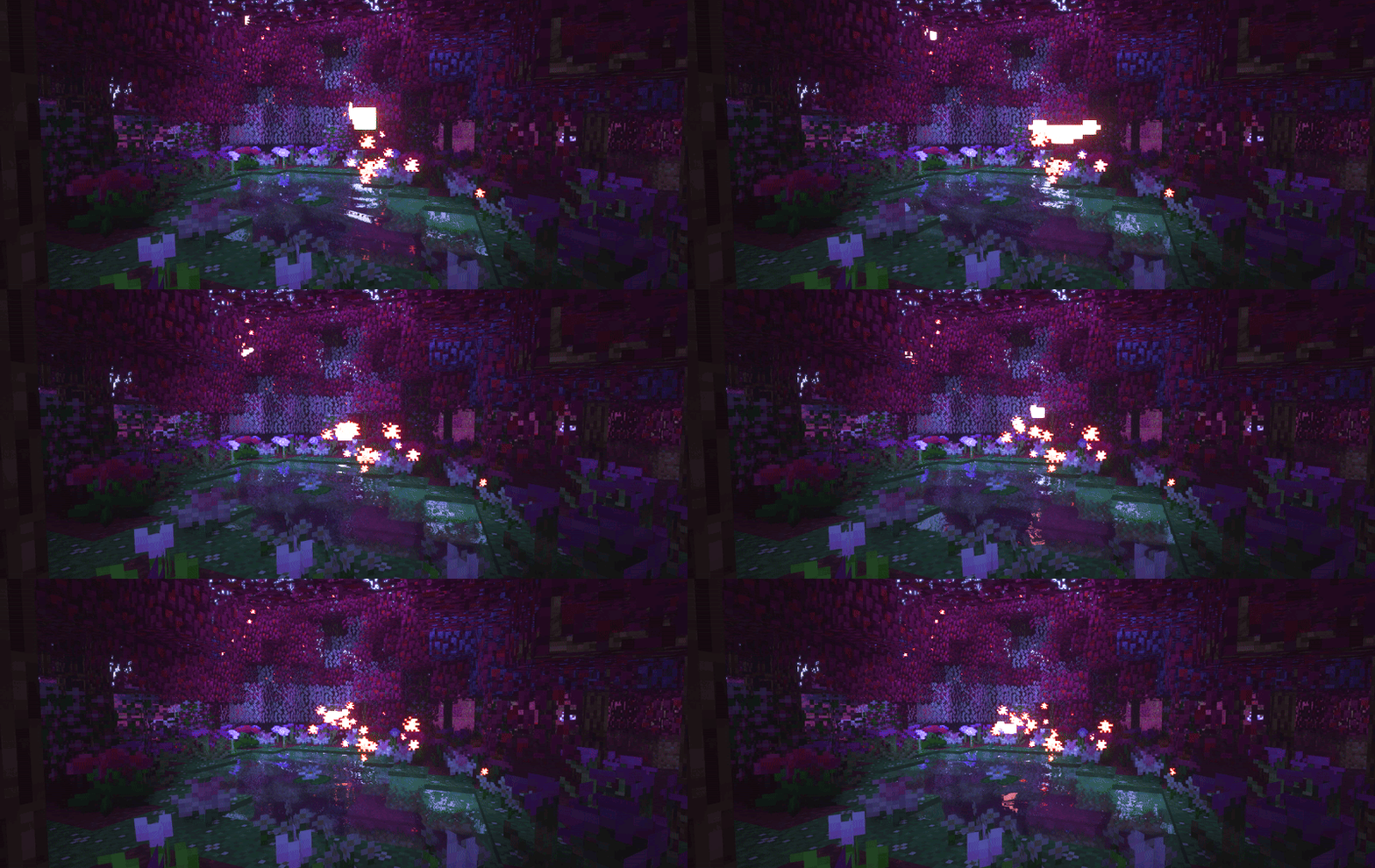
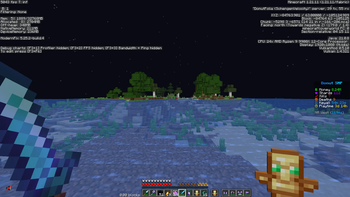
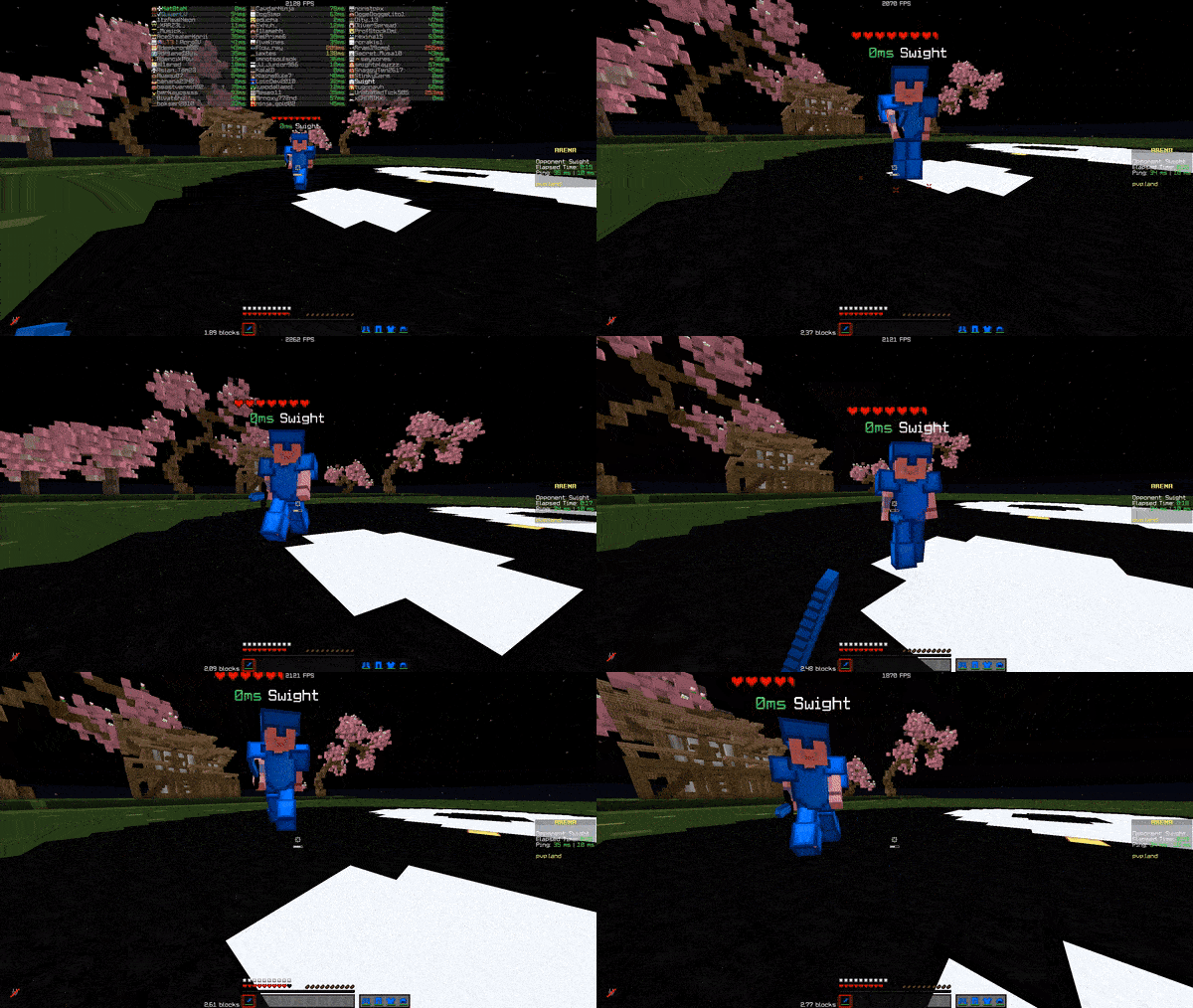
About this Modpack
XVN.
This modpack is built for one thing: maximum FPS without sacrificing gameplay. Expect up to 750%+ FPS improvements depending on your setup, all while staying smooth, responsive, and PvP-ready.
Every mod is carefully selected and configured to reduce overhead, improve rendering efficiency, and minimize input lag. No bloat. No gimmicks. Just performance.
⚠ WARNING:
Vulkanmod
Includes VulkanMod (experimental & picky). There is a high chance of crashes, so dont believe it 100% that its gonna work first try, check out their Github for incompatibilities and other stuff
Key features
• Massive FPS Boost.
Details
Advanced rendering, memory tweaks, and engine-level improvements for dramatically higher frame rates.
• Less input latency.
Details
Optimized for mouse & keyboard responsiveness — ideal for PvP.
• Smoother experience.
Details
Faster chunk loading, reduced stuttering, and consistent frame pacing.
• Mods for other daily tasks.
Details
Quality-of-life improvements for competitive play without adding bloat.
• Not making the game look worse for performance.
Details
Clean, sharp look without heavy graphical overhead.
Rare/Intersting picks ive made.
This pack also includes some uncommon but powerful mods you don’t see everywhere:
• VulkanMod – experimental Vulkan renderer (FPS monster, but crash-prone)
• Bad Optimizations. – like its description says, aton of micro-optimizations that end up doing a bigger change.
Kind of people i made this for.
- PvP & competitive players wanting max performance without drops that sodium or other packs might have.
- Low-end PCs needing serious optimization ( ⚠ must be new enough to support it. ⚠ )
- High-end PCs looking for new peaks while enjoying their experience.
- Anyone who wants Minecraft to max out.
Big notes!
- Gains vary by hardware, previous mods, and settings.
- Allocate RAM reasonably; avoid over-allocation.
- Use updated GPU drivers.
- Additional heavy mods may reduce stability.
Not just another FPS boost pack — a carefully tuned performance build focusing on competitive play, responsiveness, and extreme optimization. Load it up and feel the difference immediately.
Incase you are not in the wanting of troubleshooting.
- You should try Alternatives to Vulkan modpacks or modpacks like Fabulously Optimized.
- BUT BEWARE OF A POSSIBLE DECREASE OF PERFORMANCE OF WHAT YOU COULD ACHIEVE WITH THIS.
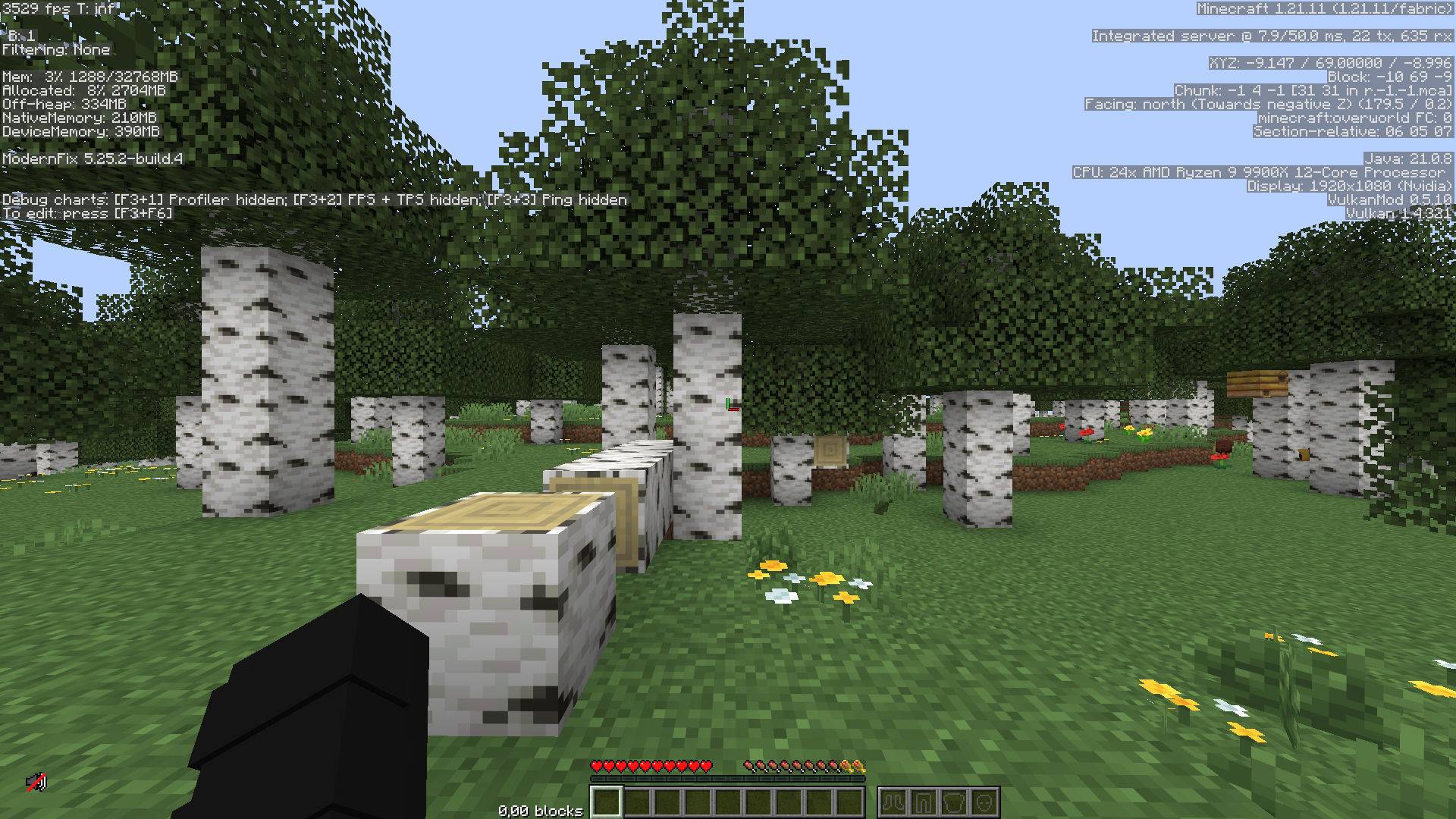
I have only tested this on my own hardware, which you can see some of it in the given screenshots.
Available Versions
How to Set Up a XVN. Server
Order Server
Choose at least 4 GB RAM (6 GB recommended for XVN.). Based on player count: per 8 players.
Install Modpack in Dashboard
Open the modpack browser in the dashboard, search for "XVN." and click "Install". The fabric loader and Minecraft 1.21.11 are configured automatically.
Start Server & Play
Start the server – all mods are loaded automatically. Share the server IP with friends and play together!
Frequently Asked Questions
XVN. server crashes or won't start – what to do?
Most common causes: insufficient RAM or wrong fabric loader. Check latest.log for "OutOfMemoryError" → increase RAM to at least 6 GB. For "Mixin" or "ClassNotFoundException" errors: modpack version and loader don't match. With Mado Hosting, loader and Minecraft version are auto-configured on modpack install – preventing most startup issues.
How much RAM does a XVN. server really need?
Minimum 4 GB, recommended 6 GB for stable performance. per 8 players. Important: Minecraft modpacks need more RAM than vanilla – plan extra per additional player. With Mado Hosting, you can scale RAM up live at any time without data loss (from €8/month).
Can I add custom mods to XVN. without conflicts?
Yes, but check compatibility: only use mods for the same loader (fabric) and same Minecraft version (1.21.11). Common issues: ID conflicts with recipe mods and incompatible coremod versions. The Mado dashboard mod browser only shows compatible mods and warns about known conflicts.
XVN. server lagging – performance tips
1) Increase RAM to 6 GB+. 2) Reduce server view-distance to 8 (server.properties). 3) Pre-generate chunks with the "Chunky" plugin. 4) Use /spark profiler to check which mods consume the most tick time. With Mado Hosting, all servers run on NVMe SSDs with dedicated CPU cores – eliminating hardware as a bottleneck.
Similar Modpacks

![Better MC [FABRIC] - BMC2](https://cdn.modrinth.com/data/shFhR8Vx/a19c2bcb51d38f32f138d3607e91cb2b7b8e387f_96.webp)
![Better MC [FORGE] - BMC4](https://cdn.modrinth.com/data/4BV47HRn/7f5ef7cc61b2593609aabef3ed07a866a4f11b73_96.webp)


Rent XVN. Server
Start your own server with automatic modpack installation.
Details
- License
- BSD 3-Clause "New" or "Revised" License
- Server-side
- Unsupported
- Client-side
- Required
Supported Versions
Start your XVN. Server now
From €8.00/month with 6 GB RAM for the best performance.
Configure Server →