
3rd Life+
Extra lives until you dies... Minecraft with three lives, and a TWIST! Introducing the Jagged Dagger, Golden Lives, Temporary Lives, the Reviver and MORE!
Screenshots
About this Mod


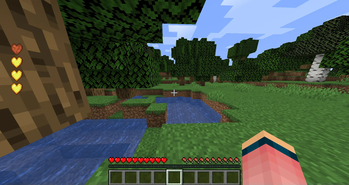
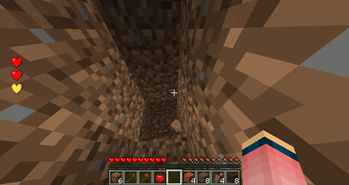
You start with three lives and a green username, when you die, you lose one of your lives and your username turns yellow, if you die again, you lose another life and your username turns red, if you die a third time, your sent into spectator mode, thus killing you while still being able to spectate the world. use the new tools and lives to advance further and achieve immortality!
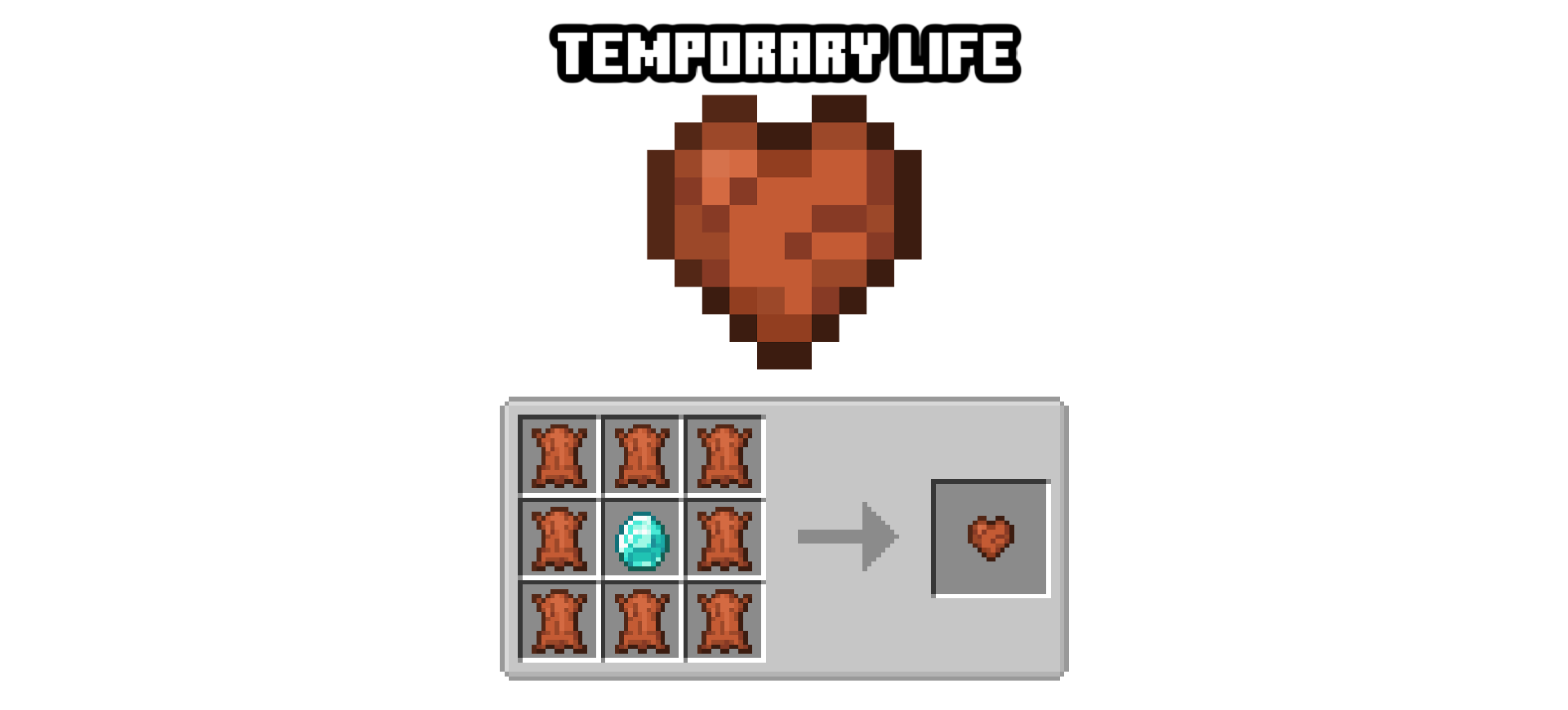
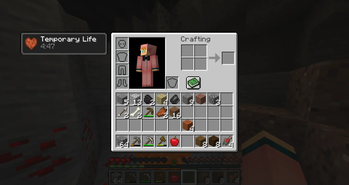
The temporary life lasts for FIVE minutes, while it is activated it will grant you an extra life that acts just like a regular life, but if the timer runs out then it will go away and your lives will be normal again.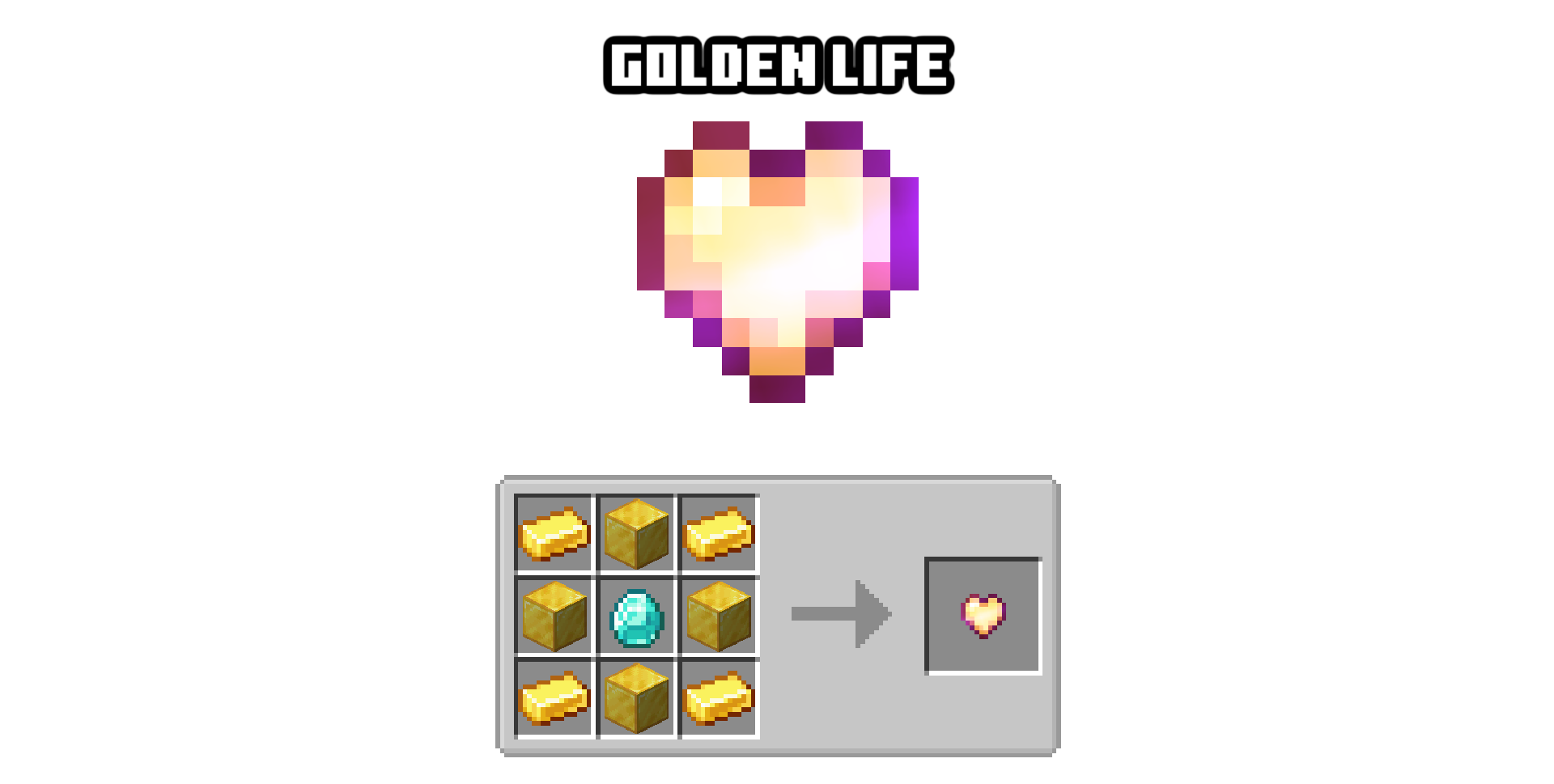
The golden life stacks over regular lives, effectively giving you extra stackable lives, only 3 can be applied on a player at a time, it is also immune to the jagged dagger.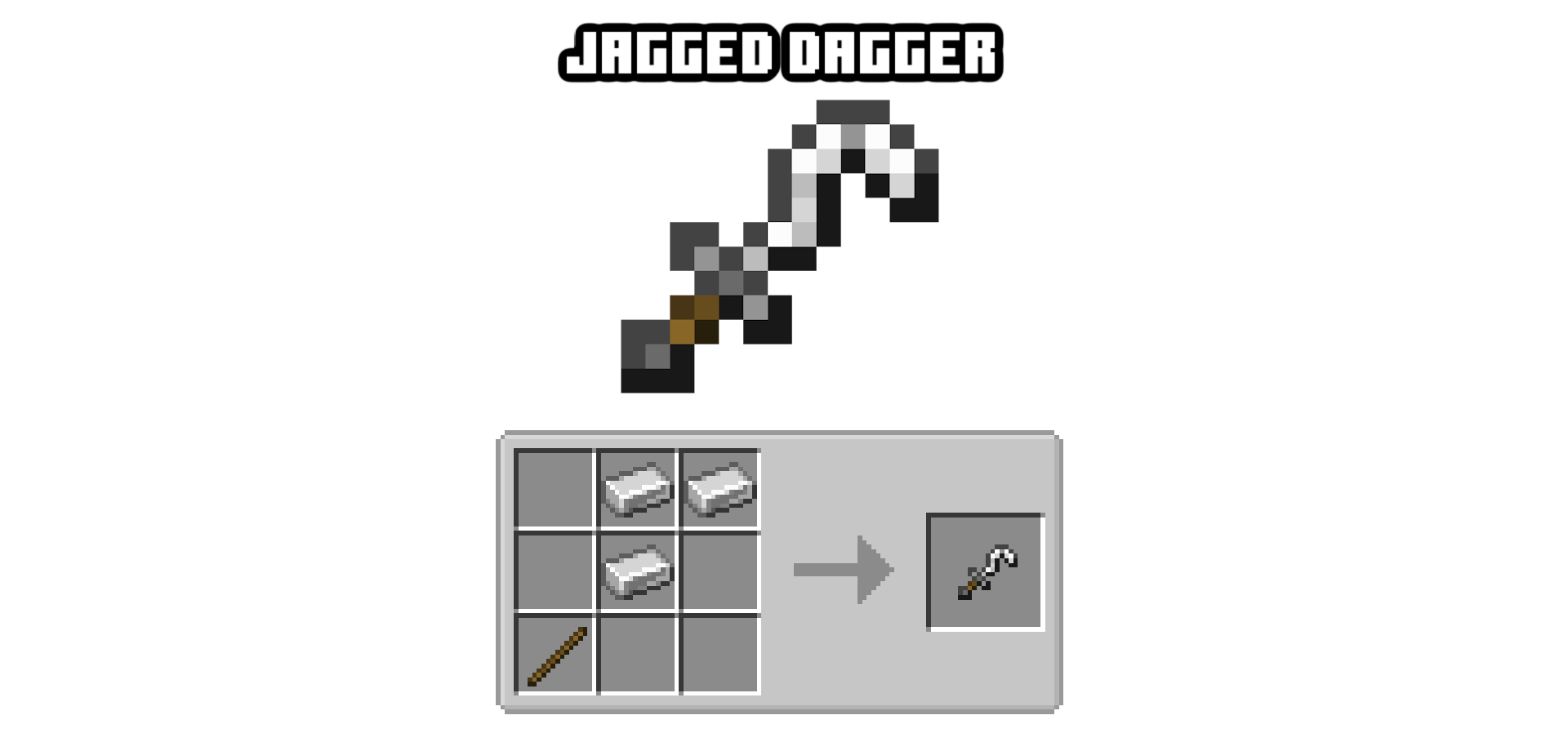
Right click the ground with this to take one of your own lives, or kill someone with it to take theirs, the lives are also named after the victim so you can add them to a collection. and lives can be used with a right click to be added to yours.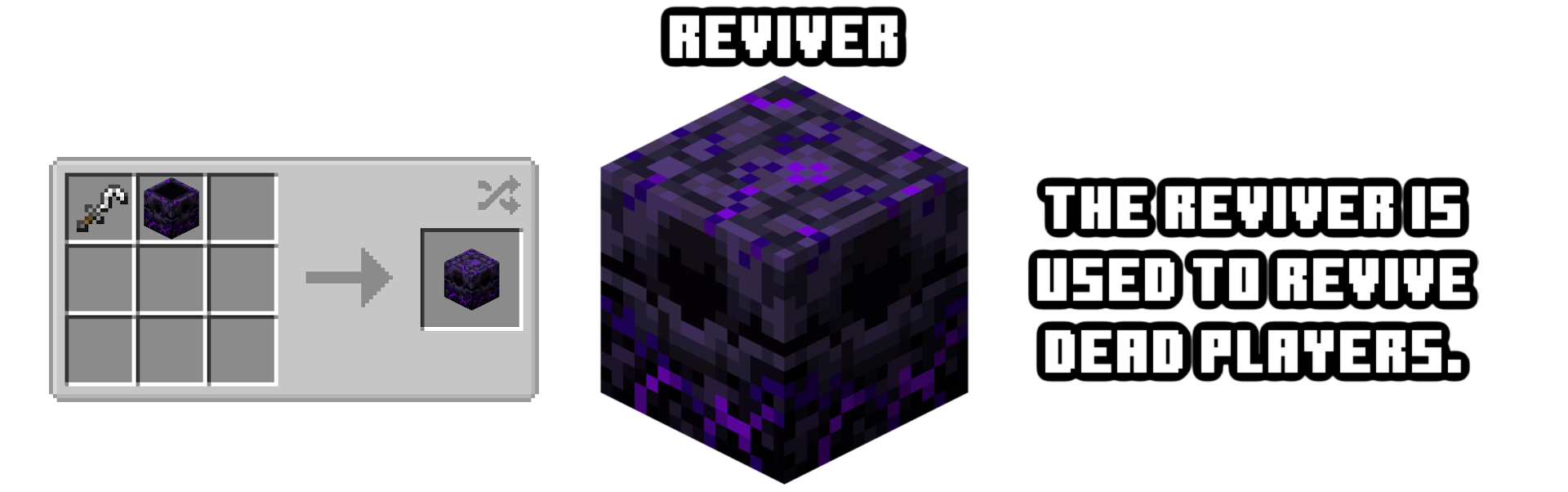
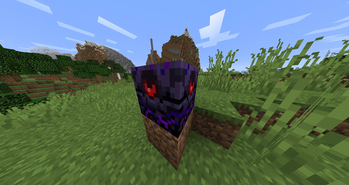
With a reviver, all you gotta do is right click it while holding a golden life and it will fill up!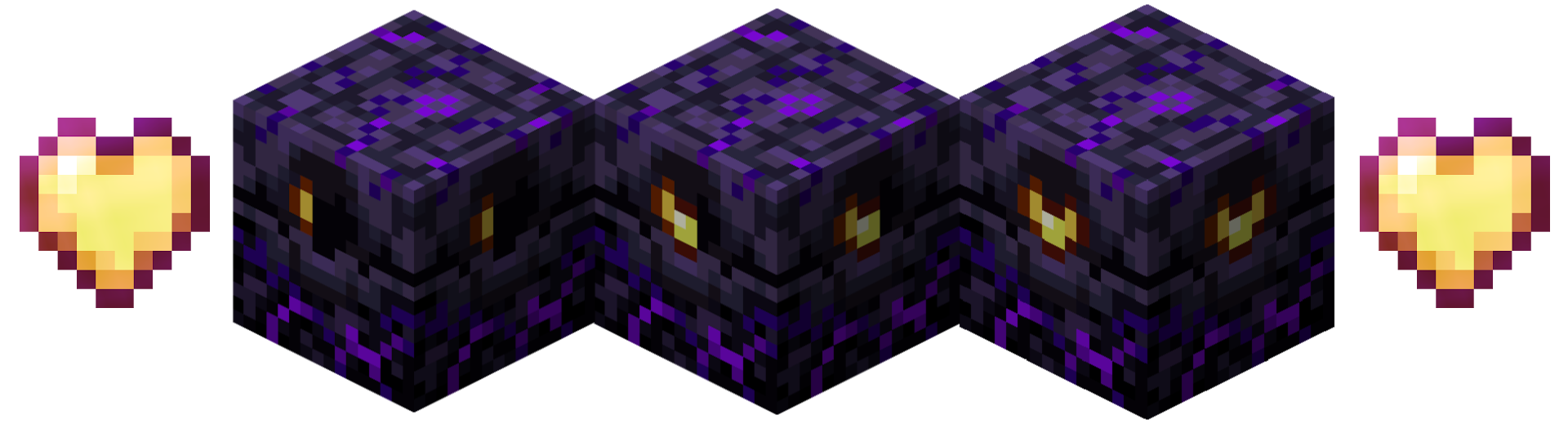

While in spectator mode, go to a filled reviver to be revived and get however many hearts that are currently in the reviver.
Hold down "I" to View your lives.
Press "O" to change your lives position
Type the command "/resetlives TARGET" to reset a target's lives.
Type the command "/addlives TARGET NUM" to give targets lives.
Type the command "/takelives TARGET NUM" to take target's lives.
Type the command "/setlives TARGET NUM" to set a certain number of lives for targets.
Please publish showcase videos as imbedded links in the comments!
Don't republish my mod on another website without my permission EVER!
Feel free to add to your mod packs - no credit needed, but i would like (if you're uploading it somewhere) for you to upload it to CurseForge or Modrinth!
Report problems in the issues tab HERE!
Available Versions
How to Install 3rd Life+ on Your Server
Order Server
Order a Minecraft Java server with at least 3 GB RAM (4 GB recommended).
Set forge Loader
In the panel under "Egg", select the forge loader and matching Minecraft version (1.20.6).
Install Mod
Open the mod browser in the dashboard and search for "3rd Life+". Click "Install" – done! Alternatively, upload the .jar via SFTP to the /mods folder.
Compatibility
Mod Loaders
Minecraft Versions
1.20.6, 1.20.1, 1.19.4 (+3 more)
Server-side
✓ RequiredRecommended RAM
4 GB(min. 3 GB)Frequently Asked Questions
3rd Life+ server crashes on startup – what to do?
Most common cause: wrong forge version or insufficient RAM. Check the server log (latest.log) for "OutOfMemoryError" or "Mixin" errors. With Mado Hosting: ensure at least 3 GB RAM is allocated and the loader matches the mod version (1.20.6). You can switch loaders with one click in the panel.
Is 3rd Life+ compatible with forge and neoforge?
3rd Life+ officially supports forge, neoforge for Minecraft 1.20.6, 1.20.1, 1.19.4. The Mado dashboard automatically detects incompatible loader combinations.
Server lagging with 3rd Life+ – how to optimize performance?
Recommended RAM: 4 GB (per 8 players). Use /spark profiler to check if 3rd Life+ consumes the most tick time. Common fixes: reduce server view-distance to 8-10, install "performant" or "starlight" as supplementary mods on Forge. With Mado Hosting, your server runs on NVMe SSDs with dedicated CPU cores for minimal latency.
Similar Mods





Rent Modded Server
Install 3rd Life+ with just one click on your server.