
A little addtions
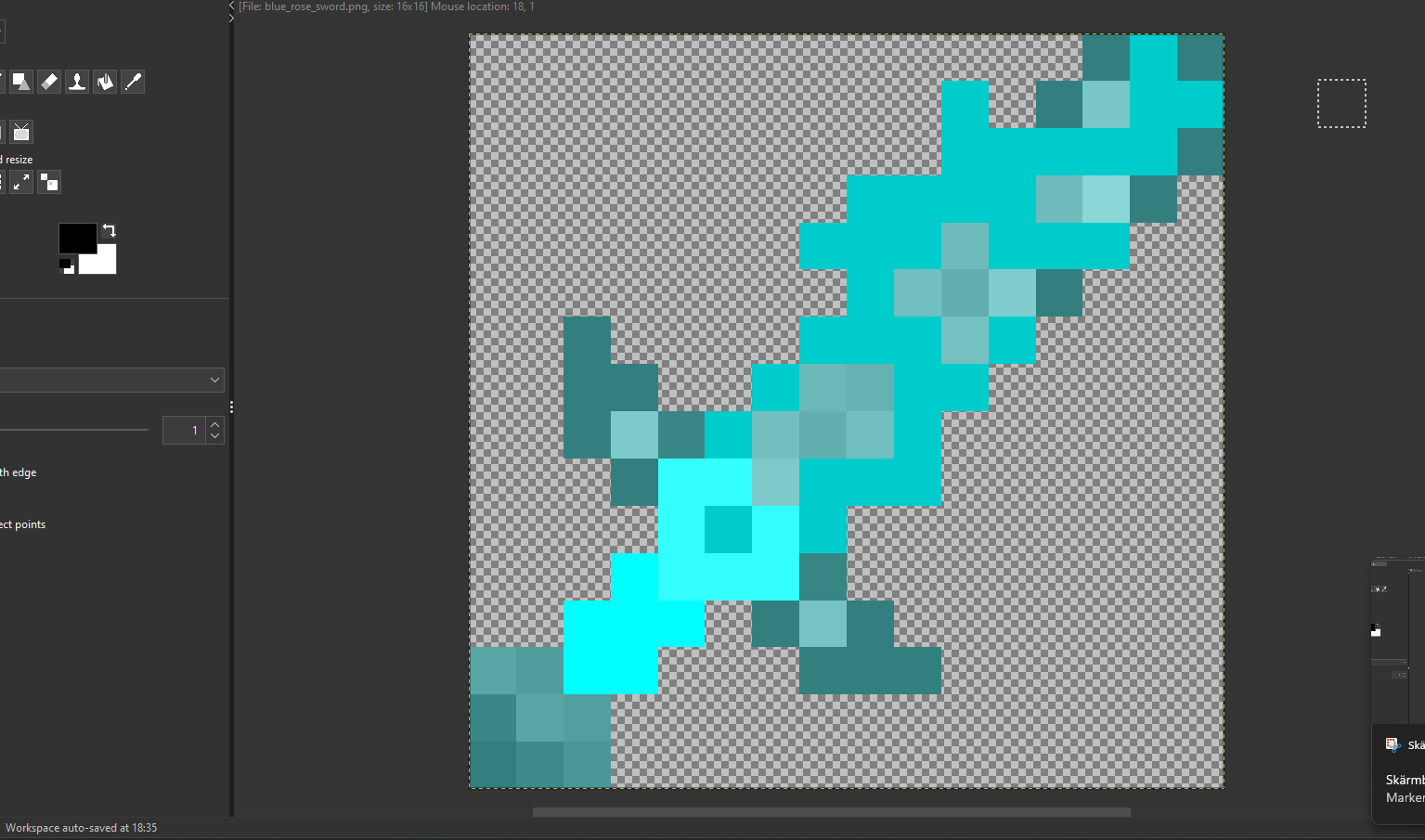
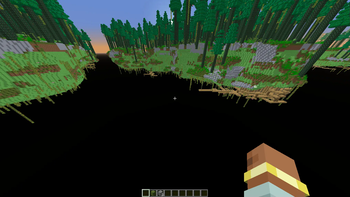
This mod adds a ton of new content to Minecraft! Explore multiple new End biomes, discover custom dimensions and structures that fit naturally into the world, and collect powerful new swords that are challenging to obtain. Even more biomes and features are
Screenshots

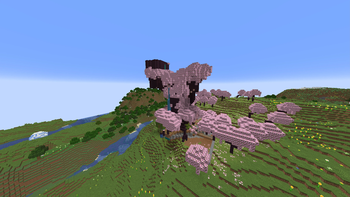
About this Mod
Check out my CurseForge page:
https://www.curseforge.com/minecraft/mc-mods/alittleaddtions
I probably won't be updating the wiki regularly, so if you have any questions, feel free to join the Discord server and ask there.
This mod is designed to improve End generation while adding a variety of new structures and content. Since it's being developed in MCreator, some features are more difficult to implement, and structures may occasionally generate in strange or unexpected ways. Even so, I think it makes for a fun and worthwhile addition to Minecraft.
The mod is compatible with most major world generation mods, including Biomes O' Plenty, Tectonic, Terralith, BetterEnd, BetterNether, Cinderscapes, Nullscape, and many others.
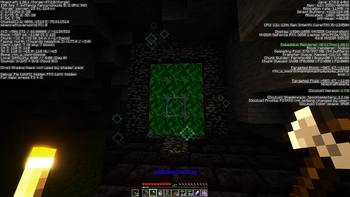
It also adds several custom dimensions. They may not look the best visually, but each one offers its own unique style and gameplay experience.
Currently, the custom Endtree wood set is incomplete. At the moment, it only includes Endwood, Endsticks, and an End Pickaxe, but more recipes and blocks may be added in future updates.
Note: All crafting recipes can be viewed using JEI (Just Enough Items).
Available Versions
How to Install A little addtions on Your Server
Order Server
Order a Minecraft Java server with at least 4 GB RAM (6 GB recommended).
Set forge Loader
In the panel under "Egg", select the forge loader and matching Minecraft version (1.20.6).
Install Mod
Open the mod browser in the dashboard and search for "A little addtions". Click "Install" – done! Alternatively, upload the .jar via SFTP to the /mods folder.
Compatibility
Mod Loaders
Minecraft Versions
1.20.6, 1.20.1
Server-side
✓ RequiredRecommended RAM
6 GB(min. 4 GB)Frequently Asked Questions
A little addtions server crashes on startup – what to do?
Most common cause: wrong forge version or insufficient RAM. Check the server log (latest.log) for "OutOfMemoryError" or "Mixin" errors. With Mado Hosting: ensure at least 4 GB RAM is allocated and the loader matches the mod version (1.20.6). You can switch loaders with one click in the panel.
Is A little addtions compatible with forge and neoforge?
A little addtions officially supports forge, neoforge for Minecraft 1.20.6, 1.20.1. The Mado dashboard automatically detects incompatible loader combinations.
Server lagging with A little addtions – how to optimize performance?
Recommended RAM: 6 GB (per 5 players). Use /spark profiler to check if A little addtions consumes the most tick time. Common fixes: reduce server view-distance to 8-10, install "performant" or "starlight" as supplementary mods on Forge. With Mado Hosting, your server runs on NVMe SSDs with dedicated CPU cores for minimal latency.
Similar Mods




Rent Modded Server
Install A little addtions with just one click on your server.