
Affinity
A magic mod themed around natural tech
Screenshots
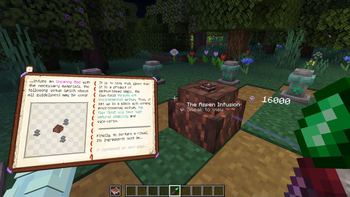
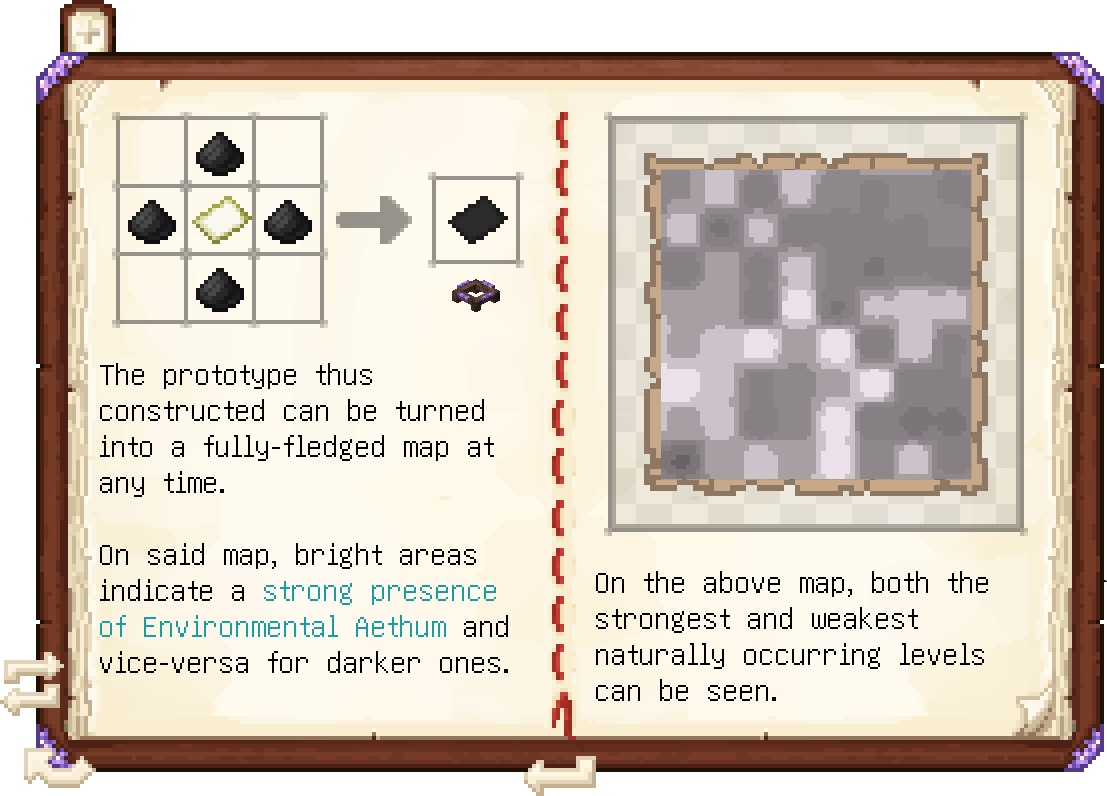
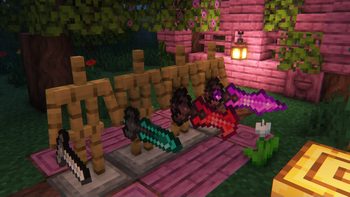
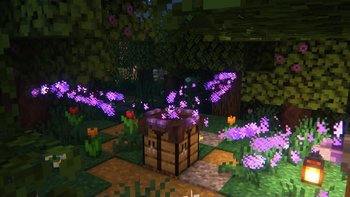
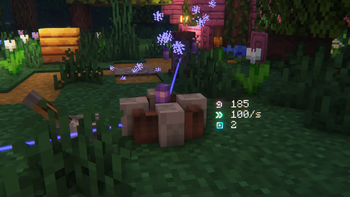
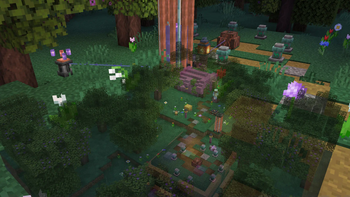
About this Mod
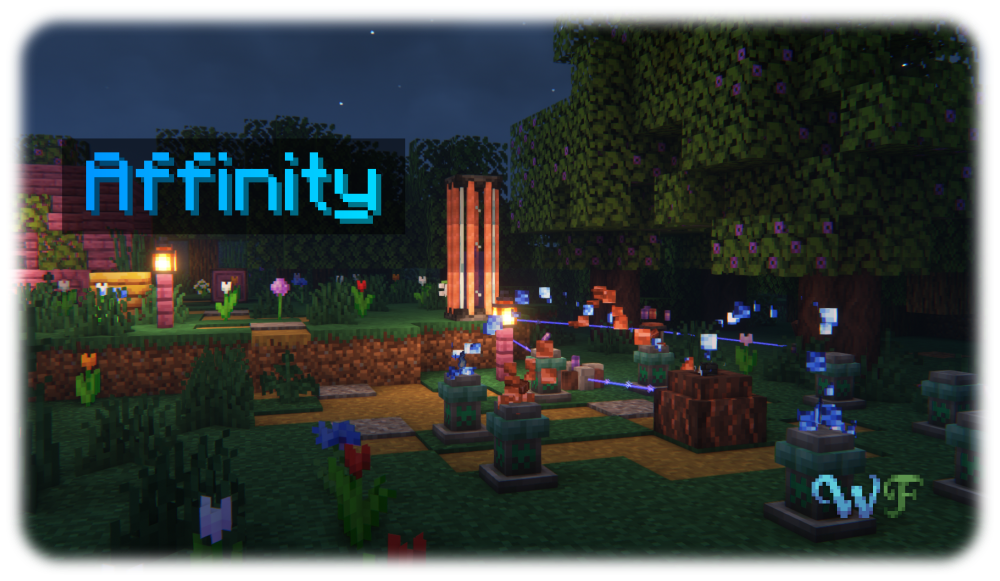
Affinity is a magic mod all about Aethum, an energy emanating from and necessary for all manifestations of life, and its semi-physical counterpart Aethum Flux. Discover how, through twisting and bending these very fundamental forces, you can create powerful magical tools, useful machinery powered by Aethum Flux and take control over life and death.
All the while, it maintains a tasteful blend between the traditional features of a magic and a tech mod - after all, magic is only tech that we have not yet understood. Inspired by the likes of Thaumcraft and Botania, Affinity strives to deliver a somewhat familiar yet brand-new experience, building on what those mods did well and improving where there was potential left on the table.
To get a good first look at what Affinity has to offer, check out the Gallery
The Wispen Testament
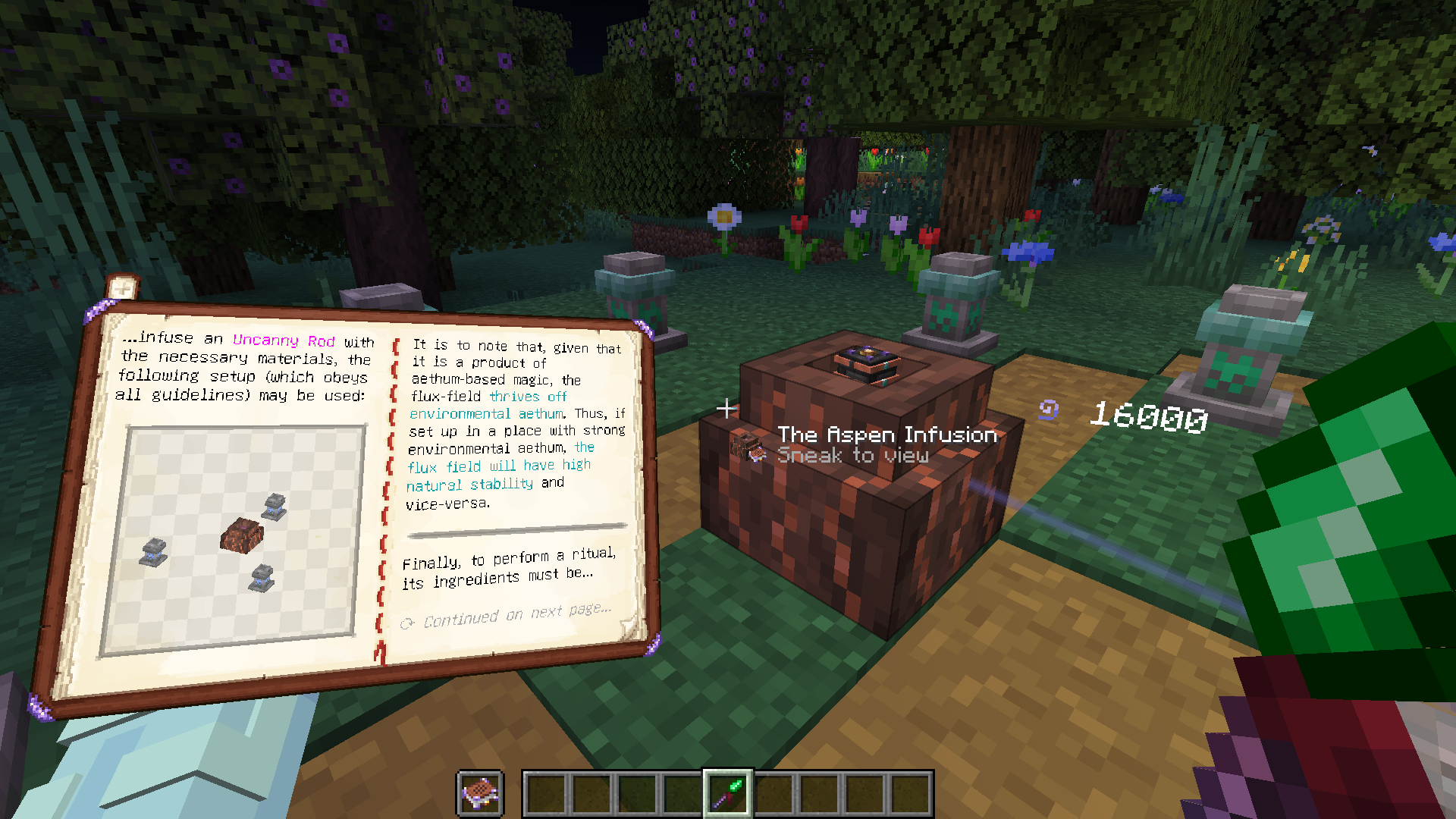
The Wispen Testament, Affinity's comprehensive guide, covers every aspect of the mod in detail and leads you along every step of the way. Built using Lavender, it delivers an intuitive, familiar and seamlessly integrated guidebook experience.
Credits
Affinity has been a huge undertaking over 3 years in development and would not have been possible without the help of many people. I, glisco, extend my thanks to:
- naschhorn and pvpTurtle, for spending countless hours with me brainstorming ideas, balancing and testing the mod
- Pois1x, for providing many of the textures in the mod
- chyzman, for inspiring countless little and some more major features
- BasiqueEvangelist, for his occasional code contributions and ideas
- Aikoyori, for their texture and model contributions
- Noaaan, for helping with gameplay design and his inexhaustible knowledge on the game's armor and weapon systems
- Halbzwilling, for inspiring me to start modding all those years ago and strongly influencing some parts of Affinity's design through his NoGravity datapacks
- The remaining Wisp Forest team for their moral support and just overall being a great bunch of people
To anybody else who has inspired me, or someone else on the team, thank you!
A Wisp Forest mod
Available Versions
How to Install Affinity on Your Server
Order Server
Order a Minecraft Java server with at least 3 GB RAM (4 GB recommended).
Set fabric Loader
In the panel under "Egg", select the fabric loader and matching Minecraft version (1.21.1).
Install Mod
Open the mod browser in the dashboard and search for "Affinity". Click "Install" – done! Alternatively, upload the .jar via SFTP to the /mods folder.
Compatibility
Mod Loaders
Minecraft Versions
1.21.1, 1.21, 1.20.4 (+3 more)
Server-side
✓ RequiredRecommended RAM
4 GB(min. 3 GB)Frequently Asked Questions
Affinity server crashes on startup – what to do?
Most common cause: wrong fabric version or insufficient RAM. Check the server log (latest.log) for "OutOfMemoryError" or "Mixin" errors. With Mado Hosting: ensure at least 3 GB RAM is allocated and the loader matches the mod version (1.21.1). You can switch loaders with one click in the panel.
Is Affinity compatible with fabric and quilt?
Affinity officially supports fabric, quilt for Minecraft 1.21.1, 1.21, 1.20.4. The Mado dashboard automatically detects incompatible loader combinations.
Server lagging with Affinity – how to optimize performance?
Recommended RAM: 4 GB (per 8 players). Use /spark profiler to check if Affinity consumes the most tick time. Common fixes: reduce server view-distance to 8-10, install "performant" or "starlight" as supplementary mods on Forge. With Mado Hosting, your server runs on NVMe SSDs with dedicated CPU cores for minimal latency.
Similar Mods




Rent Modded Server
Install Affinity with just one click on your server.