
AI Lucky Block
Custom AI GPT Powered Lucky Blocks bring AI-inspired surprises, unique loot, random events, and exciting challenges, making every break unpredictable.
Screenshots
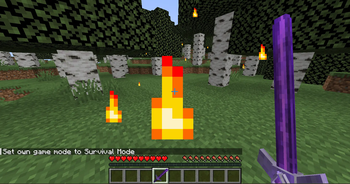
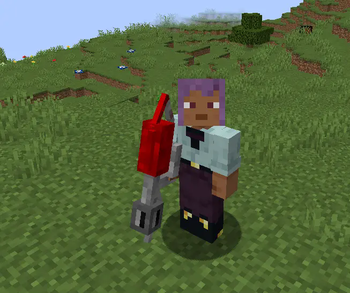
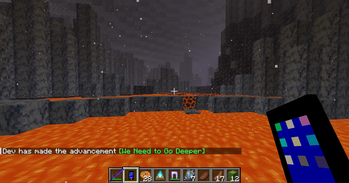
About this Mod
AI GPT Lucky Blocks brings unpredictable fun and adventure to your Minecraft world! When broken, these mysterious blocks can drop anything—from valuable treasures to dangerous surprises. It’s all about luck!
🔍 How to Find Lucky Blocks:
🌍 Generation: AI GPT Lucky Blocks naturally generate in the Overworld.
⛏️ Exploration: Search plains, forests, and caves for hidden blocks.
🎁 Breaking Them: Just mine or break one, and you’ll instantly get random loot.

✨ Features:
🛡️ Custom Armors & Weapons – Special gear with unique powers.
🔥FlamerThrower - (New)
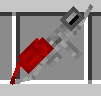
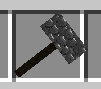
🔨Gravity Hammer - (New)
📱Device - (New GUI)
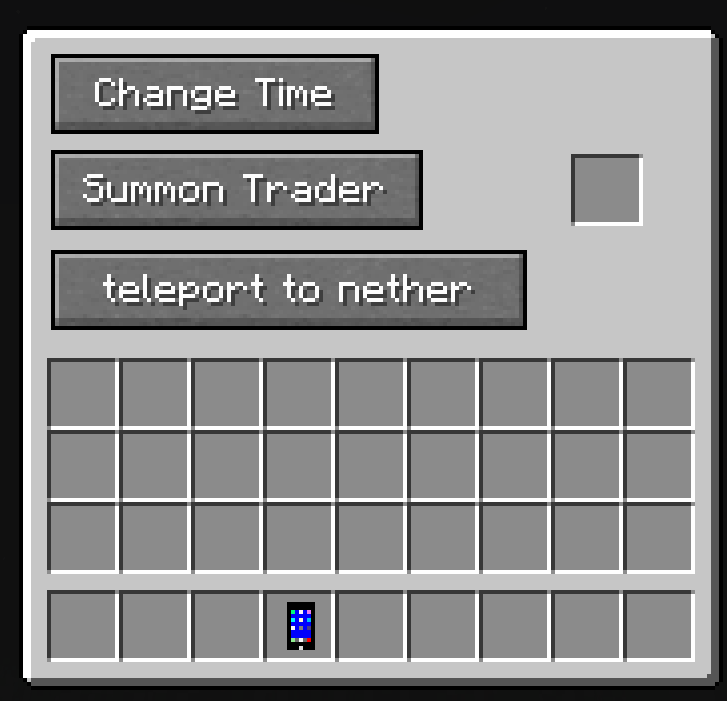
Insert Diamond in The Slot to Use This Button.
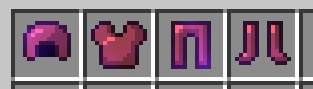
Rubidium Armor (New) -
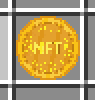
NFT Coins (New) -
🎲 New Loot Tables – Every break gives random drops, from diamonds to mobs.
💥 Exciting Surprises – Traps, explosions, or rare rewards!
🧭 Exploration Fun – Each Lucky Block is full of mystery.
📱Device- You Can Collect This From Lucky Blocks Its Very Rare.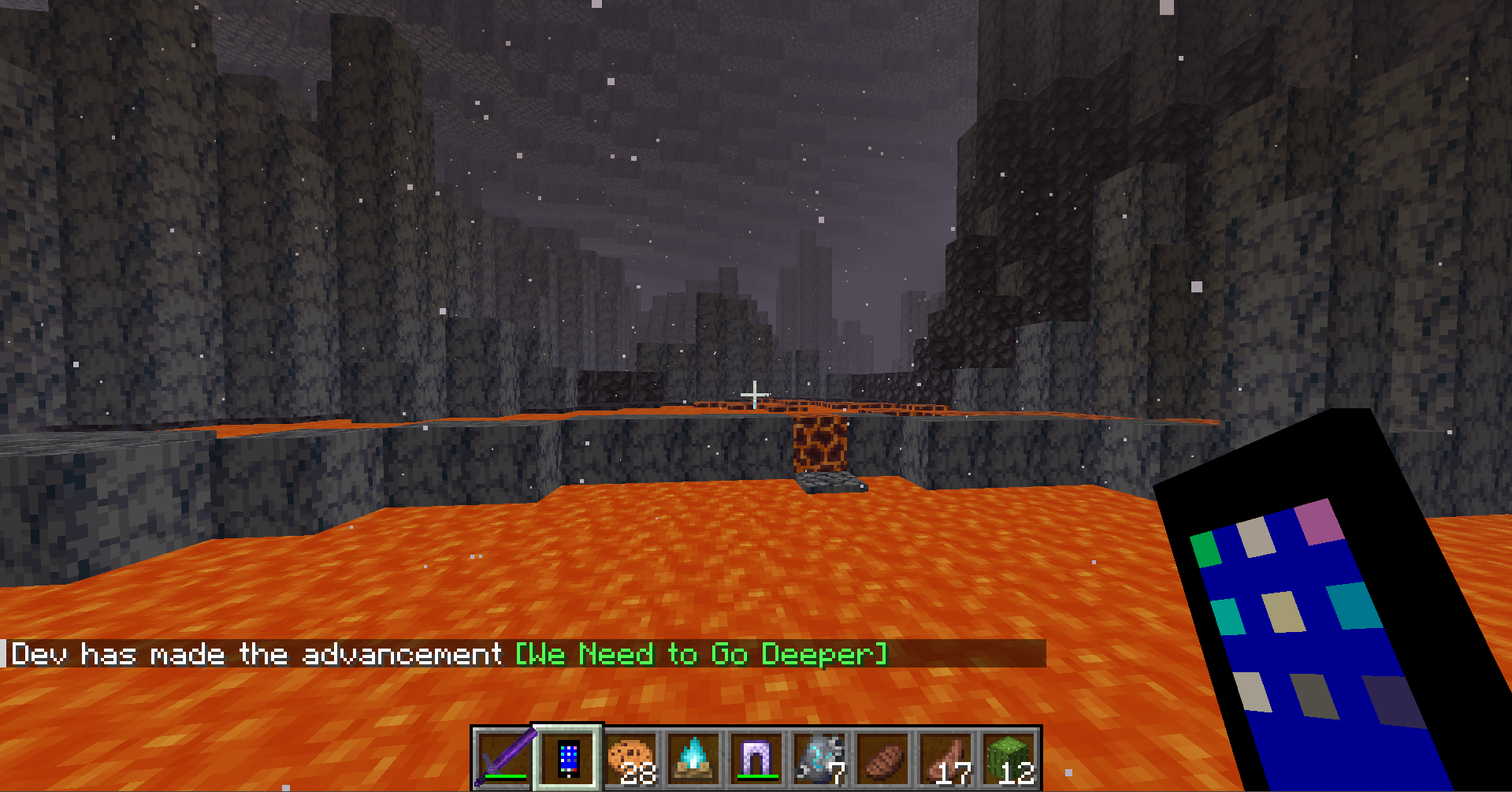
Available Versions
How to Install AI Lucky Block on Your Server
Order Server
Order a Minecraft Java server with at least 3 GB RAM (4 GB recommended).
Set neoforge Loader
In the panel under "Egg", select the neoforge loader and matching Minecraft version (1.21.8).
Install Mod
Open the mod browser in the dashboard and search for "AI Lucky Block". Click "Install" – done! Alternatively, upload the .jar via SFTP to the /mods folder.
Compatibility
Mod Loaders
Minecraft Versions
1.21.8, 1.21.7, 1.21.6 (+5 more)
Server-side
✓ RequiredRecommended RAM
4 GB(min. 3 GB)Frequently Asked Questions
AI Lucky Block server crashes on startup – what to do?
Most common cause: wrong neoforge version or insufficient RAM. Check the server log (latest.log) for "OutOfMemoryError" or "Mixin" errors. With Mado Hosting: ensure at least 3 GB RAM is allocated and the loader matches the mod version (1.21.8). You can switch loaders with one click in the panel.
Is AI Lucky Block compatible with neoforge?
AI Lucky Block officially supports neoforge for Minecraft 1.21.8, 1.21.7, 1.21.6. The Mado dashboard automatically detects incompatible loader combinations.
Server lagging with AI Lucky Block – how to optimize performance?
Recommended RAM: 4 GB (per 8 players). Use /spark profiler to check if AI Lucky Block consumes the most tick time. Common fixes: reduce server view-distance to 8-10, install "performant" or "starlight" as supplementary mods on Forge. With Mado Hosting, your server runs on NVMe SSDs with dedicated CPU cores for minimal latency.
Similar Mods




![[TaCZ] Timeless and Classics Zero](https://cdn.modrinth.com/data/SzzJttH8/fd27766d2bb8390d284696b1dbd358f87e081439_96.webp)

Rent Modded Server
Install AI Lucky Block with just one click on your server.