
Alpha Craft
Go back in time, and collect resources from old minecraft!
Screenshots
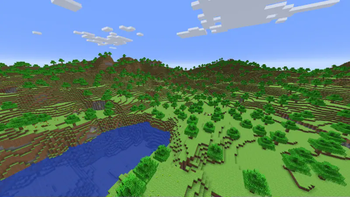
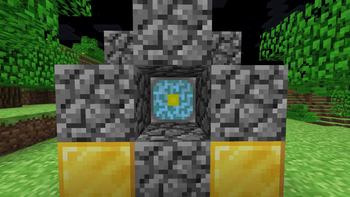
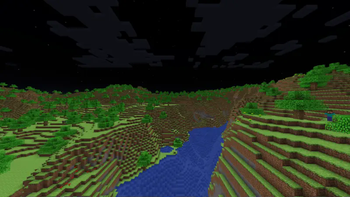
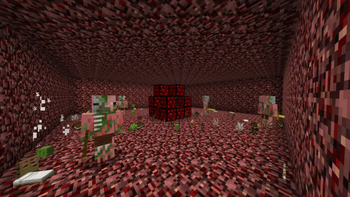
About this Mod
In the Alphacraft mod, expect to go on a nostalgia trip, as some of the places in this mod are very faithful to the early versions of Minecraft. You can collect some new ores, like beta, and the old iron ore, then you can use them to craft a portal to the old overworld.
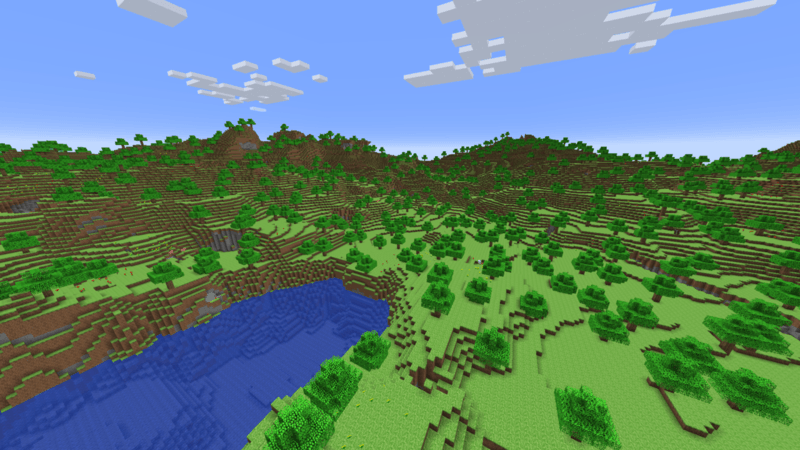
Beware, as some things are not the same, as you will find a new miniboss called, the "Giant." Killing this boss will drop the "Giant core."
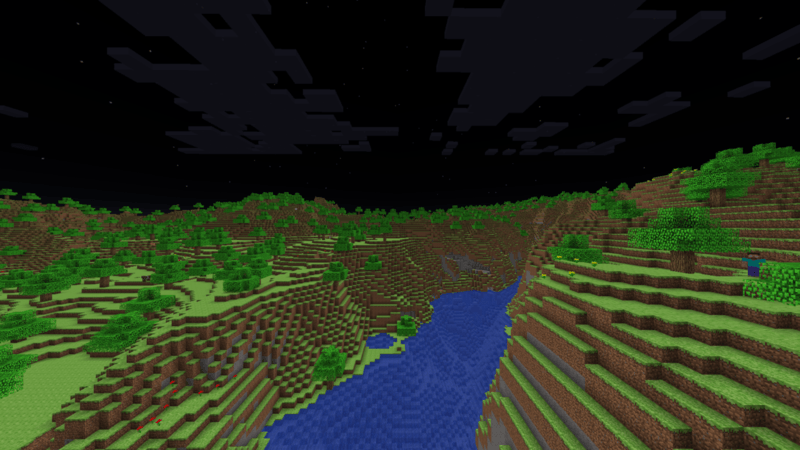
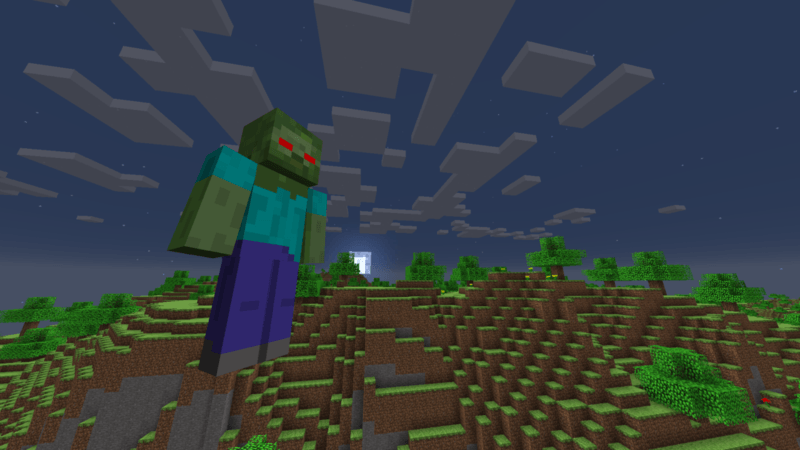
With this giant core, you can craft the Nether Reactor Core. Now, you may be familiar with this, but once you build a certain structure with it, you have to activate it.
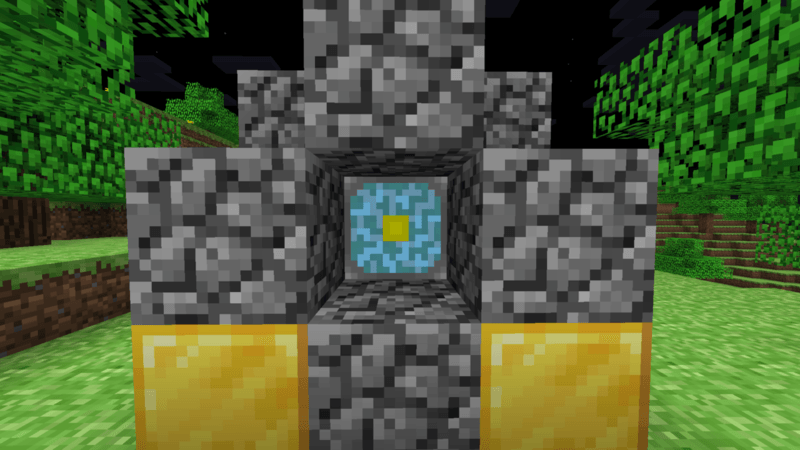
Now as you may have realized, cobblestone isn't the same, and that's because practically, all the blocks in these dimensions are special, old/alpha variants, and you can use these to make other old things.
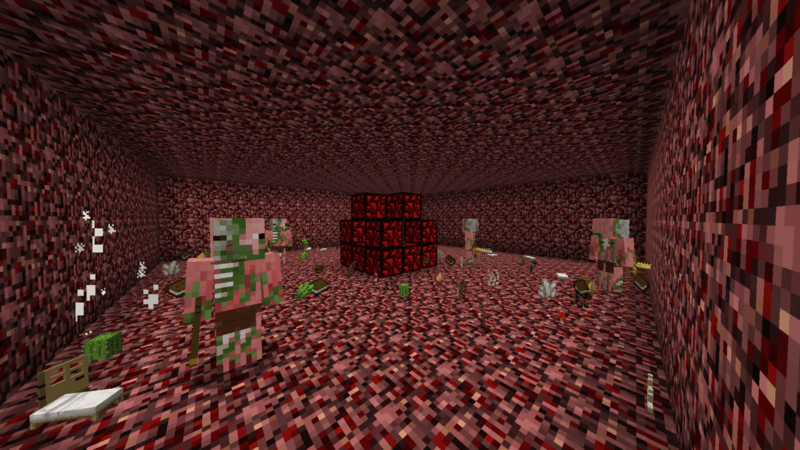
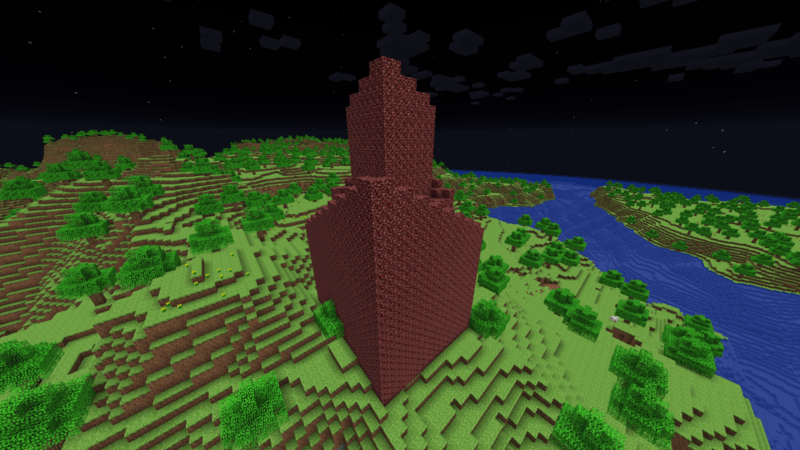
From here, you can activate the nether core, to spawn a nether spire, which I built myself, so it should be the same as the old, pocket edition version. When you activate it, (all the following is the same as the old nether spire) different items will start to spawn, and some old, zombie pigmen will too.
THE FOLLOWING INFORMATION IS NEW, SOME OF IT IS NOT IMPLEMENTED, SO DON'T EXPECT IT TO BE AS EXACTLY DESCRIBED!!!
When you blast the netherrack, you get old obsidian, or you can try to find a shack, where you will find a Mojang Employee, who you can use, to transport items between old, alpha, and new variants. Make sure it isn't a Microsoft Employee, who will steal any old, or alpha items you give to them.
You can view the development on this playlist
Available Versions
How to Install Alpha Craft on Your Server
Order Server
Order a Minecraft Java server with at least 4 GB RAM (6 GB recommended).
Set neoforge Loader
In the panel under "Egg", select the neoforge loader and matching Minecraft version (1.21.1).
Install Mod
Open the mod browser in the dashboard and search for "Alpha Craft". Click "Install" – done! Alternatively, upload the .jar via SFTP to the /mods folder.
Compatibility
Mod Loaders
Minecraft Versions
1.21.1
Server-side
✓ RequiredRecommended RAM
6 GB(min. 4 GB)Frequently Asked Questions
Alpha Craft server crashes on startup – what to do?
Most common cause: wrong neoforge version or insufficient RAM. Check the server log (latest.log) for "OutOfMemoryError" or "Mixin" errors. With Mado Hosting: ensure at least 4 GB RAM is allocated and the loader matches the mod version (1.21.1). You can switch loaders with one click in the panel.
Is Alpha Craft compatible with neoforge?
Alpha Craft officially supports neoforge for Minecraft 1.21.1. The Mado dashboard automatically detects incompatible loader combinations.
Server lagging with Alpha Craft – how to optimize performance?
Recommended RAM: 6 GB (per 5 players). Use /spark profiler to check if Alpha Craft consumes the most tick time. Common fixes: reduce server view-distance to 8-10, install "performant" or "starlight" as supplementary mods on Forge. With Mado Hosting, your server runs on NVMe SSDs with dedicated CPU cores for minimal latency.
Similar Mods




Rent Modded Server
Install Alpha Craft with just one click on your server.