
Alter Ego
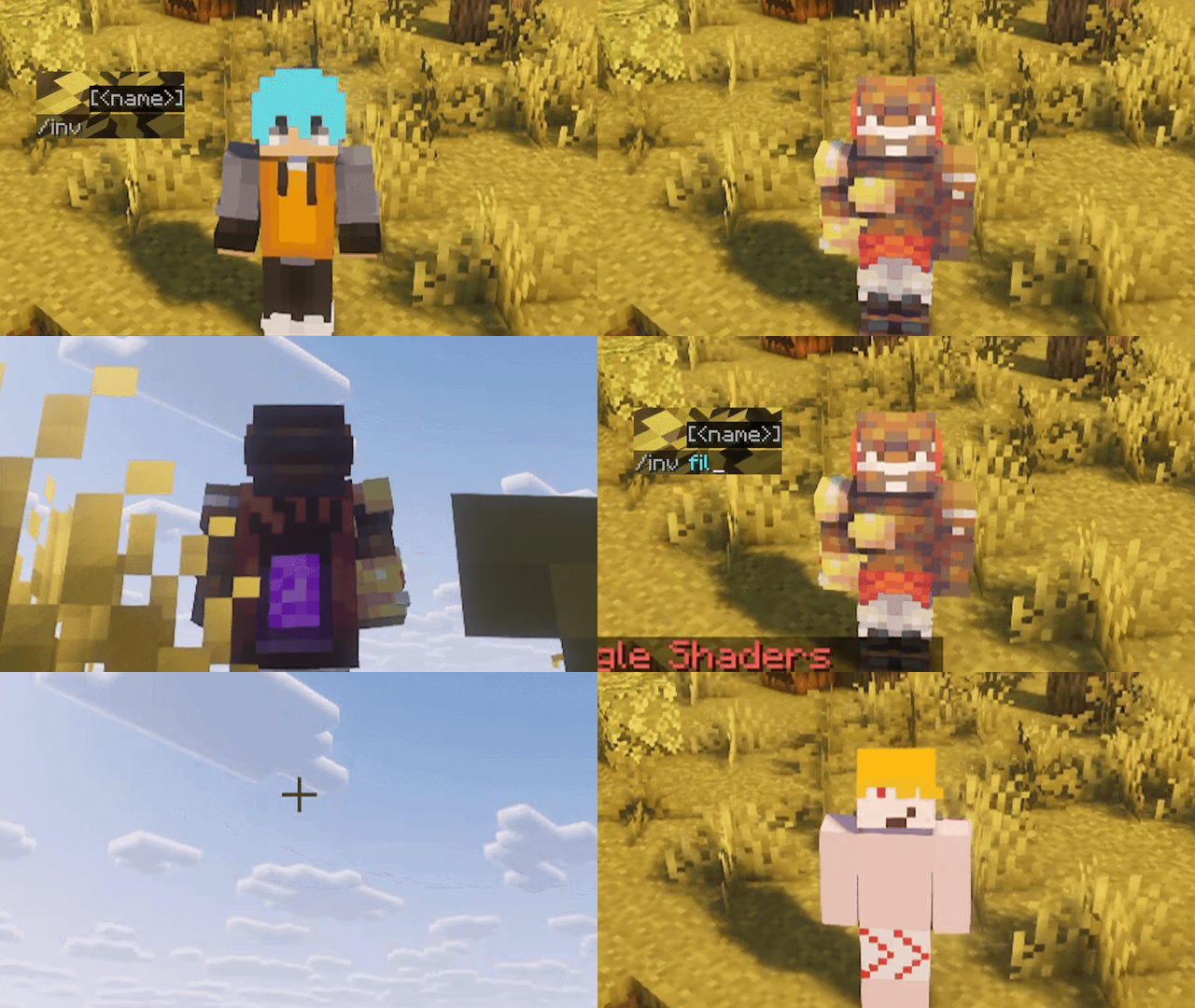
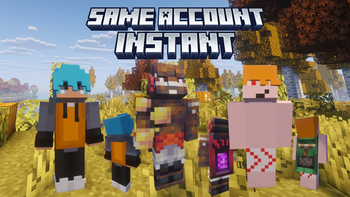
Alter Ego is a mod that lets you set separate profiles in Minecraft, each with its own inventory, gamemode, skin, cape, nickname, and spawn point, with Trinkets and Origins support.
Screenshots
About this Mod
Alter Ego
Welcome to my first mod. - Fil
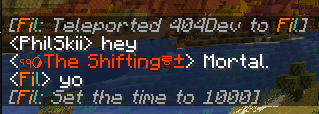
Alter Ego allows you to have separate inventories, gamemodes, skins, capes, server nicknames, set your spawn, With Profiles! Make any item including modded ones invisible for roleplay to keep immersion, teleport to any dimension at anytime instantly with coordinates and adding lootable gravestones to the Gravestones Mod by Pneumono (final polish soon)
Disclaimer :
This mod requires Styled Nicknames by Patbox for the nicknames functionality.
- Skins and Capes are done locally, so you'll need to add your own skins and capes in the
aeskinsfolder. It's in your main Minecraft version/Modrinth profile folder. - Capes must be in the correct 64x32 otherwise the mod won't accept it.
- Skins must be 64x64 or 64x32.
- This mod supports Trinkets and Origins, so you can carry trinkets and assign different origins to each profile you make.
Profiles :
More on profiles themselves: you start with a default profile, which would be your normal Minecraft Game Profile. I suggest making a new profile instead of using the default one.
All profiles are editable and can be changed at anytime in anyway. Profile Names are case sensitive, so be careful when making a new profile [ /inv profile name ]
You can see your current profiles and what profile you're on by using /inv
More information in-game under the mods tab!
Available Versions
How to Install Alter Ego on Your Server
Order Server
Order a Minecraft Java server with at least 3 GB RAM (4 GB recommended).
Set fabric Loader
In the panel under "Egg", select the fabric loader and matching Minecraft version (1.20.1).
Install Mod
Open the mod browser in the dashboard and search for "Alter Ego". Click "Install" – done! Alternatively, upload the .jar via SFTP to the /mods folder.
Compatibility
Mod Loaders
Minecraft Versions
1.20.1
Server-side
✓ RequiredRecommended RAM
4 GB(min. 3 GB)Frequently Asked Questions
Alter Ego server crashes on startup – what to do?
Most common cause: wrong fabric version or insufficient RAM. Check the server log (latest.log) for "OutOfMemoryError" or "Mixin" errors. With Mado Hosting: ensure at least 3 GB RAM is allocated and the loader matches the mod version (1.20.1). You can switch loaders with one click in the panel.
Is Alter Ego compatible with fabric?
Alter Ego officially supports fabric for Minecraft 1.20.1. The Mado dashboard automatically detects incompatible loader combinations.
Server lagging with Alter Ego – how to optimize performance?
Recommended RAM: 4 GB (per 8 players). Use /spark profiler to check if Alter Ego consumes the most tick time. Common fixes: reduce server view-distance to 8-10, install "performant" or "starlight" as supplementary mods on Forge. With Mado Hosting, your server runs on NVMe SSDs with dedicated CPU cores for minimal latency.
Similar Mods






Rent Modded Server
Install Alter Ego with just one click on your server.