
Antique Transport
Adds Create trains, tracks, stations and Sable ships to Antique Atlas mod.
Screenshots

About this Mod
Antique Transport
Puts trains, tracks, stations, and airships on your Antique Atlas map.
Works with Create, Sable and Create Simulated.
Available on Fabric and NeoForge (via Sinytra Connector).
Features
Create
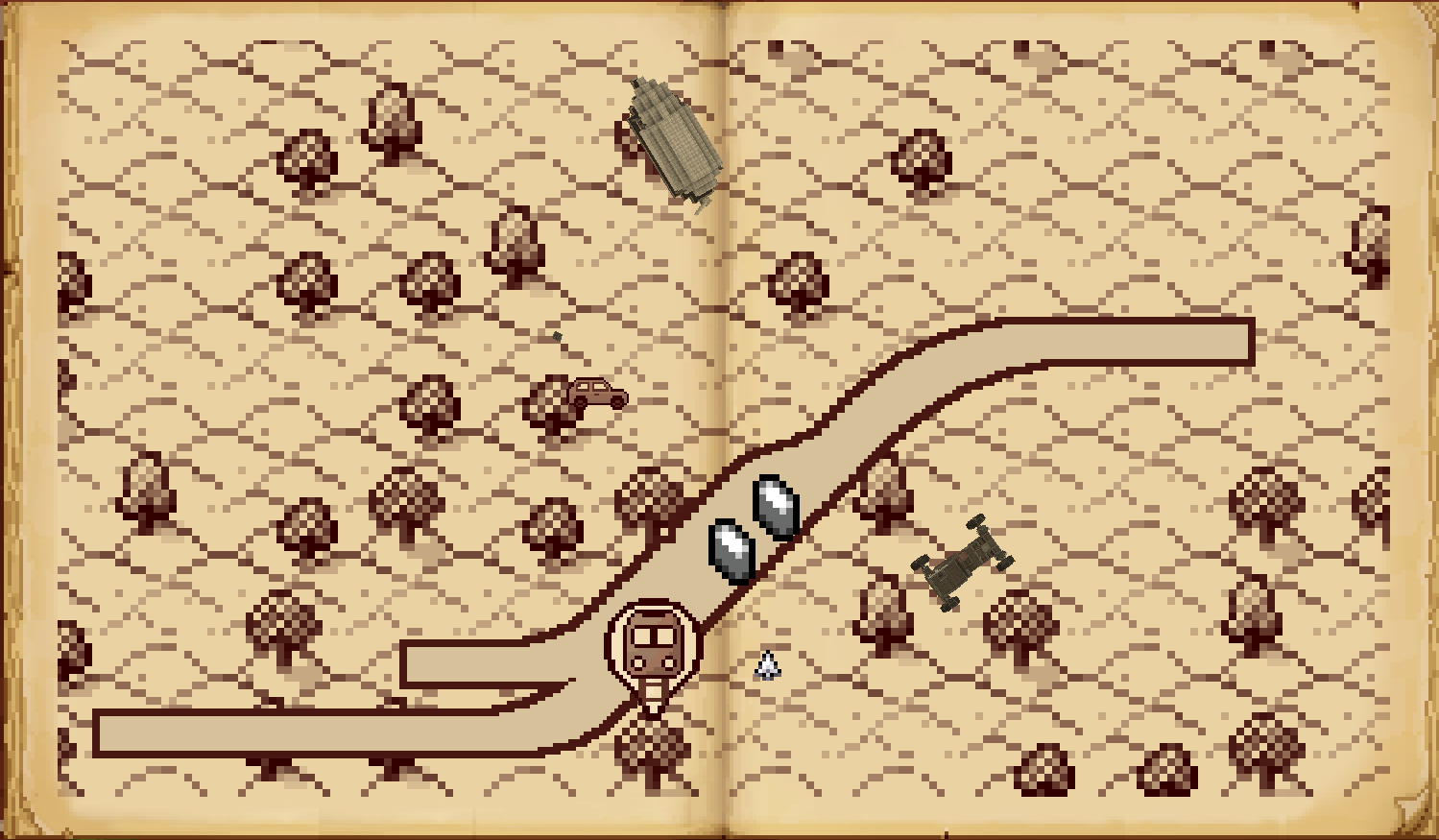
- Train tracks – Your entire rail empire, drawn on the map. Yes, including that branch line to nowhere.
- Live trains – Moving markers with name and route tooltips, so you can watch your trains be late in real time.
- Stations – Create stations appear as named landmarks. Finally, a reason to give them proper names.
Sable
- Ships & airships – Sable sublevels shown as directional markers with name, altitude, and last-seen time (all optional).
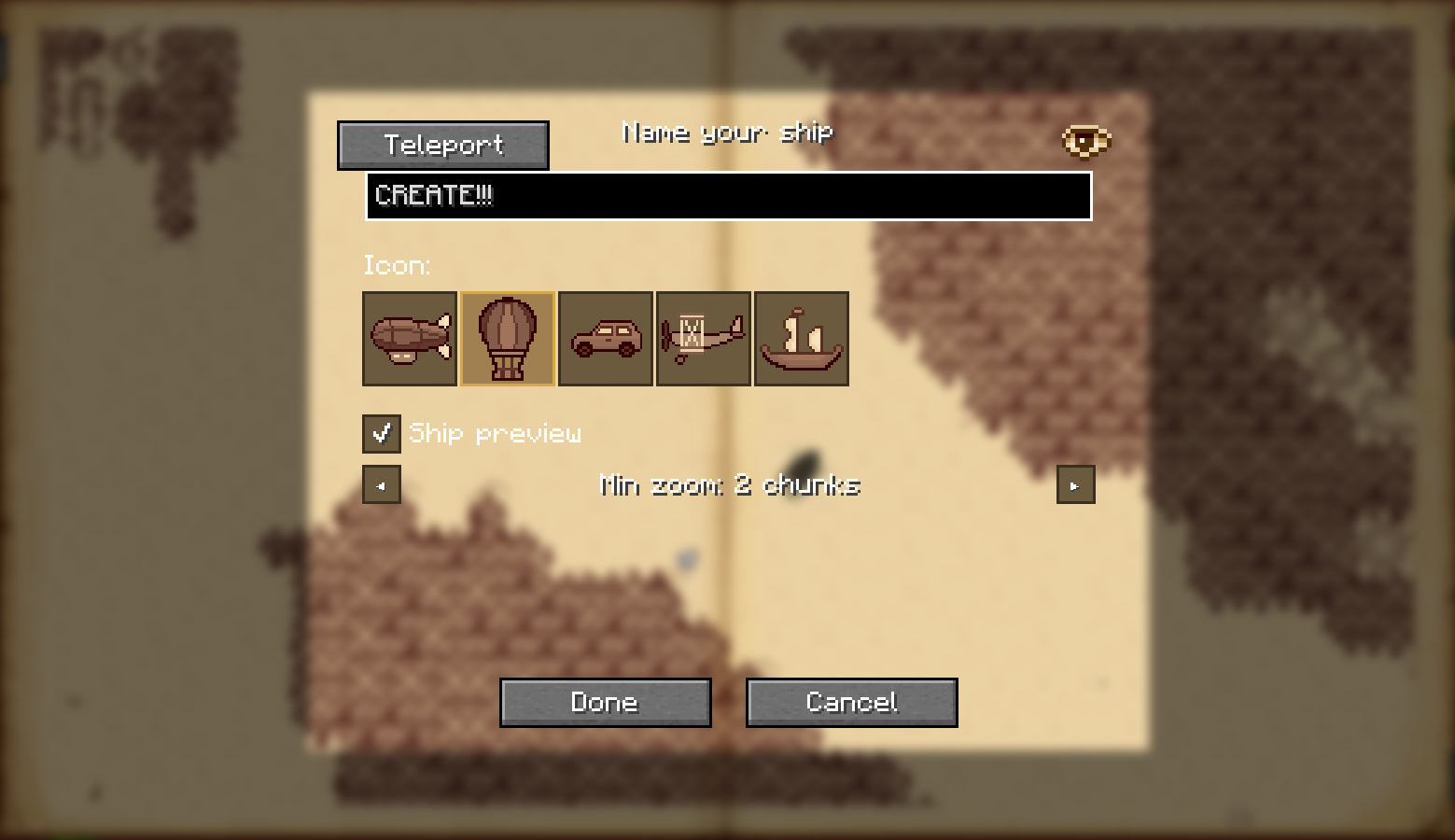
To add a ship to the map, click on it while the atlas is open, or run/antique_transport markshipwhile aboard. - Per-ship visibility – Each ship can be shown or hidden individually, so your test balloons do not clutter the strategic view.
- Bookmark buttons – A single toggle button to show/hide all ships at once. Perfect for when the sky gets crowded.
Create Simulated
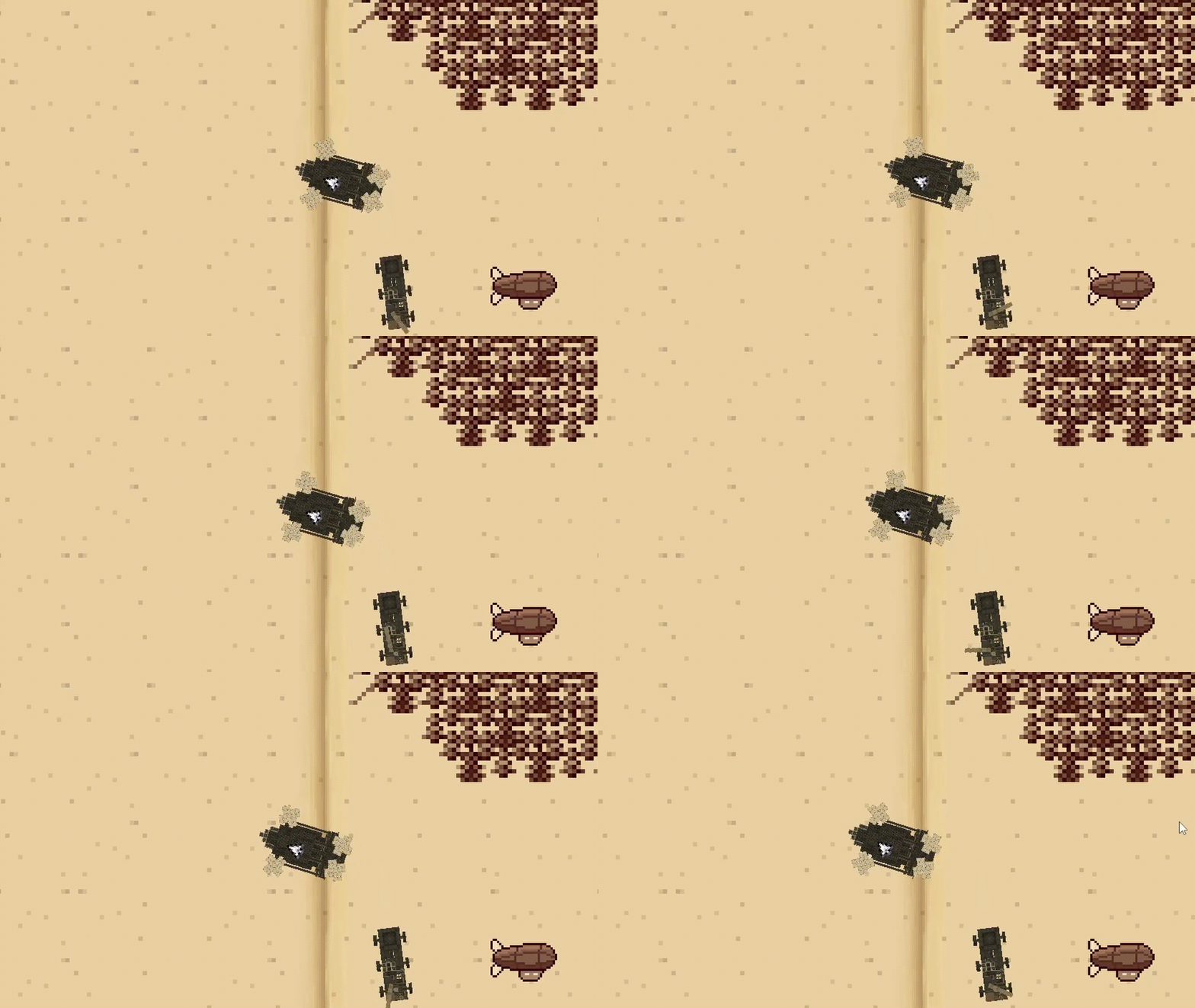
- Dynamic ship previews – With Create Simulated installed, ships can be rendered directly on the atlas as live top-down diagrams instead of just markers. Tiny floating contraptions, now in convenient map form.
- Automatic naming – Ships named via Simulated Nameplates are automatically reflected on the map, so you do not have to remember which one was “Definitely Not A Safety Hazard”.
General
- Bookmark buttons – Separate buttons to hide all train layers or all ships with one click. Useful when the map gets crowded, or when you're embarrassed by your rail network.
- Per-feature config – Each layer (tracks / trains / stations / ships / previews) toggled independently in
antique_transport.tomlvia McQoy.
| Client only | Client + Server | |
|---|---|---|
| Train Tracks, Stations, Trains | ✅ Rendered across the whole map. Same as client + server, because trains do not believe in networking drama. | ✅ Same as client only. Nice and boring, just how infrastructure likes it. |
| Ships (sub-levels) |
⚠️ Not synced with other clients. Shows last-seen time so you at least know the ship existed. | ✅ Synced with server and all clients, works across all loaded chunks. |
| Dynamic Ship Previews (Create Simulated) |
⚠️ Live ship diagrams work for ships within render distance; outside it, the last rendered preview can still be shown. | ✅ Same behavior as client only, but with proper syncing, shared naming, and no ghost ships haunting the atlas forever. |
Planned / TODO
- Feature suggestions welcome on GitHub Issues!
Credits
- justliliandev - original author of Create train map integration.
Disclaimer: This mod was built with significant AI assistance. The code and architecture were developed in collaboration with an AI coding assistant.
Available Versions
How to Install Antique Transport on Your Server
Order Server
Order a Minecraft Java server with at least 3 GB RAM (4 GB recommended).
Set fabric Loader
In the panel under "Egg", select the fabric loader and matching Minecraft version (1.21.1).
Install Mod
Open the mod browser in the dashboard and search for "Antique Transport". Click "Install" – done! Alternatively, upload the .jar via SFTP to the /mods folder.
Compatibility
Mod Loaders
Minecraft Versions
1.21.1
Server-side
~ OptionalRecommended RAM
4 GB(min. 3 GB)Frequently Asked Questions
Antique Transport server crashes on startup – what to do?
Most common cause: wrong fabric version or insufficient RAM. Check the server log (latest.log) for "OutOfMemoryError" or "Mixin" errors. With Mado Hosting: ensure at least 3 GB RAM is allocated and the loader matches the mod version (1.21.1). You can switch loaders with one click in the panel.
Is Antique Transport compatible with fabric and neoforge?
Antique Transport officially supports fabric, neoforge for Minecraft 1.21.1. The Mado dashboard automatically detects incompatible loader combinations.
Server lagging with Antique Transport – how to optimize performance?
Recommended RAM: 4 GB (per 8 players). Use /spark profiler to check if Antique Transport consumes the most tick time. Common fixes: reduce server view-distance to 8-10, install "performant" or "starlight" as supplementary mods on Forge. With Mado Hosting, your server runs on NVMe SSDs with dedicated CPU cores for minimal latency.
Similar Mods


Rent Modded Server
Install Antique Transport with just one click on your server.