
Apple Enchant
Renewable Enchanted Golden Apple in a vanilla way.
Screenshots
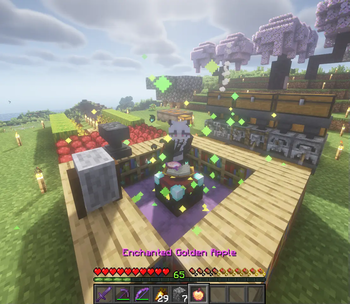
About this Mod
🍎 Apple Enchant
Apple Enchant is a vanilla-friendly datapack that reintroduces Enchanted Golden Apples using a fully survival-friendly method.
Enchant a golden apple when you reach level 30, and cook enchanted golden apple to get xp back.
🔗 Compatible with Food Balance and Mooshroom Energy for expanded food mechanics!
🔮 How It Works
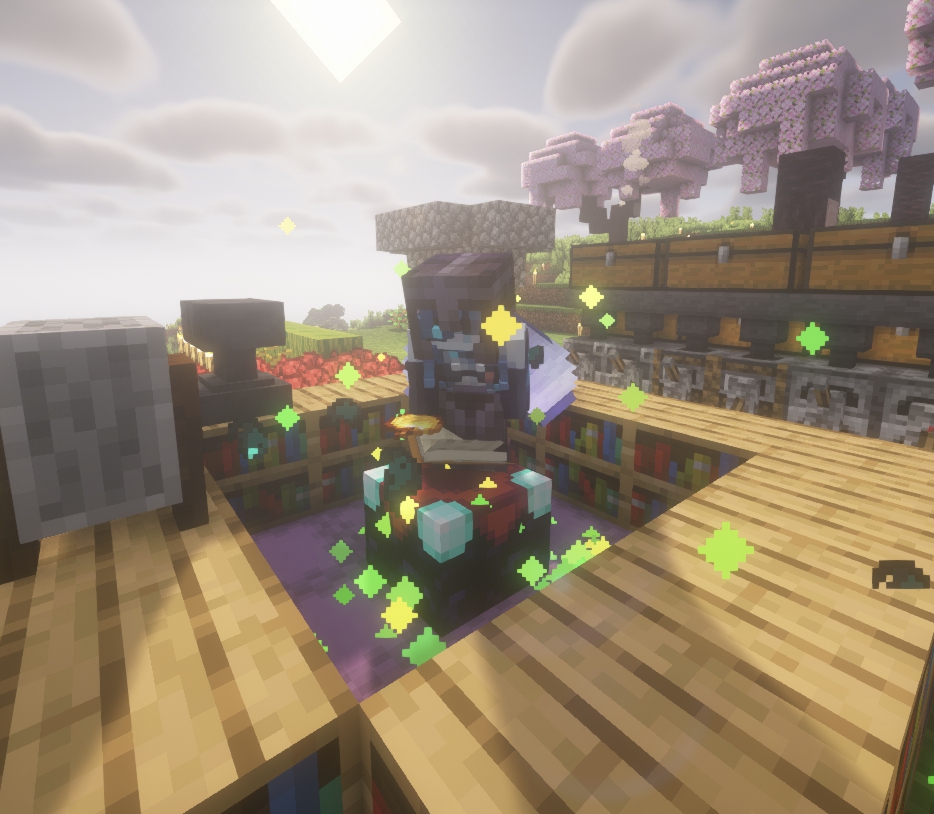
"Enchant golden apple"
- Players must have at least 30 experience levels.
- Keep crouching on an Enchanting Table to begin enchanting Golden Apples in your inventory.
- The process consumes 1395 XP, which is the exact amount needed to go from level 0 to 30.
⚠️ Pro Tip: Don't enchant apples if you aren’t ready to spend all 30 levels!
"disenchant, dis-enchant or unenchant golden apple"
🔥 Recovering XP
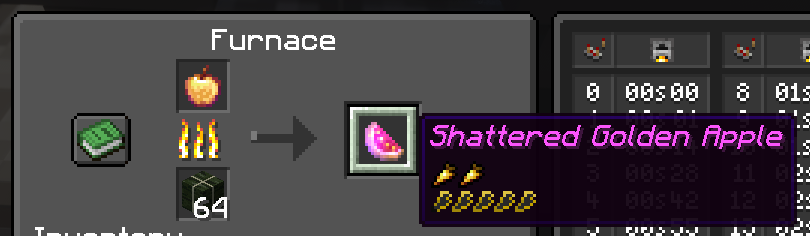
- You can cook Enchanted Golden Apples in a furnace to recover the XP spent during enchantment.
- Do NOT use a Campfire — it won’t return XP!
🍏 Shattered Golden Apple
- By cooking an Enchanted Golden Apple, you will obtain a new food item: Shattered Golden Apple.
- This unique food grants Decaying Resistance 🛡️100%→0%, but does not heal the player.
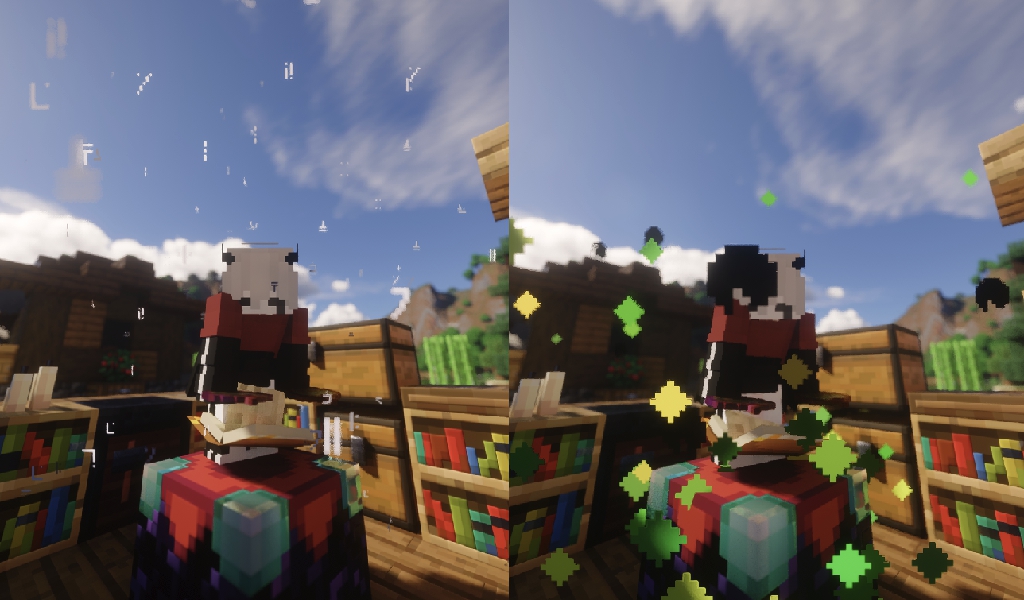
🪄Mysterious sound and particle effects.
License
All Rights Reserved
✅ You can:
- Add this datapack to modpacks if you use the Modrinth download link.
- Share the Modrinth page.
- Modify the code for personal use.
❌ Without asking, you can't:
- Reupload it anywhere else.
- Use the code or assets in other projects.
Available Versions
How to Install Apple Enchant on Your Server
Order Server
Order a Minecraft Java server with at least 3 GB RAM (4 GB recommended).
Set datapack Loader
In the panel under "Egg", select the datapack loader and matching Minecraft version (1.21.11).
Install Mod
Open the mod browser in the dashboard and search for "Apple Enchant". Click "Install" – done! Alternatively, upload the .jar via SFTP to the /mods folder.
Compatibility
Mod Loaders
Minecraft Versions
1.21.11, 1.21.10, 1.21.9 (+11 more)
Server-side
✓ RequiredRecommended RAM
4 GB(min. 3 GB)Frequently Asked Questions
Apple Enchant server crashes on startup – what to do?
Most common cause: wrong datapack version or insufficient RAM. Check the server log (latest.log) for "OutOfMemoryError" or "Mixin" errors. With Mado Hosting: ensure at least 3 GB RAM is allocated and the loader matches the mod version (1.21.11). You can switch loaders with one click in the panel.
Is Apple Enchant compatible with datapack and fabric and forge and neoforge and quilt?
Apple Enchant officially supports datapack, fabric, forge, neoforge, quilt for Minecraft 1.21.11, 1.21.10, 1.21.9. Note: Forge and Fabric mods are NOT cross-compatible – pick one loader and stick with it. The Mado dashboard automatically detects incompatible loader combinations.
Server lagging with Apple Enchant – how to optimize performance?
Recommended RAM: 4 GB (per 8 players). Use /spark profiler to check if Apple Enchant consumes the most tick time. Common fixes: reduce server view-distance to 8-10, install "performant" or "starlight" as supplementary mods on Forge. With Mado Hosting, your server runs on NVMe SSDs with dedicated CPU cores for minimal latency.
Similar Mods



Rent Modded Server
Install Apple Enchant with just one click on your server.