Apple-ied Storage Solutions!
Expand your inventory size with the power of apple slices! yes, literally!
Screenshots
About this Mod
Welcome to Apple-ied Inventory Solutions!
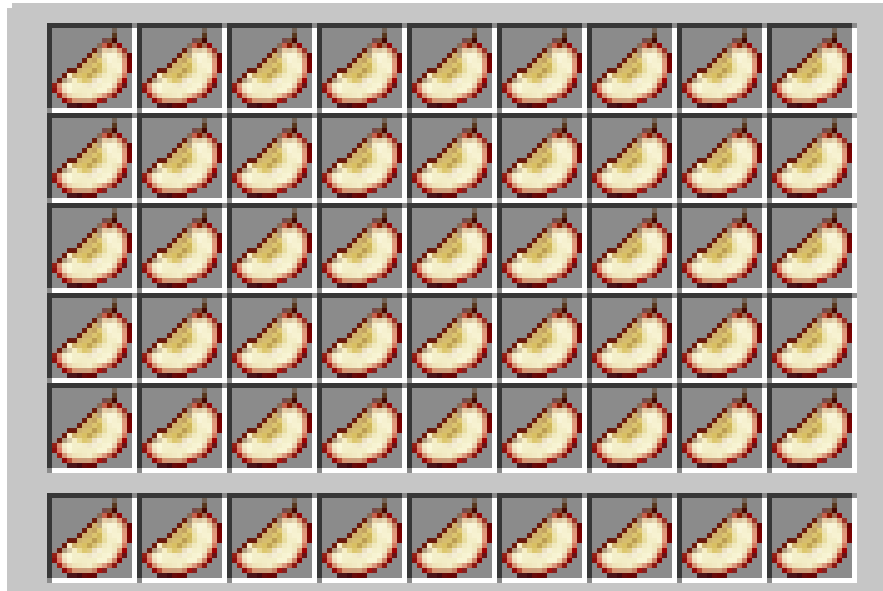
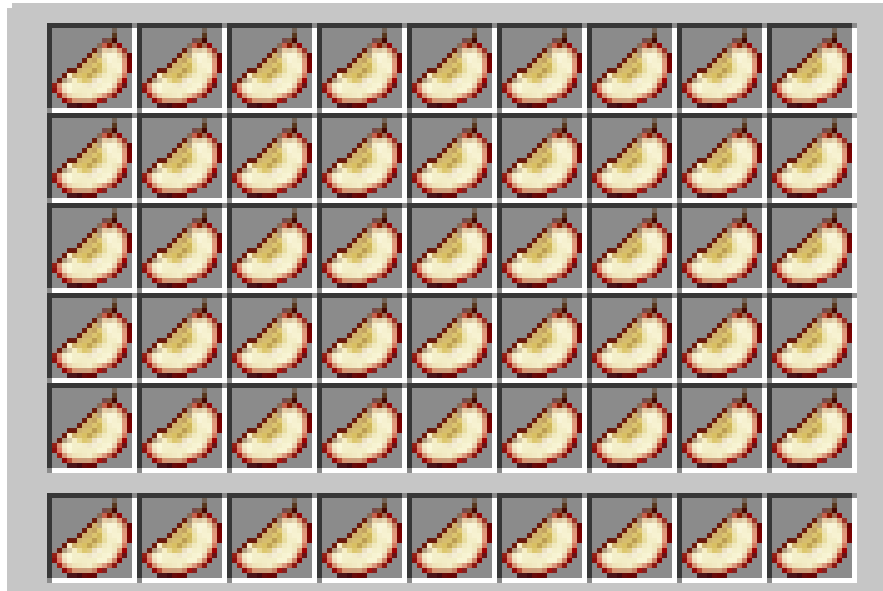
Kept in loot chests, you can find Aged Apple SLices. These apple slices can be used to increase your maximum inventory space (up to 7 extra rows!)
All you have to do is find an Aged APple SLice and build upon it! All apple slices must be eaten in ordser, and can be eaten again to remove a row of you rinventory if you don't want it anymore.
List of features:
-Expand your inventory from 4 rows to 11!
-Find an Aged Apple Slice in loot tables.
-Seven apple slices to craft using your aged apple slices.
-Three commands especially made for your expanded inventories (/eclear, /egive, and /einvset, set up to 7 for tier 7, or 0 for tier 0/vanilla)
Craft a hops-infused apple slice to automaticlaly pick up new items into your other rows.
-Or,live the boring life and eat regular apple slices!
Mod integration:
Gravestone Mod anrd Corail Tombstone - Partially working integration to get your stuff back.
Bigger Stacks - Compatible with any stack size
Tinkers Construct , Mekanism, Actually Additions, etc-> Compatible
(Most) Storage mods -> Compatible (or, should be!)
Credits
The concept of apple slices is unique, but this mod was inspired by Socolio's https://www.curseforge.com/minecraft/mc-mods/expandable-inventory mod. Please go support them and their projects.
Available Versions
How to Install Apple-ied Storage Solutions! on Your Server
Order Server
Order a Minecraft Java server with at least 3 GB RAM (4 GB recommended).
Set forge Loader
In the panel under "Egg", select the forge loader and matching Minecraft version (1.20.1).
Install Mod
Open the mod browser in the dashboard and search for "Apple-ied Storage Solutions!". Click "Install" – done! Alternatively, upload the .jar via SFTP to the /mods folder.
Compatibility
Mod Loaders
Minecraft Versions
1.20.1, 1.20
Server-side
✓ RequiredRecommended RAM
4 GB(min. 3 GB)Frequently Asked Questions
Apple-ied Storage Solutions! server crashes on startup – what to do?
Most common cause: wrong forge version or insufficient RAM. Check the server log (latest.log) for "OutOfMemoryError" or "Mixin" errors. With Mado Hosting: ensure at least 3 GB RAM is allocated and the loader matches the mod version (1.20.1). You can switch loaders with one click in the panel.
Is Apple-ied Storage Solutions! compatible with forge?
Apple-ied Storage Solutions! officially supports forge for Minecraft 1.20.1, 1.20. The Mado dashboard automatically detects incompatible loader combinations.
Server lagging with Apple-ied Storage Solutions! – how to optimize performance?
Recommended RAM: 4 GB (per 8 players). Use /spark profiler to check if Apple-ied Storage Solutions! consumes the most tick time. Common fixes: reduce server view-distance to 8-10, install "performant" or "starlight" as supplementary mods on Forge. With Mado Hosting, your server runs on NVMe SSDs with dedicated CPU cores for minimal latency.
Similar Mods





Rent Modded Server
Install Apple-ied Storage Solutions! with just one click on your server.