Apple Skins
Challenge yourself in your Create mod factories with the Apple Skins mod, and automate things you never thought possible!
Screenshots
About this Mod

Apple Skins
Apple Skins is the ultimate apple mod for Minecraft. It adds many apple-themed items and features, all integrating perfectly with Create! And not only that, it makes the game slightly harder, isn't that neat?

Content
The Apple Skins Mod adds a lot of content! Here are just some of the things you can expect from the Apple Skins Mod!
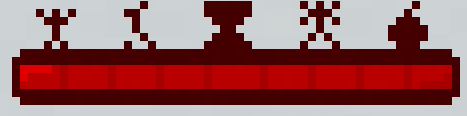
- The Apple Bar! The mod's main feature! Deplete it, and bad things will happen. Fill it, and good things will happen!
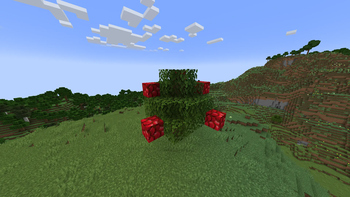
- Apple Trees! Woooooo!! Trees with apples in them!!!
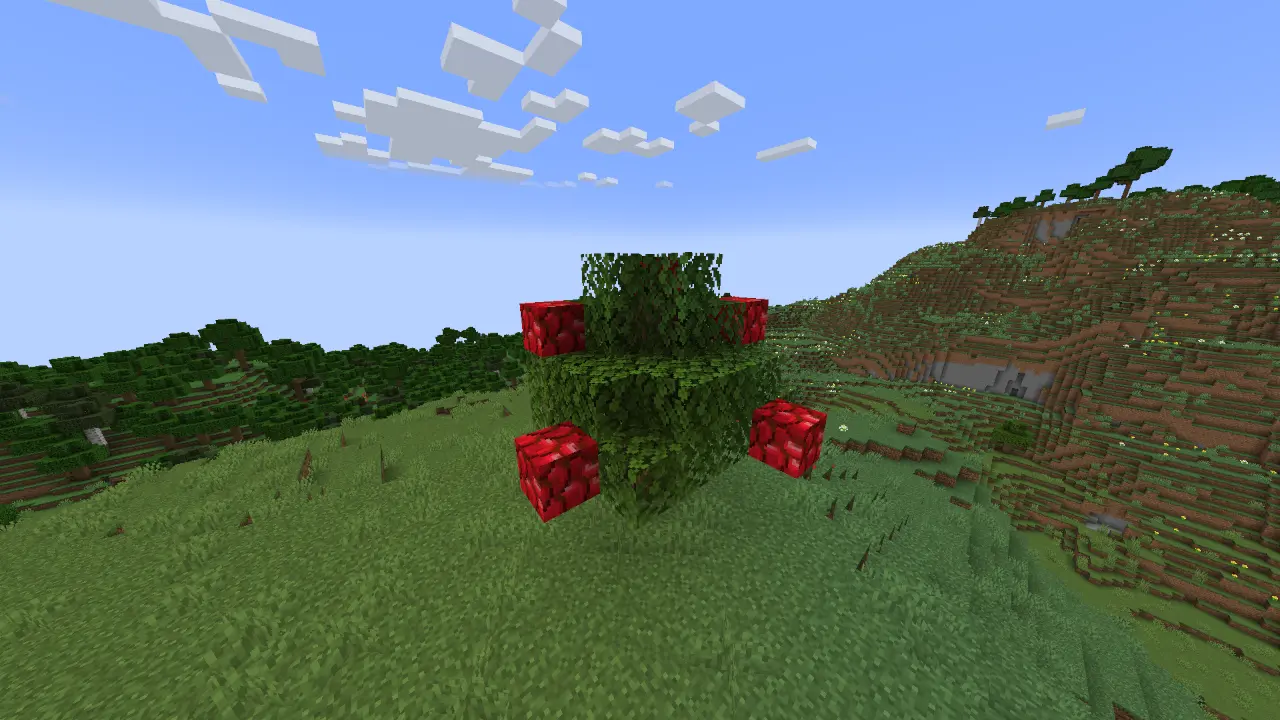
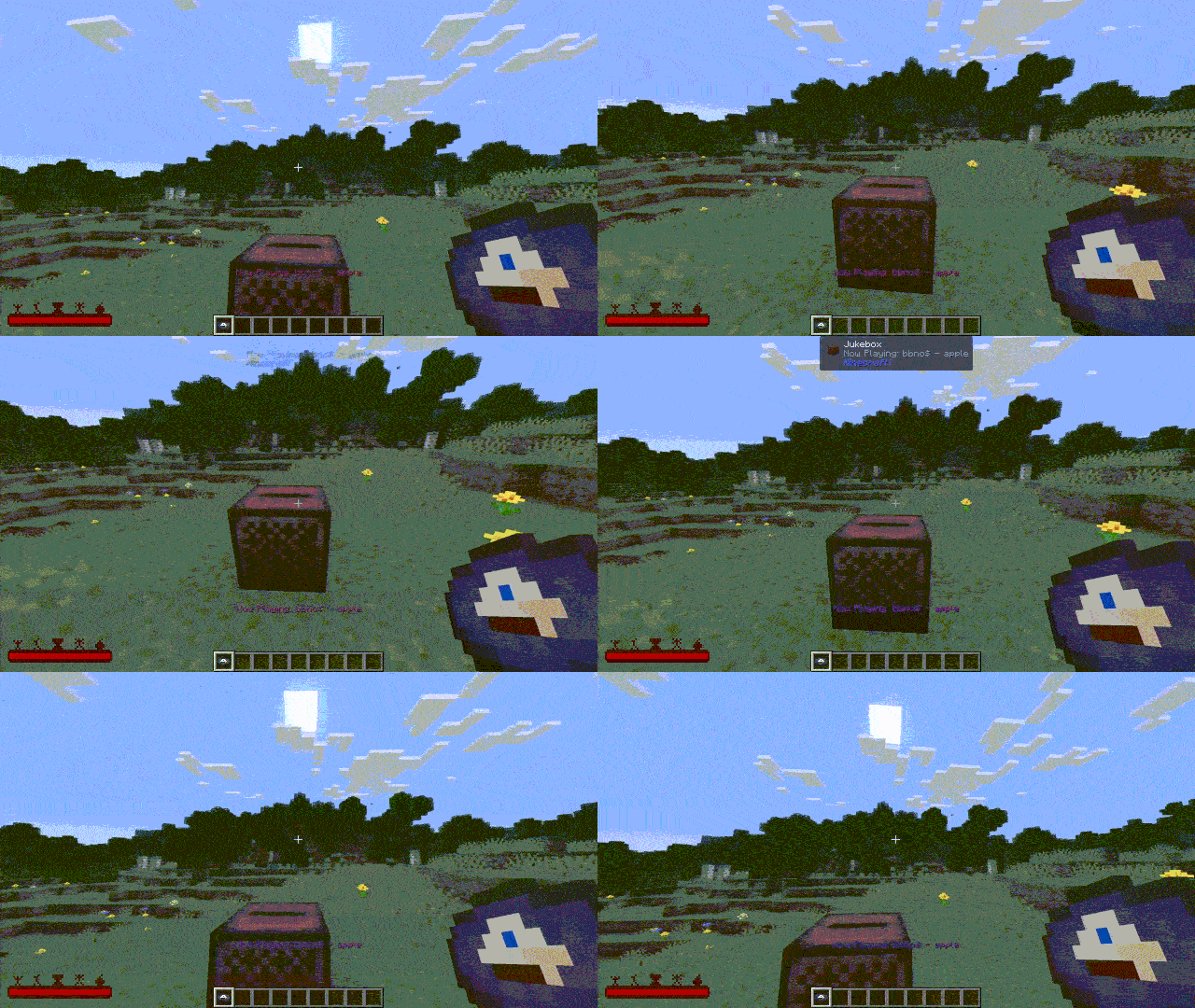
- Music! Beautiful music, created by the most talented musician!
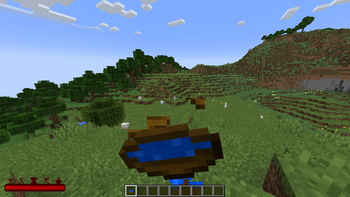
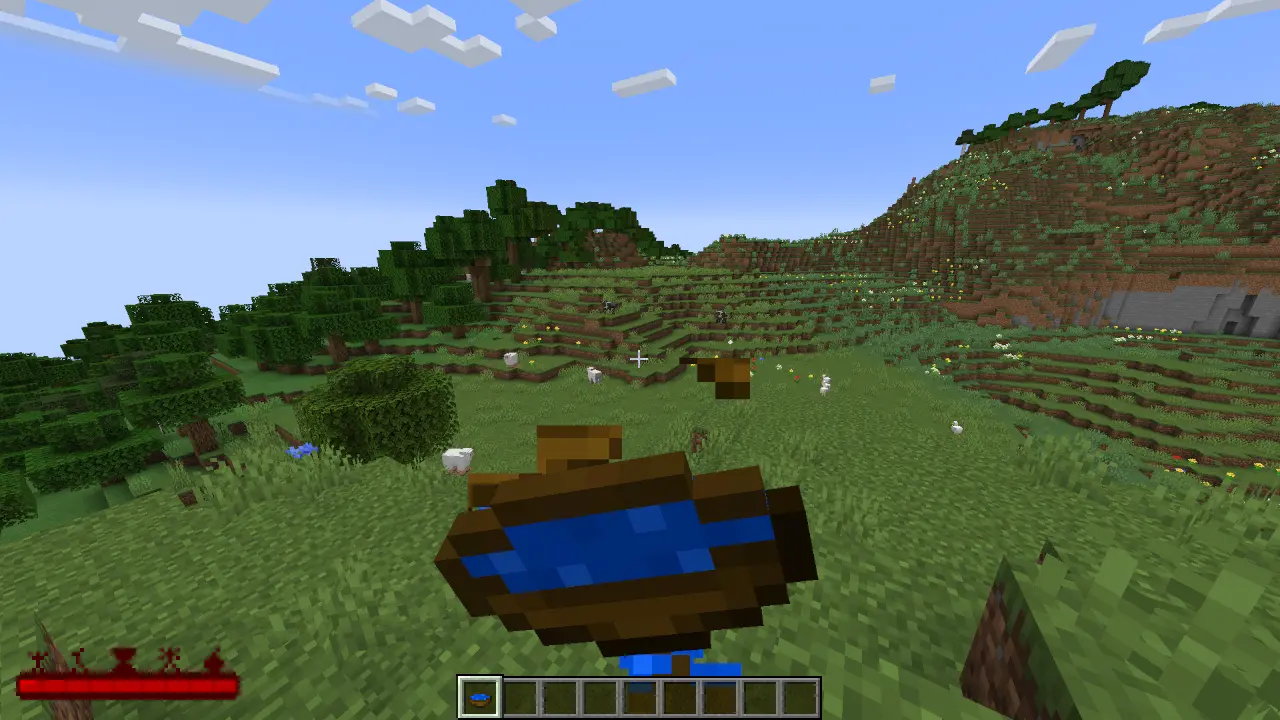
- A Bowl Of Water! Mmmmmm, tasty!!
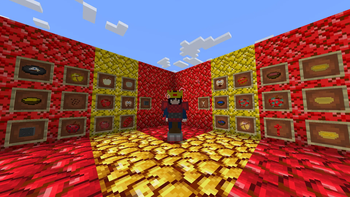
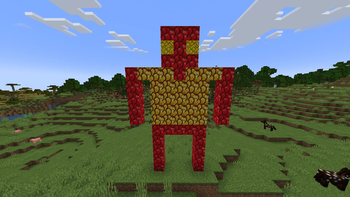
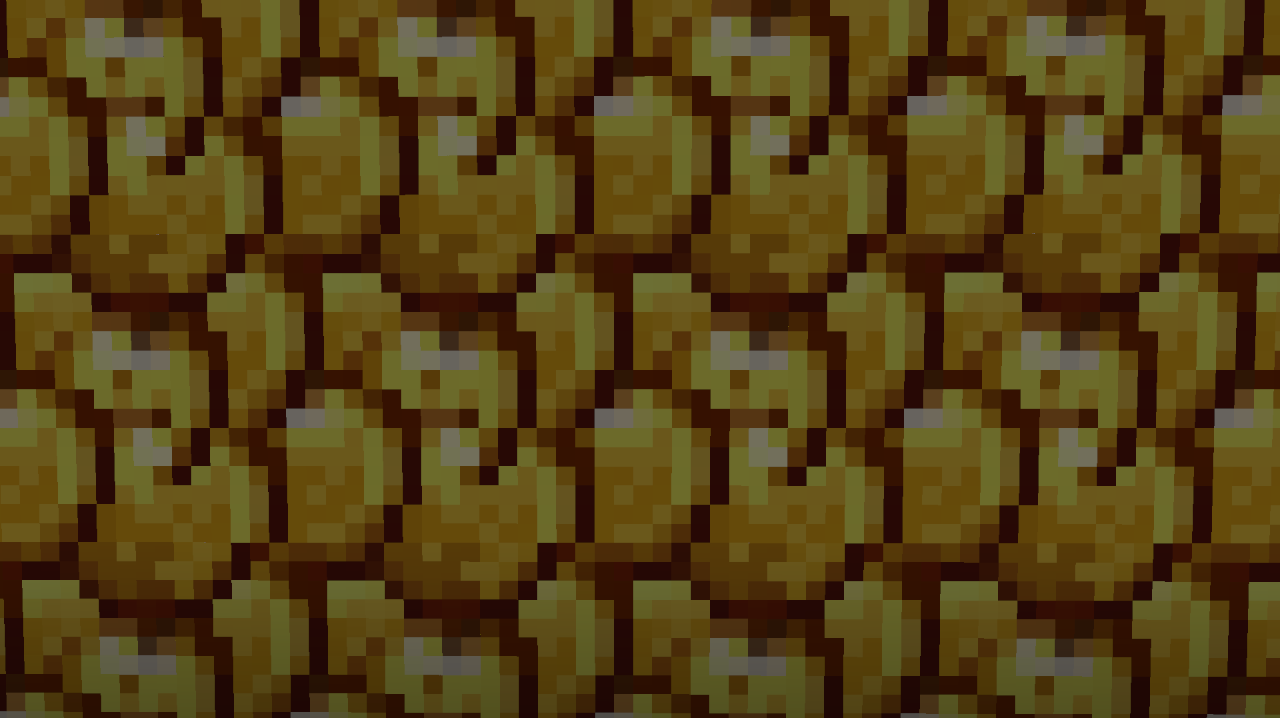
- Abstract Art! Beautiful and pretty!!
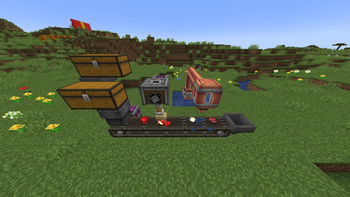
- Full Create Integration! Automate your apples! Make something else make you apples!
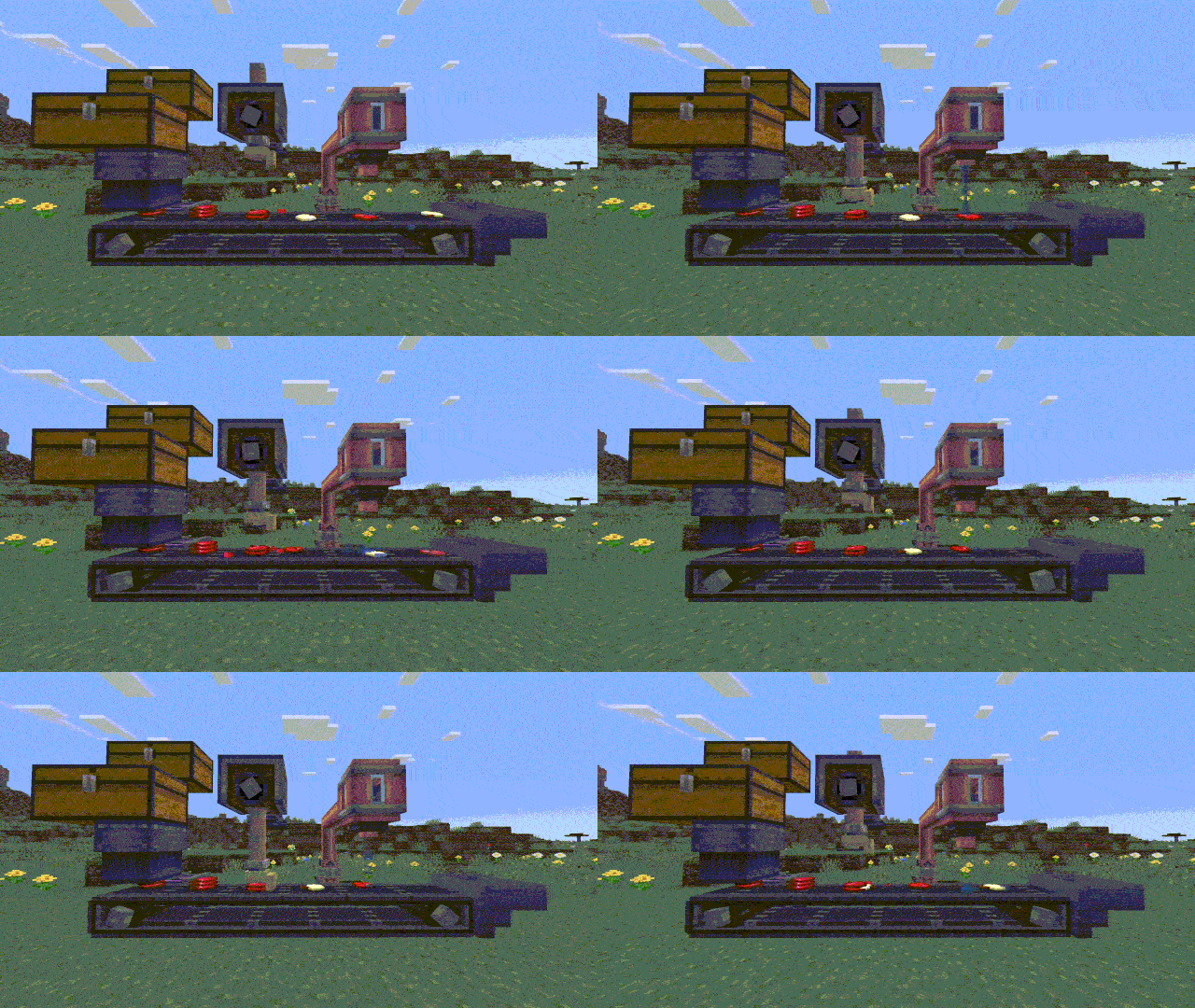
- And So Much More! Like so much more you could could spend time on it!
It's A Cool Mod, Isn't it?
Like it's awesome and cool and definitely in your top 2, right? Like real high up there, so much higher than the other mods. Like name another mod that's this good, I'll wait.
Oh, you can't? See, that's why this one is the best one.
You downloading it yet?
Come on, please do it...
Will you?
If so, that would be poggies.
Available Versions
How to Install Apple Skins on Your Server
Order Server
Order a Minecraft Java server with at least 3 GB RAM (4 GB recommended).
Set forge Loader
In the panel under "Egg", select the forge loader and matching Minecraft version (1.21.1).
Install Mod
Open the mod browser in the dashboard and search for "Apple Skins". Click "Install" – done! Alternatively, upload the .jar via SFTP to the /mods folder.
Compatibility
Mod Loaders
Minecraft Versions
1.21.1, 1.20.1, 1.19.2
Server-side
✓ RequiredRecommended RAM
4 GB(min. 3 GB)Frequently Asked Questions
Apple Skins server crashes on startup – what to do?
Most common cause: wrong forge version or insufficient RAM. Check the server log (latest.log) for "OutOfMemoryError" or "Mixin" errors. With Mado Hosting: ensure at least 3 GB RAM is allocated and the loader matches the mod version (1.21.1). You can switch loaders with one click in the panel.
Is Apple Skins compatible with forge and neoforge?
Apple Skins officially supports forge, neoforge for Minecraft 1.21.1, 1.20.1, 1.19.2. The Mado dashboard automatically detects incompatible loader combinations.
Server lagging with Apple Skins – how to optimize performance?
Recommended RAM: 4 GB (per 8 players). Use /spark profiler to check if Apple Skins consumes the most tick time. Common fixes: reduce server view-distance to 8-10, install "performant" or "starlight" as supplementary mods on Forge. With Mado Hosting, your server runs on NVMe SSDs with dedicated CPU cores for minimal latency.
Similar Mods




![[TaCZ] Timeless and Classics Zero](https://cdn.modrinth.com/data/SzzJttH8/fd27766d2bb8390d284696b1dbd358f87e081439_96.webp)

Rent Modded Server
Install Apple Skins with just one click on your server.