![Appliances [Cobblemon]](https://cdn.modrinth.com/data/p8iT7tbc/486cb413eb767fdd26ee7c7cb5d85a296d42a2f9.png)
Appliances [Cobblemon]
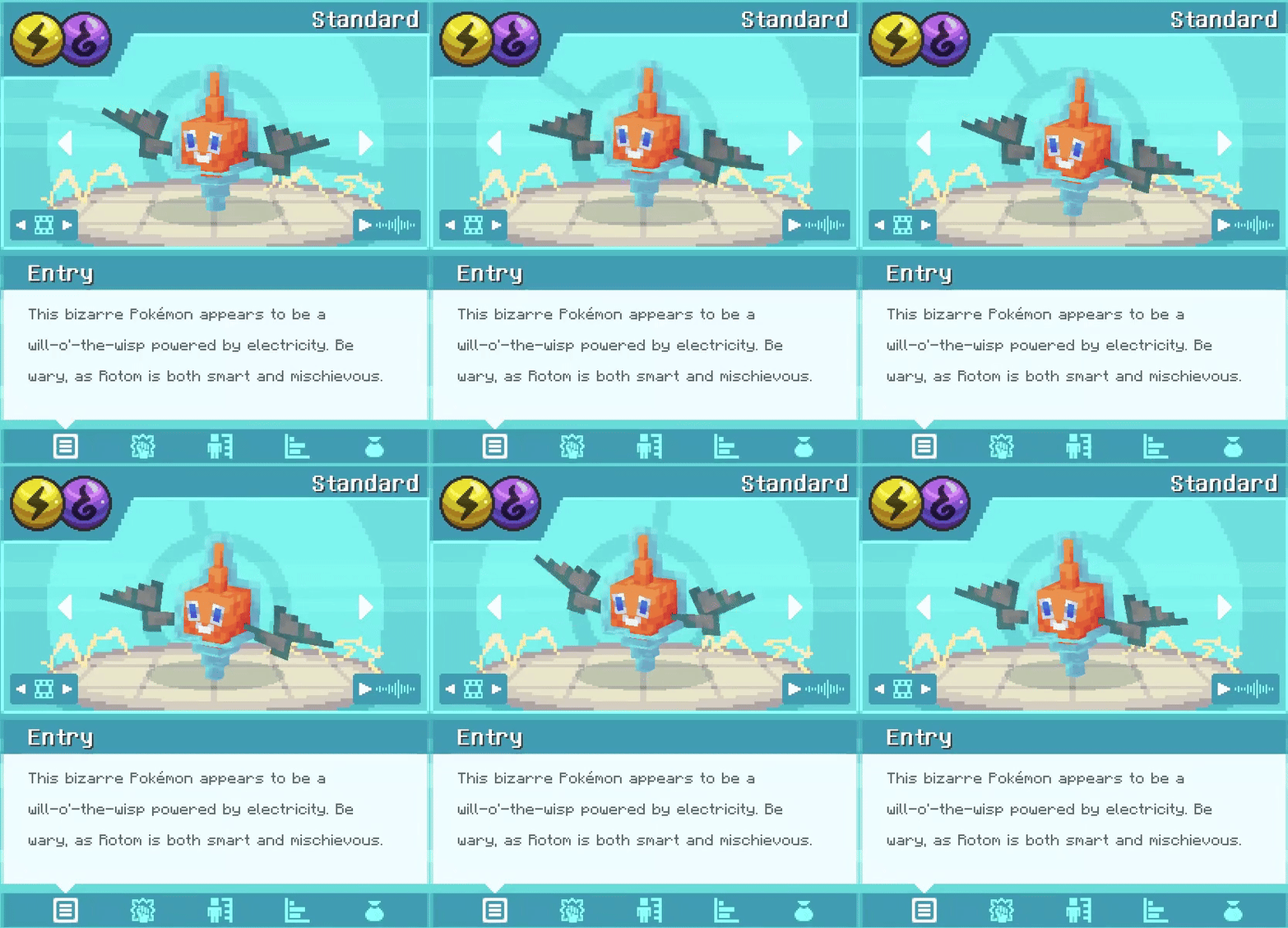
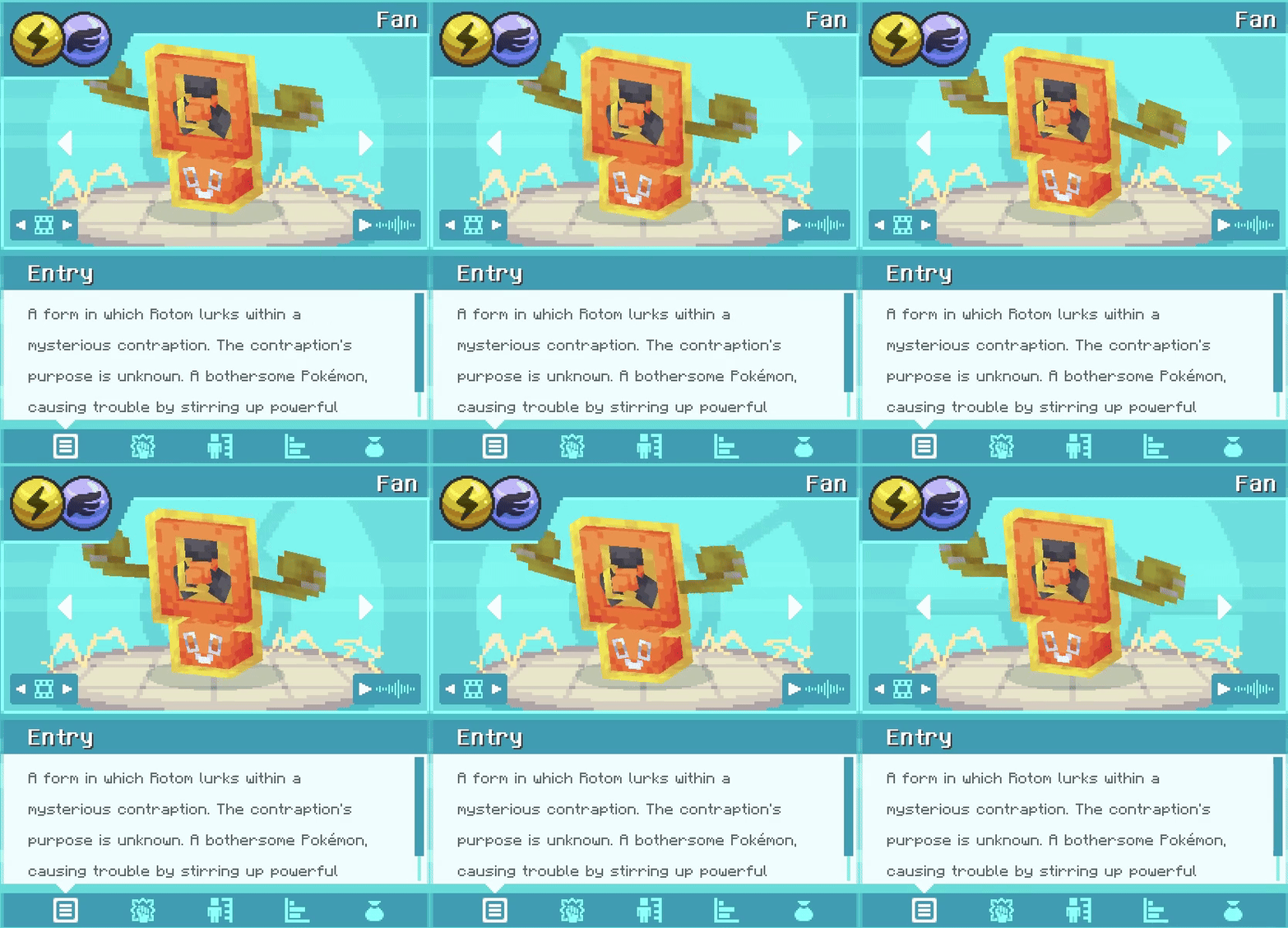
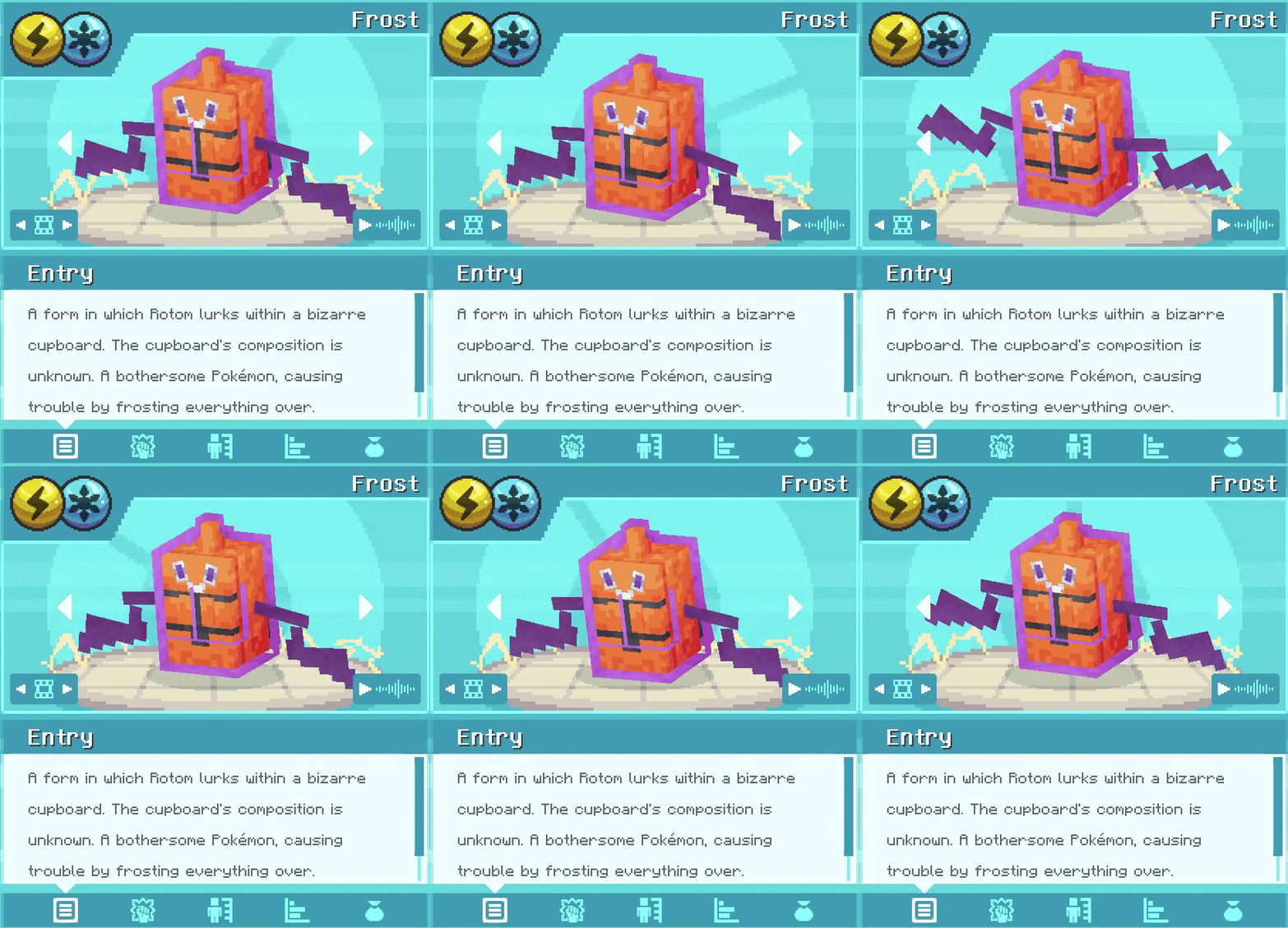
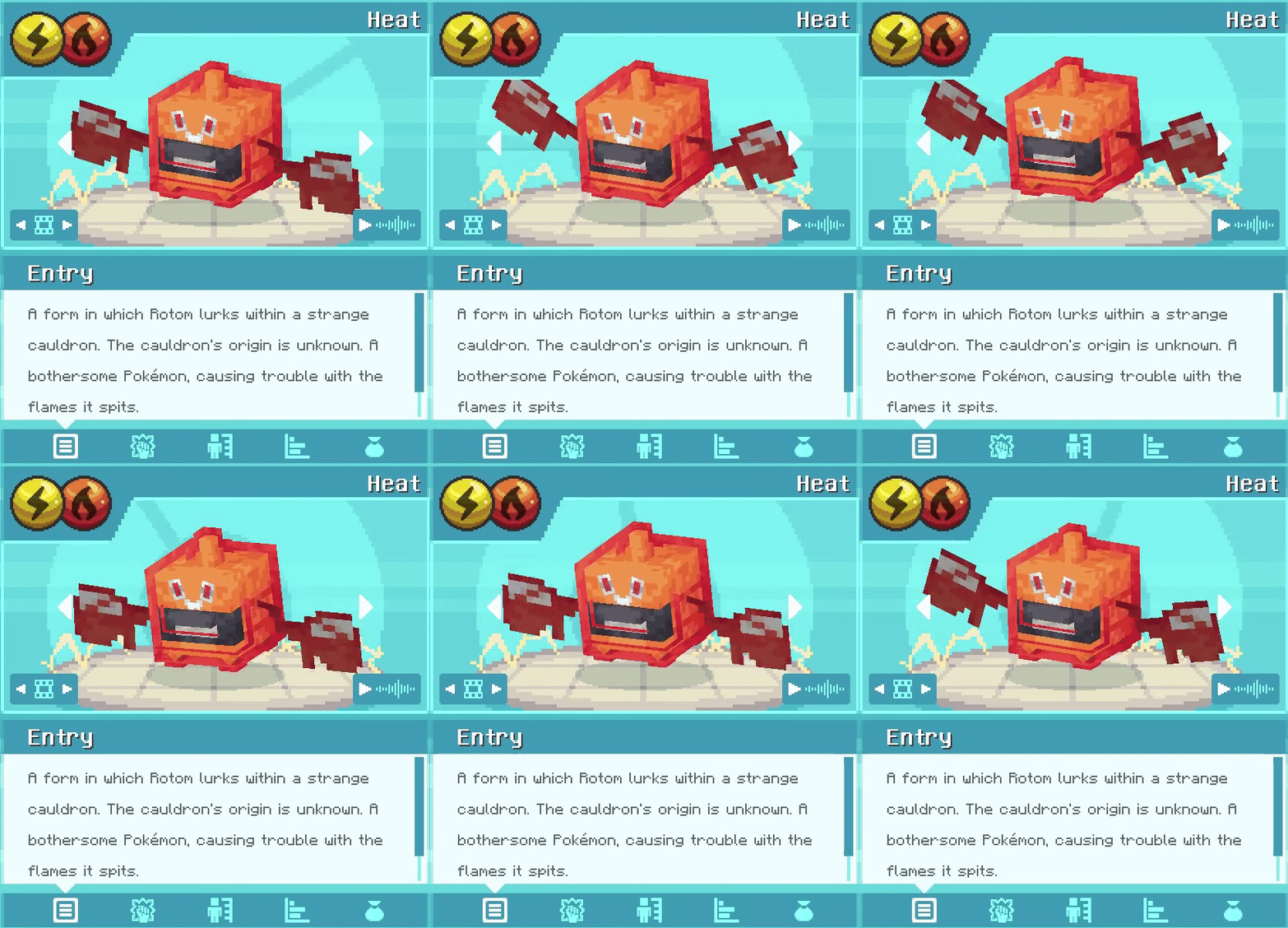
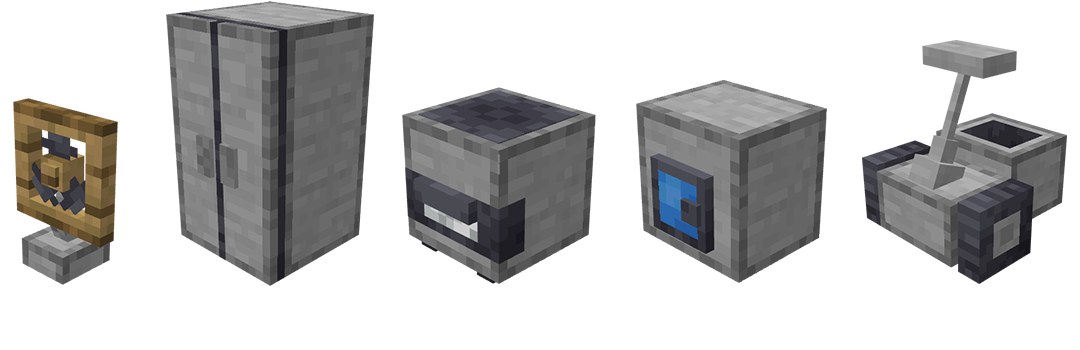
Sidemod for the Rotom Appliances addon that adds 5 new Blocks for Rotom to possess!
Screenshots
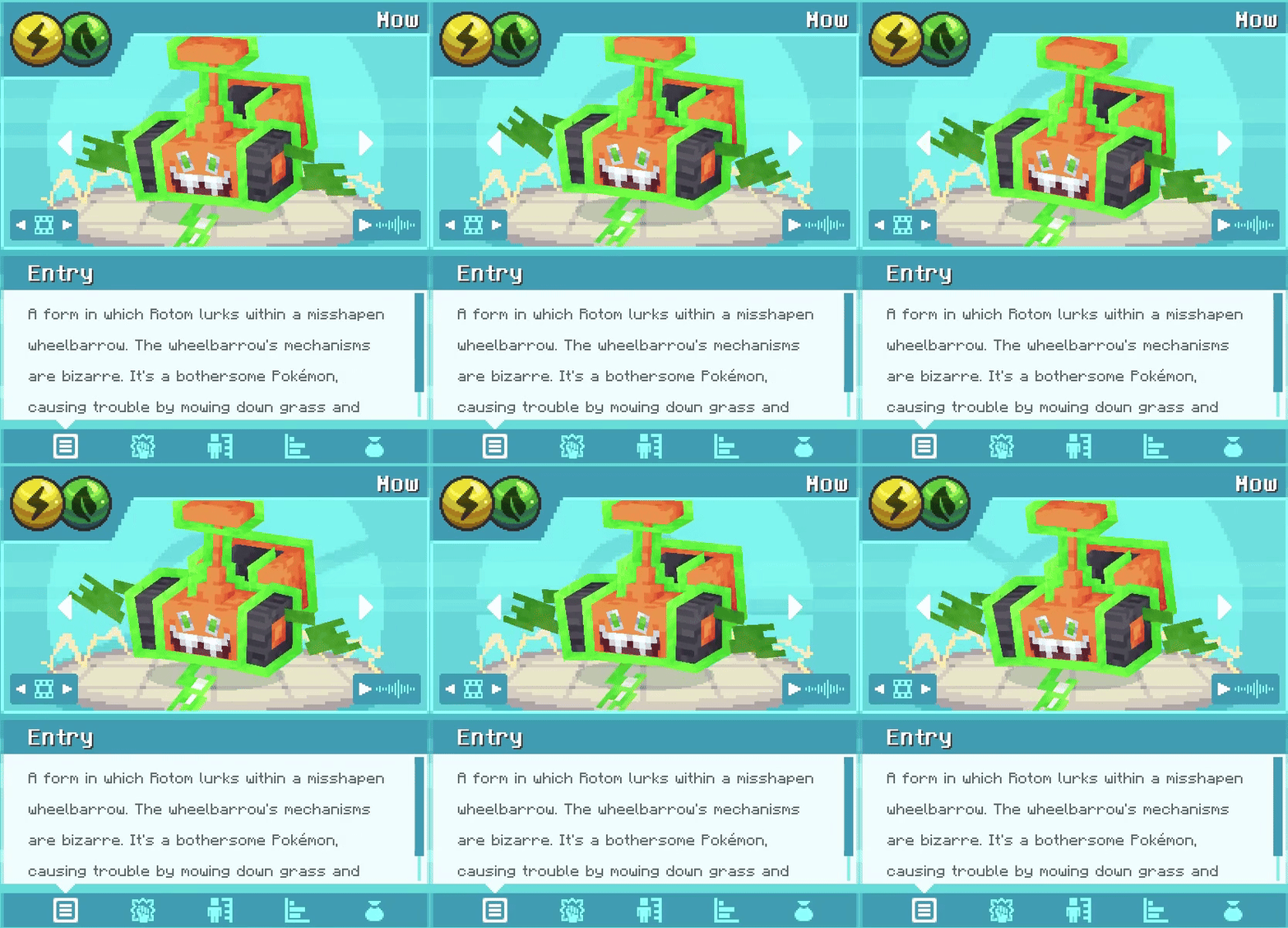
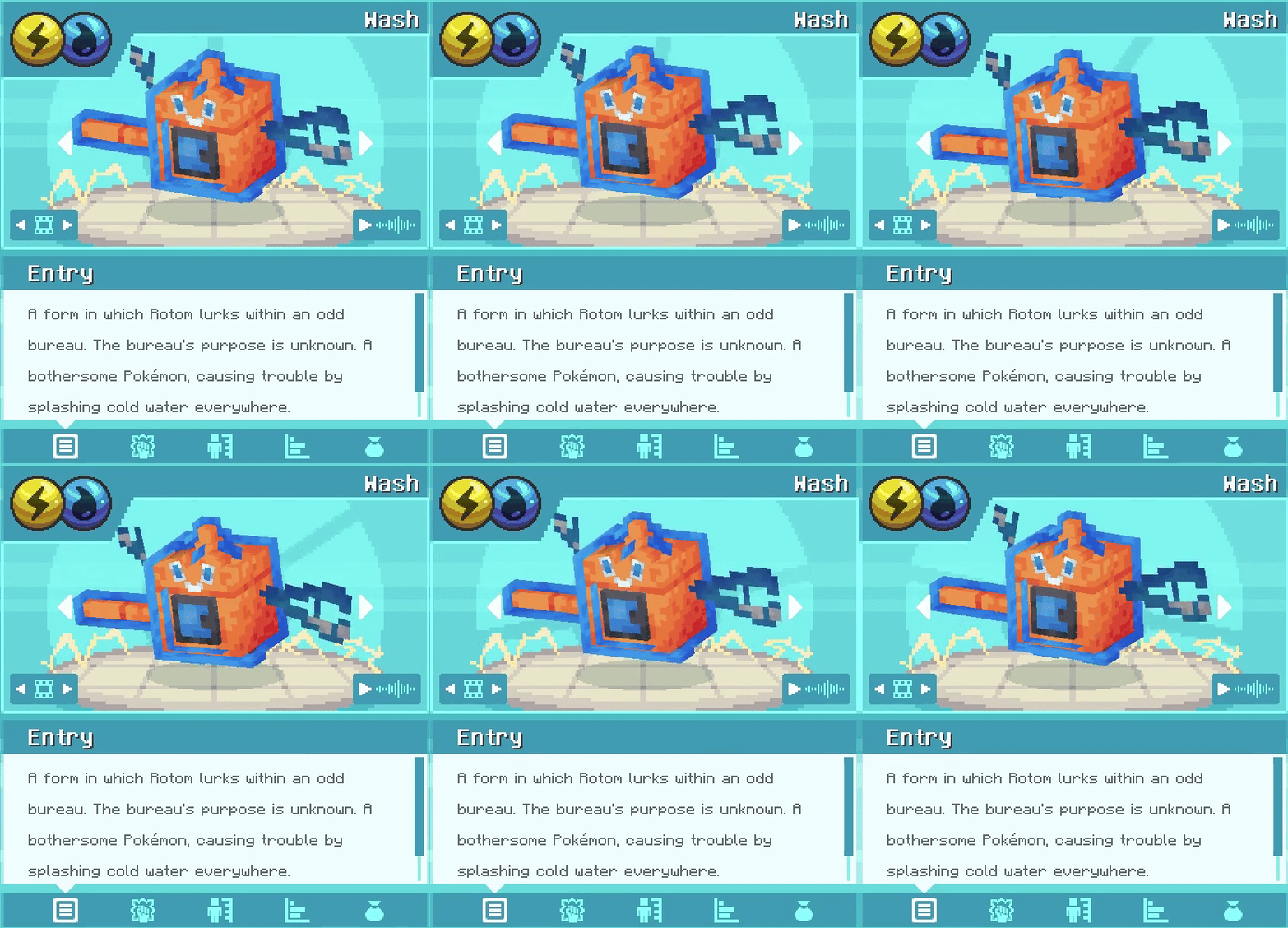
About this Mod
This is the mod version of Rotom Appliances
This adds 5 new blocks for Rotom to possess, if you only want Rotom and not those custom blocks, get the datapack version without the blocks from here!
The latest Datapack from the link above is still required!
Want even more?
This mod is fully compatible with AllTheMons, Mega Showdown & MissingMons v3.4+, which adds many custom animations to each appliance, go and check it out if you haven't already!
Appliances for Rotom to possess
Dependencies and Installation
- Cobblemon 1.6+ (No 1.5.2 backport planned)
- Fabric: none
- NeoForge: requires Sinytra Connector
Mod Part:
- Download the latest version of this mod
- Add the jar to your
\modsdirectory
Addon Part:
- Download the latest datapack from here
- Add that pack to your resourcepacks
\resourcepacks - Add that pack to your worlds datapack
\saves\[YOURWORLDNAME]\datapacks - Enable the resourcepack ingame
ESC - Options - Resource Pack
How to switch forms?
- Craft your desired appliance block
- Place down the block
- Right-click it with Rotom in your party (yes, you can click multiple)
- Evolve Rotom!
To revert back to his base form, craft a Dubious Bulb and use it on him!
Where does he spawn?
- In Woodland Mansions (uncommon)
- in Ancient Cities in the Redstone Room (uncommon)
- On Beaches (ultra-rare but you'll find plenty when its thundering!)
- Near* Cobblemon Tech (PCs, Healers, Fossil Analyzers, Restoration Tanks, Data Monitors) (rare)
- Near* Redstone components! (Blocks, Torches, Ores, Lamps, Repeaters, Comparators, Daylight Detectors, Lightning Rods) (rare)
*near meaning a 9x5x9 area around said block
Frequently asked questions (FAQ) & Support link:
Click to unfold
I have a question about the frequently asked questions!
- Join the cobblemon discord, and pay me a visit here!
Is this compatible with the <NAME> addon?
- This is compatible with every addon, as long as it does not add Rotom, like SaltMons! (except MissingMons, that's specifically made to be compatible)
Does this work for NeoForge?
- Yes but it requires Sinytra Connector until I make a NeoForge port myself (which is a very low priority for me rn as sinytra works fine)
He's not showing on my Pokenav or when I do a /checkspawn!
- Make sure you tried in different positions on the ground or near spawnable area
- Make sure you checked the correct bucket
- Make sure you meet all requirements (biome, structure, blocks etc.)
- make sure you correctly installed the addon part
Can I use this on my server?
- Private servers? - Go catch 'em all!
- Public servers? - Only as long as you follow those rules:
- You must give appropriate credit to this
- be it a link, mention of this mods name + creator - you'll find a way!
- don't claim you made this :(
- You cannot make money
- no paid servers/microtransactions
- You must give appropriate credit to this
Available Versions
How to Install Appliances [Cobblemon] on Your Server
Order Server
Order a Minecraft Java server with at least 3 GB RAM (4 GB recommended).
Set fabric Loader
In the panel under "Egg", select the fabric loader and matching Minecraft version (1.21.1).
Install Mod
Open the mod browser in the dashboard and search for "Appliances [Cobblemon]". Click "Install" – done! Alternatively, upload the .jar via SFTP to the /mods folder.
Compatibility
Mod Loaders
Minecraft Versions
1.21.1
Server-side
✓ RequiredRecommended RAM
4 GB(min. 3 GB)Frequently Asked Questions
Appliances [Cobblemon] server crashes on startup – what to do?
Most common cause: wrong fabric version or insufficient RAM. Check the server log (latest.log) for "OutOfMemoryError" or "Mixin" errors. With Mado Hosting: ensure at least 3 GB RAM is allocated and the loader matches the mod version (1.21.1). You can switch loaders with one click in the panel.
Is Appliances [Cobblemon] compatible with fabric and neoforge?
Appliances [Cobblemon] officially supports fabric, neoforge for Minecraft 1.21.1. The Mado dashboard automatically detects incompatible loader combinations.
Server lagging with Appliances [Cobblemon] – how to optimize performance?
Recommended RAM: 4 GB (per 8 players). Use /spark profiler to check if Appliances [Cobblemon] consumes the most tick time. Common fixes: reduce server view-distance to 8-10, install "performant" or "starlight" as supplementary mods on Forge. With Mado Hosting, your server runs on NVMe SSDs with dedicated CPU cores for minimal latency.
Similar Mods




Rent Modded Server
Install Appliances [Cobblemon] with just one click on your server.