
Applied History
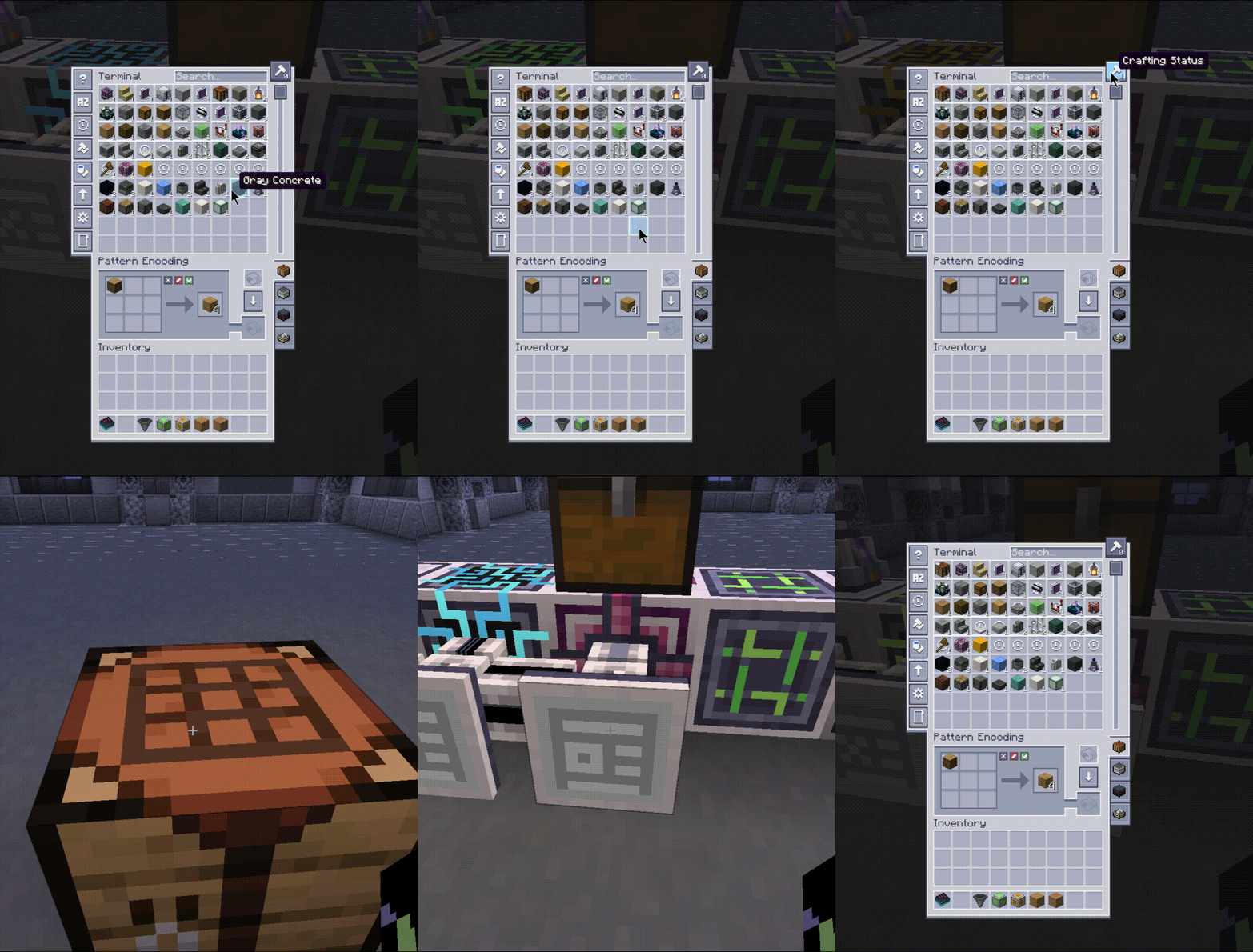
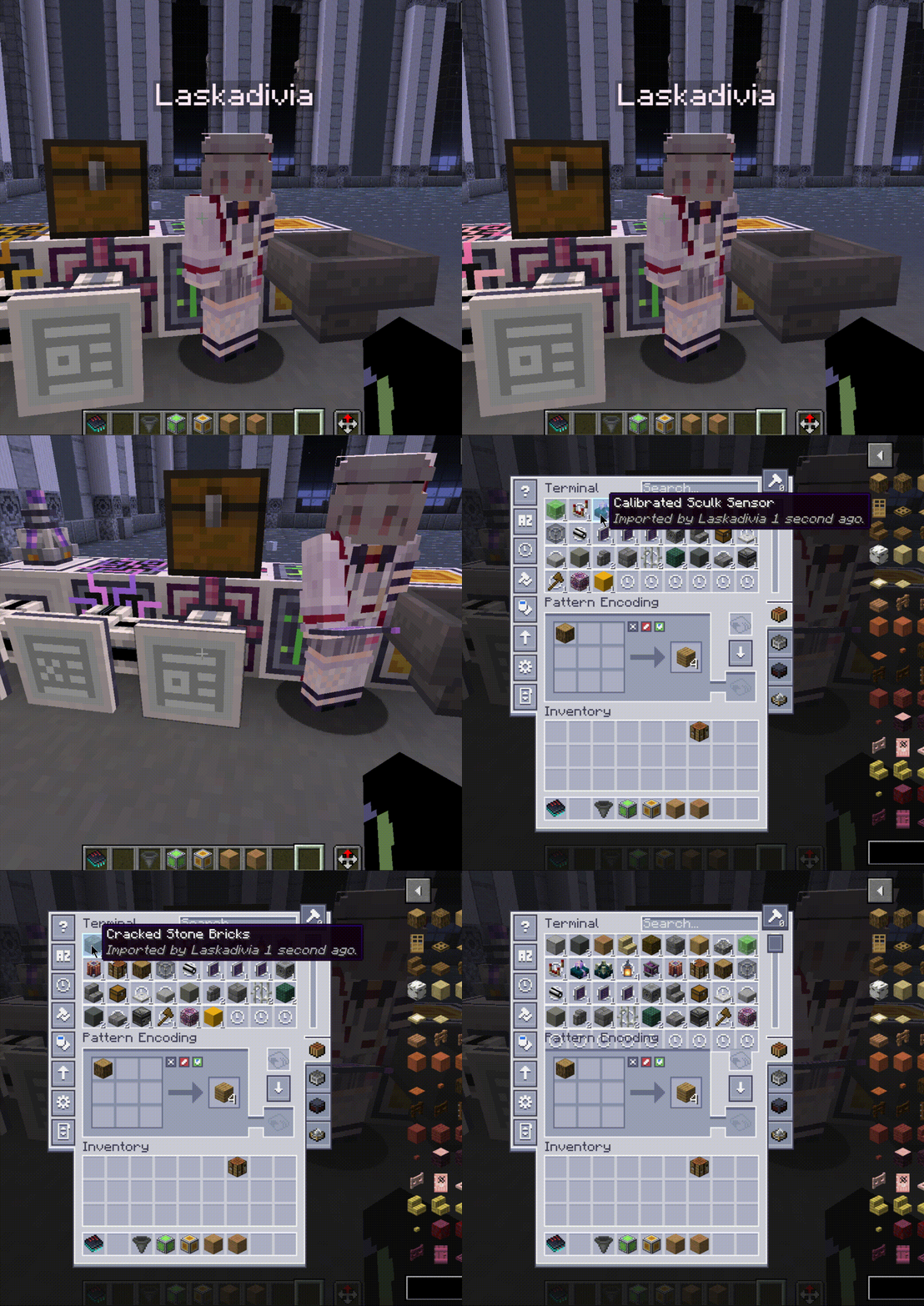
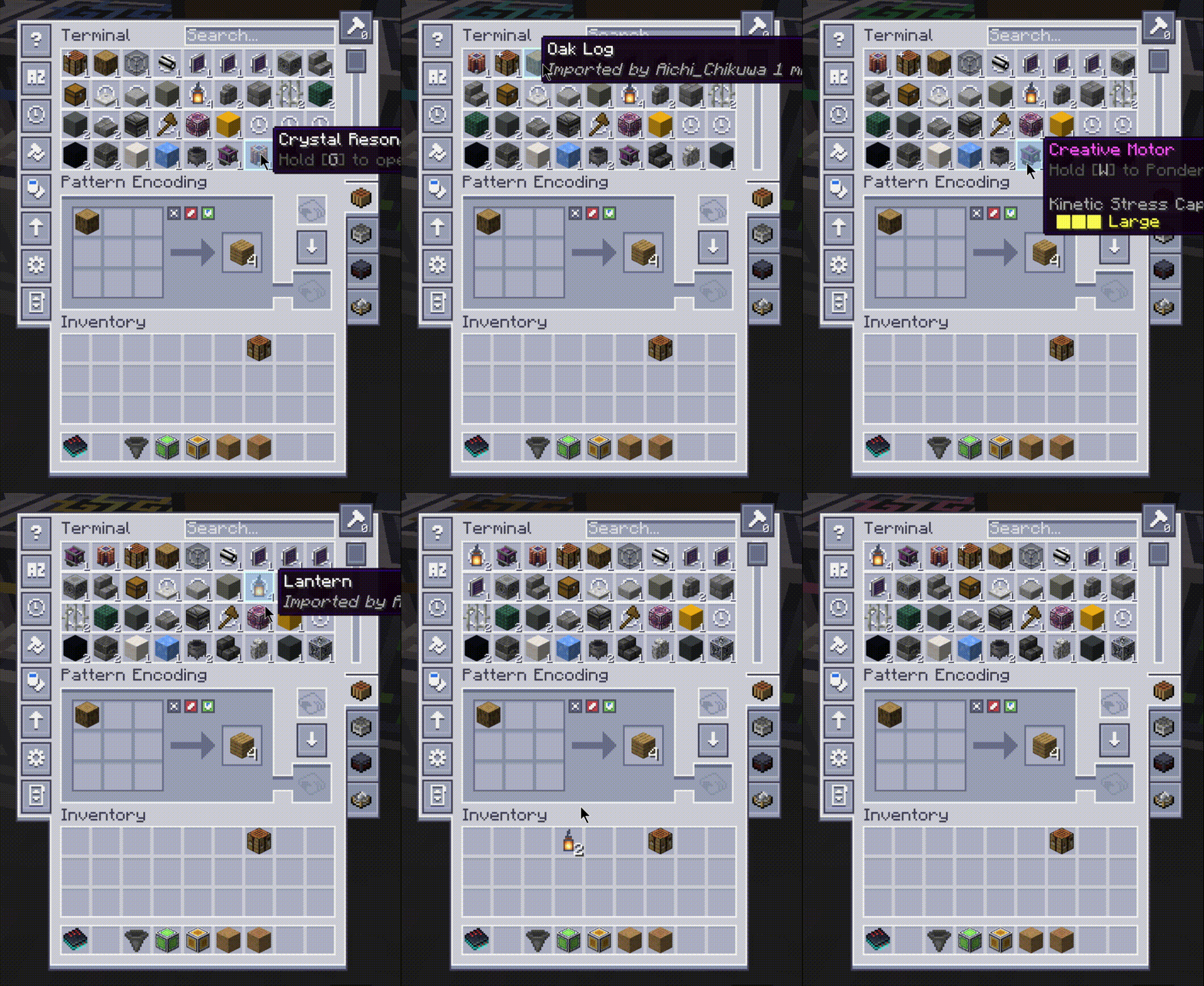
Adds RS-style last-modified history rows to AE2 terminals.
Screenshots
About this Mod
Applied History
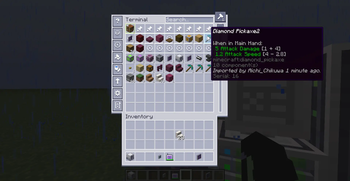
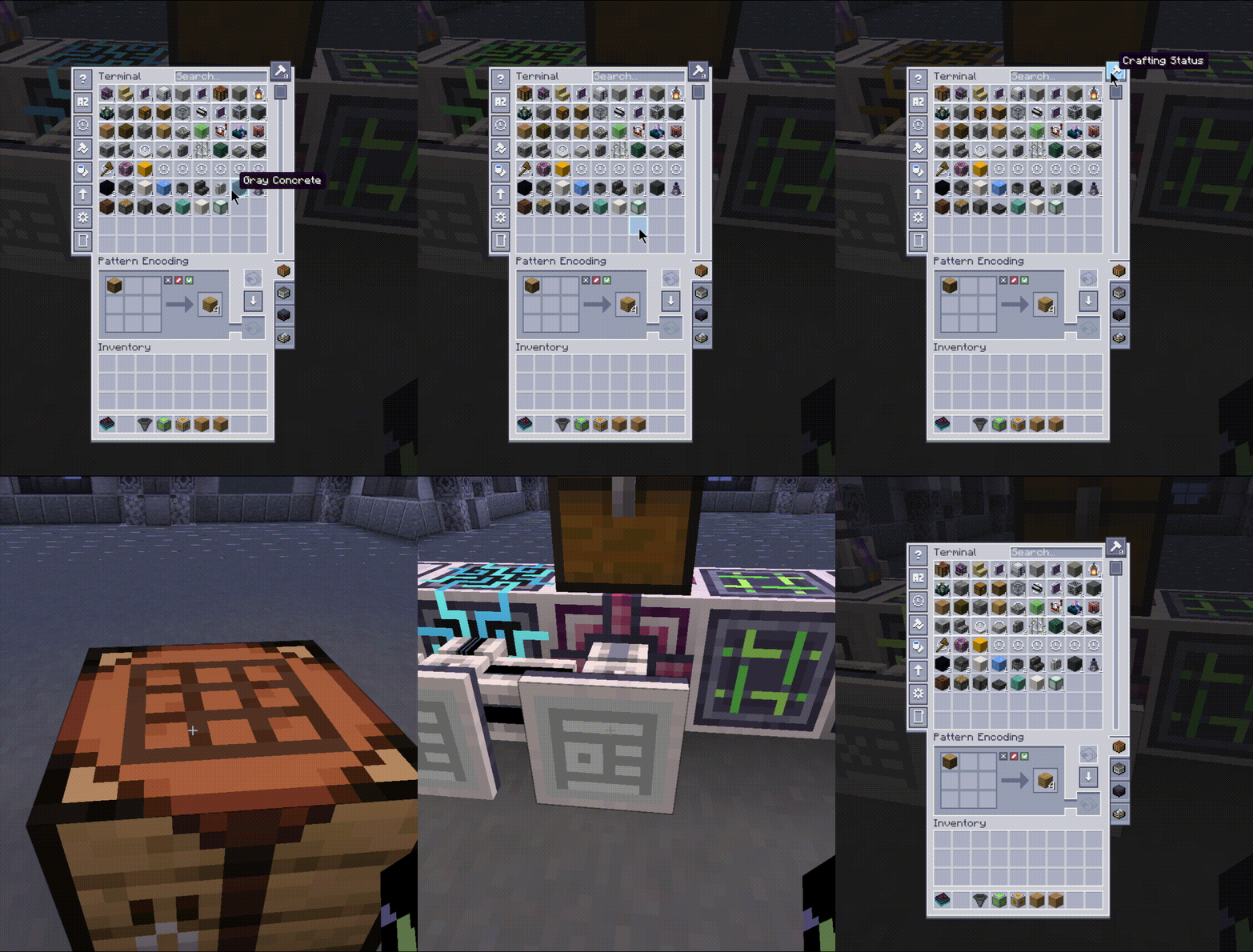
Applied History is a Minecraft NeoForge mod that extends Applied Energistics 2 (AE2) terminals with a recent-history pin system.
What
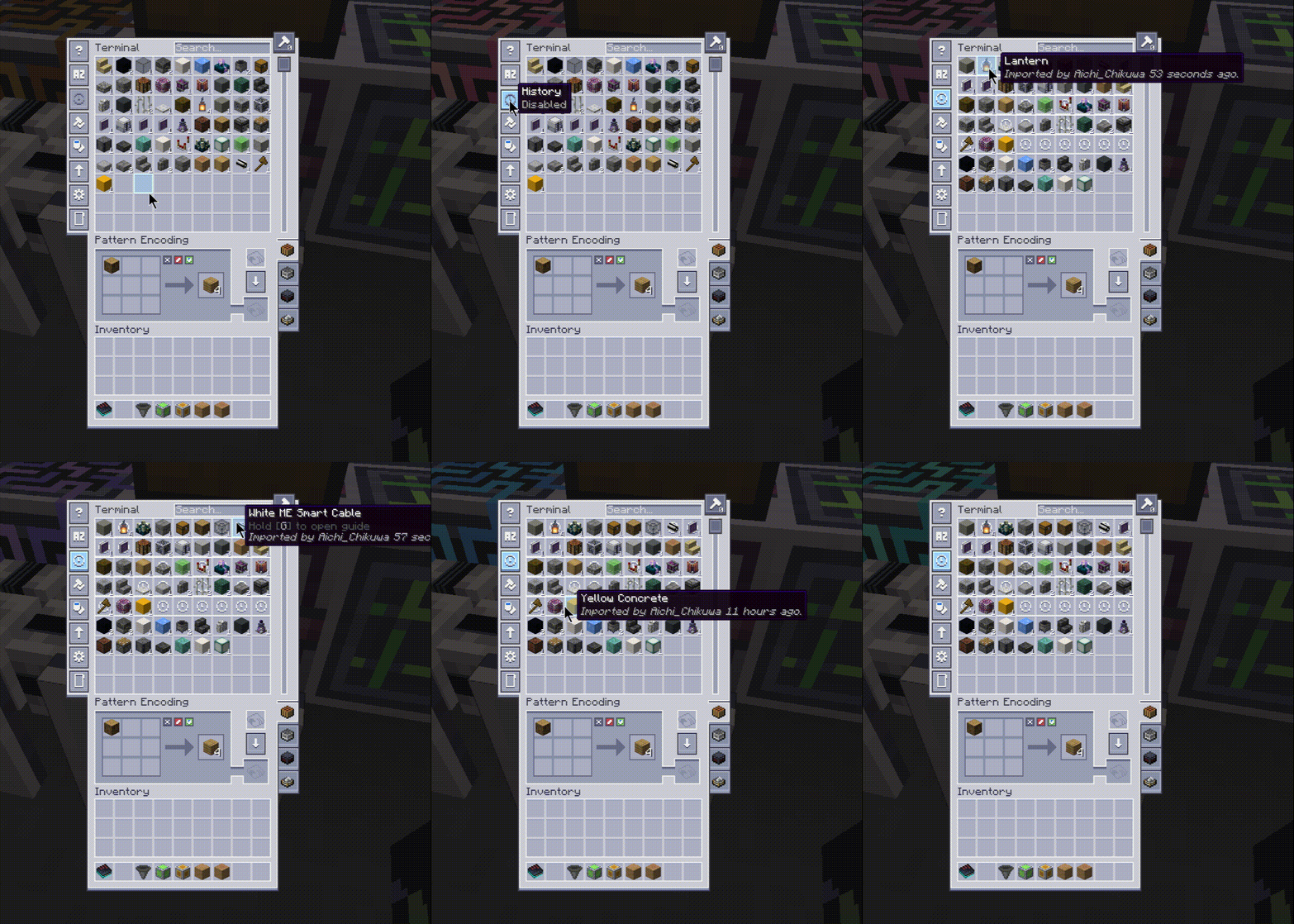
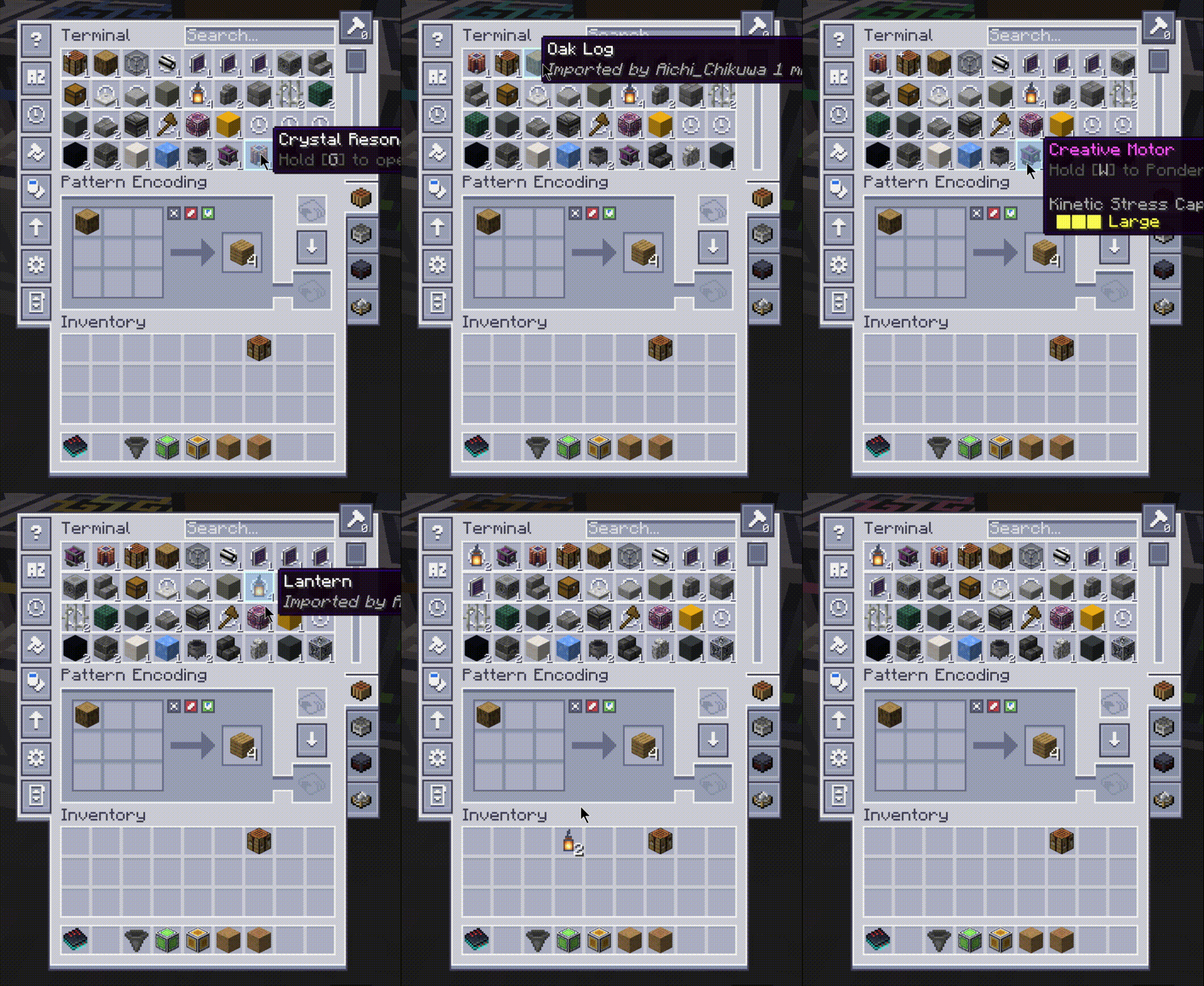
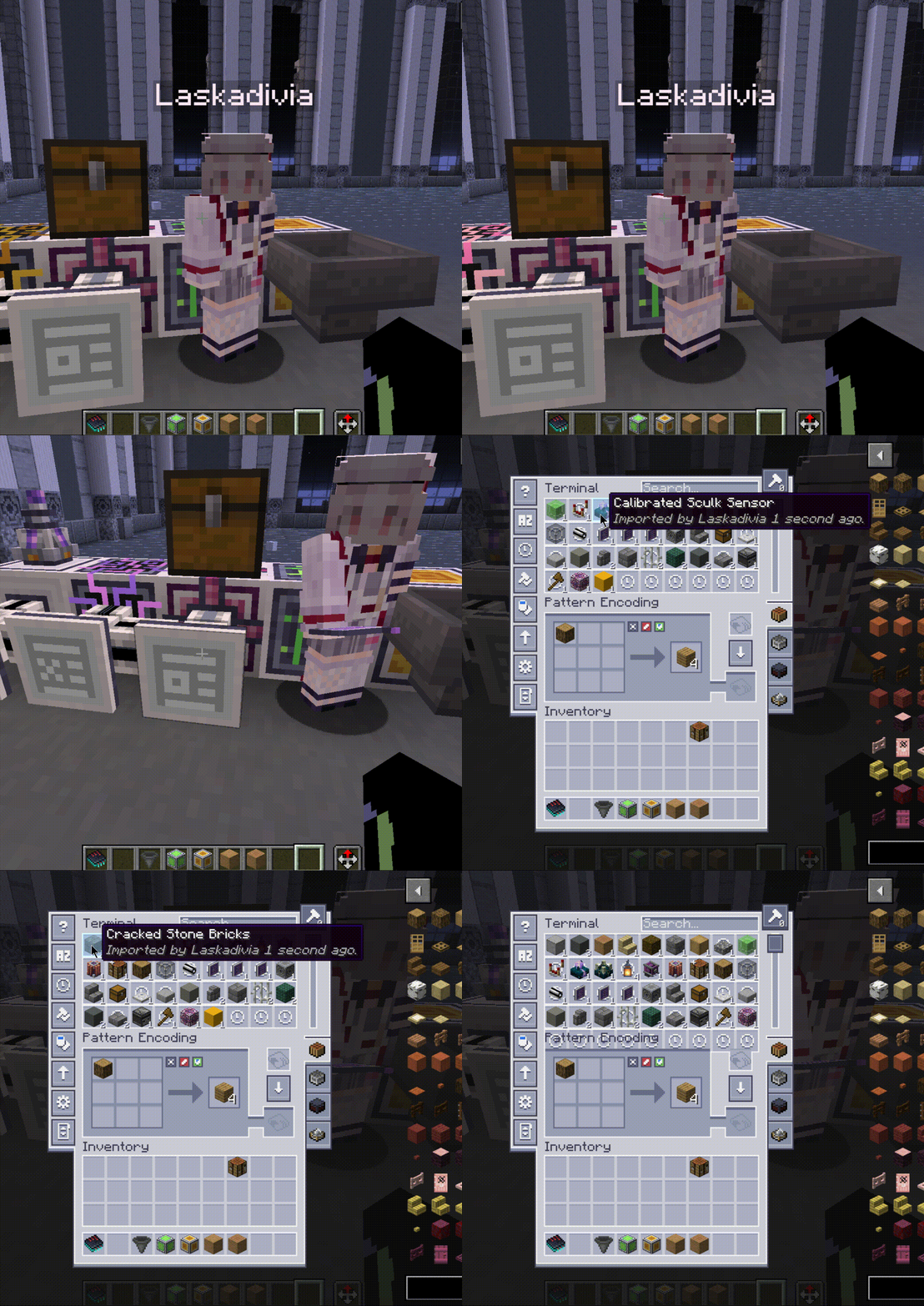
- adds a dedicated
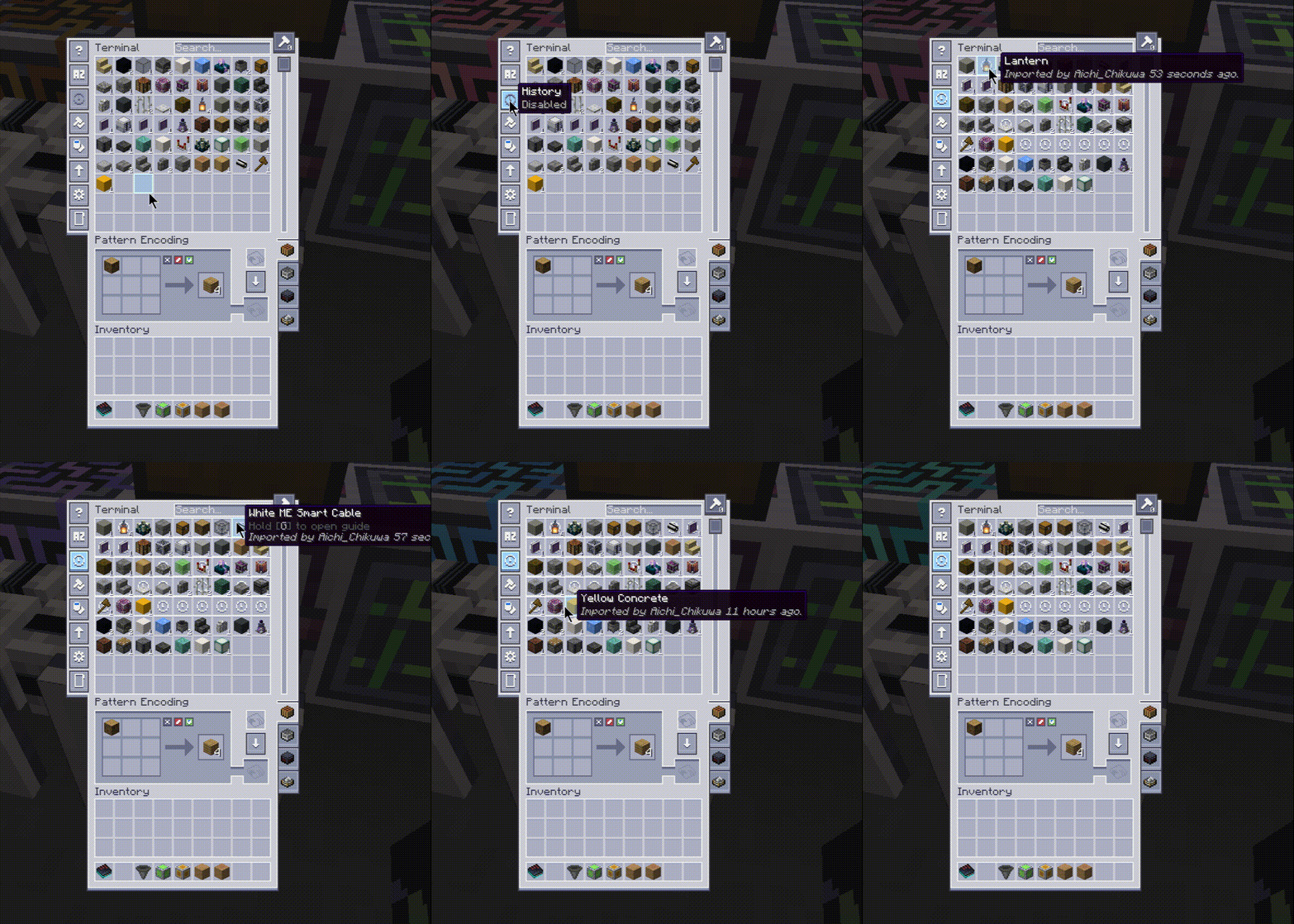
Historytoggle button under AE2's sort button - pins recently interacted items in terminal rows (not a full sort replacement)
- tracks interactions such as import, export, and autocraft requests
- appends a history sentence to item tooltips (when history is enabled)
- stores history server-side per ME network.
Why
- Refined Storage has this super dope last-modified sort. Unfortunately, nobody has made a submod for AE2 yet, so I decided to make my own.
Q&As
{insert modloader} support?
- No unless I see enough issues requesting it.
{insert Minecraft version} support?
- 26.1.2 branch exists as a beta line, while 1.21.1 remains the main stable focus.
- 1.20.1 backport can be a thing if enough issues are requested.
- Probably won't support 1.19 or lower. Feel free to fork and do it yourself tho.
Configuration
Options are available for:
historyRows: number of history rows to pindebugChat: enables/disables in-game debug chat logging
History buffer size follows:
historyRows * 9 + 27
License
This project is licensed under the GNU General Public License v3.0.
This mod is made by human with help from AI.
Available Versions
How to Install Applied History on Your Server
Order Server
Order a Minecraft Java server with at least 3 GB RAM (4 GB recommended).
Set neoforge Loader
In the panel under "Egg", select the neoforge loader and matching Minecraft version (26.1.2).
Install Mod
Open the mod browser in the dashboard and search for "Applied History". Click "Install" – done! Alternatively, upload the .jar via SFTP to the /mods folder.
Compatibility
Mod Loaders
Minecraft Versions
26.1.2, 1.21.1
Server-side
✓ RequiredRecommended RAM
4 GB(min. 3 GB)Frequently Asked Questions
Applied History server crashes on startup – what to do?
Most common cause: wrong neoforge version or insufficient RAM. Check the server log (latest.log) for "OutOfMemoryError" or "Mixin" errors. With Mado Hosting: ensure at least 3 GB RAM is allocated and the loader matches the mod version (26.1.2). You can switch loaders with one click in the panel.
Is Applied History compatible with neoforge?
Applied History officially supports neoforge for Minecraft 26.1.2, 1.21.1. The Mado dashboard automatically detects incompatible loader combinations.
Server lagging with Applied History – how to optimize performance?
Recommended RAM: 4 GB (per 8 players). Use /spark profiler to check if Applied History consumes the most tick time. Common fixes: reduce server view-distance to 8-10, install "performant" or "starlight" as supplementary mods on Forge. With Mado Hosting, your server runs on NVMe SSDs with dedicated CPU cores for minimal latency.
Similar Mods


Rent Modded Server
Install Applied History with just one click on your server.