
Applied Pneumatics
An add-on connects AE2 and Pneumatic Craft.
Screenshots

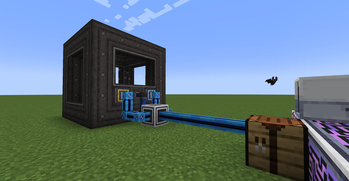
About this Mod
Applied Pneumatics

An add-on for Applied Energistics 2 × PneumaticCraft: Repressurized.
Brings compressed air storage, convenient temperature control, and automated Amadron trading into the ME Network.
Features Overview
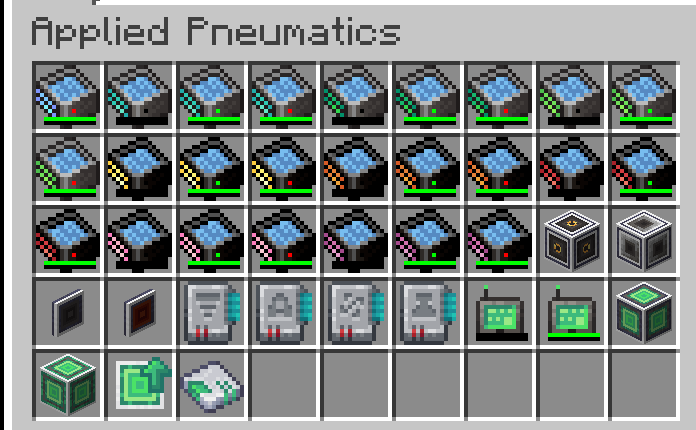
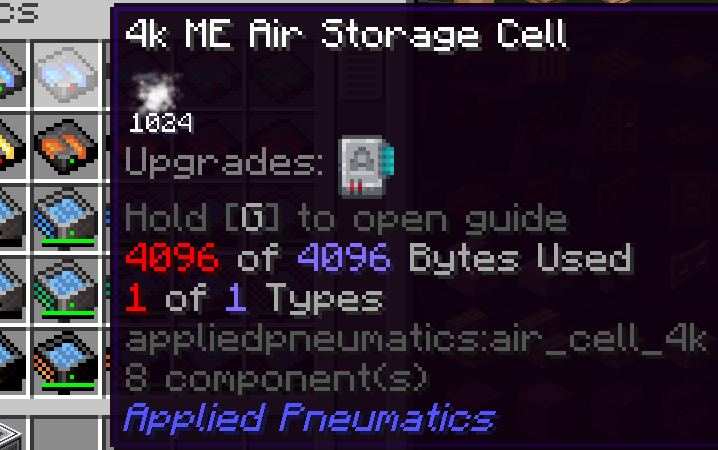
- Air Storage: Adds ME Air Storage Cells. The portable version can also function as an air tank.
- ME Pressure Interface: Maintains a target pressure by inserting/extracting air from the ME Network. Externally follows PneumaticCraft’s high-to-low pressure diffusion.
- ME Temperature Interface: Consumes AE energy and compressed air to maintain a set temperature. Externally follows PneumaticCraft’s natural heat diffusion.
- P2P Tunnels: Two new tunnel types (Air / Temperature) for cross-area distribution and balancing.
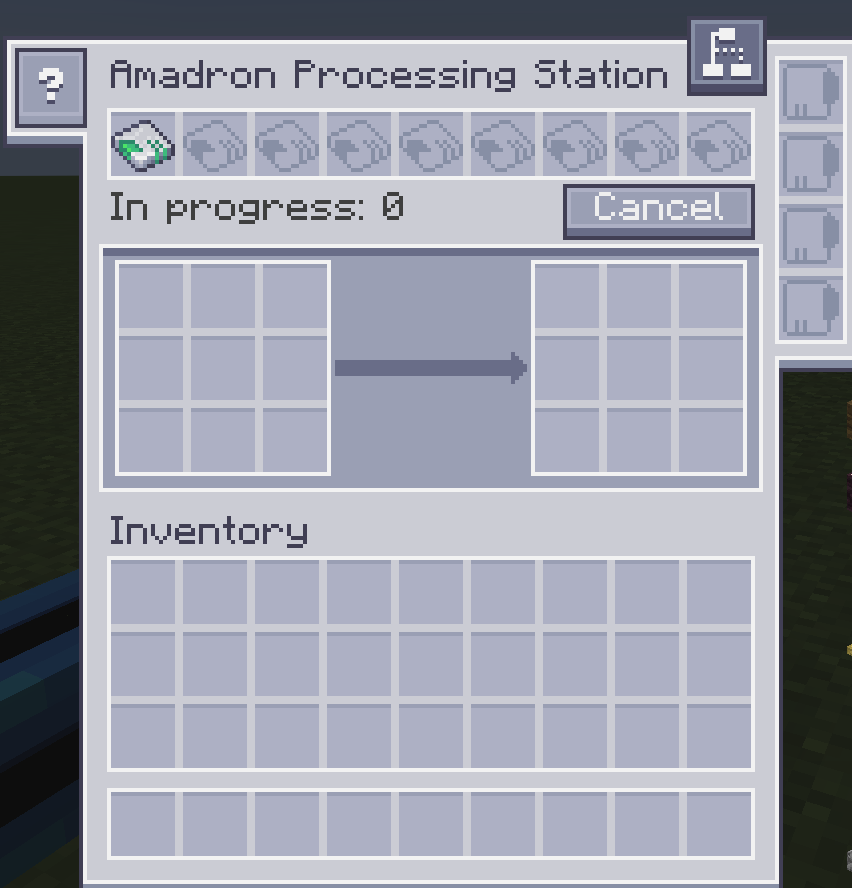
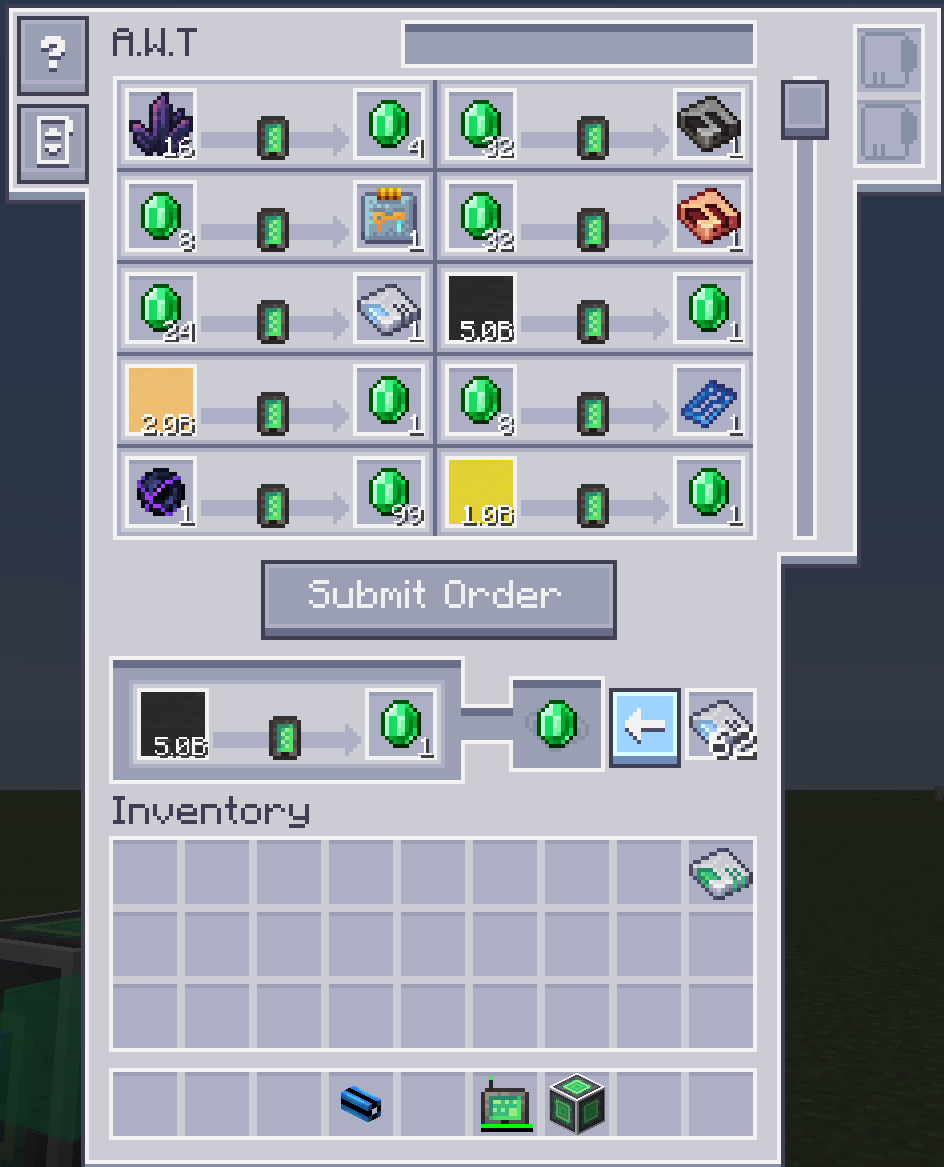
- Amadron Integration: Wireless Terminal + Processing Station. Supports saving “infinite supply trades” as patterns for AE automation.
- AE Bus Compatibility: Import/Export/Storage buses can interact with air containers.
- New Amadron Trades: Adds new trades for buying and selling basic resources.
Other Info
Compat / Integrations
- Install MEGA Cells to unlock larger ME Air Storage Cells (from 1M up to 256M).
- Install ExtendedAE to unlock an extended version of the Amadron Processing Station.
Built-in Resource Pack
- This mod includes a built-in resource pack that lets you use the AE 1.20.1-style visuals on 1.21.1, and vice versa.
Dark Resource Pack
- If you want a dark theme, please download Applied Pneumatics Dark Mode.
In-game Documentation
- A detailed feature guide is available in-game via GuideME.
License
- Code: LGPL-3.0
- Art & Assets: CC BY-NC-SA 3.0
Available Versions
How to Install Applied Pneumatics on Your Server
Order Server
Order a Minecraft Java server with at least 3 GB RAM (4 GB recommended).
Set forge Loader
In the panel under "Egg", select the forge loader and matching Minecraft version (1.21.1).
Install Mod
Open the mod browser in the dashboard and search for "Applied Pneumatics". Click "Install" – done! Alternatively, upload the .jar via SFTP to the /mods folder.
Compatibility
Mod Loaders
Minecraft Versions
1.21.1, 1.20.1
Server-side
✓ RequiredRecommended RAM
4 GB(min. 3 GB)Frequently Asked Questions
Applied Pneumatics server crashes on startup – what to do?
Most common cause: wrong forge version or insufficient RAM. Check the server log (latest.log) for "OutOfMemoryError" or "Mixin" errors. With Mado Hosting: ensure at least 3 GB RAM is allocated and the loader matches the mod version (1.21.1). You can switch loaders with one click in the panel.
Is Applied Pneumatics compatible with forge and neoforge?
Applied Pneumatics officially supports forge, neoforge for Minecraft 1.21.1, 1.20.1. The Mado dashboard automatically detects incompatible loader combinations.
Server lagging with Applied Pneumatics – how to optimize performance?
Recommended RAM: 4 GB (per 8 players). Use /spark profiler to check if Applied Pneumatics consumes the most tick time. Common fixes: reduce server view-distance to 8-10, install "performant" or "starlight" as supplementary mods on Forge. With Mado Hosting, your server runs on NVMe SSDs with dedicated CPU cores for minimal latency.
Similar Mods


Rent Modded Server
Install Applied Pneumatics with just one click on your server.