
Arcade Mod Reloaded
Play 6 fully functional arcade classics right inside Minecraft! Tetris, Pac-Man, Pong, Snake, Space Invaders & Donkey Kong — all in one mod. Earn tickets, redeem prizes, and relive the golden age of arcades.
Screenshots
About this Mod
🕹️ Arcade Reloaded
Play real arcade games without ever leaving Minecraft.
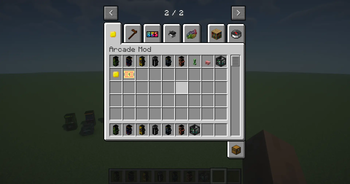
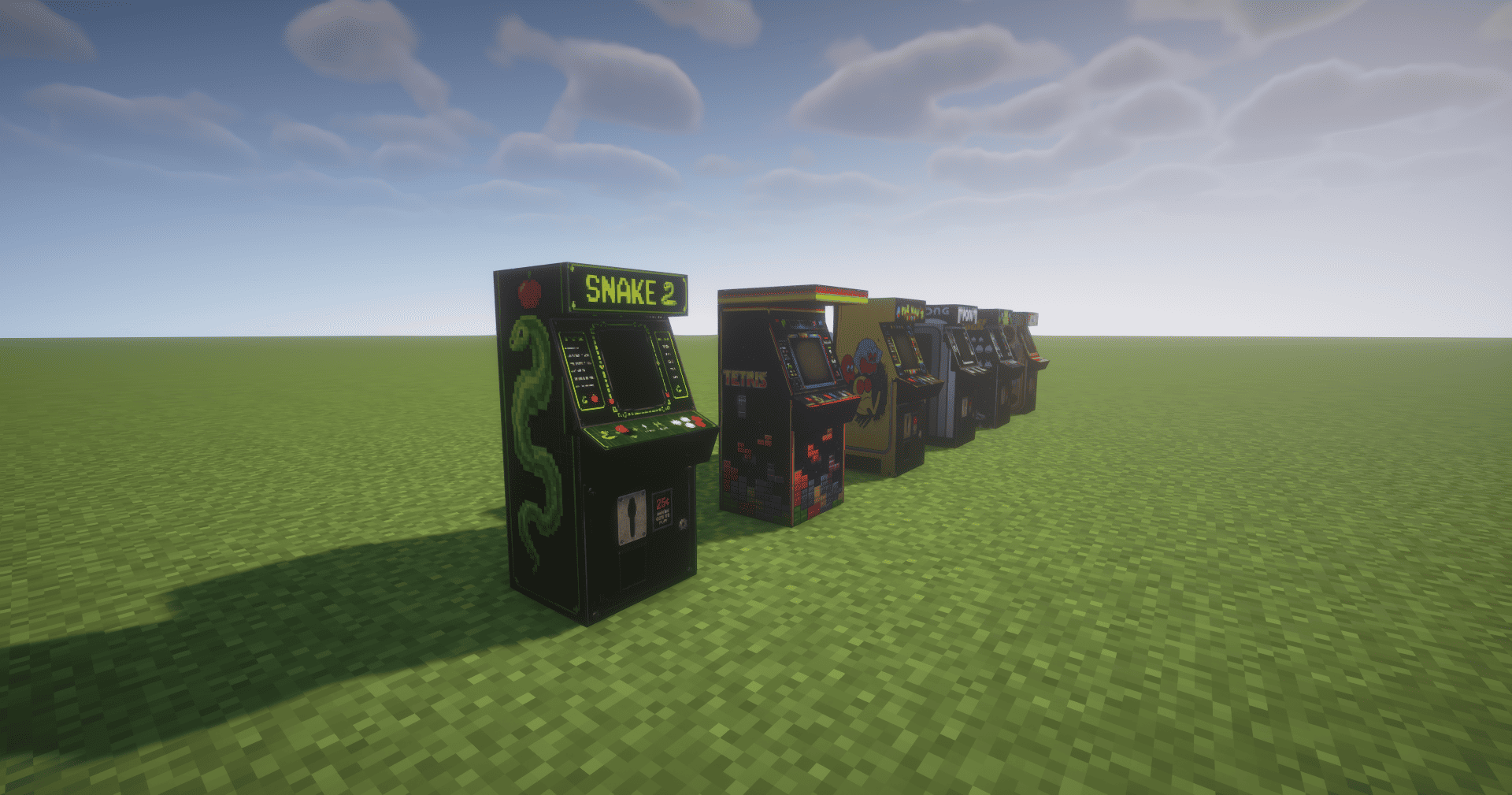
Arcade Reloaded adds fully playable arcade machines as placeable blocks in your world. Insert coins, sit down, and enjoy 6 iconic games — complete with music, sound effects, animations, a ticket system, and a prize counter.
🎮 Games Included
| Game | Description |
|---|---|
| Tetris | Classic block-stacking. Clear rows, level up, and earn tickets per row cleared. |
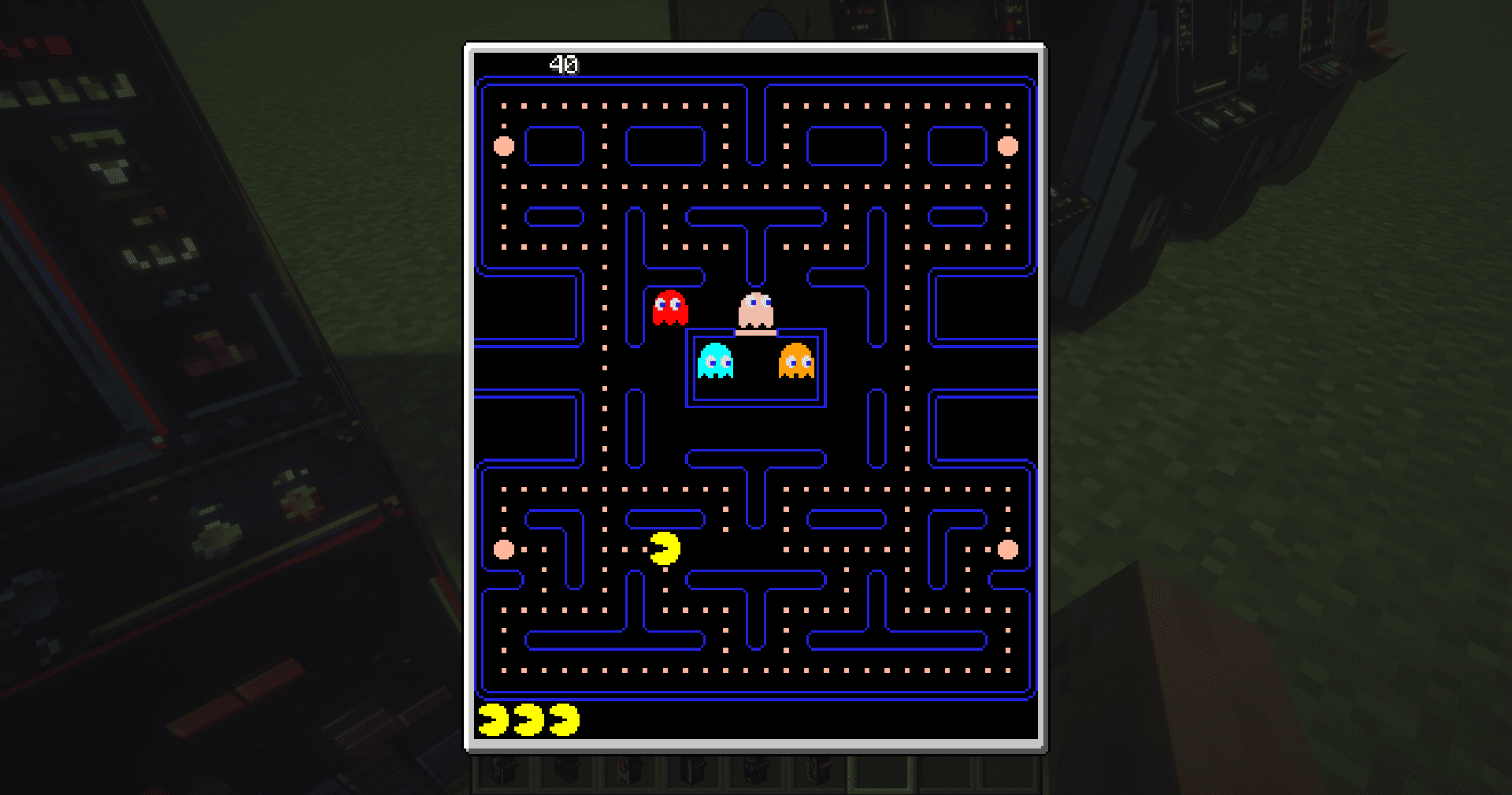
| Pac-Man | Navigate the maze, eat dots, dodge ghosts — full siren & fright music included. |
| Pong | Face off against an AI opponent. First to 10 wins earns tickets. |
| Snake | Grow your snake, avoid walls. Tickets awarded on exit based on length. |
| Space Invaders | Defend against waves of aliens. Music gets louder as danger rises. |
| Donkey Kong | 4 stages: 25m, 50m, 75m, 100m. Jump barrels, ride elevators, pull rivets. (BETA) |
🎫 Ticket & Prize System
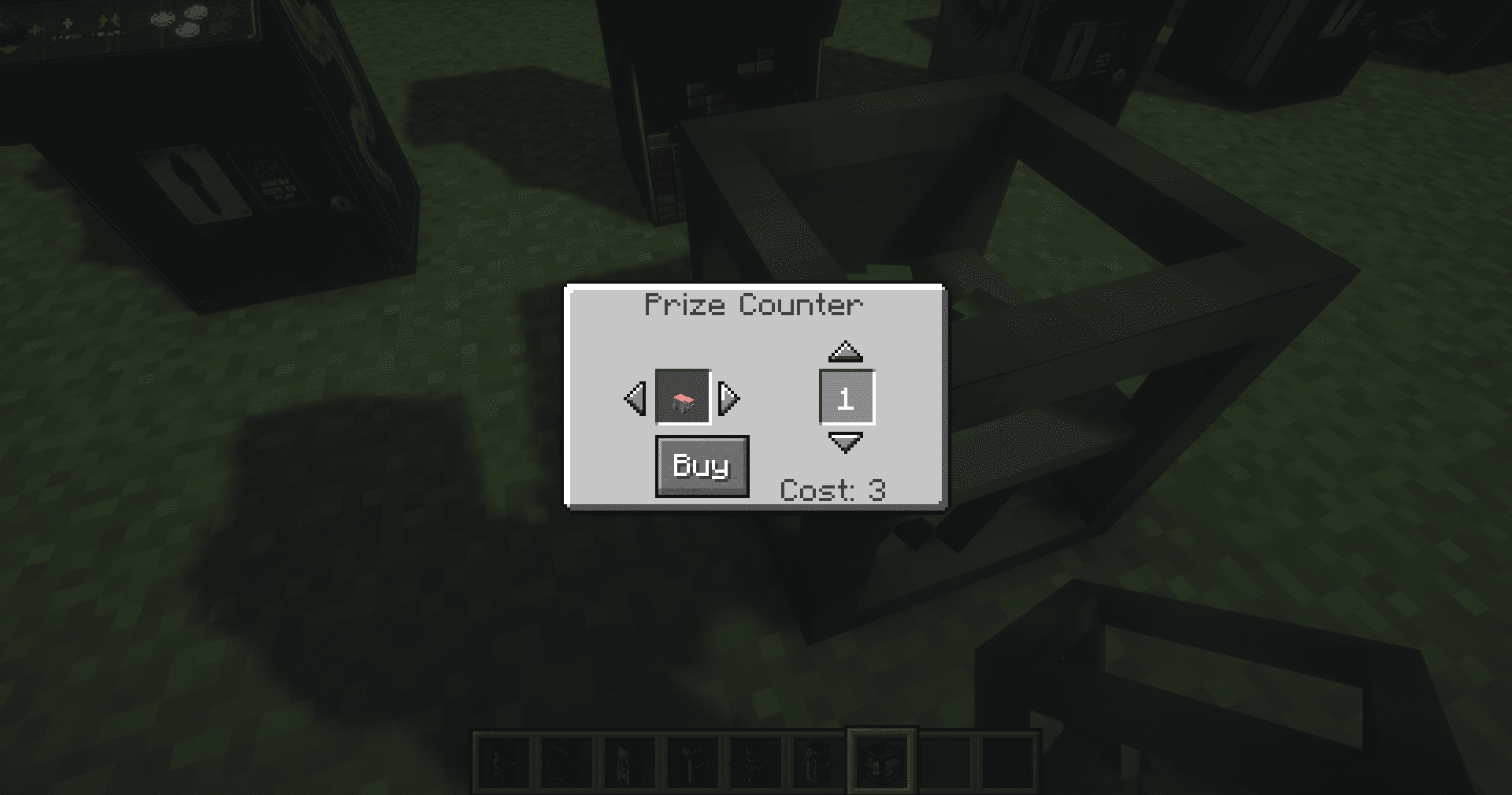
- Playing games earns Tickets based on your performance.
- Spend tickets at the Prize Counter to redeem configurable item rewards.
- Prize list is fully customizable via
config/arcademod/prizelist.json.
📦 Installation
- Install Minecraft Forge 1.20.1 (47.x)
- Drop
arcademod-1.0-1.20.1.jarinto yourmods/folder - Launch the game and craft or find an arcade machine block
🛠️ Compatibility
- Minecraft: 1.20.1
- Forge: 47.1.0+
- Java: 17+
👾 Credits
| Role | Name |
|---|---|
| 1.20.1 Port & Improvements | Bay4lly |
| Original 1.12.2 Mod | SuperHB |
ORİGİNAL MOD: https://www.curseforge.com/minecraft/mc-mods/arcade-mod
No copyright or trademark infringement is intended. All assets and code are made anew by SuperHB (also known as JustKilling on PlanetMinecraft) and Bay4lly (also known as Forget1221 on Discord). Any and all copyrighted and trademarked names, brands, etc. belong to their respective copyright or trademark holders.
Available Versions
How to Install Arcade Mod Reloaded on Your Server
Order Server
Order a Minecraft Java server with at least 3 GB RAM (4 GB recommended).
Set forge Loader
In the panel under "Egg", select the forge loader and matching Minecraft version (1.20.1).
Install Mod
Open the mod browser in the dashboard and search for "Arcade Mod Reloaded". Click "Install" – done! Alternatively, upload the .jar via SFTP to the /mods folder.
Compatibility
Mod Loaders
Minecraft Versions
1.20.1
Server-side
✓ RequiredRecommended RAM
4 GB(min. 3 GB)Frequently Asked Questions
Arcade Mod Reloaded server crashes on startup – what to do?
Most common cause: wrong forge version or insufficient RAM. Check the server log (latest.log) for "OutOfMemoryError" or "Mixin" errors. With Mado Hosting: ensure at least 3 GB RAM is allocated and the loader matches the mod version (1.20.1). You can switch loaders with one click in the panel.
Is Arcade Mod Reloaded compatible with forge?
Arcade Mod Reloaded officially supports forge for Minecraft 1.20.1. The Mado dashboard automatically detects incompatible loader combinations.
Server lagging with Arcade Mod Reloaded – how to optimize performance?
Recommended RAM: 4 GB (per 8 players). Use /spark profiler to check if Arcade Mod Reloaded consumes the most tick time. Common fixes: reduce server view-distance to 8-10, install "performant" or "starlight" as supplementary mods on Forge. With Mado Hosting, your server runs on NVMe SSDs with dedicated CPU cores for minimal latency.
Rent Modded Server
Install Arcade Mod Reloaded with just one click on your server.