
Ascendant Armory
Level up your weapons & armor, roll powerful traits, build the perfect loadout.
Screenshots

About this Mod
Ascendant Armory
ARPG gear progression for vanilla items. Vanilla progression ends at netherite + max enchants. Every diamond sword you find is identical to the last, no god rolls, no reason to keep hunting. Most "RPG loot" mods solve this by adding hundreds of custom items, tiers, and rarities that fight with vanilla and every other mod you have installed.
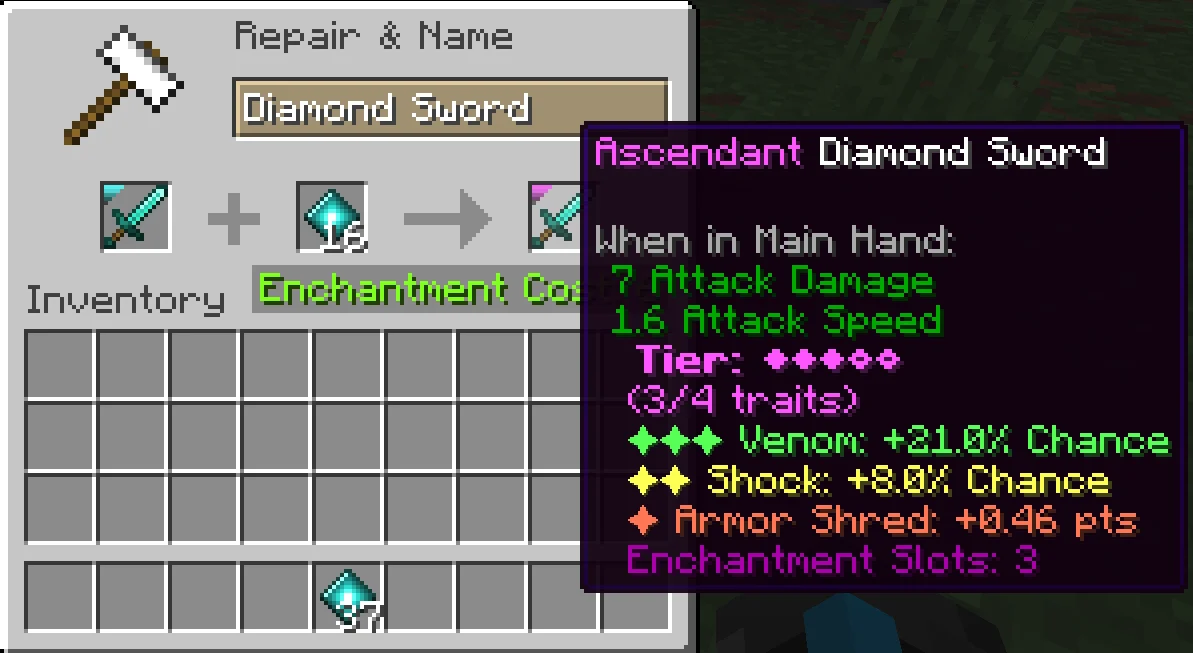
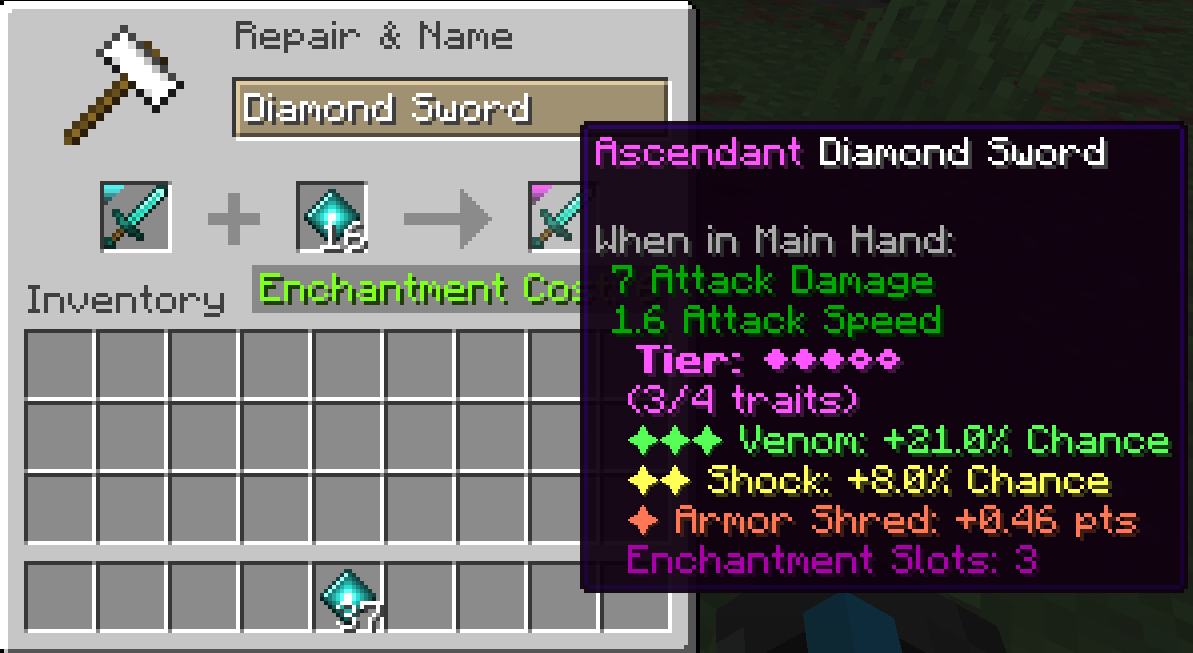
Ascendant Armory does the opposite: your diamond sword stays a diamond sword. But now it can be Honed, Empowered, Ascendant, Mythic, or Divine, each tier earned at the anvil, each tier adding a randomly-rolled trait. Deep late-game progression and build crafting without breaking anything else.
- 5 ascension tiers (Honed → Divine), each adds a trait slot + enchantment slot
- 30+ traits across weapon, ranged, armor, tool pools, with synergy pairs and high-risk curses
- Trait donation, gear salvage, deterministic anvil rerolls, smithing-aware trait fill
- Vanilla advancement tree + per-item kill tracking on every leveled weapon
- Vanilla-friendly: doesn't add gear, doesn't replace enchants, doesn't fight other mods
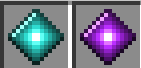
Ascension and Chaos cores:
Tiered Diamond Weapons:

Anvil Upgrade Example:
Full documentation → Wiki
The wiki covers everything: every trait and pool, the anvil mechanics (level-up, reroll, donation, salvage), the synergy and curse systems, loot distribution math, commands, the full config reference, and supported integrations.
Requirements
- Fabric API
- Pufferfish's Attributes
Tip
Pairs beautifully with Particle Effects — a client-only mod that punches up vanilla particle visuals. Ascendant Armory uses particles heavily for trait procs and tier auras; Particle Effects makes them look great. No server install needed, no gameplay impact.
License
MIT.
Available Versions
How to Install Ascendant Armory on Your Server
Order Server
Order a Minecraft Java server with at least 3 GB RAM (4 GB recommended).
Set fabric Loader
In the panel under "Egg", select the fabric loader and matching Minecraft version (26.1.2).
Install Mod
Open the mod browser in the dashboard and search for "Ascendant Armory". Click "Install" – done! Alternatively, upload the .jar via SFTP to the /mods folder.
Compatibility
Mod Loaders
Minecraft Versions
26.1.2, 26.1.1, 26.1
Server-side
✓ RequiredRecommended RAM
4 GB(min. 3 GB)Frequently Asked Questions
Ascendant Armory server crashes on startup – what to do?
Most common cause: wrong fabric version or insufficient RAM. Check the server log (latest.log) for "OutOfMemoryError" or "Mixin" errors. With Mado Hosting: ensure at least 3 GB RAM is allocated and the loader matches the mod version (26.1.2). You can switch loaders with one click in the panel.
Is Ascendant Armory compatible with fabric?
Ascendant Armory officially supports fabric for Minecraft 26.1.2, 26.1.1, 26.1. The Mado dashboard automatically detects incompatible loader combinations.
Server lagging with Ascendant Armory – how to optimize performance?
Recommended RAM: 4 GB (per 8 players). Use /spark profiler to check if Ascendant Armory consumes the most tick time. Common fixes: reduce server view-distance to 8-10, install "performant" or "starlight" as supplementary mods on Forge. With Mado Hosting, your server runs on NVMe SSDs with dedicated CPU cores for minimal latency.
Similar Mods




Rent Modded Server
Install Ascendant Armory with just one click on your server.