Assisted Progression
A simple mod to help you along the way
About this Mod
Mod Requirements
- NeoForge only, version 20.4.72-beta or above
Assisted Progression
Over the years and across various mods, there are ideas for blocks and items that don't fit some overall theme, but are still nice to have. This mod is a repository of sorts for those ideas. While every idea may not be completly novel, there are plenty of simple to use items and blocks that assist along the way in modded minecraft.
Credits
pauljoda - Developer
powerchug - Textures
Permissions
You are free to use this mod in any pack on whatever platform as long as proper credit is listed.
Items
Spawner Relocator
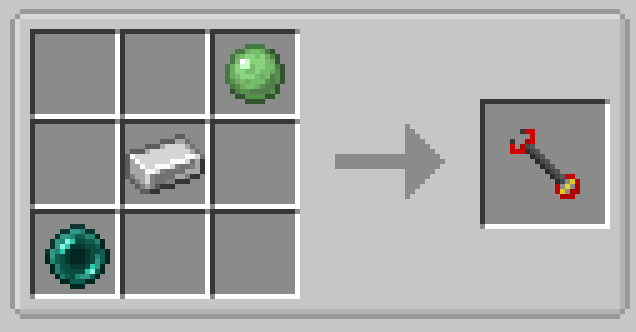
The spawner relocator allows you to pick up, and place a vanilla spawner. Hold right click, and release when looking at a spawner to pick it up, and reverse to place. This is a one use item.
Magnets
Magnet
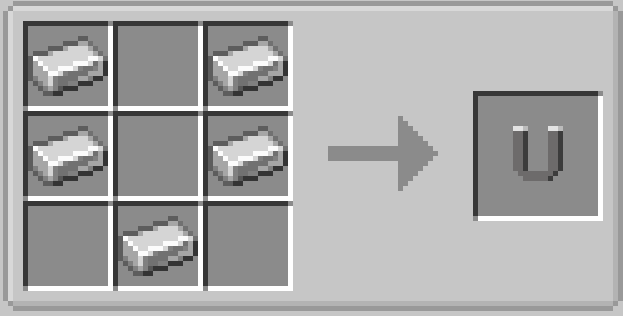
The magnet allows you to attract things towards the player. Shift right click to toggle activation. The base magnet does not require power, however there may be some things you would not want brought to you while active. Use with caution.
Electric Magnet
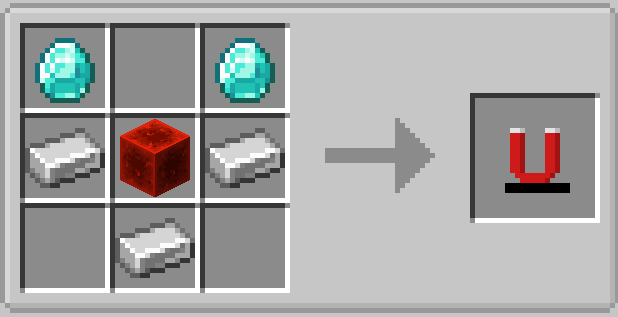
The electric magnet is similar to the base magnet, but does require power to operate. The advantage being that this will only pull items and xp orbs towards the player.
Trash Bags
Trash Bag
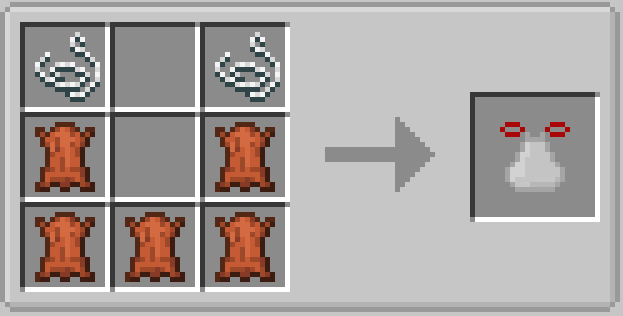
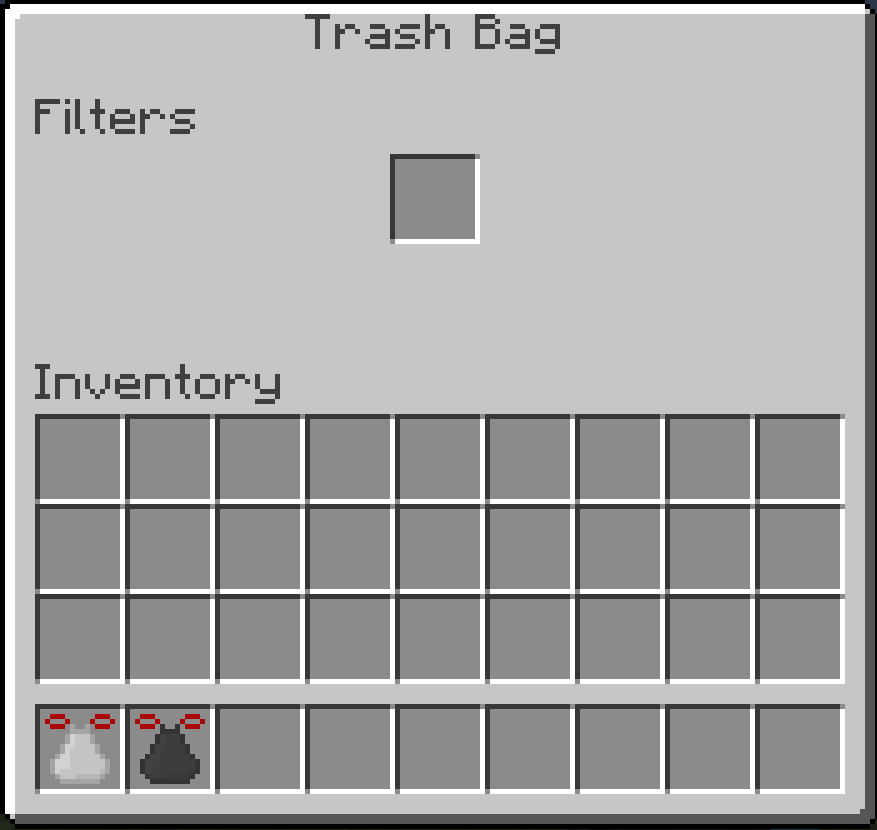
The trash bag allows you to set filters that will automatically void items on pickup. The base trash bag supports one item. If you have JEI installed, you can click and drag items from JEI to the filter slots to set the filter without the need of the item. The bags will match tags and damage of the item in the filter.
Hefty Bag
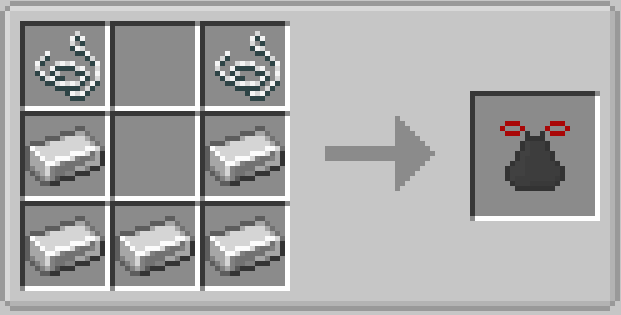
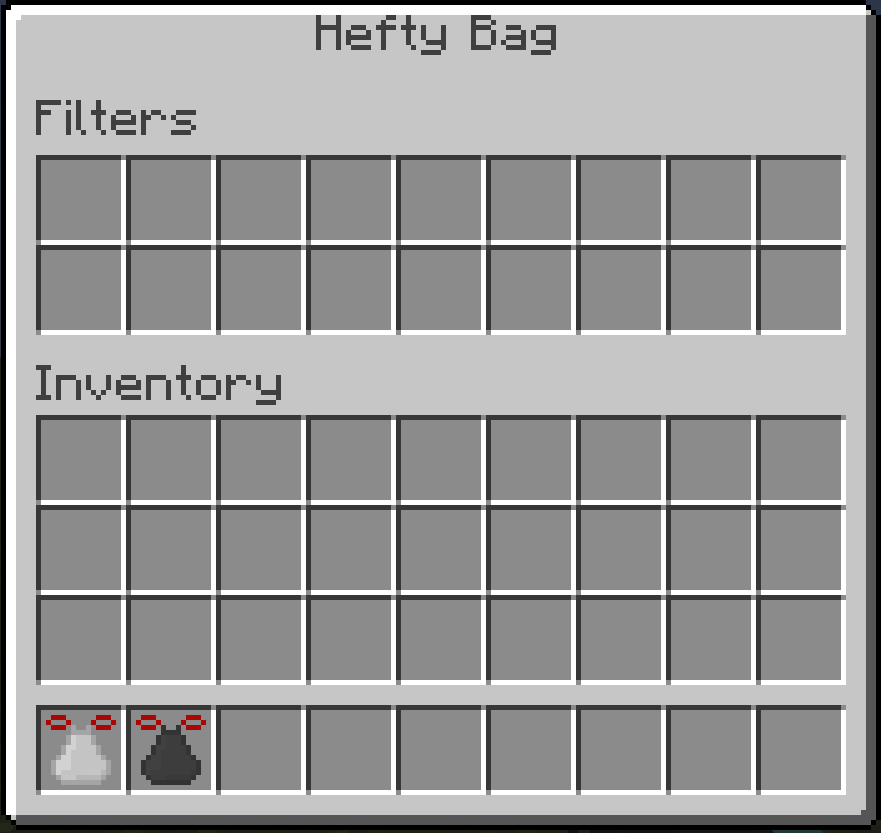
The hefty bag allows you to do the same thing as the trash bag, but with more filter slots,
Pipette
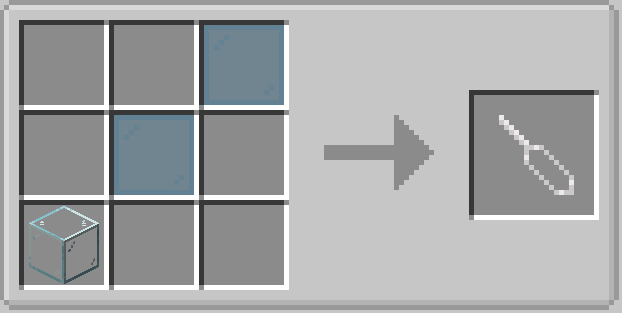
The pipette can be crafted with any type of glass and two panes. It can hold up to a full bucket of fluid, and will drain and fill fluid handling blocks with right click. Particularly useful for small fluid amounts that need moved around in mods like Tinker's Construct.
Parashoes
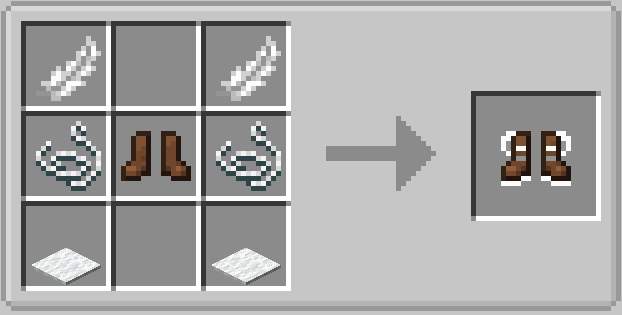
The parashoes are proof that a pun can become a good idea. This pair of shoes, has a parachute that will slow your decent. Wear these to glide from heights safely.
Climbing Gloves
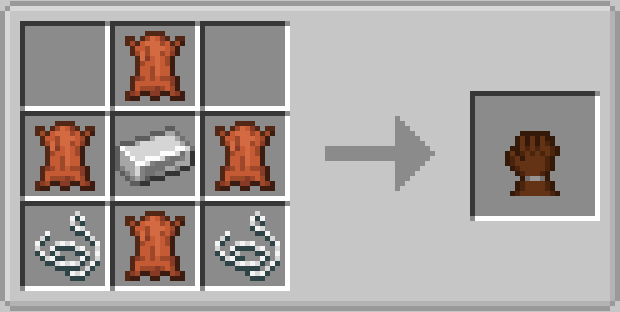
Climbing gloves allow you to scale vertical surfaces while they are in your inventory. Combined with the parashoes, they are an excellent way to traverse large caves, ravines, and mountains.
Mob Net and Mob Net Launcher
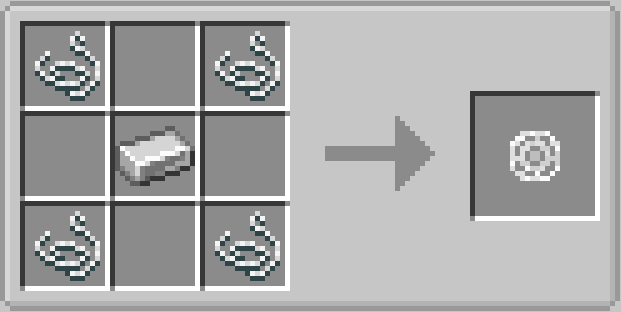
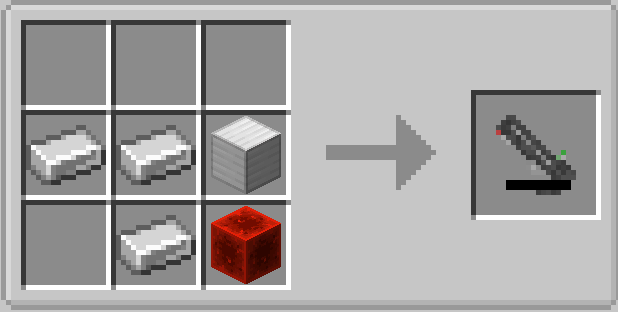
The mob net and mob net launcher are items used to capture and move mobs. Use the launcher to launch a net at a mob, once hit the mob will be trapped in the net. Right click the ground to respawn the exact mob, or right click a spawner frame (see spawner frame), to create a vanilla spawner of that type. The launcher does require power to operate.
Blocks
Ender Pad
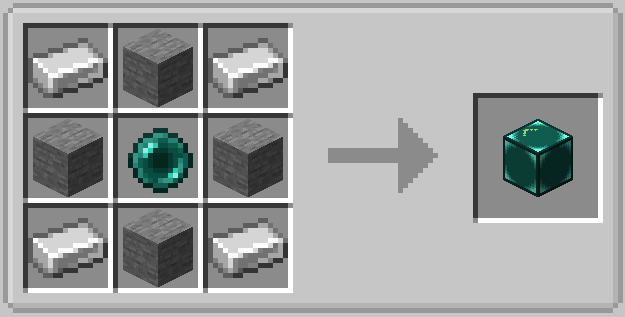
The ender pad is a way to warp on the horizontal axis. The arrow will face away from the player when placed, and if you sneak while standing on top it will send you to another ender pad in the direction the arrow points, up to 20 blocks. It will send you through walls so it is a great way to move in and out of an area that may not have a normal access.
Player Plate
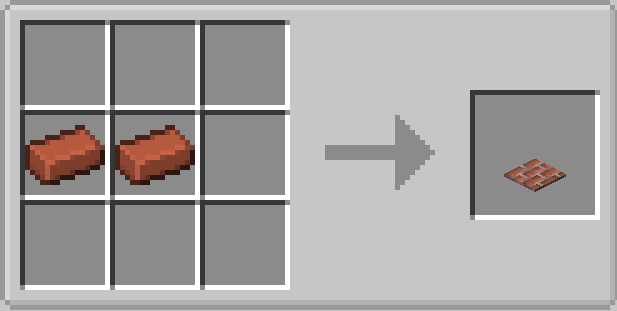
The player plate is a pressure plate that will only activate when players are on top.
Spawner Frame
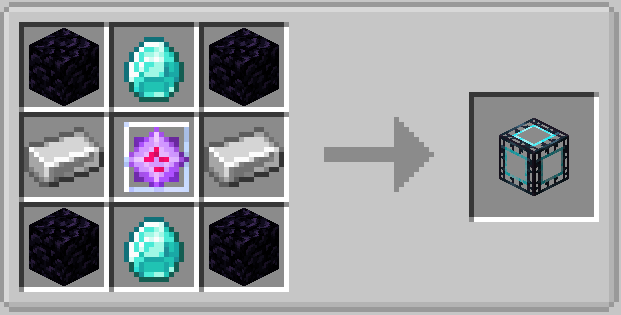
On its own, the spawner frame is a simple block; however, when a mob net with a captured mob is right clicked onto the frame it will transform into a vanilla spawner of that type of mob. This is a one way process and the spawner will not revert back to a frame.
Available Versions
How to Install Assisted Progression on Your Server
Order Server
Order a Minecraft Java server with at least 3 GB RAM (4 GB recommended).
Set forge Loader
In the panel under "Egg", select the forge loader and matching Minecraft version (1.20.4).
Install Mod
Open the mod browser in the dashboard and search for "Assisted Progression". Click "Install" – done! Alternatively, upload the .jar via SFTP to the /mods folder.
Compatibility
Mod Loaders
Minecraft Versions
1.20.4, 1.18.2
Server-side
✓ RequiredRecommended RAM
4 GB(min. 3 GB)Frequently Asked Questions
Assisted Progression server crashes on startup – what to do?
Most common cause: wrong forge version or insufficient RAM. Check the server log (latest.log) for "OutOfMemoryError" or "Mixin" errors. With Mado Hosting: ensure at least 3 GB RAM is allocated and the loader matches the mod version (1.20.4). You can switch loaders with one click in the panel.
Is Assisted Progression compatible with forge and neoforge?
Assisted Progression officially supports forge, neoforge for Minecraft 1.20.4, 1.18.2. The Mado dashboard automatically detects incompatible loader combinations.
Server lagging with Assisted Progression – how to optimize performance?
Recommended RAM: 4 GB (per 8 players). Use /spark profiler to check if Assisted Progression consumes the most tick time. Common fixes: reduce server view-distance to 8-10, install "performant" or "starlight" as supplementary mods on Forge. With Mado Hosting, your server runs on NVMe SSDs with dedicated CPU cores for minimal latency.
Similar Mods




Rent Modded Server
Install Assisted Progression with just one click on your server.
Details
- License
- Creative Commons Attribution Non Commercial Share Alike 4.0 International
- Server-side
- Required