
Aures - Dragon Survival
Global modification for Java Minecraft centered around playable dragons.
Screenshots
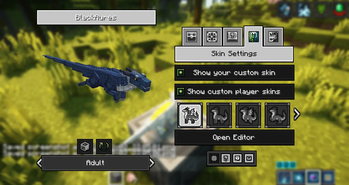
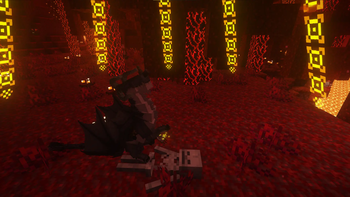
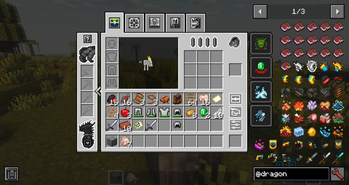
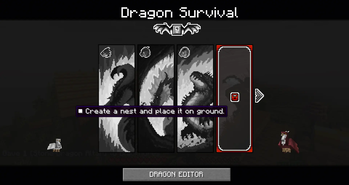
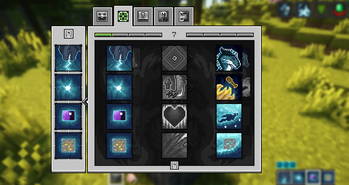
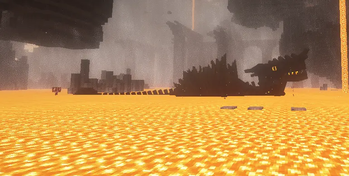
About this Mod
Curseforge - https://www.curseforge.com/minecraft/mc-mods/dragons-survival
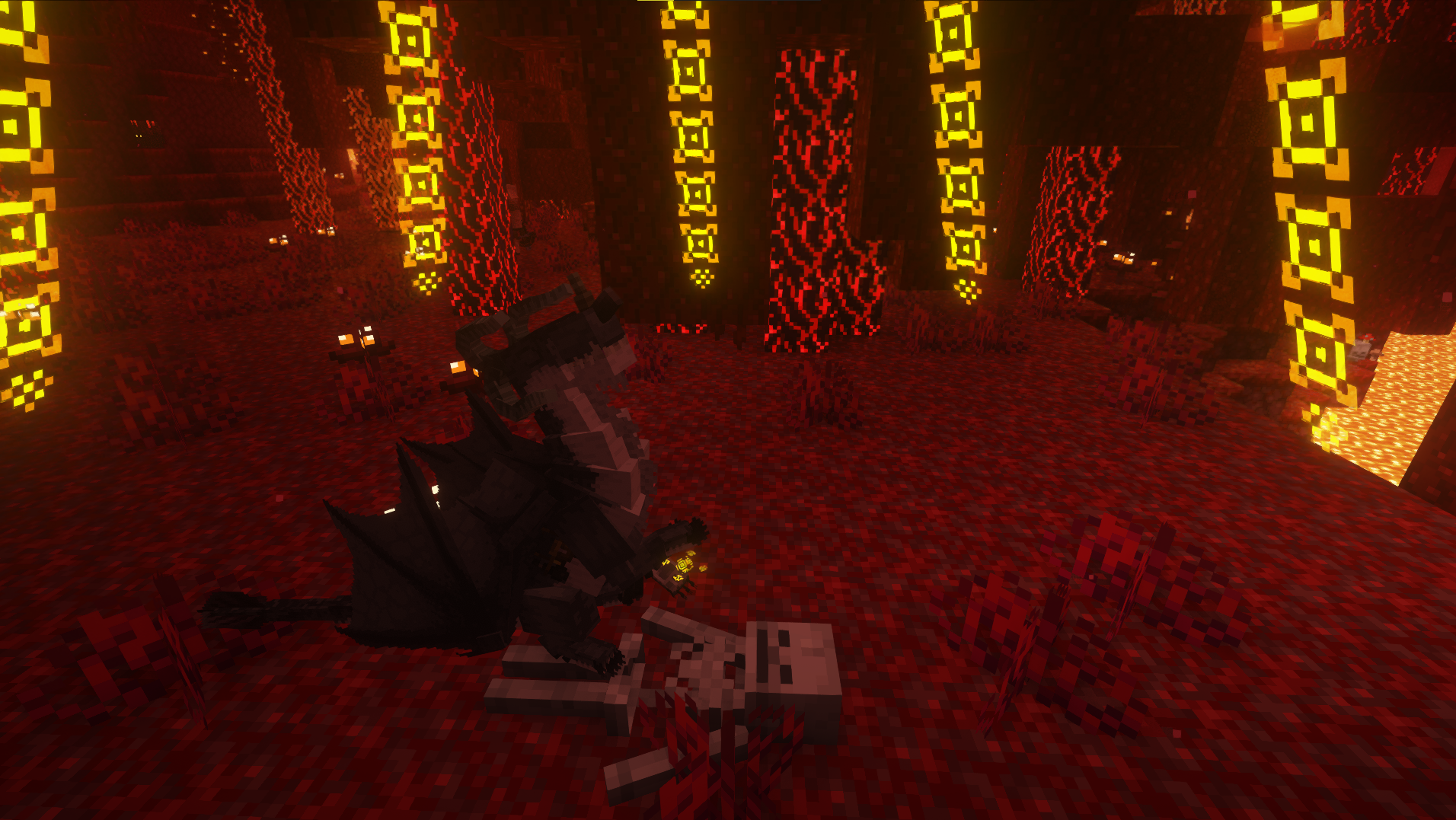
■ If you dream of becoming a dragon in Minecraft like me, then this mod is for you! ■
■ Dragon Survival is a global modification for Minecraft centered around playable dragons. It doesn’t add new mounts to Minecraft - you become the dragon yourself! If you want, of course. Other players can remain human if they wish. In our mod, you don’t just change the player model - you get something much more!
■ Dragon Survival is not as simple as it seems! This global mod completely transforms your gameplay and focuses it on becoming one of 3 types of dragons: forest, sea, or cave. Each type has its own characteristics and unique magic. The mod was created by a true dragon enthusiast for other dragon lovers. A lot of soul has been poured into this mod, with numerous small details that make your gaming experience unique and unforgettable. Beware! Once you try this mod, you’ll most likely never want to play Minecraft without it again! :)
■ 3+ Dragon Species ■ 36 Magic Skills ■ Roleplay Emotions ■ Reputation and Dragon Hunters ■ Flight ■ Growth system ■ Treasures and Loot ■ Customisation and Skins ■ Your own custom species ■ Many Configs ■ Many addons with new species ■ Many modpacks ■
Available Versions
How to Install Aures - Dragon Survival on Your Server
Order Server
Order a Minecraft Java server with at least 3 GB RAM (4 GB recommended).
Set forge Loader
In the panel under "Egg", select the forge loader and matching Minecraft version (1.21.1).
Install Mod
Open the mod browser in the dashboard and search for "Aures - Dragon Survival". Click "Install" – done! Alternatively, upload the .jar via SFTP to the /mods folder.
Compatibility
Mod Loaders
Minecraft Versions
1.21.1, 1.20.1, 1.19.2 (+2 more)
Server-side
✓ RequiredRecommended RAM
4 GB(min. 3 GB)Frequently Asked Questions
Aures - Dragon Survival server crashes on startup – what to do?
Most common cause: wrong forge version or insufficient RAM. Check the server log (latest.log) for "OutOfMemoryError" or "Mixin" errors. With Mado Hosting: ensure at least 3 GB RAM is allocated and the loader matches the mod version (1.21.1). You can switch loaders with one click in the panel.
Is Aures - Dragon Survival compatible with forge and neoforge?
Aures - Dragon Survival officially supports forge, neoforge for Minecraft 1.21.1, 1.20.1, 1.19.2. The Mado dashboard automatically detects incompatible loader combinations.
Server lagging with Aures - Dragon Survival – how to optimize performance?
Recommended RAM: 4 GB (per 8 players). Use /spark profiler to check if Aures - Dragon Survival consumes the most tick time. Common fixes: reduce server view-distance to 8-10, install "performant" or "starlight" as supplementary mods on Forge. With Mado Hosting, your server runs on NVMe SSDs with dedicated CPU cores for minimal latency.
Similar Mods




Rent Modded Server
Install Aures - Dragon Survival with just one click on your server.