Auto Attack
Be AFK at your Mob Grinder / Farm
Screenshots
About this Mod
Auto Attack by John Adept
Need to keep your mob grinder going while you grab a snack? Auto Attack automates your attacks — now rebuilt for Fabric and NeoForge, with a brand-new in-game configuration screen (since v3.0.0).
- Client-side — works in Multiplayer/LAN
- Runs even when Minecraft is minimized
- Attacks are timed to maximize damage
- Rotation Mode to hit across a wider area
- Weapon durability protection with thresholds
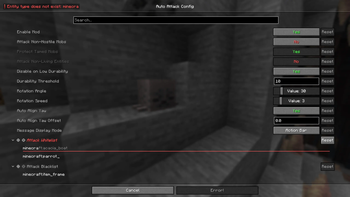
- Customizable via in-game config (requires Cloth Config API; Fabric also needs Mod Menu) or by editing the config JSON
Auto Attack
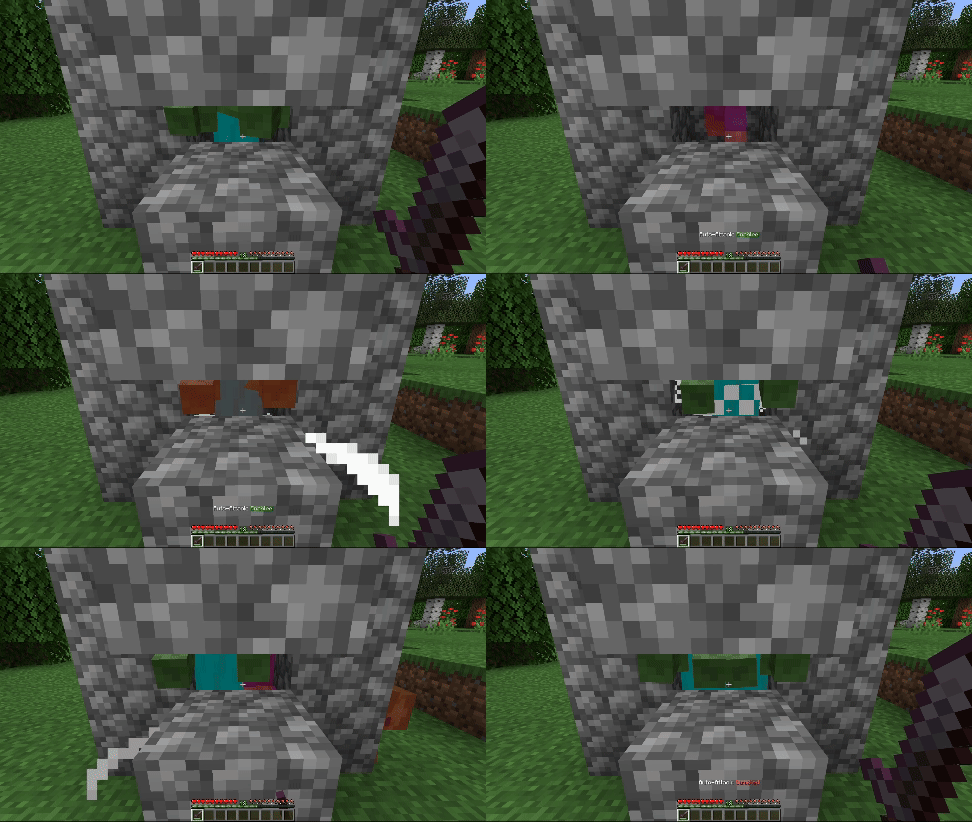
Automatically hits mobs in reach and in your crosshair.
Rotation Mode
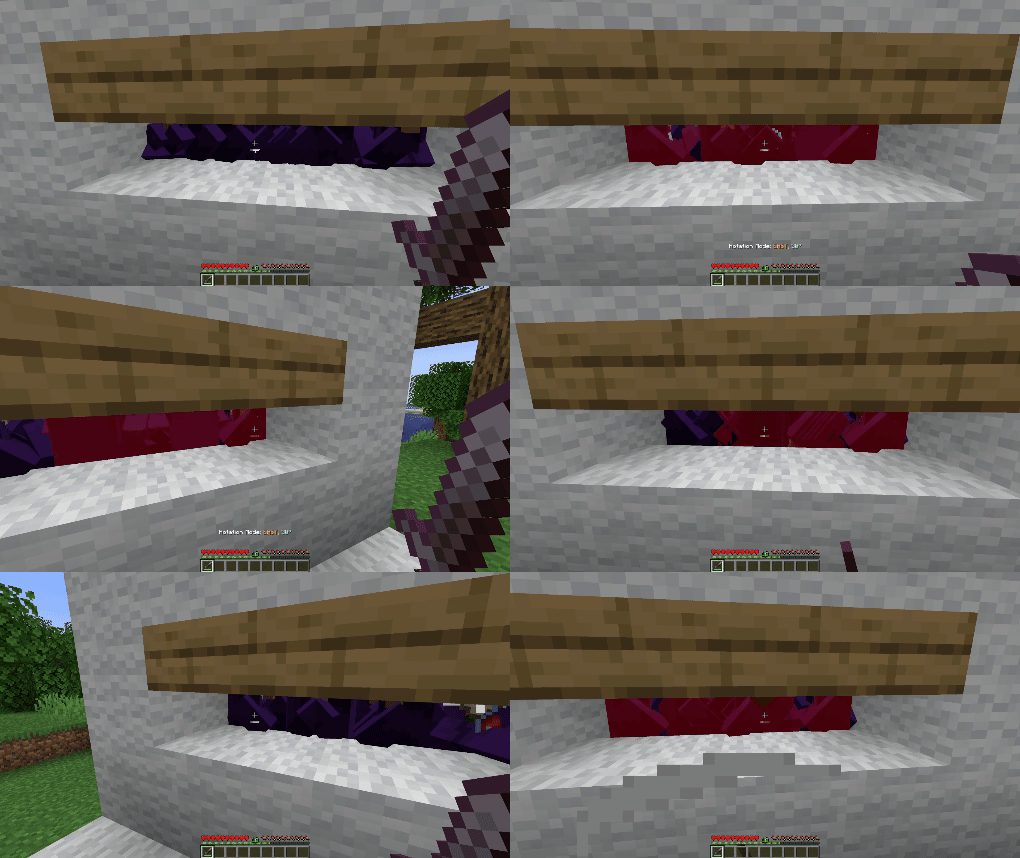
Sweeps your aim left and right by a set angle (default: 30°) before returning to center. Adjustable speed, angle, and auto-align make it ideal for hitting mobs in a wider arc.
Configuration Options (since v3.0.0)
Click to expand
- Enable Mod — Master on/off switch for Auto Attack.
- Attack Non-Hostile Mobs — Attack passive mobs (e.g. villagers, sheep).
- Protect Tamed Mobs — Prevents attacking pets you own.
- Attack Non-Living Entities — Attacks armor stands, minecarts, etc.
- Disable on Low Durability — Stops attacks if your weapon’s durability is low.
- Durability Threshold — The durability value at which Auto Attack stops (only works if above option is enabled).
- Rotation Angle — The left/right rotation in degrees for Rotation Mode (0°–180°).
- Rotation Speed — How fast the camera rotates in Rotation Mode (0–20).
- Auto Align Yaw — Auto-faces the nearest cardinal direction (N/S/E/W) before Rotation Mode starts.
- Auto Align Yaw Offset — Adds a custom offset in degrees to the aligned yaw direction.
- Message Display Mode — How status updates are shown: chat or action bar.
- Attack Whitelist — Entity IDs that will always be attacked, overriding most restrictions.
- Attack Blacklist — Entity IDs that will never be attacked (highest priority).
⚠ Important:
To comply with Modrinth's rules regarding cheats and hacks, this mod isn't able to automatically attack players.
Be careful with using it on multiplayer as it might be considered as cheating!
Available Versions
How to Install Auto Attack on Your Server
Order Server
Order a Minecraft Java server with at least 3 GB RAM (4 GB recommended).
Set fabric Loader
In the panel under "Egg", select the fabric loader and matching Minecraft version (26.1.2).
Install Mod
Open the mod browser in the dashboard and search for "Auto Attack". Click "Install" – done! Alternatively, upload the .jar via SFTP to the /mods folder.
Compatibility
Mod Loaders
Minecraft Versions
26.1.2, 26.1.1, 26.1 (+10 more)
Server-side
✗ UnsupportedRecommended RAM
4 GB(min. 3 GB)Frequently Asked Questions
Auto Attack server crashes on startup – what to do?
Most common cause: wrong fabric version or insufficient RAM. Check the server log (latest.log) for "OutOfMemoryError" or "Mixin" errors. With Mado Hosting: ensure at least 3 GB RAM is allocated and the loader matches the mod version (26.1.2). You can switch loaders with one click in the panel.
Is Auto Attack compatible with fabric and neoforge?
Auto Attack officially supports fabric, neoforge for Minecraft 26.1.2, 26.1.1, 26.1. The Mado dashboard automatically detects incompatible loader combinations.
Server lagging with Auto Attack – how to optimize performance?
Recommended RAM: 4 GB (per 8 players). Use /spark profiler to check if Auto Attack consumes the most tick time. Common fixes: reduce server view-distance to 8-10, install "performant" or "starlight" as supplementary mods on Forge. With Mado Hosting, your server runs on NVMe SSDs with dedicated CPU cores for minimal latency.
Rent Modded Server
Install Auto Attack with just one click on your server.