
Auto Workstations
Fabric mod for auto crafting, enchanting, anvil operations, brewing, and more!
About this Mod


Auto Workstations adds automated versions for many of the vanilla workstations, including:
- Crafting Table
- Furnace
- Enchanting Table
- Brewing Stand
- Grindstone
Although some of these may already seem automatable, such as the furnace, this mod allows the automation of XP collection from them.
Each auto workstation in the mod has an iron and gold version, with the gold version being faster.
Currently looking for developers to help out with the mod! Please join the Discord and drop a message if interested.

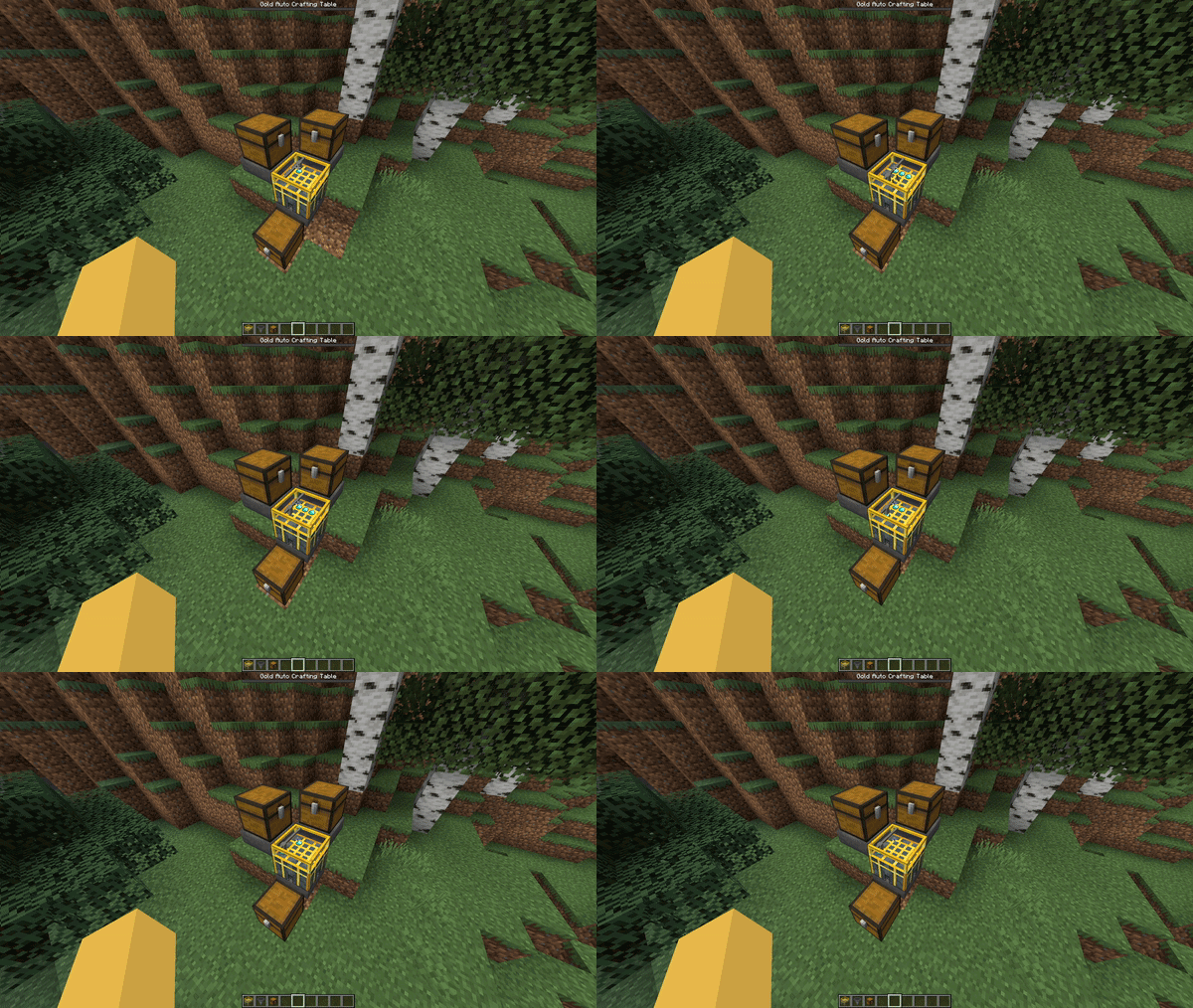

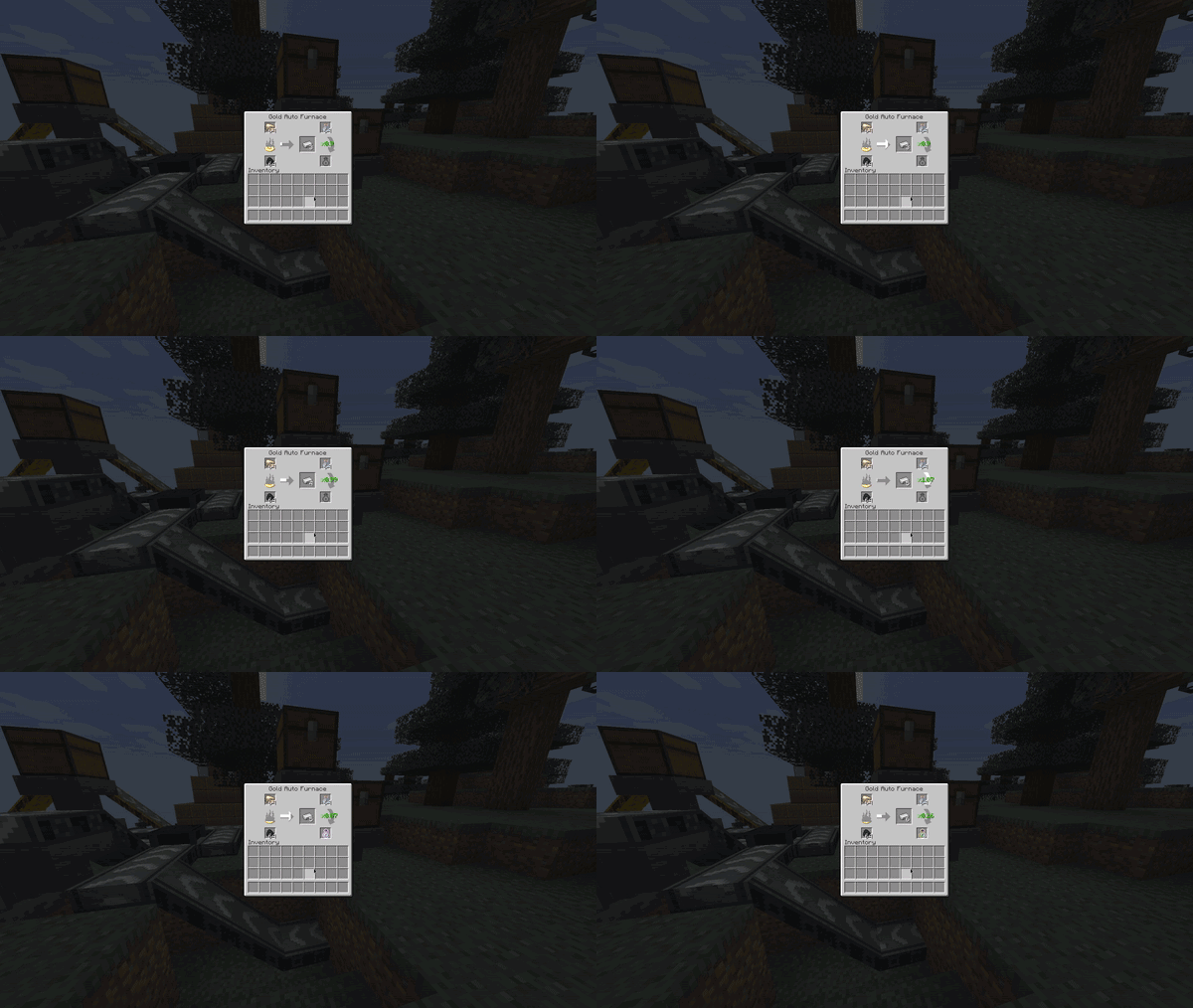
Auto Furnaces allows the automated extraction of XP. Empty glass bottles can be inserted, and they will be filled with XP to product bottles o' enchanting.
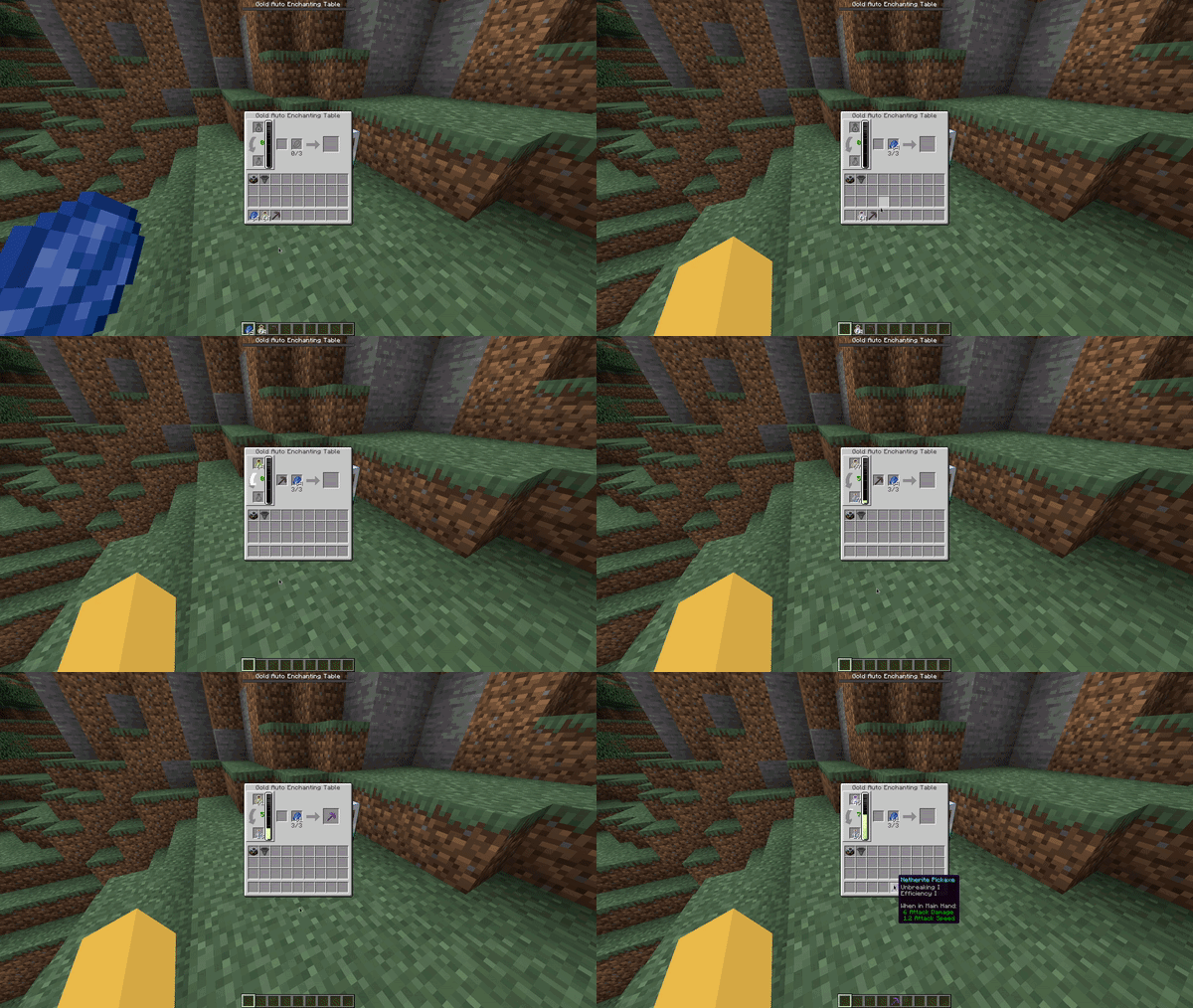
Auto Enchanting Tables can store XP, this works like a player's XP bar where each level takes longer to fill then the last. Bottles o' enchanting can be inserted and emptied into these and will output empty glass bottles.

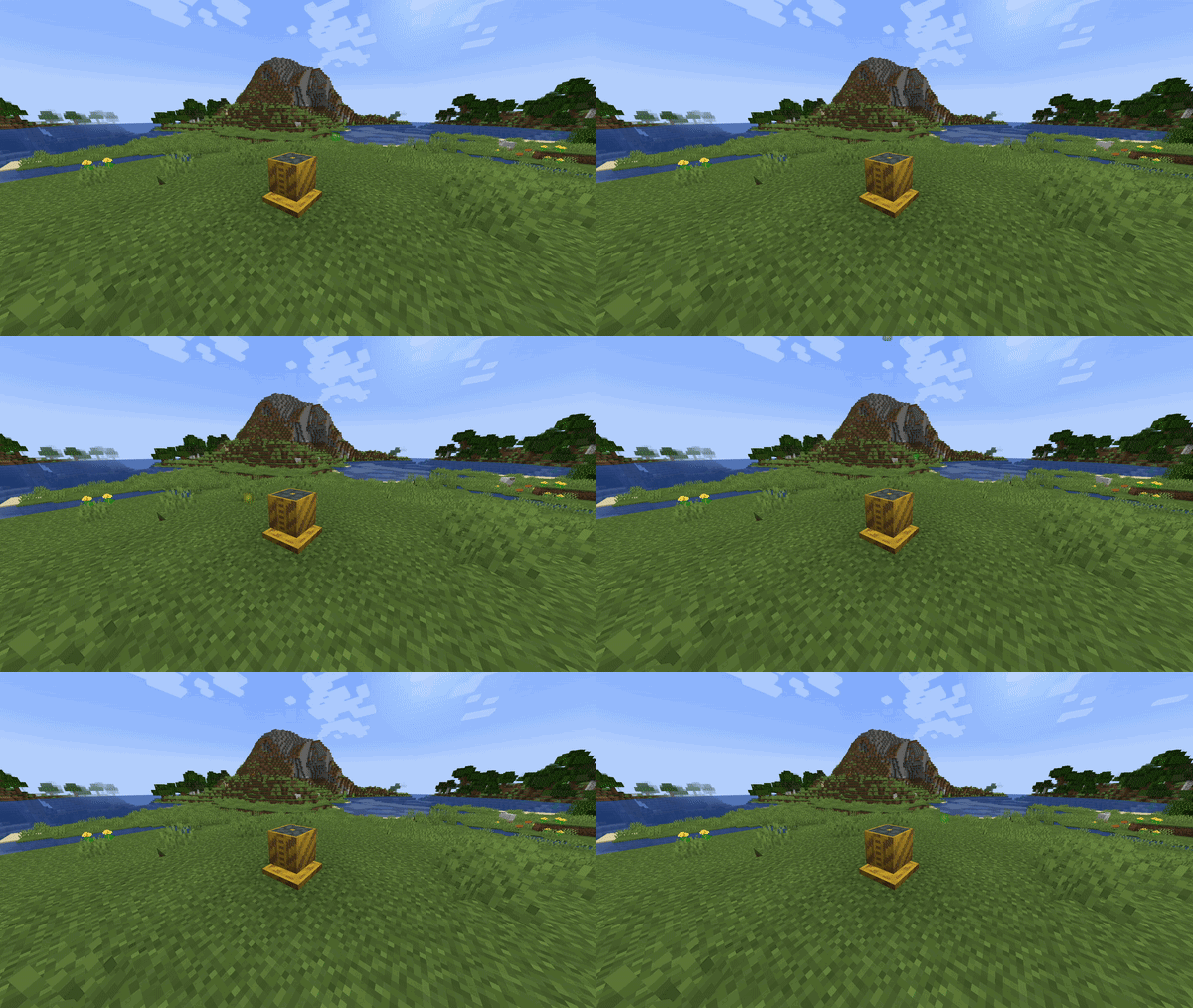
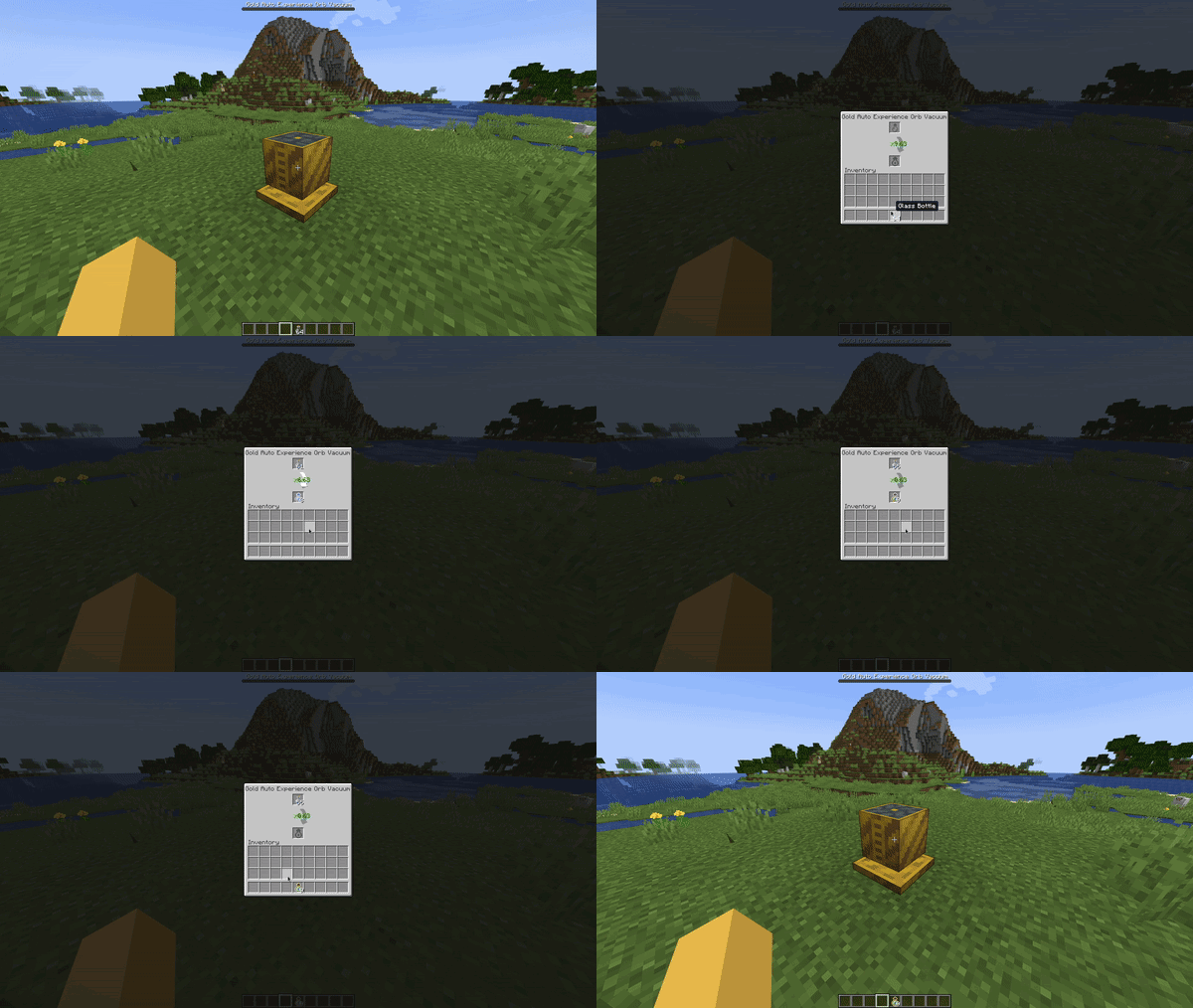
This block can suck up nearby XP orbs and bottle them up like the Auto Furnace. The gold version has a larger range than the iron one.

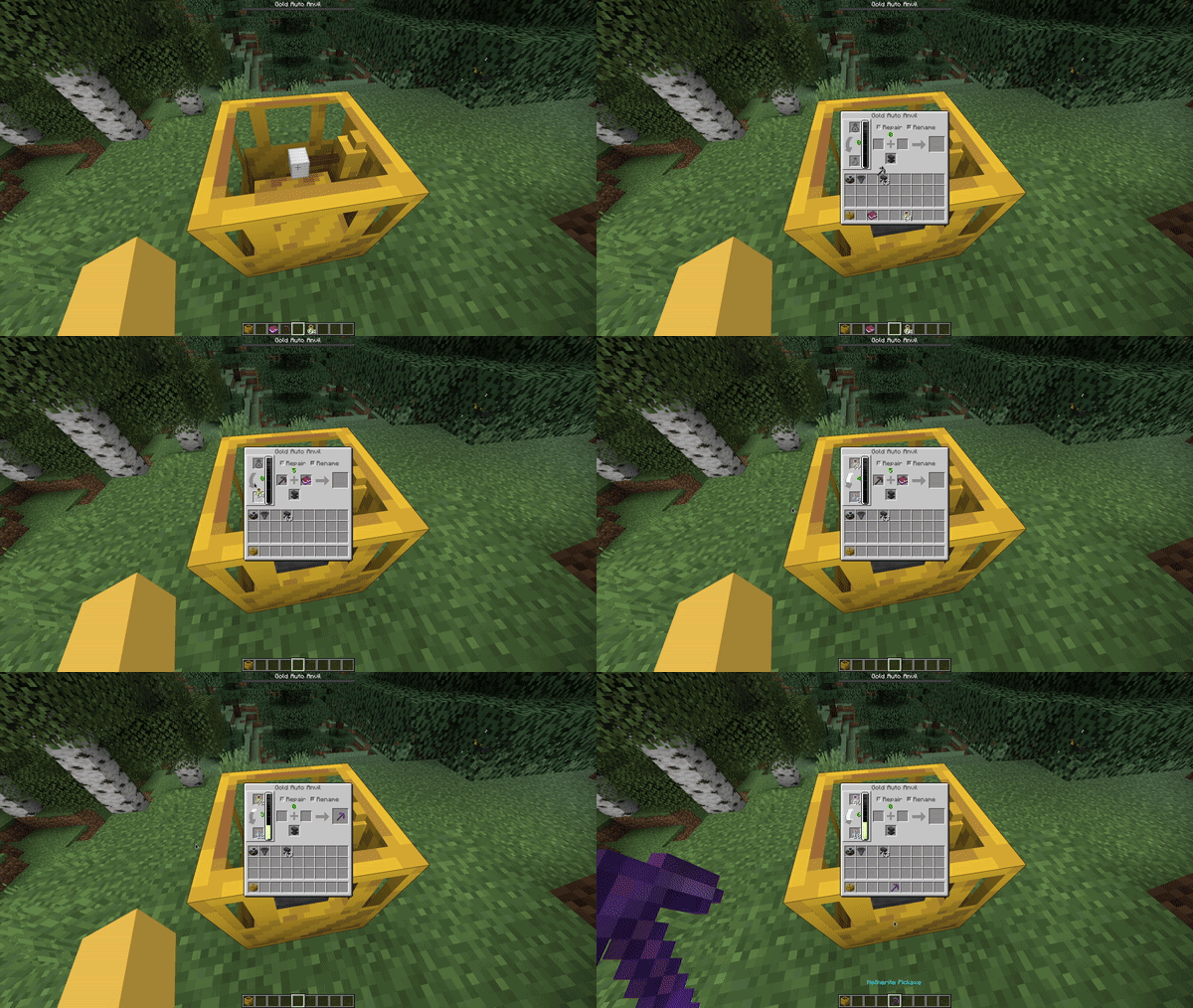
Auto Anvils can store XP, this works like a player's XP bar where each level takes longer to fill then the last. Bottles o' enchanting can be inserted and emptied into these and will output empty glass bottles.
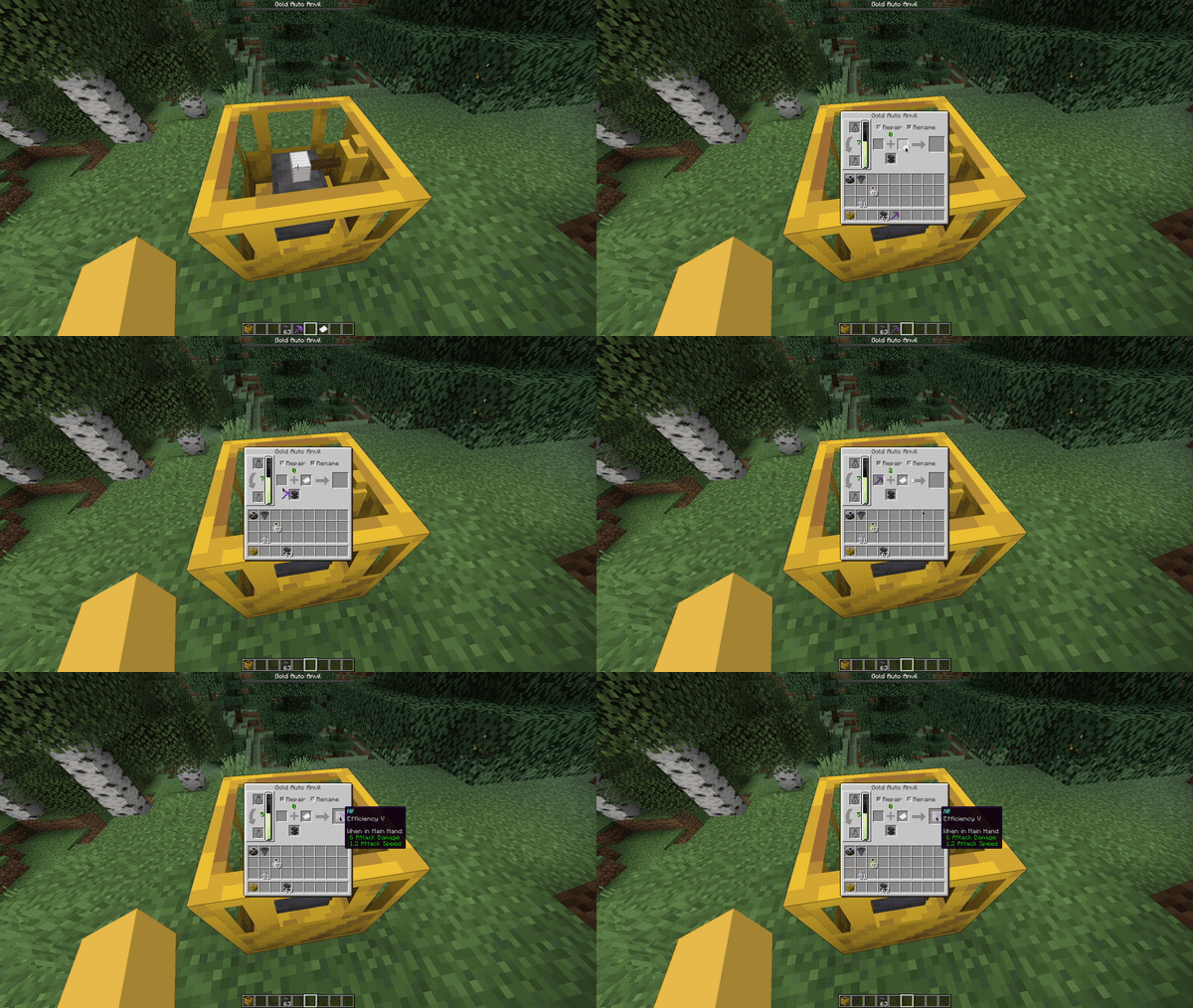
Hoppers can be attached to these to allow complete automation.
Other automated workstations are also planned:
- Smiting table
This mod is in beta, if you find an issue please contact me on discord via my Discord server or by emailing [email protected]
The conveyor belts shown in some GIFs are from: here
Available Versions
How to Install Auto Workstations on Your Server
Order Server
Order a Minecraft Java server with at least 3 GB RAM (4 GB recommended).
Set fabric Loader
In the panel under "Egg", select the fabric loader and matching Minecraft version (1.21.4).
Install Mod
Open the mod browser in the dashboard and search for "Auto Workstations". Click "Install" – done! Alternatively, upload the .jar via SFTP to the /mods folder.
Compatibility
Mod Loaders
Minecraft Versions
1.21.4, 1.21.1, 1.21 (+11 more)
Server-side
✓ RequiredRecommended RAM
4 GB(min. 3 GB)Frequently Asked Questions
Auto Workstations server crashes on startup – what to do?
Most common cause: wrong fabric version or insufficient RAM. Check the server log (latest.log) for "OutOfMemoryError" or "Mixin" errors. With Mado Hosting: ensure at least 3 GB RAM is allocated and the loader matches the mod version (1.21.4). You can switch loaders with one click in the panel.
Is Auto Workstations compatible with fabric?
Auto Workstations officially supports fabric for Minecraft 1.21.4, 1.21.1, 1.21. The Mado dashboard automatically detects incompatible loader combinations.
Server lagging with Auto Workstations – how to optimize performance?
Recommended RAM: 4 GB (per 8 players). Use /spark profiler to check if Auto Workstations consumes the most tick time. Common fixes: reduce server view-distance to 8-10, install "performant" or "starlight" as supplementary mods on Forge. With Mado Hosting, your server runs on NVMe SSDs with dedicated CPU cores for minimal latency.
Similar Mods





Rent Modded Server
Install Auto Workstations with just one click on your server.