
Automated Materials Index (AMI)
AMI adds searchable side panels for browsing large modded registries, grouping related items, and jumping into recipe viewer actions without leaving the inventory flow. It works standalone but is best with JEI and/or EMI for their recipe viewers.
Screenshots
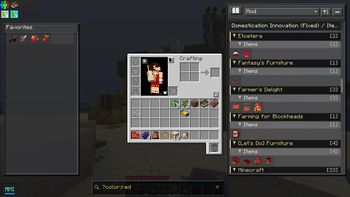
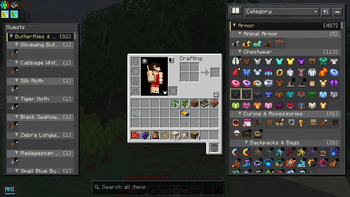
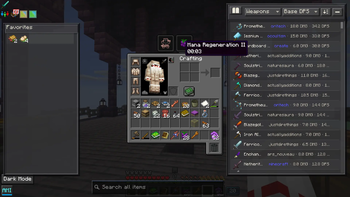
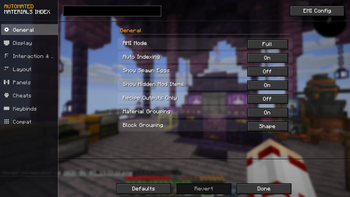
About this Mod
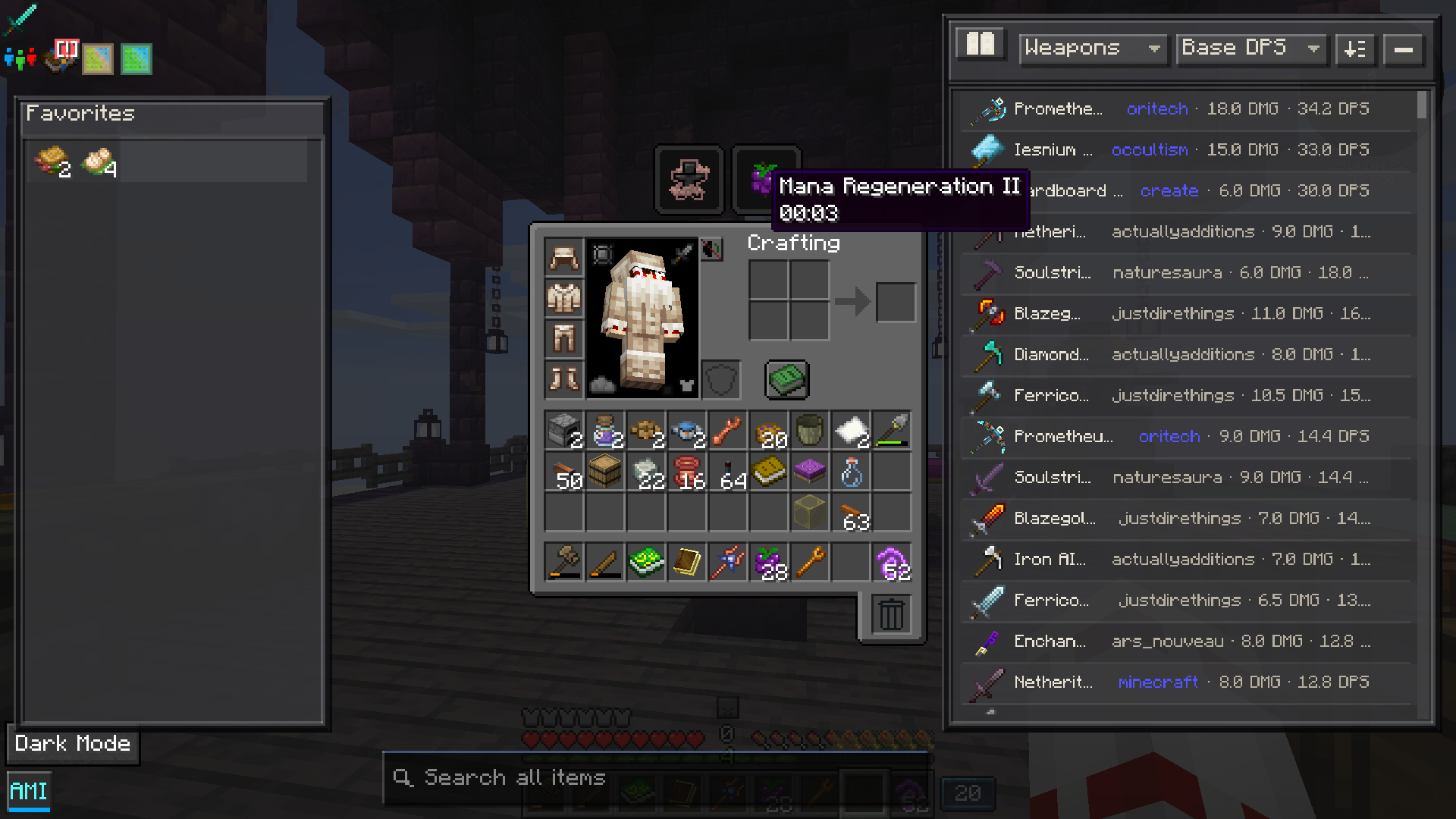
AMI is an index and search mod designed for large Minecraft modpacks. It builds a client-side searchable index of items, entities, biomes, structures, waypoints, guidebooks, quests, and recipe data.
- Material Grouping: Groups related block variants such as stairs, slabs, walls, and other material families to make large item lists easier to browse.
- Structured Query Search: Supports text search plus filters for tags, mods, categories, properties, and numeric metadata such as >energy:50000, >damage:15, or >dps:8.
- Item Metadata Indexing: Detects useful item facts such as durability, tool stats, armor stats, food values, storage capacity, energy capacity, and fluid capacity where available.
- Entity Indexing: Adds searchable entity entries with category, health, attack damage, spawn egg support, and metadata hints such as mountable or tamable where detectable.
- Biome and Structure Search: Includes indexed biome and structure entries alongside item and entity results.
- Recipe Viewer Integration: Works standalone or alongside JEI/EMI, including lookup history, favorites, cheat-mode actions, and recipe transfer from AMI panels.
- Built for Large Modpacks: Handles packs with 50K+ items, with added compatibility for some popular mods like Cobblemon, Create, Tinkers/SilentGear, and more
Available Versions
How to Install Automated Materials Index (AMI) on Your Server
Order Server
Order a Minecraft Java server with at least 3 GB RAM (4 GB recommended).
Set forge Loader
In the panel under "Egg", select the forge loader and matching Minecraft version (1.21.1).
Install Mod
Open the mod browser in the dashboard and search for "Automated Materials Index (AMI)". Click "Install" – done! Alternatively, upload the .jar via SFTP to the /mods folder.
Compatibility
Mod Loaders
Minecraft Versions
1.21.1, 1.20.6, 1.20.5 (+4 more)
Server-side
✓ RequiredRecommended RAM
4 GB(min. 3 GB)Frequently Asked Questions
Automated Materials Index (AMI) server crashes on startup – what to do?
Most common cause: wrong forge version or insufficient RAM. Check the server log (latest.log) for "OutOfMemoryError" or "Mixin" errors. With Mado Hosting: ensure at least 3 GB RAM is allocated and the loader matches the mod version (1.21.1). You can switch loaders with one click in the panel.
Is Automated Materials Index (AMI) compatible with forge and neoforge?
Automated Materials Index (AMI) officially supports forge, neoforge for Minecraft 1.21.1, 1.20.6, 1.20.5. The Mado dashboard automatically detects incompatible loader combinations.
Server lagging with Automated Materials Index (AMI) – how to optimize performance?
Recommended RAM: 4 GB (per 8 players). Use /spark profiler to check if Automated Materials Index (AMI) consumes the most tick time. Common fixes: reduce server view-distance to 8-10, install "performant" or "starlight" as supplementary mods on Forge. With Mado Hosting, your server runs on NVMe SSDs with dedicated CPU cores for minimal latency.
Similar Mods






Rent Modded Server
Install Automated Materials Index (AMI) with just one click on your server.