
Auto Torch(er)
Remove some tasks from your Minecraft adventures by letting AutoTorcher handle torch placement for you in the dark! Just keep stacked is my advice
Screenshots
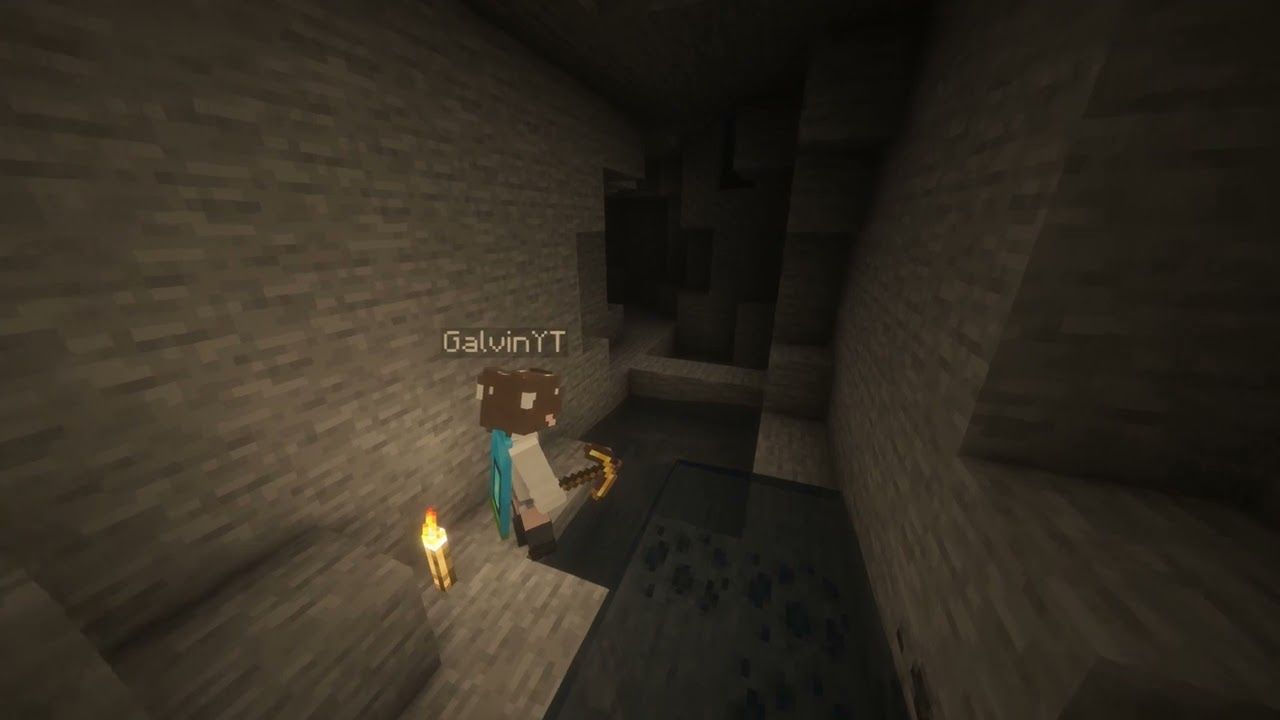
About this Mod
AutoTorcher
Do you forget to place torches while exploring caves? Or maybe you just want to make sure you're never in complete darkness? If so, AutoTorcher is the mod for you!
Remove some tasks from your Minecraft adventures by letting AutoTorcher handle torch placement for you. With this mod installed, torches will be automatically placed whenever you find yourself in a light level of 0, ensuring you always have visibility in dark areas, and a mob-free experience.
Let yourself mine, or eat, or just explore without needing torches in your hand. Just make sure you have torches in your inventory though.
A torch a day keeps the mobs away! Or something like that.
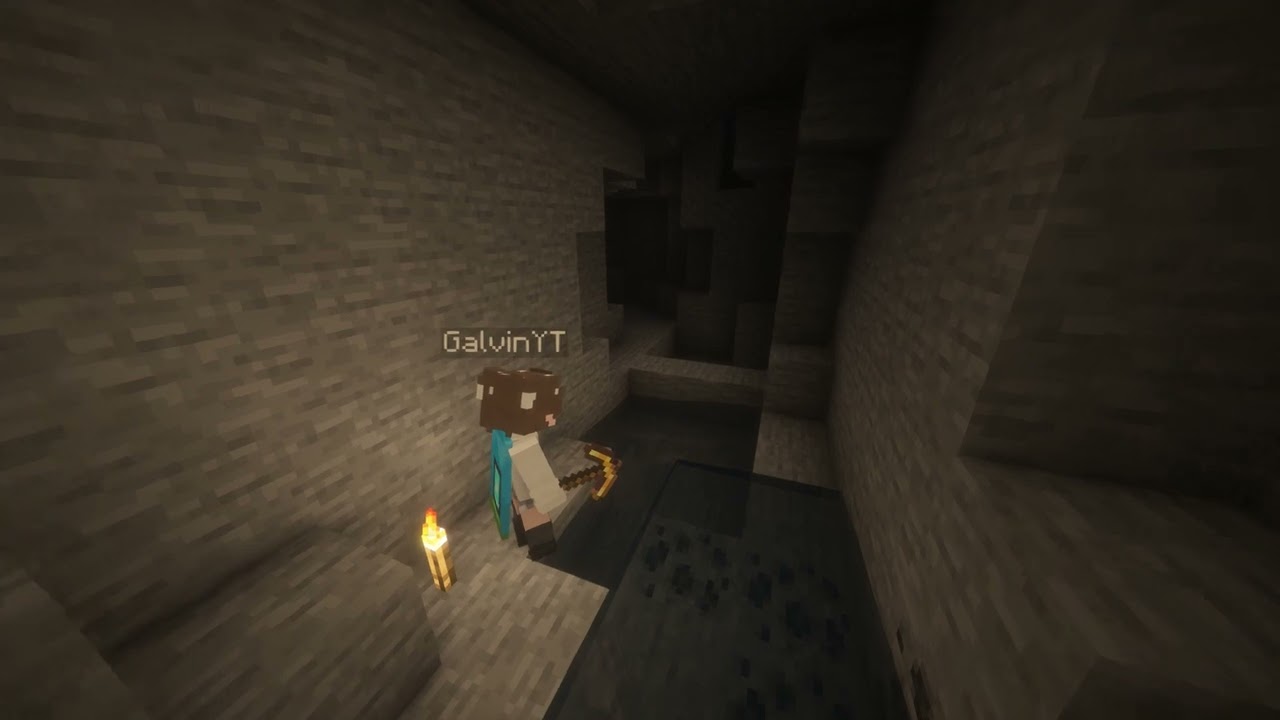
A little video demonstration
How to use
Just keep torches in your inventory, and you'll find that the surrounding space will be automatically lit up!
Supported versions
AutoTorcher is available for Minecraft versions 1.21.10 and above!
Due to the frequency of Minecraft updates now, each Minecraft version has its own .jar file. This is mainly to prevent crashes from each drop.
Please also keep your loader and Fabric API up to date to ensure the best compatibility!
Changelog
1.2.0 - 30/12/2025
- Updated for Minecraft 1.21.11
- Removes torches from being placed when in adventure mode
1.1.0 - 14/12/2025
Closes #2
Gives players the ability to toggle AutoTorch functionality for themselves. New commands for this are
/autotorch on- Turns AutoTorch on for the player/autotorch off- Turns AutoTorch off for the player/autotorch toggle- Toggles AutoTorch on or off for the player/autotorch debug- Enable debugging (admins only for servers, singleplayer requires cheats)
Available Versions
How to Install Auto Torch(er) on Your Server
Order Server
Order a Minecraft Java server with at least 3 GB RAM (4 GB recommended).
Set fabric Loader
In the panel under "Egg", select the fabric loader and matching Minecraft version (26.1.1).
Install Mod
Open the mod browser in the dashboard and search for "Auto Torch(er)". Click "Install" – done! Alternatively, upload the .jar via SFTP to the /mods folder.
Compatibility
Mod Loaders
Minecraft Versions
26.1.1, 26.1, 1.21.11 (+1 more)
Server-side
✓ RequiredRecommended RAM
4 GB(min. 3 GB)Frequently Asked Questions
Auto Torch(er) server crashes on startup – what to do?
Most common cause: wrong fabric version or insufficient RAM. Check the server log (latest.log) for "OutOfMemoryError" or "Mixin" errors. With Mado Hosting: ensure at least 3 GB RAM is allocated and the loader matches the mod version (26.1.1). You can switch loaders with one click in the panel.
Is Auto Torch(er) compatible with fabric and quilt?
Auto Torch(er) officially supports fabric, quilt for Minecraft 26.1.1, 26.1, 1.21.11. The Mado dashboard automatically detects incompatible loader combinations.
Server lagging with Auto Torch(er) – how to optimize performance?
Recommended RAM: 4 GB (per 8 players). Use /spark profiler to check if Auto Torch(er) consumes the most tick time. Common fixes: reduce server view-distance to 8-10, install "performant" or "starlight" as supplementary mods on Forge. With Mado Hosting, your server runs on NVMe SSDs with dedicated CPU cores for minimal latency.
Similar Mods




Rent Modded Server
Install Auto Torch(er) with just one click on your server.