
Autowork
Vanilla+ industrialization/automation mod.
Screenshots
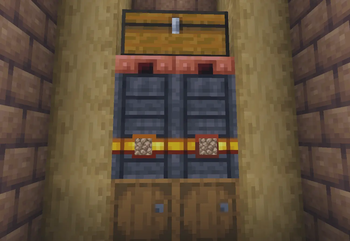
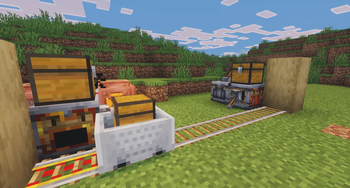
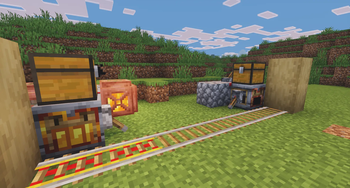
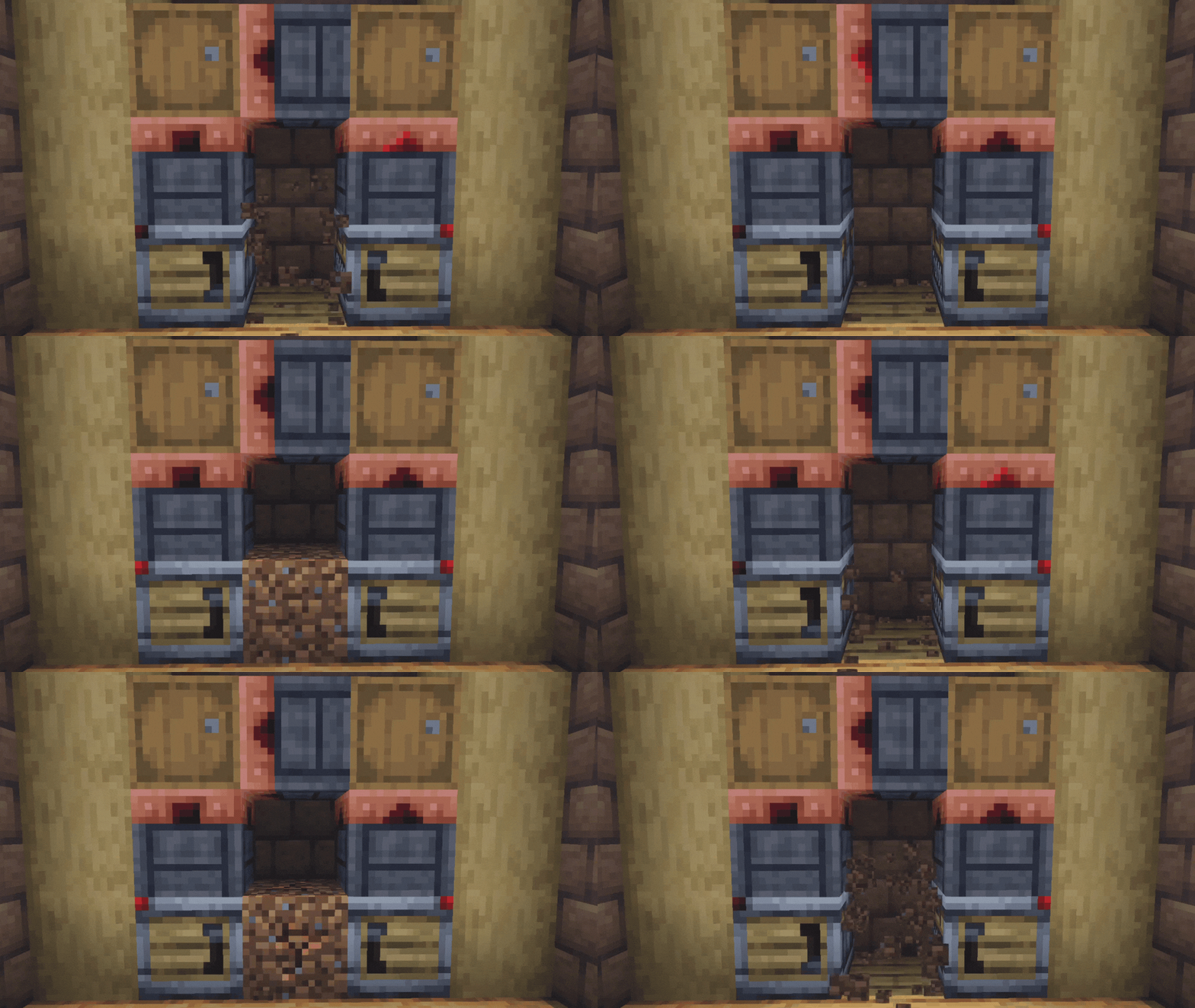
About this Mod

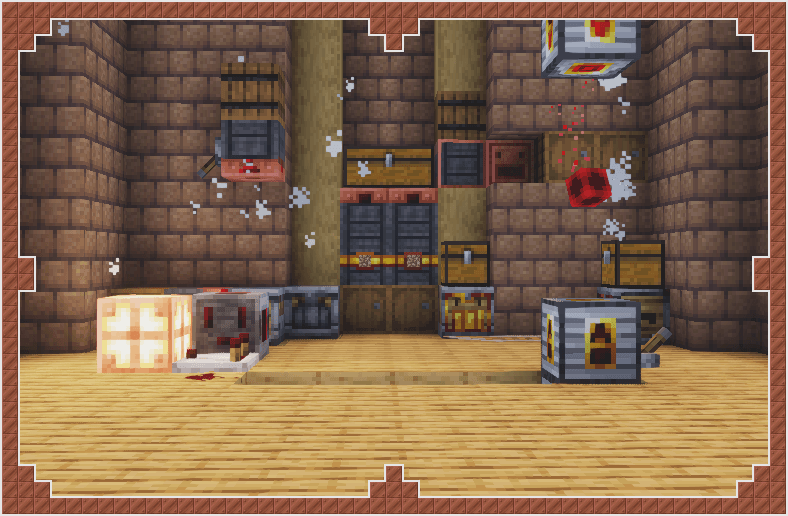
Autowork expands Minecraft's vanilla automation experience with a set of simple and highly composable utility blocks.
Instead of introducing power systems, cables, or complex machine networks, Autowork focuses on automation through movement, logistics, and redstone.
You can build factories using item movement, airflow and minecart transport.
No FE/RF, just Vanilla+ automation.

- Build chains of simple machines instead of having several "All-in-one" machines.
- Build infrastructure; not magical pipes.
- No unnecessary intermediate ingredients just for the sake of complexity.

This mod adds some machines that assist you in making farms.
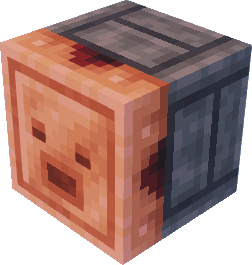
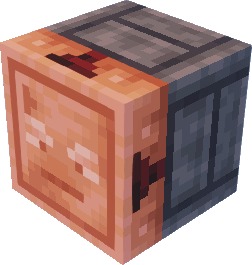

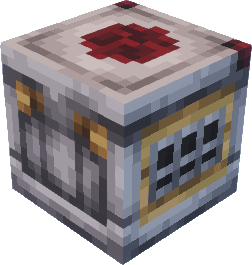
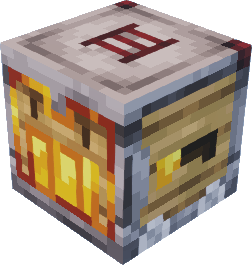
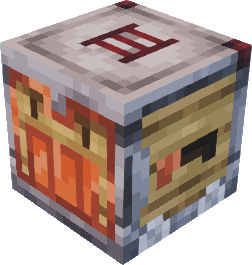
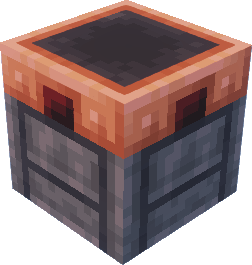
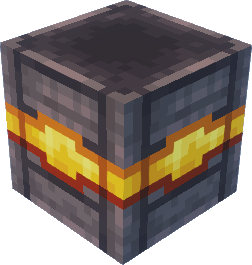
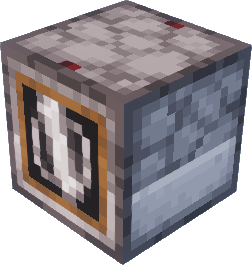
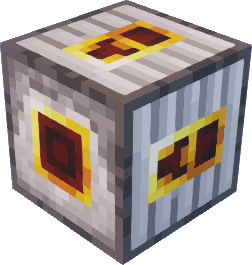
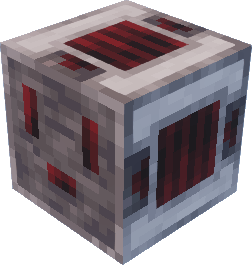
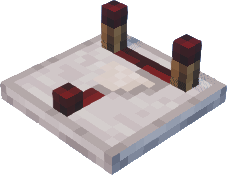
- Extractor - transfers items from one storage to another when powered
- Breeze Collector - collects items in front of itself and puts them in the storage behind when powered
- Drill - uses given tool to mine blocks in front of it
- Placer - places given blocks in front of itself
- Chutes - faster hopper alternative; has variation with filter
- Minecart loader/unloader - loads and unloads minecarts, making using minecarts for automation way easier
- Ticker block - emits redstone signal every N tick, configurable
- Distributor - made to evenly distribute items between different storages
- And Gate - emits signal when powered from both sides
- Transmitter - emits signal charge when powered, which can be caught by another transmitter.
- A fan block.
- ..And more!
The mod also has built-in tooltips so you won't get lost while exploring this mod :D
This mod is great for those who want simple automation without complex concepts.
Heavily inspired by Create mod.
Available Versions
How to Install Autowork on Your Server
Order Server
Order a Minecraft Java server with at least 3 GB RAM (4 GB recommended).
Set neoforge Loader
In the panel under "Egg", select the neoforge loader and matching Minecraft version (1.21.1).
Install Mod
Open the mod browser in the dashboard and search for "Autowork". Click "Install" – done! Alternatively, upload the .jar via SFTP to the /mods folder.
Compatibility
Mod Loaders
Minecraft Versions
1.21.1
Server-side
✓ RequiredRecommended RAM
4 GB(min. 3 GB)Frequently Asked Questions
Autowork server crashes on startup – what to do?
Most common cause: wrong neoforge version or insufficient RAM. Check the server log (latest.log) for "OutOfMemoryError" or "Mixin" errors. With Mado Hosting: ensure at least 3 GB RAM is allocated and the loader matches the mod version (1.21.1). You can switch loaders with one click in the panel.
Is Autowork compatible with neoforge?
Autowork officially supports neoforge for Minecraft 1.21.1. The Mado dashboard automatically detects incompatible loader combinations.
Server lagging with Autowork – how to optimize performance?
Recommended RAM: 4 GB (per 8 players). Use /spark profiler to check if Autowork consumes the most tick time. Common fixes: reduce server view-distance to 8-10, install "performant" or "starlight" as supplementary mods on Forge. With Mado Hosting, your server runs on NVMe SSDs with dedicated CPU cores for minimal latency.
Similar Mods





Rent Modded Server
Install Autowork with just one click on your server.