
Azeroth Expansion
Azeroth Expansion adds new ores inspired by WoW. Mine Raw Silver, Raw True Silver, Raw Mithril, Raw Dark Iron, Raw Tin, and Raw Thorium. Future updates will introduce refined ingots, powerful weapons, and armor forged from these legendary materials.
Screenshots

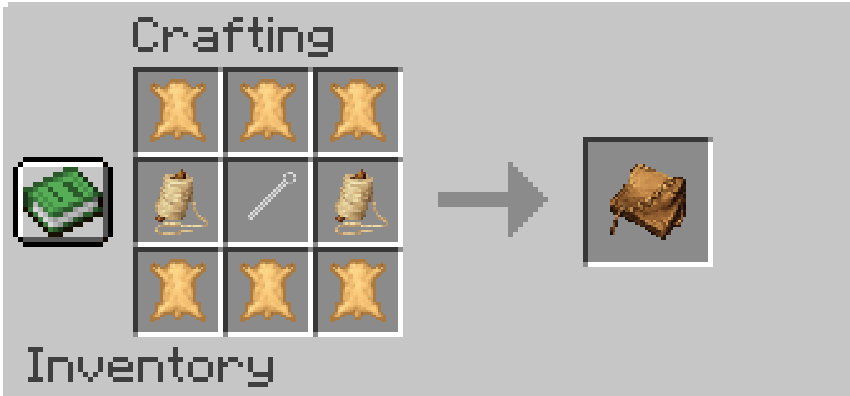

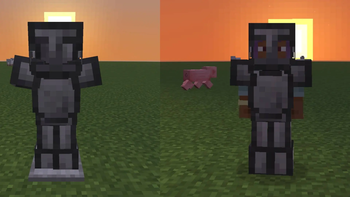
About this Mod

🎬 EP - Grave of Kings
---🛠️ Development Status (Work in Progress)
This mod is currently in active development, so some features are still being worked on or expanded.
Think of what’s here now as the foundation for something much bigger 💕
✨ Update 1.0.10 → 1.0.27
Major Milestone Update
✔️ All raw ores are now fully added
✔️ All ingots are implemented
✔️ All ore blocks are now in the game
✔️ All armors added (WIP)
💡 What I'm Working on Next
⚔️ Weapons
🐎 Horse Armors
🔧 Expanded Tool Sets
📅 Updated: 3/15/2026 → 3/21/2026
⚠️ Important Notice
This mod is still a Work In Progress, which means:
- Things may change
- Bugs may occur
- Some features may be incomplete
💾 Always back up your worlds/saves before using this mod
🌱 What’s Next?
Planned improvements include:
- Unique weapon and armor designs
- Expanded crafting progression
- Better balance across all materials
Thank you so much for your patience and support while I keep building this 💕
Available Versions
How to Install Azeroth Expansion on Your Server
Order Server
Order a Minecraft Java server with at least 3 GB RAM (4 GB recommended).
Set neoforge Loader
In the panel under "Egg", select the neoforge loader and matching Minecraft version (1.21.8).
Install Mod
Open the mod browser in the dashboard and search for "Azeroth Expansion". Click "Install" – done! Alternatively, upload the .jar via SFTP to the /mods folder.
Compatibility
Mod Loaders
Minecraft Versions
1.21.8
Server-side
✓ RequiredRecommended RAM
4 GB(min. 3 GB)Frequently Asked Questions
Azeroth Expansion server crashes on startup – what to do?
Most common cause: wrong neoforge version or insufficient RAM. Check the server log (latest.log) for "OutOfMemoryError" or "Mixin" errors. With Mado Hosting: ensure at least 3 GB RAM is allocated and the loader matches the mod version (1.21.8). You can switch loaders with one click in the panel.
Is Azeroth Expansion compatible with neoforge?
Azeroth Expansion officially supports neoforge for Minecraft 1.21.8. The Mado dashboard automatically detects incompatible loader combinations.
Server lagging with Azeroth Expansion – how to optimize performance?
Recommended RAM: 4 GB (per 8 players). Use /spark profiler to check if Azeroth Expansion consumes the most tick time. Common fixes: reduce server view-distance to 8-10, install "performant" or "starlight" as supplementary mods on Forge. With Mado Hosting, your server runs on NVMe SSDs with dedicated CPU cores for minimal latency.
Rent Modded Server
Install Azeroth Expansion with just one click on your server.