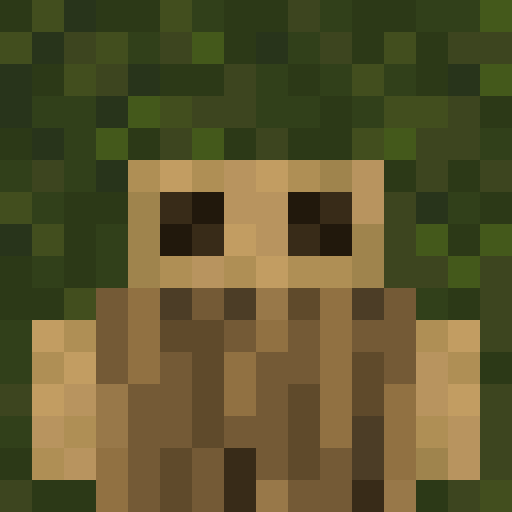
Barklings
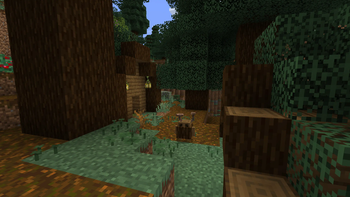
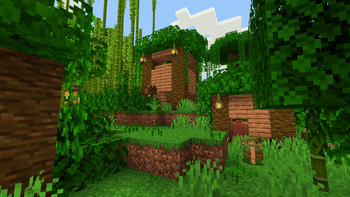
Barklings adds little forest creatures to each of Minecraft's wooded biomes.
Screenshots

About this Mod
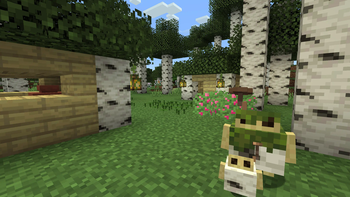
Barklings adds little forest creatures, called Barklings, to each wooded biome in Minecraft. Barklings love fruit and are more than happy to part with some of nature's bounty for any tossed their way. Luckily for them, each forest now has it's own new type of fruit, from birch-grown wax pears, to spruce snowy plums, as well as a few extra berries sprinkled throughout.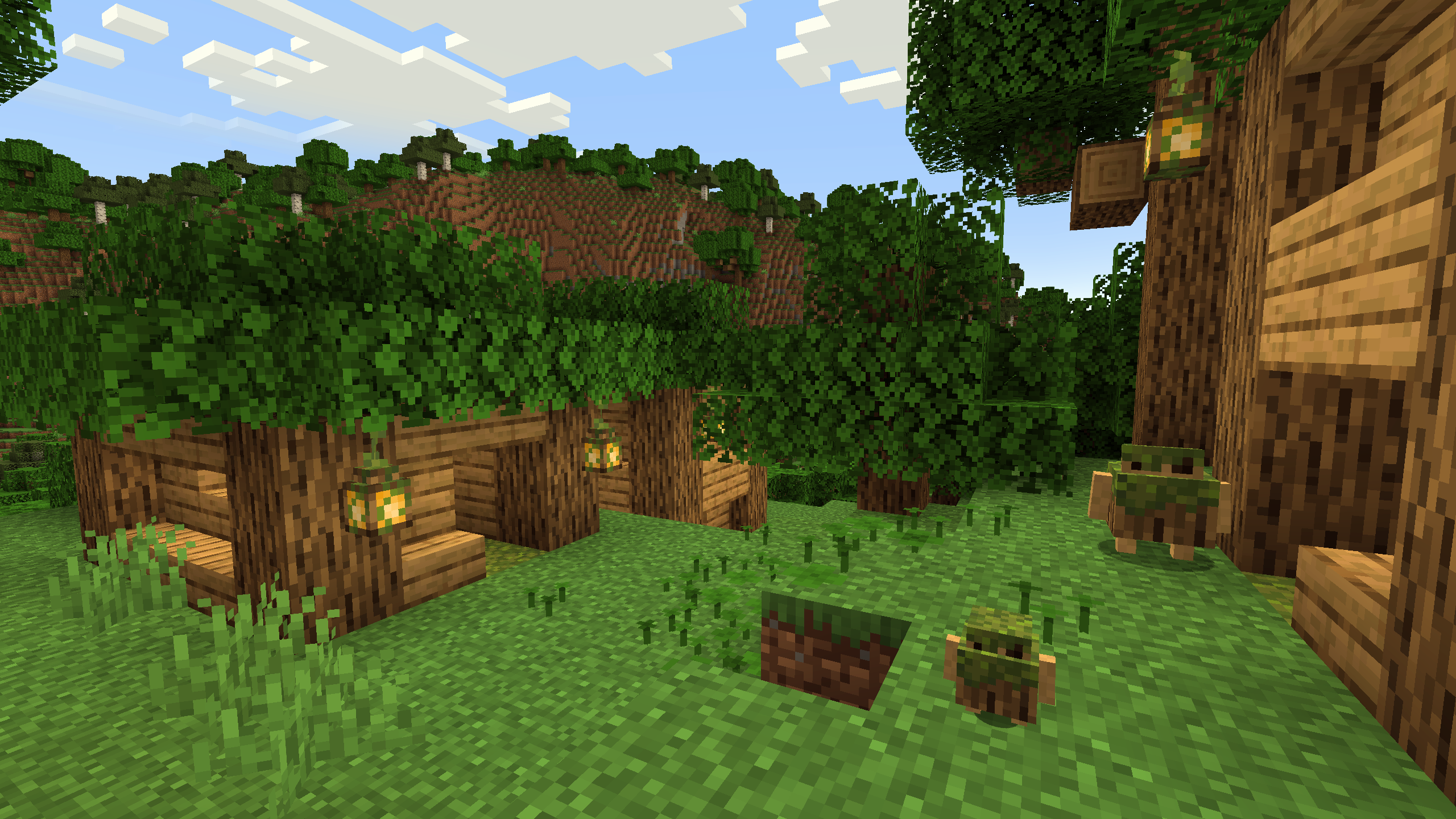
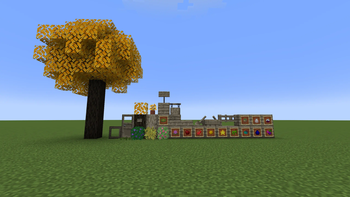
Every tree now has their own fruit drops, just like how apples can fall from oak leaves. All of these fruits can be traded with the Barklings, simply toss one on the ground near one of them, and they'll run right over. If you're lucky, the Barklings will trade you the new Gilded Oak Sapling, a special type of tree that drops Golden Apples!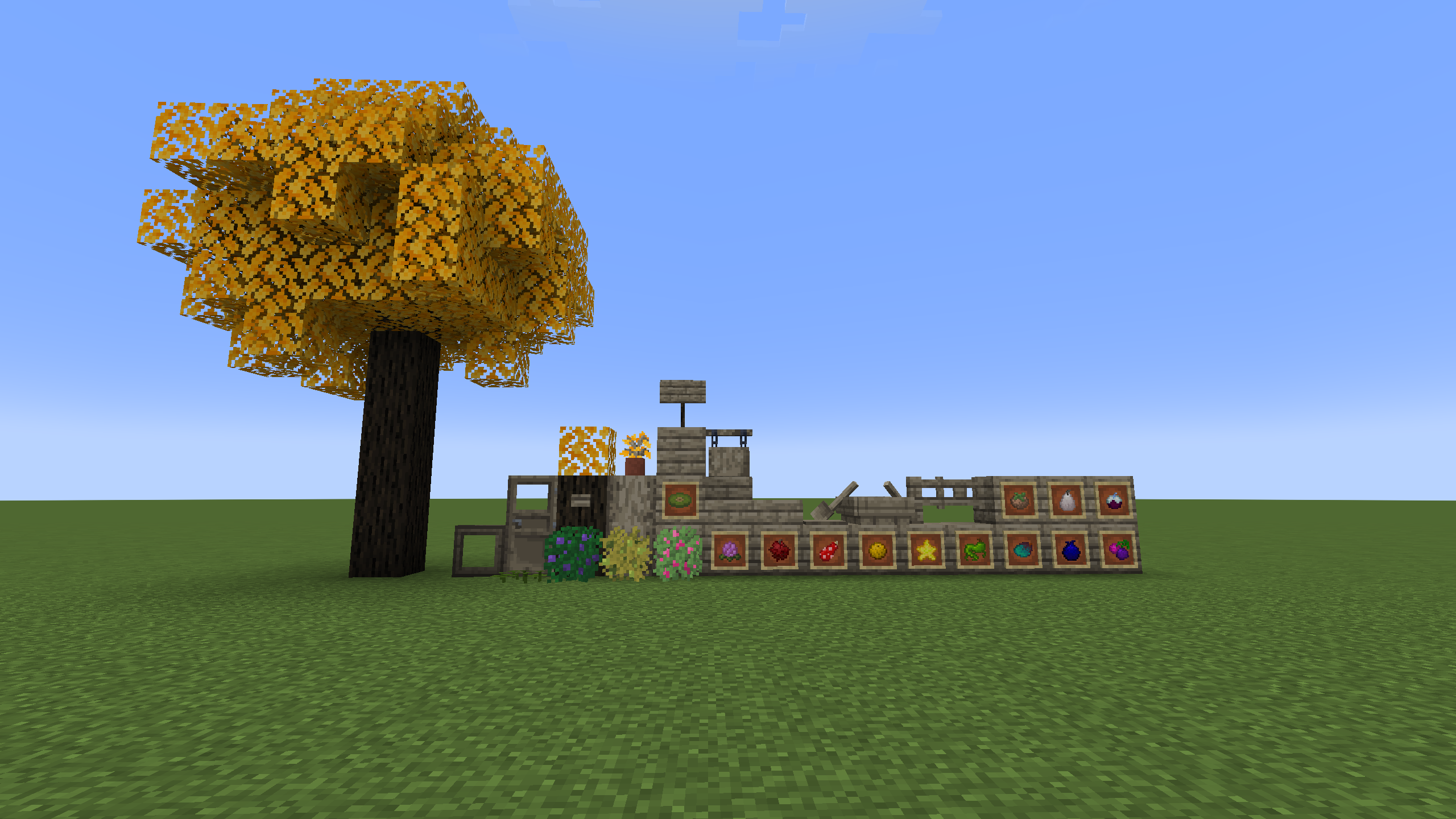
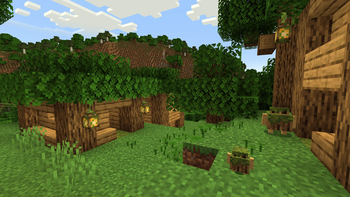
Barkling villages spawn in each of the Overworld forest biomes, and Barkling houses spawn in the Nether forests, the Lush Caves, and the Mushroom Fields. Each forest has it's own Barkling variant, and while mostly similar, their trades vary a bit between each type. Barklings will mostly trade goodies from their specific biome, they'll happily give out logs, leaves, and saplings for the forest they're from, but they have been known to occasionally give out saplings for every other type of tree as well.
Barklings now has language support for English, Spanish, Russian, and German!
Russian translations provided in part by FO13E on GitHub.
Available Versions
How to Install Barklings on Your Server
Order Server
Order a Minecraft Java server with at least 3 GB RAM (4 GB recommended).
Set fabric Loader
In the panel under "Egg", select the fabric loader and matching Minecraft version (1.21.1).
Install Mod
Open the mod browser in the dashboard and search for "Barklings". Click "Install" – done! Alternatively, upload the .jar via SFTP to the /mods folder.
Compatibility
Mod Loaders
Minecraft Versions
1.21.1, 1.21, 1.20.4 (+1 more)
Server-side
✓ RequiredRecommended RAM
4 GB(min. 3 GB)Frequently Asked Questions
Barklings server crashes on startup – what to do?
Most common cause: wrong fabric version or insufficient RAM. Check the server log (latest.log) for "OutOfMemoryError" or "Mixin" errors. With Mado Hosting: ensure at least 3 GB RAM is allocated and the loader matches the mod version (1.21.1). You can switch loaders with one click in the panel.
Is Barklings compatible with fabric?
Barklings officially supports fabric for Minecraft 1.21.1, 1.21, 1.20.4. The Mado dashboard automatically detects incompatible loader combinations.
Server lagging with Barklings – how to optimize performance?
Recommended RAM: 4 GB (per 8 players). Use /spark profiler to check if Barklings consumes the most tick time. Common fixes: reduce server view-distance to 8-10, install "performant" or "starlight" as supplementary mods on Forge. With Mado Hosting, your server runs on NVMe SSDs with dedicated CPU cores for minimal latency.
Similar Mods




Rent Modded Server
Install Barklings with just one click on your server.