
Bedrock Bridging
Adds a Bedrock-like bridging functionality to Java, complete with a toggle feature
Screenshots
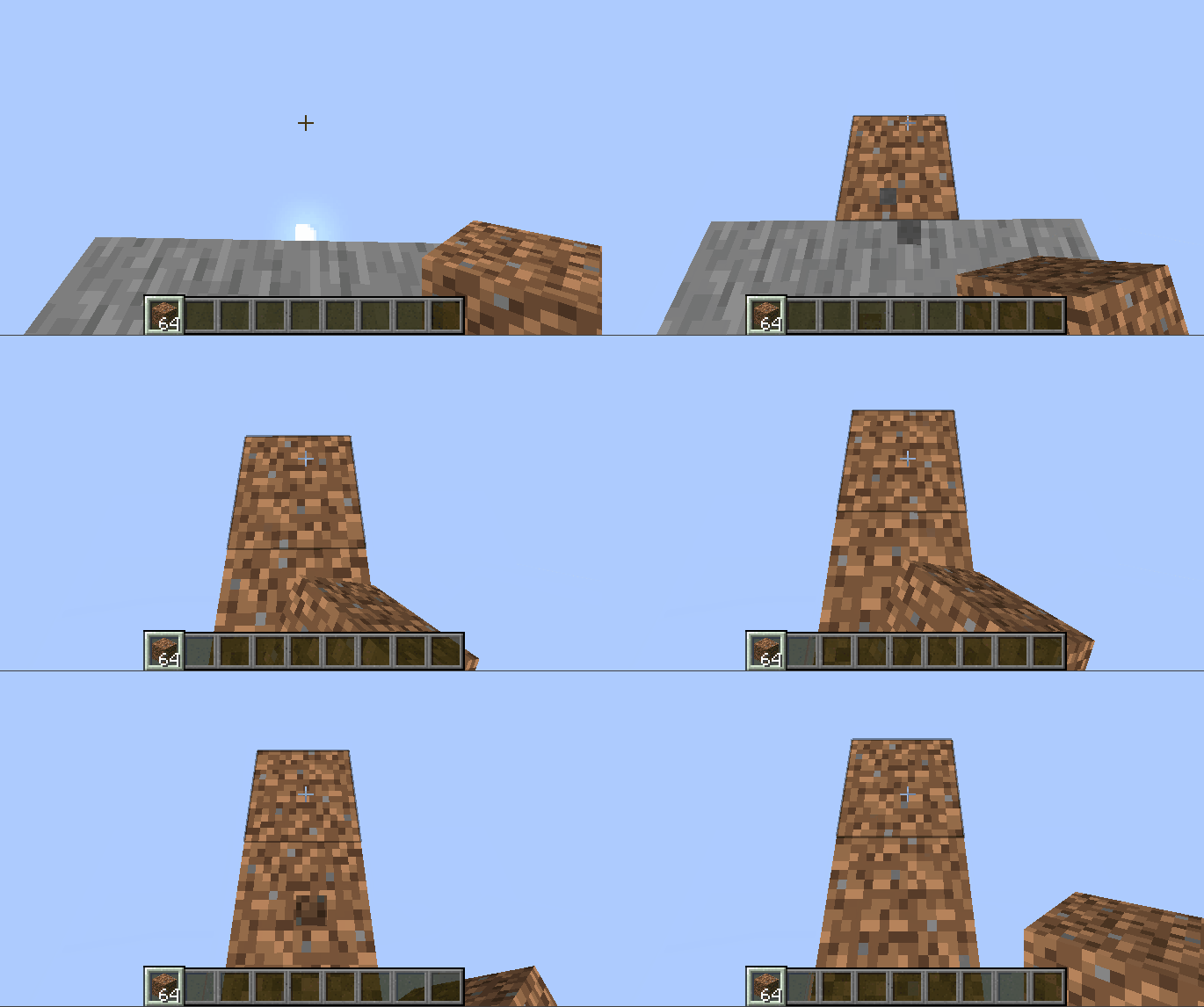
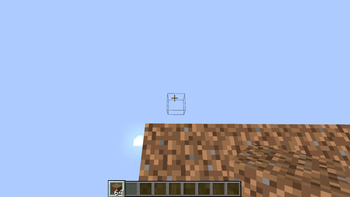
About this Mod

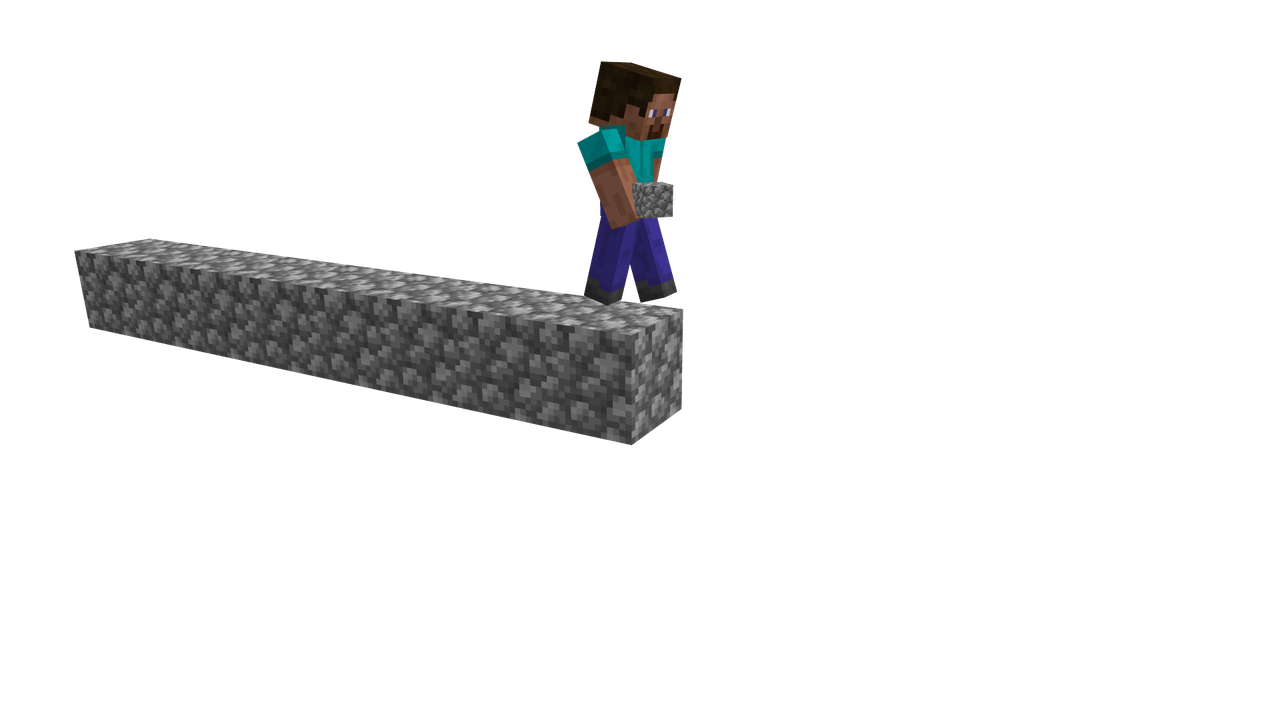
Bedrock Bridging
Bedrock Bridging is a Minecraft data pack that brings the famous Bedrock Edition bridging mechanics to Java! Now you can place blocks in mid-air while bridging, just like in Bedrock, making speedbridging, stacked bridging, and advanced techniques easier, quicker and more fun.
How to Use:
- Stand on a block and look at where you want to place your next block.
- A subtle outline will appear, showing where the block will be placed.
- Right-click to place the block exactly where the outline indicates.
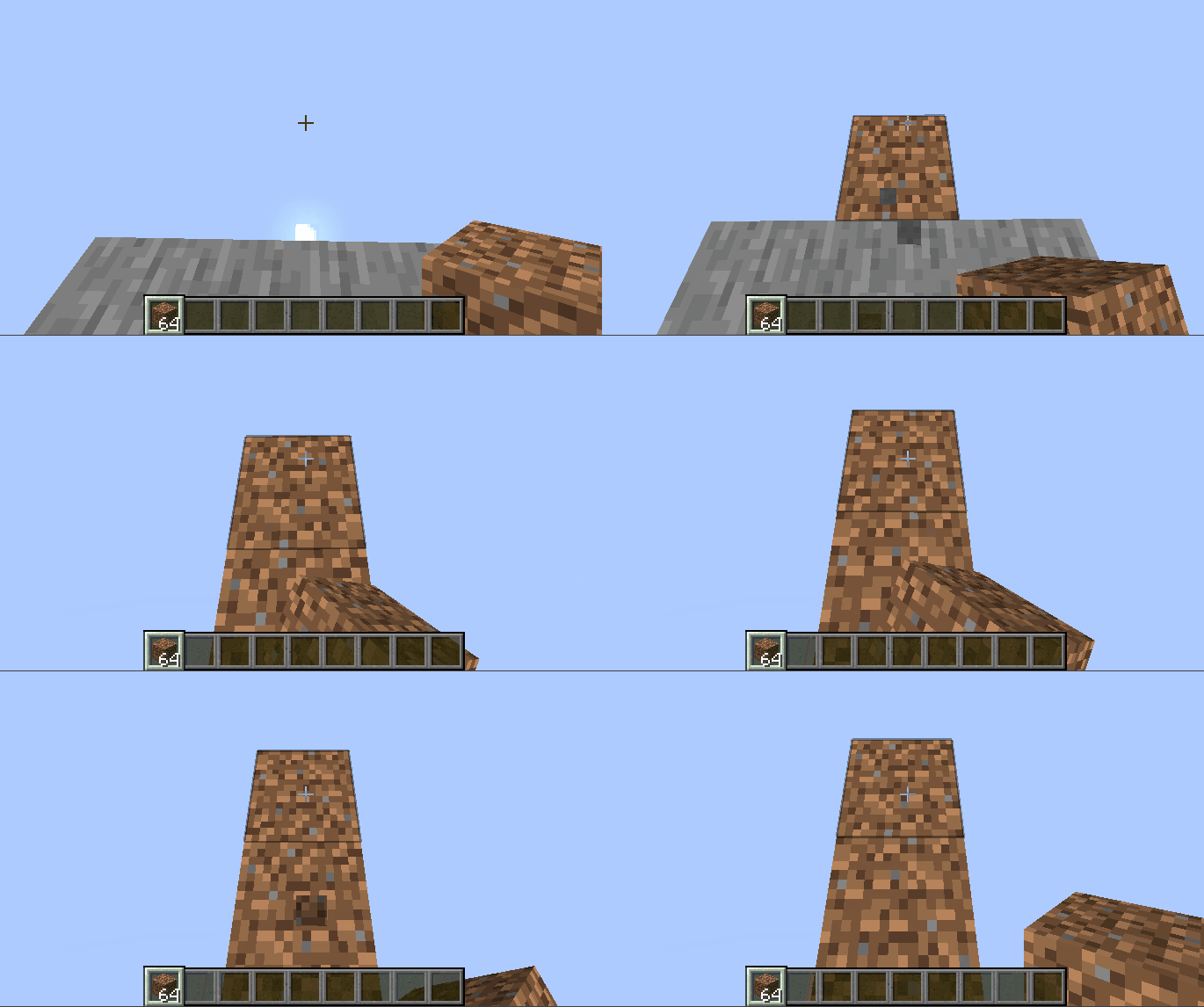 \
\
Commands:
- /function bedrock_bridging:on — Enable bridging manually.
- /function bedrock_bridging:off — Disable bridging.
- /trigger bedrock_bridging — Toggle bridging without cheats; applies only to the player who runs it.
Features:
- Easy toggle on/off functionality.
- Clear outline for precise block placement.
- Works seamlessly in multiplayer or for individual players.
- Supports multiple bridging styles:
- Sprint bridge / butterfly click: Run and butterfly click to sprint-bridge.
- Walking bridge: Place blocks while moving normally forward.
- Stacking: Double-click and jump while moving forward to place stacked blocks quickly.
FAQ:
Can I speed-bridge with this?
Whilst the main Bedrock sprint-jumping speedbridging technique isn't possible, there are others that are as explained above.
Does this affect my normal Java bridging techniques?
Not at all! Your preferred Java bridging styles work exactly the same.
Will this tank my FPS?
Absolutely not! Designed to be as lightweight and efficient as possible.
Can I use this on my Minecraft server?
Of course! It does have a few bugs on multiplayer, but I have tried to resolve them in the latest version.
The latest version has been completely rewritten for multiplayer compatibility and includes bugfixes to make the experience stable, precise, and enjoyable for everyone on a server, however there are likely still bugs. If you encounter one, it really helps out to report it to the issue tracker.
Source code and issue tracker:
Source here and issue tracker here.
Available Versions
How to Install Bedrock Bridging on Your Server
Order Server
Order a Minecraft Java server with at least 3 GB RAM (4 GB recommended).
Set datapack Loader
In the panel under "Egg", select the datapack loader and matching Minecraft version (26.1.2).
Install Mod
Open the mod browser in the dashboard and search for "Bedrock Bridging". Click "Install" – done! Alternatively, upload the .jar via SFTP to the /mods folder.
Compatibility
Mod Loaders
Minecraft Versions
26.1.2, 26.1.1, 26.1 (+19 more)
Server-side
✓ RequiredRecommended RAM
4 GB(min. 3 GB)Frequently Asked Questions
Bedrock Bridging server crashes on startup – what to do?
Most common cause: wrong datapack version or insufficient RAM. Check the server log (latest.log) for "OutOfMemoryError" or "Mixin" errors. With Mado Hosting: ensure at least 3 GB RAM is allocated and the loader matches the mod version (26.1.2). You can switch loaders with one click in the panel.
Is Bedrock Bridging compatible with datapack and fabric and forge and neoforge and quilt?
Bedrock Bridging officially supports datapack, fabric, forge, neoforge, quilt for Minecraft 26.1.2, 26.1.1, 26.1. Note: Forge and Fabric mods are NOT cross-compatible – pick one loader and stick with it. The Mado dashboard automatically detects incompatible loader combinations.
Server lagging with Bedrock Bridging – how to optimize performance?
Recommended RAM: 4 GB (per 8 players). Use /spark profiler to check if Bedrock Bridging consumes the most tick time. Common fixes: reduce server view-distance to 8-10, install "performant" or "starlight" as supplementary mods on Forge. With Mado Hosting, your server runs on NVMe SSDs with dedicated CPU cores for minimal latency.
Similar Mods




Rent Modded Server
Install Bedrock Bridging with just one click on your server.