
BellNetwork
BellNetwork is a server-side Fabric mod that lets you link bells together into directed networks. Ringing one bell will ring every bell it's connected to, no matter how far away or what dimension they're in.
Screenshots
About this Mod
BellNetwork
Ring Your World
BellNetwork lets you link bells across your world so that ringing one triggers every bell connected to it. Across rooms, across bases, or even across dimensions. Build alert systems, doorbell networks, synchronized clock towers, or raid warning chains with nothing but a piece of string.
How It Works
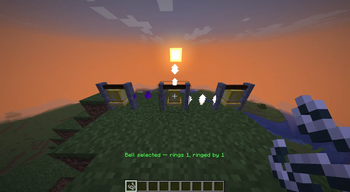
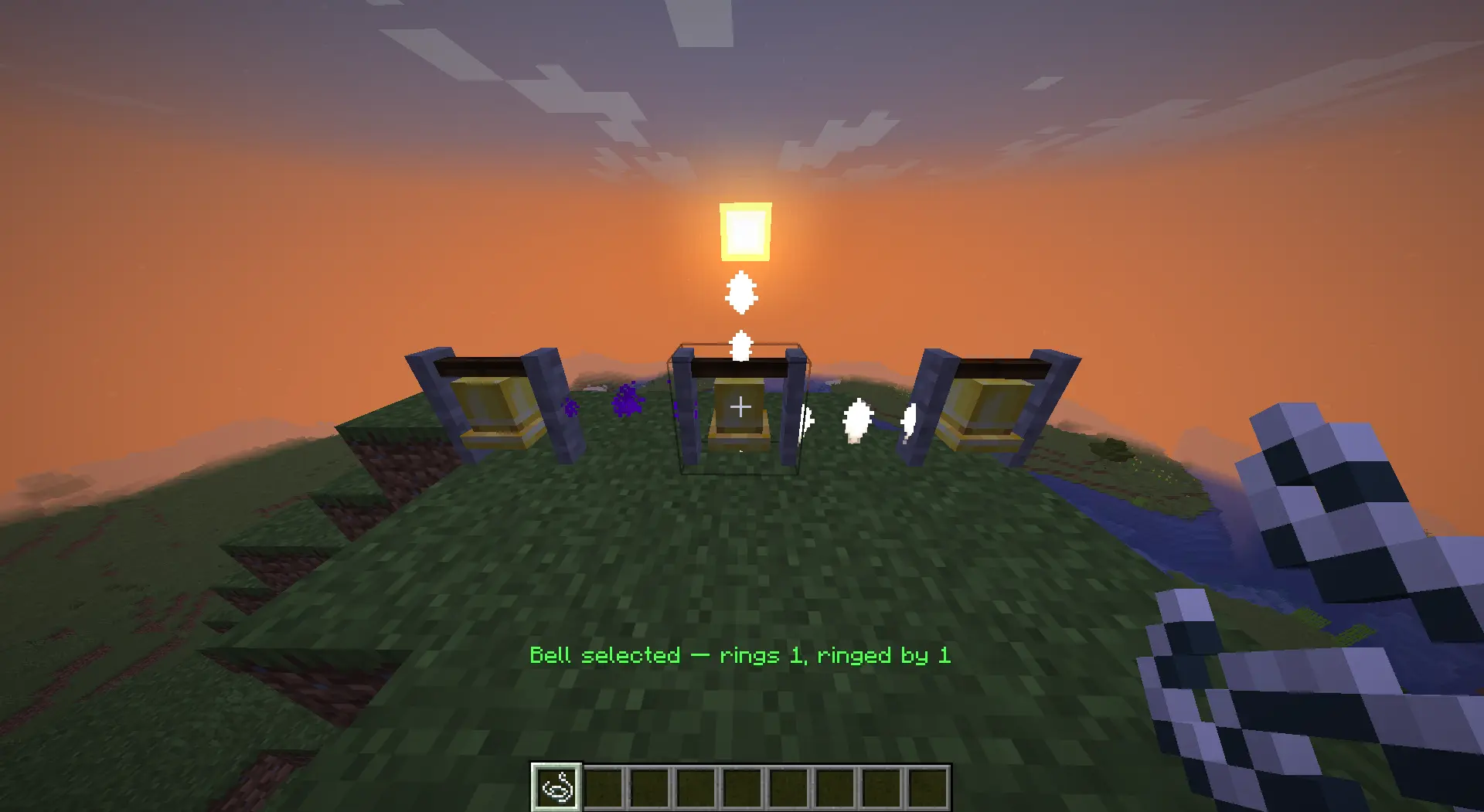
Hold a piece of string and right-click any bell to select it. A column of particles appears above it and glowing lines trace out every bell it's connected to. Right-click a second bell to link them. The string is consumed and the connection is saved. That's it.
Connections are one-way by default: ringing the source bell triggers the target, but not vice versa. To make a two-way link, create one in each direction.
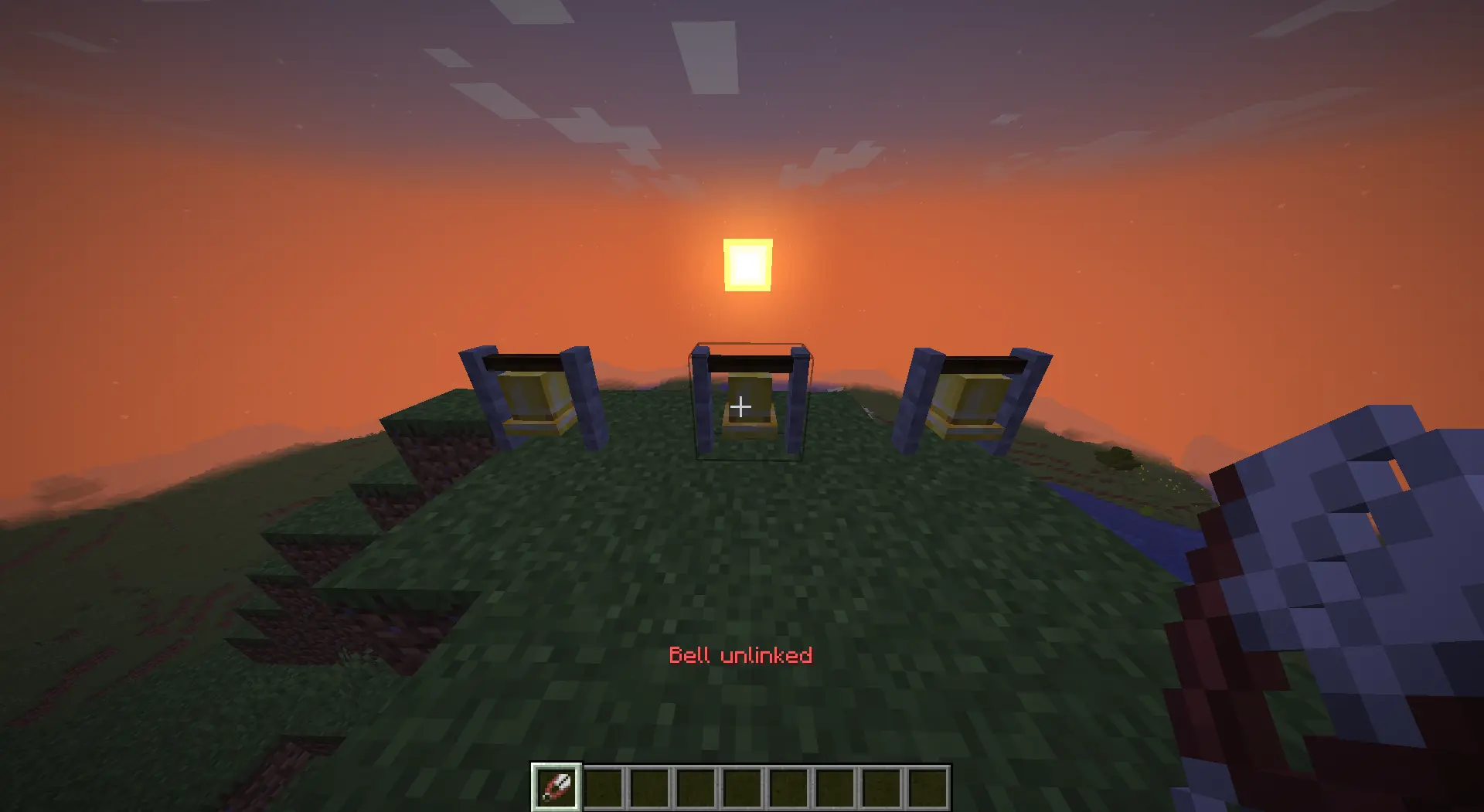
Use shears to remove all connections from a bell at once. Breaking a bell automatically cleans up its links.
Connections Are Directional
Every link has a source and a target. When you select a bell:
White lines (End Rod particles) show bells this bell will ring
Purple lines show bells that ring this bell
Lines stay visible until you complete a link or shear the bell — no need to keep clicking just to see your network.
Ringing propagates through the whole chain: if A rings B and B rings C, ringing A will trigger both B and C. Cycles are handled safely — a bell will never ring itself into a loop.
Features
One-way links — full control over signal direction
Fan-out — one bell can ring any number of others
Chain propagation — signals travel the full depth of your network
Cross-dimension — link a bell in the Nether to one in the Overworld
Persistent — networks survive restarts and are saved per world
Server-side only — install on the server; vanilla clients connect without any issues
[Image: Server diagram — one server box with BellNetwork installed, one modded client and one vanilla client both connected]
Crafting / Usage
No crafting recipes. Everything works through vanilla items already in your inventory:
Item Action
String Select a bell, then right-click another to link (consumes 1 string)
Shears Remove all connections from the clicked bell
Sneak + right-click Passes through to vanilla bell behaviour
Compatible with Fabric · Minecraft 26.1.2 · Server-side only
Works well with https://modrinth.com/mod/village-bell-recipe
Available Versions
How to Install BellNetwork on Your Server
Order Server
Order a Minecraft Java server with at least 3 GB RAM (4 GB recommended).
Set fabric Loader
In the panel under "Egg", select the fabric loader and matching Minecraft version (26.1.2).
Install Mod
Open the mod browser in the dashboard and search for "BellNetwork". Click "Install" – done! Alternatively, upload the .jar via SFTP to the /mods folder.
Compatibility
Mod Loaders
Minecraft Versions
26.1.2, 26.1.1, 26.1
Server-side
✓ RequiredRecommended RAM
4 GB(min. 3 GB)Frequently Asked Questions
BellNetwork server crashes on startup – what to do?
Most common cause: wrong fabric version or insufficient RAM. Check the server log (latest.log) for "OutOfMemoryError" or "Mixin" errors. With Mado Hosting: ensure at least 3 GB RAM is allocated and the loader matches the mod version (26.1.2). You can switch loaders with one click in the panel.
Is BellNetwork compatible with fabric?
BellNetwork officially supports fabric for Minecraft 26.1.2, 26.1.1, 26.1. The Mado dashboard automatically detects incompatible loader combinations.
Server lagging with BellNetwork – how to optimize performance?
Recommended RAM: 4 GB (per 8 players). Use /spark profiler to check if BellNetwork consumes the most tick time. Common fixes: reduce server view-distance to 8-10, install "performant" or "starlight" as supplementary mods on Forge. With Mado Hosting, your server runs on NVMe SSDs with dedicated CPU cores for minimal latency.
Similar Mods




Rent Modded Server
Install BellNetwork with just one click on your server.