
Best Buddys
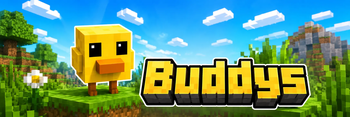
Best Buddys adds animated 3D companions to Minecraft. Choose a buddy, customize it with headwear and held items, and let it follow you through singleplayer, multiplayer, and servers that do not have the mod installed.
Screenshots
About this Mod
Best Buddys
Best Buddys adds animated 3D companions to Minecraft. Choose a buddy, customize it with headwear and held items, and let it follow you through singleplayer, multiplayer, and servers that do not have the mod installed.
Features
- One active buddy per player.
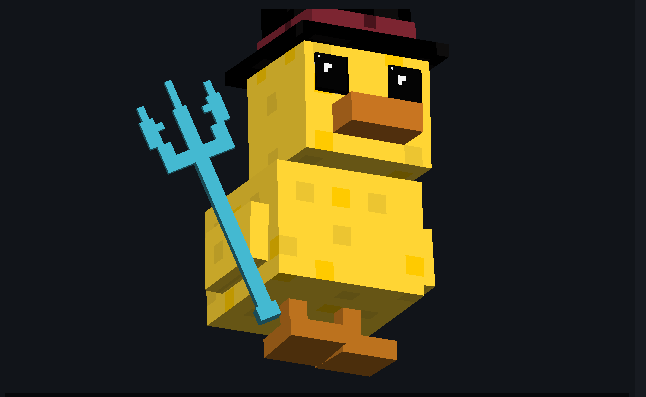
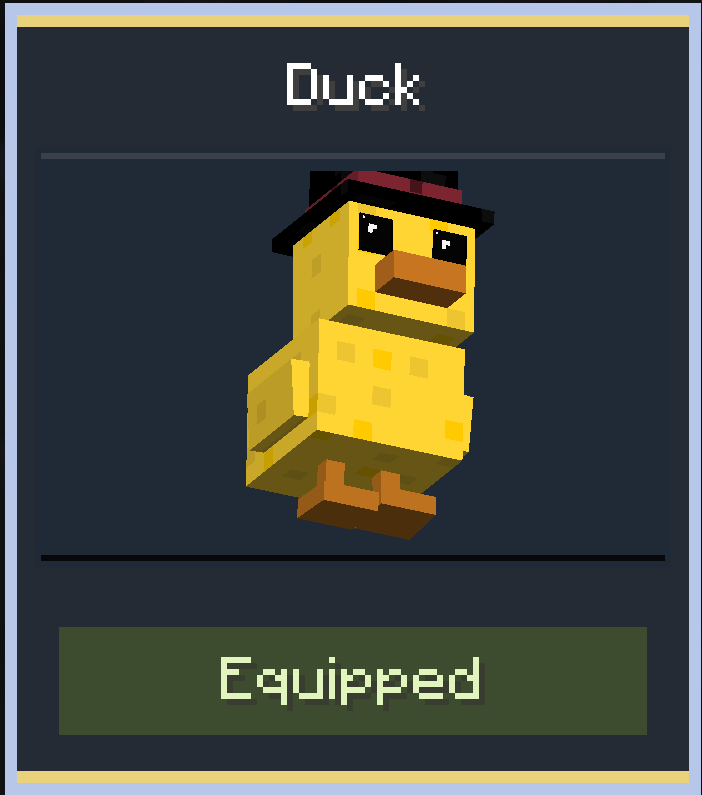
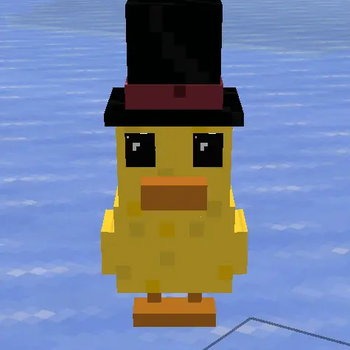
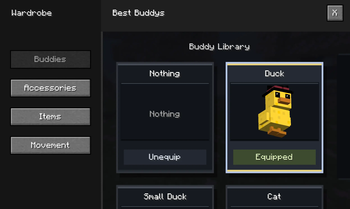
- Buddies: Duck, Small Duck, Cat, Baby Cat, Baby Golem, Complex Golem, and Giant Golem.
- Accessories: Cap, Hat, and Crown.
- Held items: Sword and Trident.
- Separate saved settings for every buddy.
- Client-side companion rendering for vanilla server support.
- Optional server-side sync so other modded players can see your buddy.
- No real buddy entities are spawned.
3D Wardrobe
Open the Best Buddys wardrobe from the Options screen, Main Menu, or Pause Menu. The wardrobe lets you choose a buddy, equip accessories, select held items, and adjust movement settings.
Buddies
Every buddy has its own scale, movement style, idle animation, accessory placement, and held-item placement. Ducks waddle, cats move with a smoother four-legged walk, and golems feel heavier while still staying companion-friendly.
Multiplayer
Best Buddys is designed to work comfortably in normal multiplayer:
- Vanilla or unmodded server: your own buddy still works locally.
- Modded server: other modded players can see your buddy, accessory, held item, and movement settings.
- Buddies stay visual-only and do not affect gameplay balance.
Requirements
- Minecraft:
1.21.4,1.21.11,26.1,26.1.1, or26.1.2 - Fabric Loader:
0.17.3or newer - Fabric API
- Client required
- Server optional for multiplayer sync
Available Versions
How to Install Best Buddys on Your Server
Order Server
Order a Minecraft Java server with at least 3 GB RAM (4 GB recommended).
Set fabric Loader
In the panel under "Egg", select the fabric loader and matching Minecraft version (26.1.2).
Install Mod
Open the mod browser in the dashboard and search for "Best Buddys". Click "Install" – done! Alternatively, upload the .jar via SFTP to the /mods folder.
Compatibility
Mod Loaders
Minecraft Versions
26.1.2, 26.1.1, 26.1 (+2 more)
Server-side
✓ RequiredRecommended RAM
4 GB(min. 3 GB)Frequently Asked Questions
Best Buddys server crashes on startup – what to do?
Most common cause: wrong fabric version or insufficient RAM. Check the server log (latest.log) for "OutOfMemoryError" or "Mixin" errors. With Mado Hosting: ensure at least 3 GB RAM is allocated and the loader matches the mod version (26.1.2). You can switch loaders with one click in the panel.
Is Best Buddys compatible with fabric?
Best Buddys officially supports fabric for Minecraft 26.1.2, 26.1.1, 26.1. The Mado dashboard automatically detects incompatible loader combinations.
Server lagging with Best Buddys – how to optimize performance?
Recommended RAM: 4 GB (per 8 players). Use /spark profiler to check if Best Buddys consumes the most tick time. Common fixes: reduce server view-distance to 8-10, install "performant" or "starlight" as supplementary mods on Forge. With Mado Hosting, your server runs on NVMe SSDs with dedicated CPU cores for minimal latency.
Rent Modded Server
Install Best Buddys with just one click on your server.