
Better Drowning
Improves the drowning and water mechanics of Minecraft.
Screenshots
About this Mod
This mod tweaks the drowning and water mechanics of Minecraft in ways that improve the balance and immersion of the game. All of these features can be disabled on an individual basis in the config file.
Features
Stronger Drowning Damage
The deeper underwater the player is, the more drowning damage they will take. By default each block beyond 10 increases damage by 0.1. This can be disabled, increased, or decreased in the config file.
Clearer Water
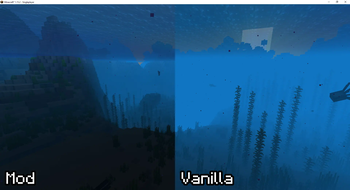
The density of water fog has been lowered, allowing you to see further and more clearly while under water.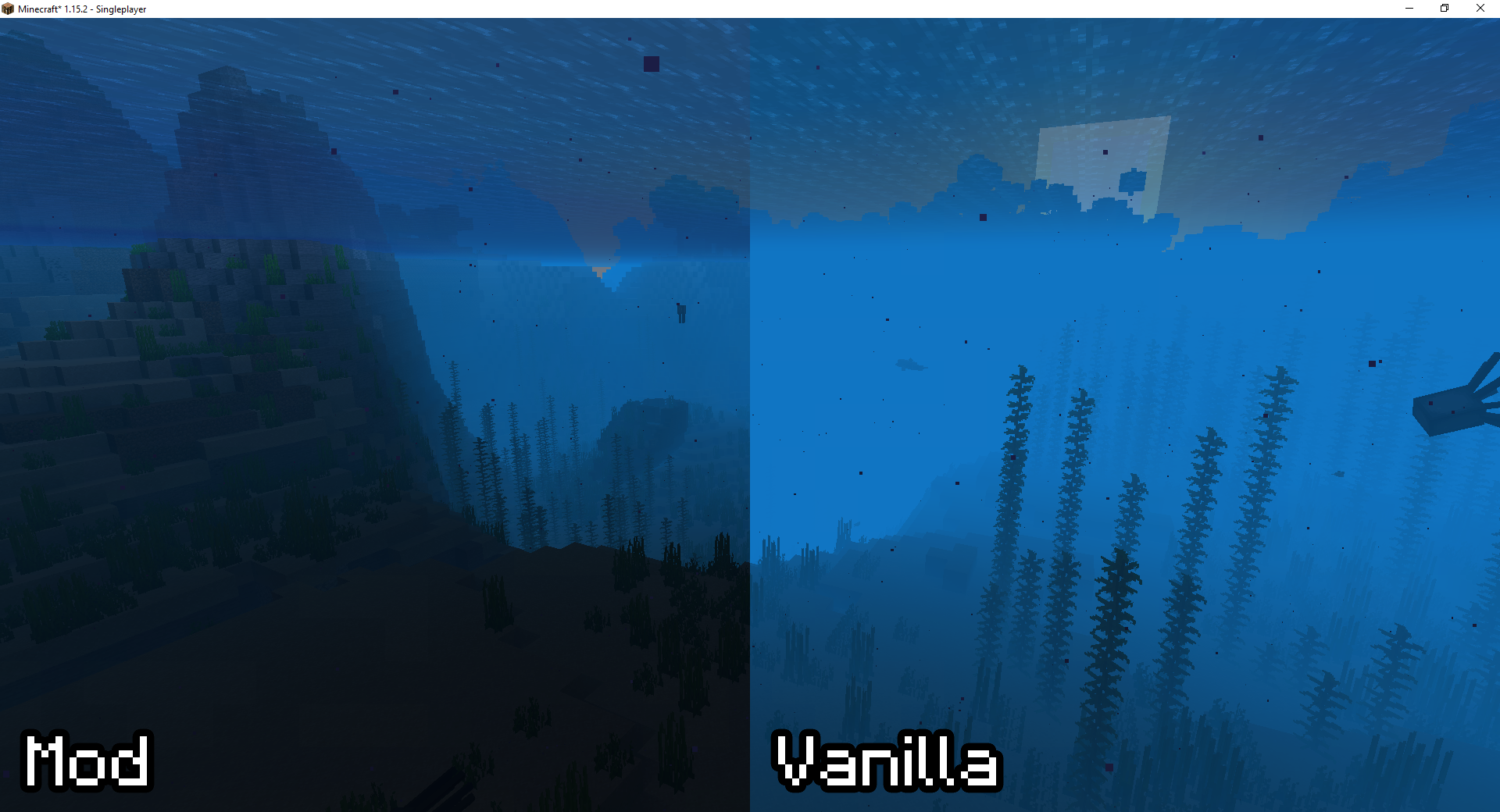
Too Much Air Fix
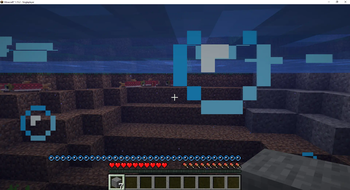
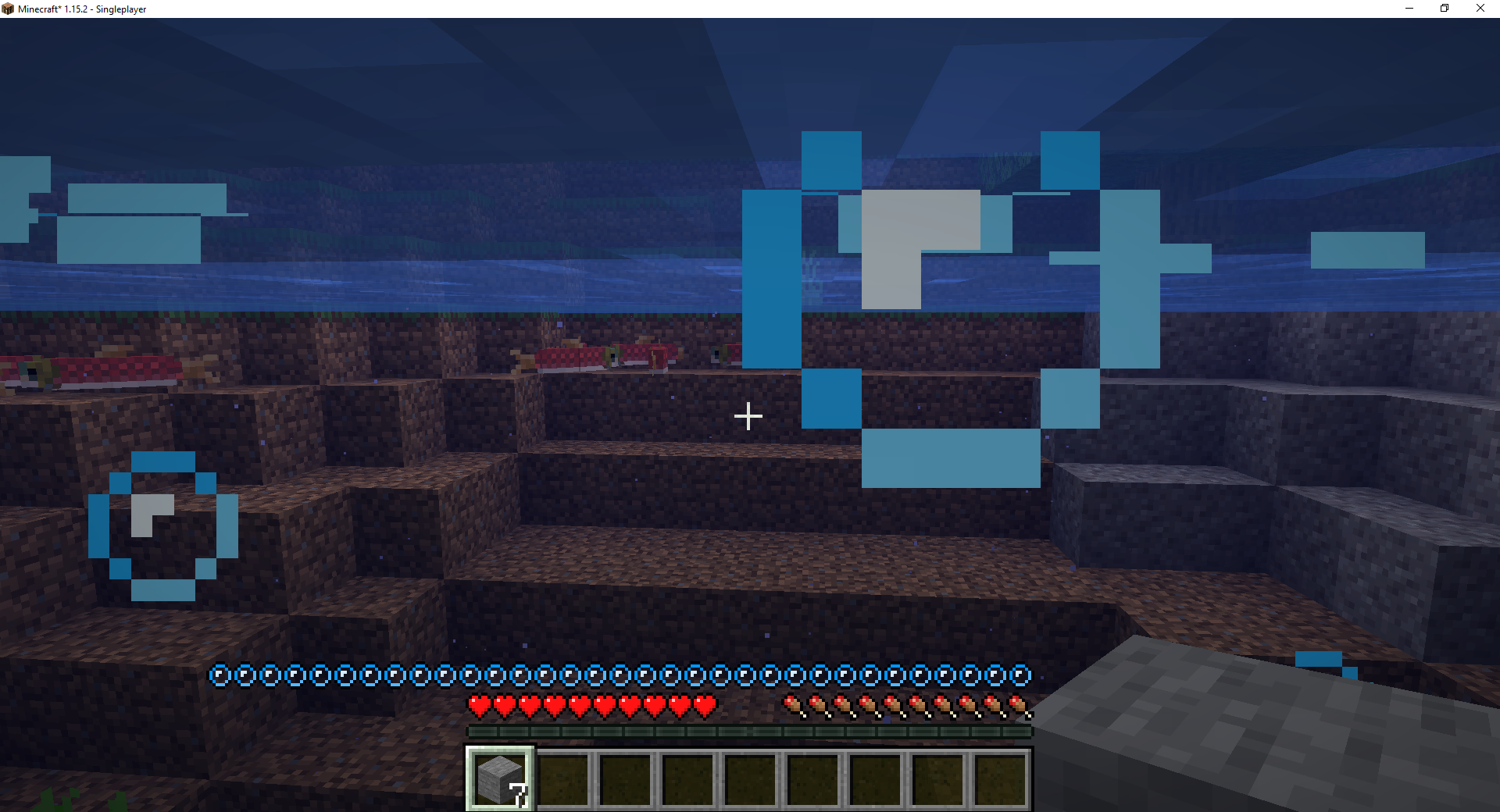
Fixes air sometimes being set to be above the player's maximum air amount. This also fixes display issues with the bubbles on the HUD. An example of this bug can be seen here.
Air Replenish Rate
Allows players to instantly refill their air when they are out of the water, similar to how water worked in 1.13 and below. This is disabled by default.
Like the mod and want to support me?
Logo by Lorc on Game Icons and licensed under CC By 3.0.

This project is sponsored by Nodecraft. Use code DARKHAX for 30% off your first month of service!
Available Versions
How to Install Better Drowning on Your Server
Order Server
Order a Minecraft Java server with at least 3 GB RAM (4 GB recommended).
Set forge Loader
In the panel under "Egg", select the forge loader and matching Minecraft version (1.16.5).
Install Mod
Open the mod browser in the dashboard and search for "Better Drowning". Click "Install" – done! Alternatively, upload the .jar via SFTP to the /mods folder.
Compatibility
Mod Loaders
Minecraft Versions
1.16.5, 1.16.4, 1.15.2
Server-side
✓ RequiredRecommended RAM
4 GB(min. 3 GB)Frequently Asked Questions
Better Drowning server crashes on startup – what to do?
Most common cause: wrong forge version or insufficient RAM. Check the server log (latest.log) for "OutOfMemoryError" or "Mixin" errors. With Mado Hosting: ensure at least 3 GB RAM is allocated and the loader matches the mod version (1.16.5). You can switch loaders with one click in the panel.
Is Better Drowning compatible with forge?
Better Drowning officially supports forge for Minecraft 1.16.5, 1.16.4, 1.15.2. The Mado dashboard automatically detects incompatible loader combinations.
Server lagging with Better Drowning – how to optimize performance?
Recommended RAM: 4 GB (per 8 players). Use /spark profiler to check if Better Drowning consumes the most tick time. Common fixes: reduce server view-distance to 8-10, install "performant" or "starlight" as supplementary mods on Forge. With Mado Hosting, your server runs on NVMe SSDs with dedicated CPU cores for minimal latency.
Similar Mods




Rent Modded Server
Install Better Drowning with just one click on your server.