
Better Lock on
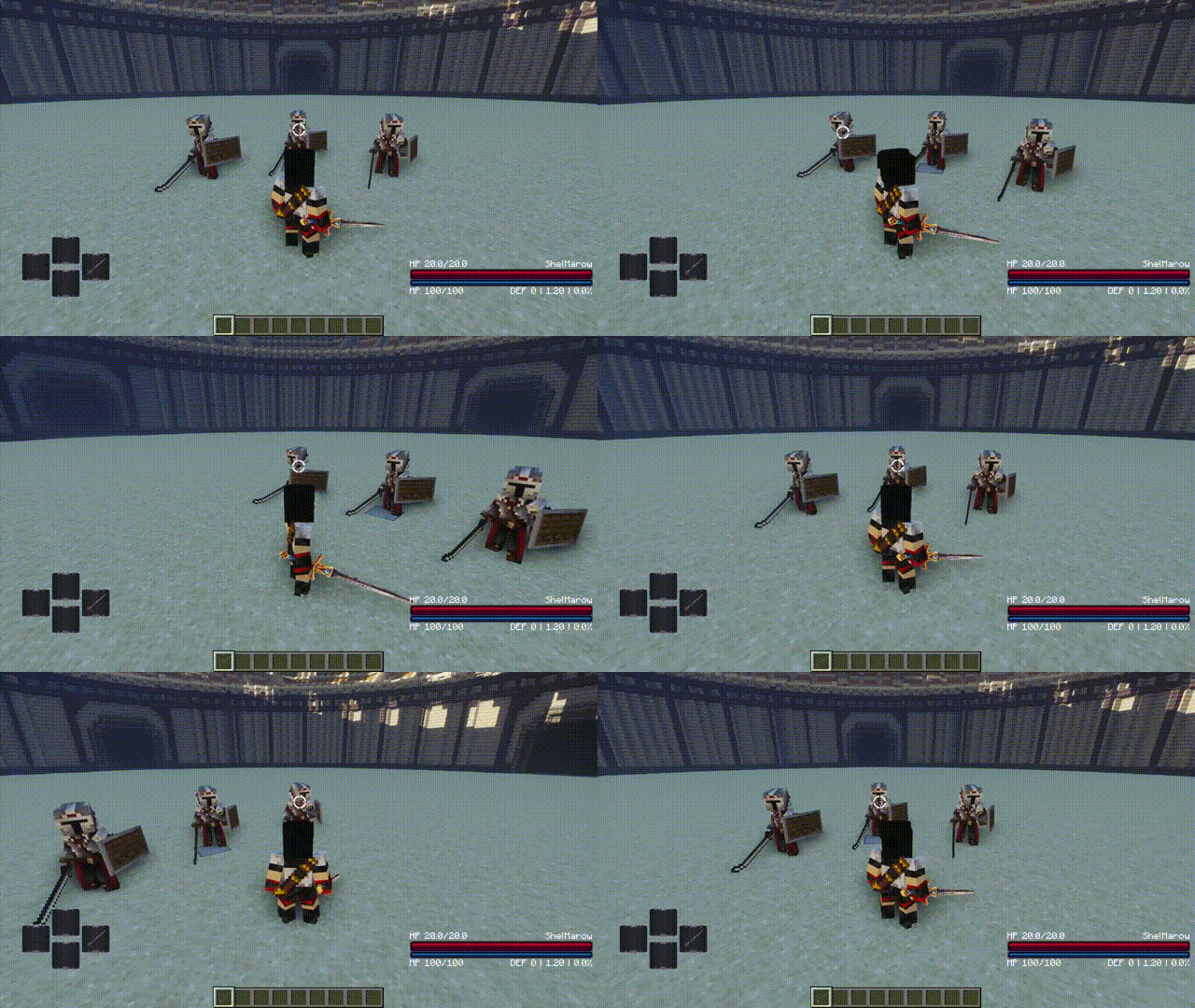
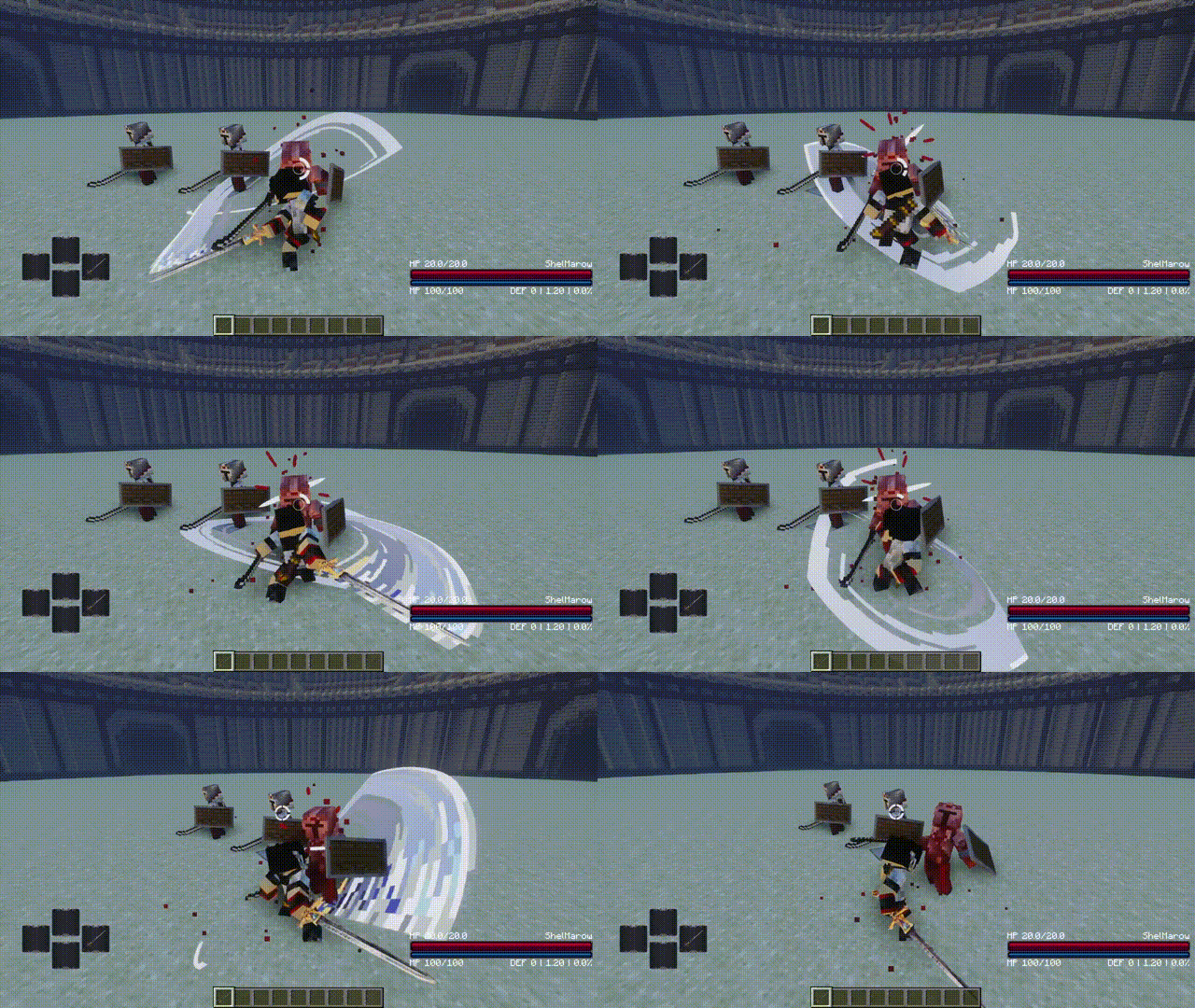
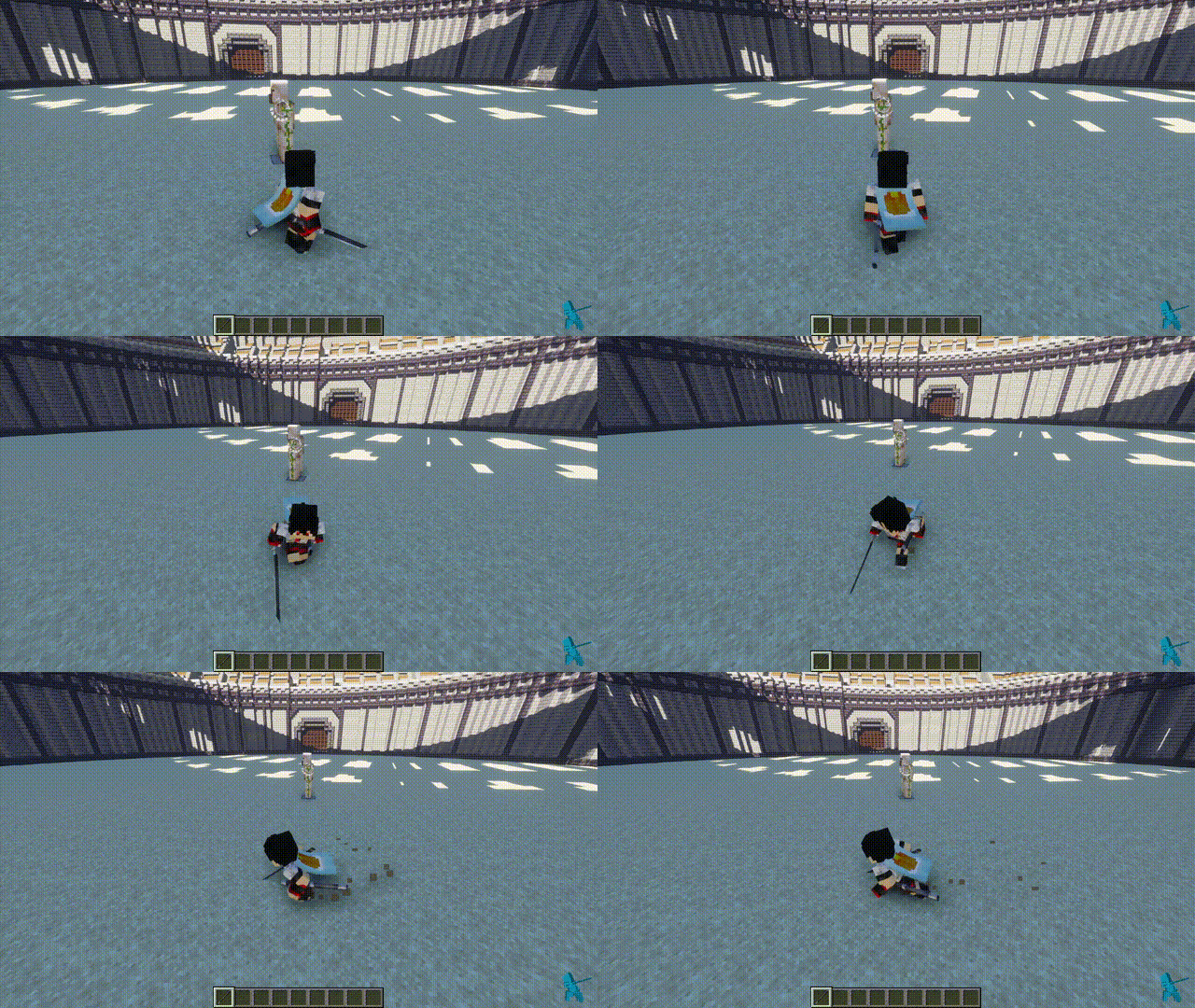
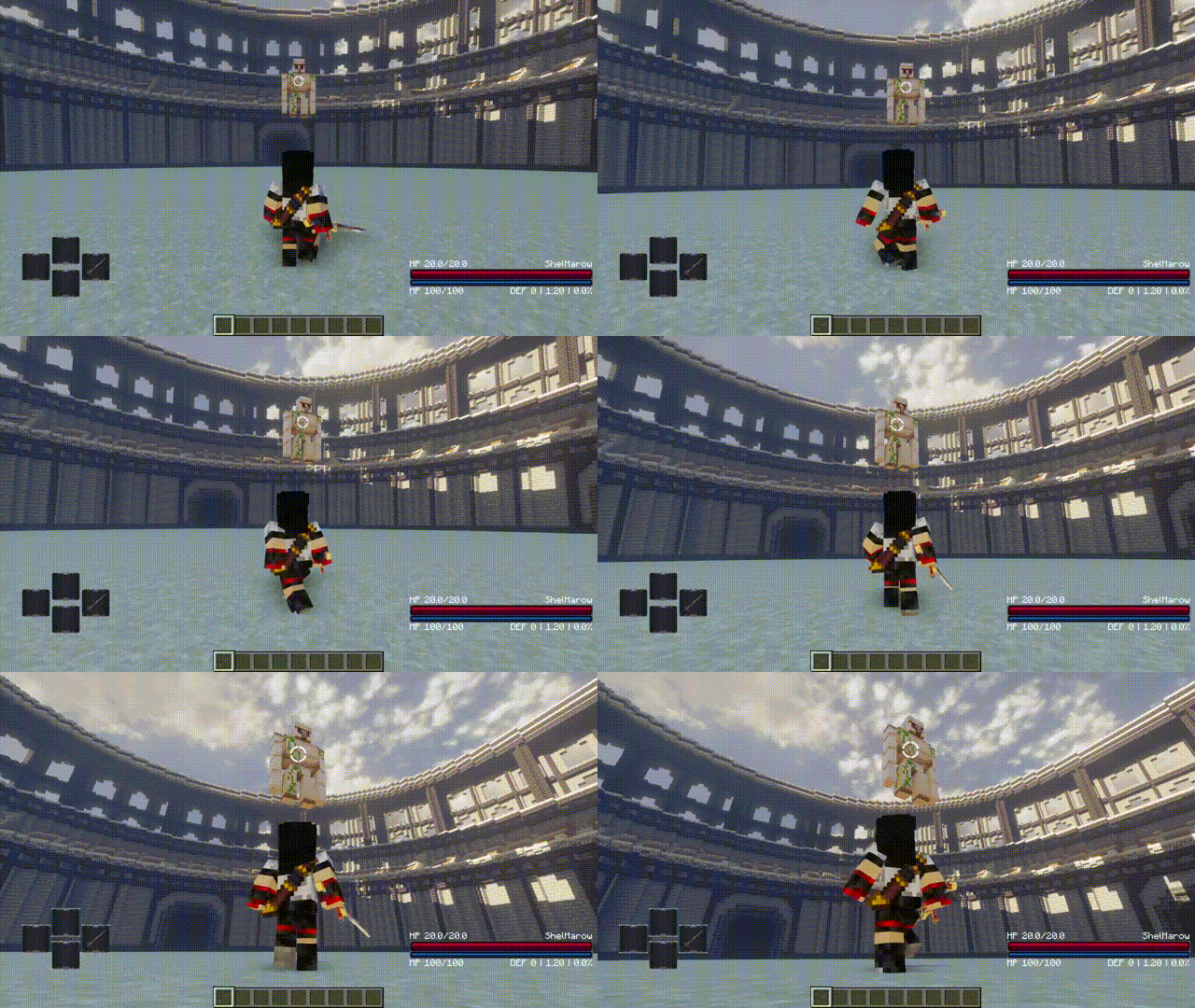
Optimizes the lock on function of the Epic Fight
Screenshots
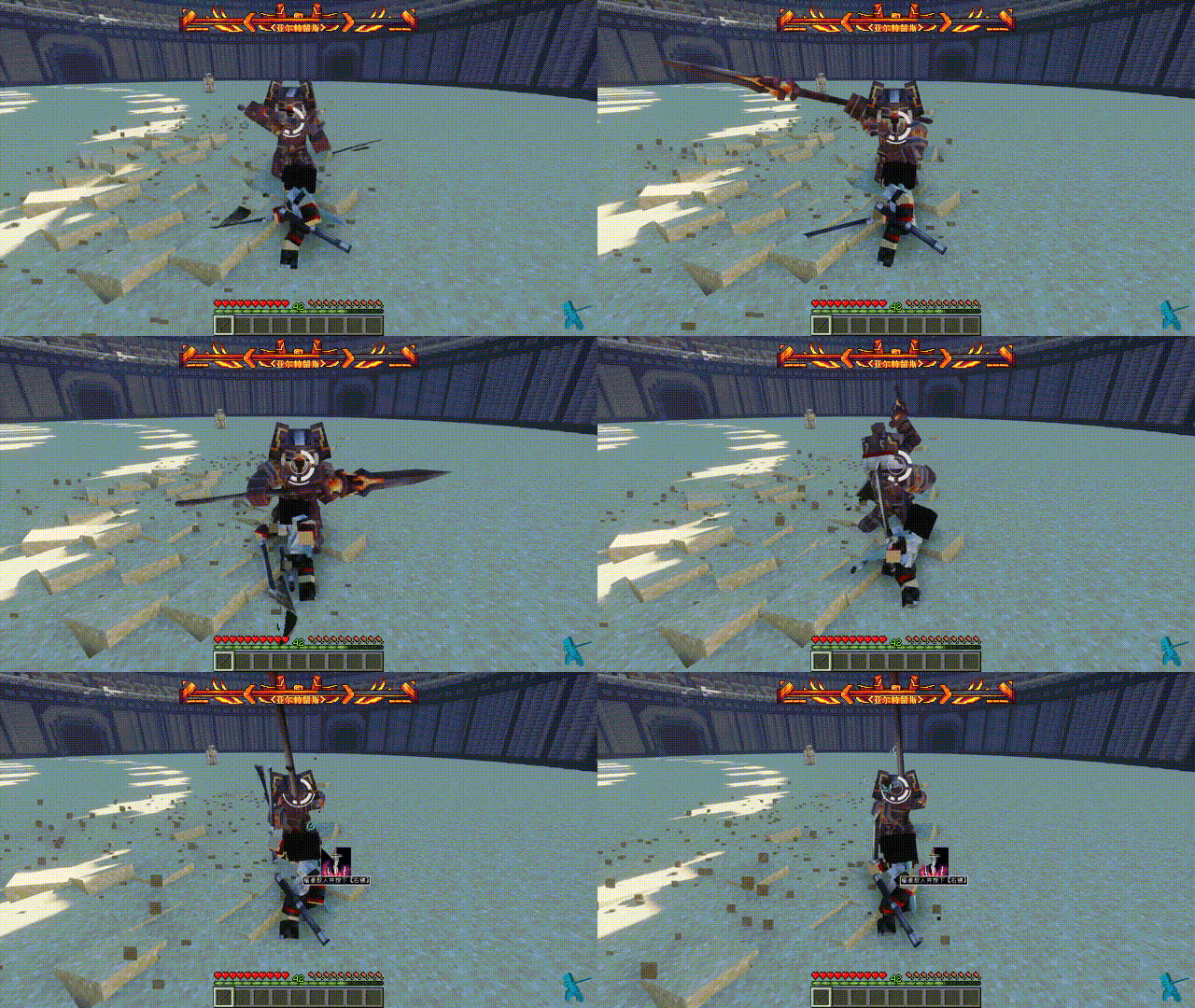
About this Mod


The history update info:
- Added a lock icon and the ability to display enemy health
- Lock icons support custom color, transparency, size, and other settings, which need to be modified in config
- You can now change targets while locked by moving the mouse left and right;
- When locked, you don't need to wait for the target to be completely removed before it comes offlocked, as soon as the target dies;
- When you are not locked, even if you are not aiming at the target, when you press the lock button, the target closest to you will be automatically selected to lock it
- Fixed an issue where players would bow their heads when locking on to tall or close-range enemies.
-Optimized third-person lock pitch angle logic. - Added lock auto-switch, when the target dies, it will try to select the nearest other target
- Soft lock added
- Compatible with leawind third person
- Fixed the enemy search bug and the wrong camera position
- add lockon texture can show target's stamina
- added white / black list CFG
- Adjusted the perspective transformation of soft lock
- Added a new lock icon to toggle in the profile
- Added WOM CFG, which no longer unlocks when attacking with WOM's weapons after it is enabled
- Adjusted the logic of searching for enemies, no longer locking the mob you are riding.
- Press the sprint button in locked state to sprint side and backward
- Mob stamina bar display compatible with Indestructible and Combat Evolution
- Compatible with and adjusted some functions of the ShoulderSurfing
- Added configuration screen, now can be adjusted in-game
Available Versions
How to Install Better Lock on on Your Server
Order Server
Order a Minecraft Java server with at least 3 GB RAM (4 GB recommended).
Set forge Loader
In the panel under "Egg", select the forge loader and matching Minecraft version (1.20.6).
Install Mod
Open the mod browser in the dashboard and search for "Better Lock on". Click "Install" – done! Alternatively, upload the .jar via SFTP to the /mods folder.
Compatibility
Mod Loaders
Minecraft Versions
1.20.6, 1.20.5, 1.20.4 (+3 more)
Server-side
✗ UnsupportedRecommended RAM
4 GB(min. 3 GB)Frequently Asked Questions
Better Lock on server crashes on startup – what to do?
Most common cause: wrong forge version or insufficient RAM. Check the server log (latest.log) for "OutOfMemoryError" or "Mixin" errors. With Mado Hosting: ensure at least 3 GB RAM is allocated and the loader matches the mod version (1.20.6). You can switch loaders with one click in the panel.
Is Better Lock on compatible with forge?
Better Lock on officially supports forge for Minecraft 1.20.6, 1.20.5, 1.20.4. The Mado dashboard automatically detects incompatible loader combinations.
Server lagging with Better Lock on – how to optimize performance?
Recommended RAM: 4 GB (per 8 players). Use /spark profiler to check if Better Lock on consumes the most tick time. Common fixes: reduce server view-distance to 8-10, install "performant" or "starlight" as supplementary mods on Forge. With Mado Hosting, your server runs on NVMe SSDs with dedicated CPU cores for minimal latency.
Similar Mods




Rent Modded Server
Install Better Lock on with just one click on your server.