
Better Trees Plus
FallingTree is a Minecraft mod that lets players cut down whole trees by breaking a single log. It has multiple modes like instant removal, gradual log shifting, falling items, and block fall animations, making wood gathering faster, easier, and more fun.
Screenshots
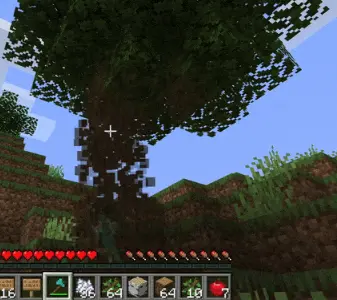
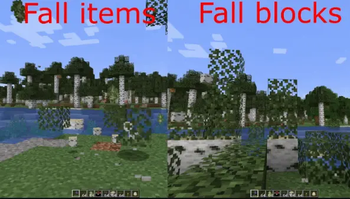
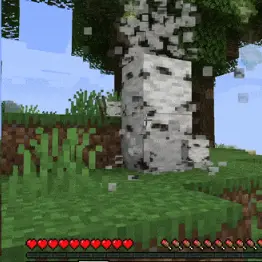
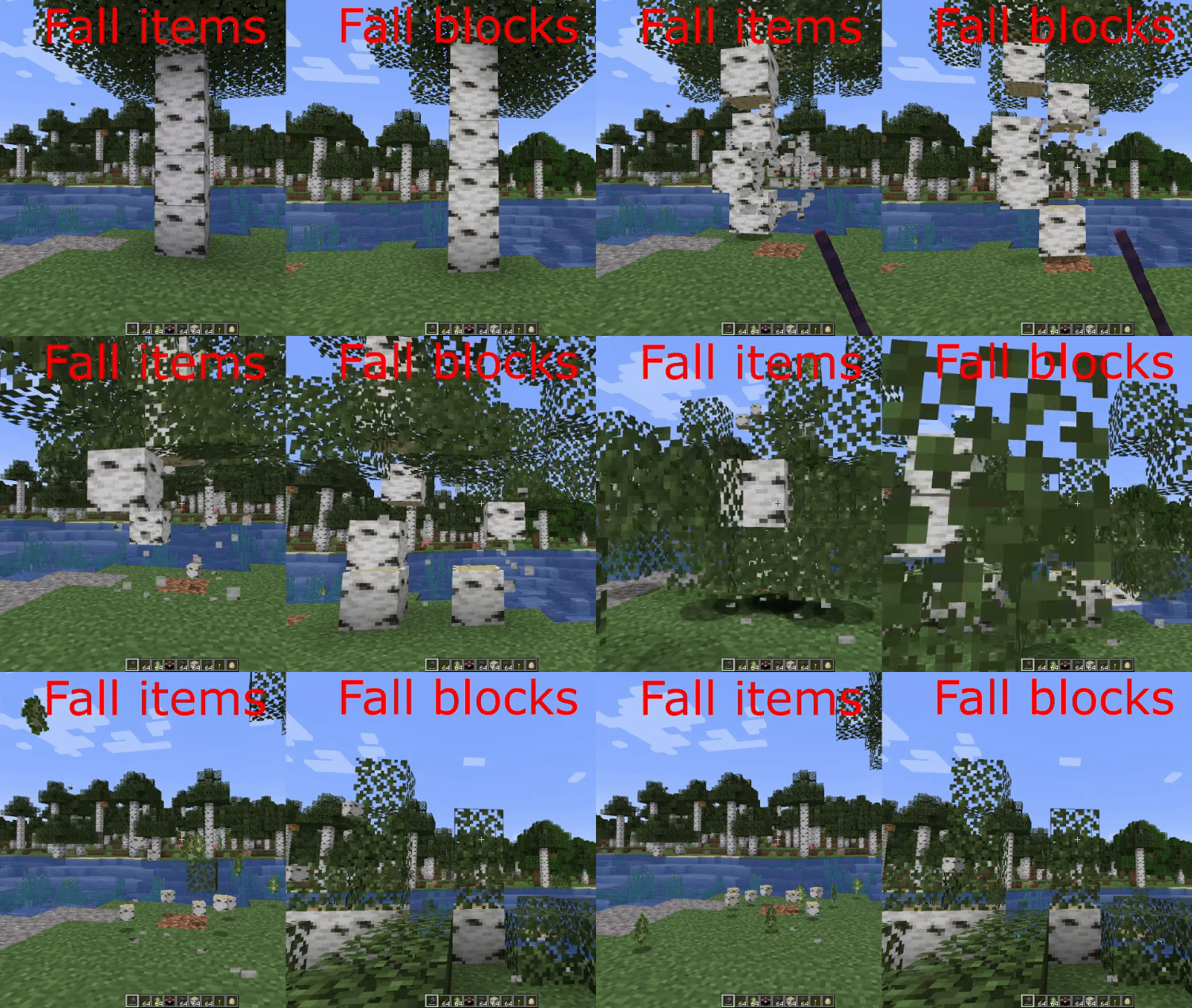
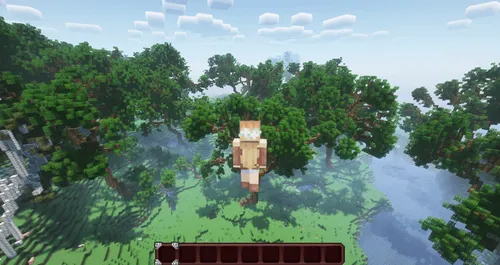
About this Mod
This mod completely changes how tree chopping works. There are 4 available modes:
Tree Cutting Modes
Instantaneous
Break a single log and the entire tree instantly collapses.Shift down
When you break a block, the logs gradually shift downward as you continue cutting.
(Useful if you want a more “balanced” feel but still don’t want to climb up for every log 😛)Fall items
Break one log and the whole tree falls down with a smooth animation.Fall blocks
Break a single log and the entire tree falls to the ground with a physics-style animation.


Configuration Options
The config file lets you customize several aspects:
- Define what counts as a tree (log blocks and leaf blocks).
- Choose which tools are allowed (add extra axes, enable all tools, etc.).
- Enable or disable leaf breaking.
- Option to disable the mod’s effect while sneaking (toggleable).
- Adjust falling speed depending on tree size.
- Decide whether tools take damage or break based on the number of logs.
- Keep tools at 1 durability instead of fully breaking them.
Requirements
- Fabric users: Requires Fabric API.
- NeoForge/Forge users: Cloth Config API is optional on the client and provides an in-game configuration menu.
Known Conflicts
Some incompatibilities have been reported with:
- VeinMiner
To use both together, run: /veinminer groups remove Wood
Available Versions
How to Install Better Trees Plus on Your Server
Order Server
Order a Minecraft Java server with at least 3 GB RAM (4 GB recommended).
Set fabric Loader
In the panel under "Egg", select the fabric loader and matching Minecraft version (1.21.11).
Install Mod
Open the mod browser in the dashboard and search for "Better Trees Plus". Click "Install" – done! Alternatively, upload the .jar via SFTP to the /mods folder.
Compatibility
Mod Loaders
Minecraft Versions
1.21.11
Server-side
✓ RequiredRecommended RAM
4 GB(min. 3 GB)Frequently Asked Questions
Better Trees Plus server crashes on startup – what to do?
Most common cause: wrong fabric version or insufficient RAM. Check the server log (latest.log) for "OutOfMemoryError" or "Mixin" errors. With Mado Hosting: ensure at least 3 GB RAM is allocated and the loader matches the mod version (1.21.11). You can switch loaders with one click in the panel.
Is Better Trees Plus compatible with fabric and forge and neoforge?
Better Trees Plus officially supports fabric, forge, neoforge for Minecraft 1.21.11. Note: Forge and Fabric mods are NOT cross-compatible – pick one loader and stick with it. The Mado dashboard automatically detects incompatible loader combinations.
Server lagging with Better Trees Plus – how to optimize performance?
Recommended RAM: 4 GB (per 8 players). Use /spark profiler to check if Better Trees Plus consumes the most tick time. Common fixes: reduce server view-distance to 8-10, install "performant" or "starlight" as supplementary mods on Forge. With Mado Hosting, your server runs on NVMe SSDs with dedicated CPU cores for minimal latency.
Similar Mods





Rent Modded Server
Install Better Trees Plus with just one click on your server.