Blabber
An extensible data-driven Dialogue API for Minecraft
Screenshots
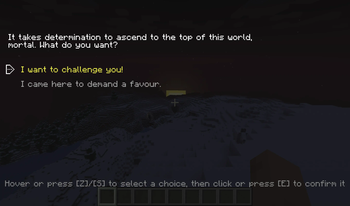
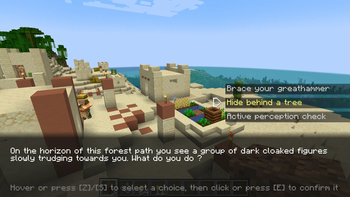
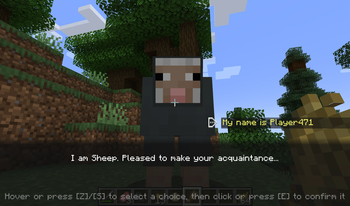
About this Mod
Are you a modpack maker who wants their players to talk to more than a quest book?
Are you a modded server owner who wants to sprinkle some ✨immersion✨ in their world?
Are you perhaps a modder who is looking for an easy-to-use dialogue library with expansive tooling?
Blabber is a mod and library for displaying interactive dialogues to your players.
Just write your dialogue description files, then start them on demand!
How it looks
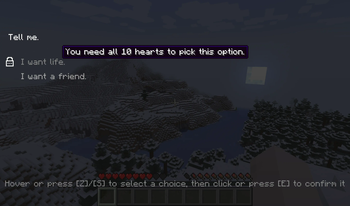
Like that:
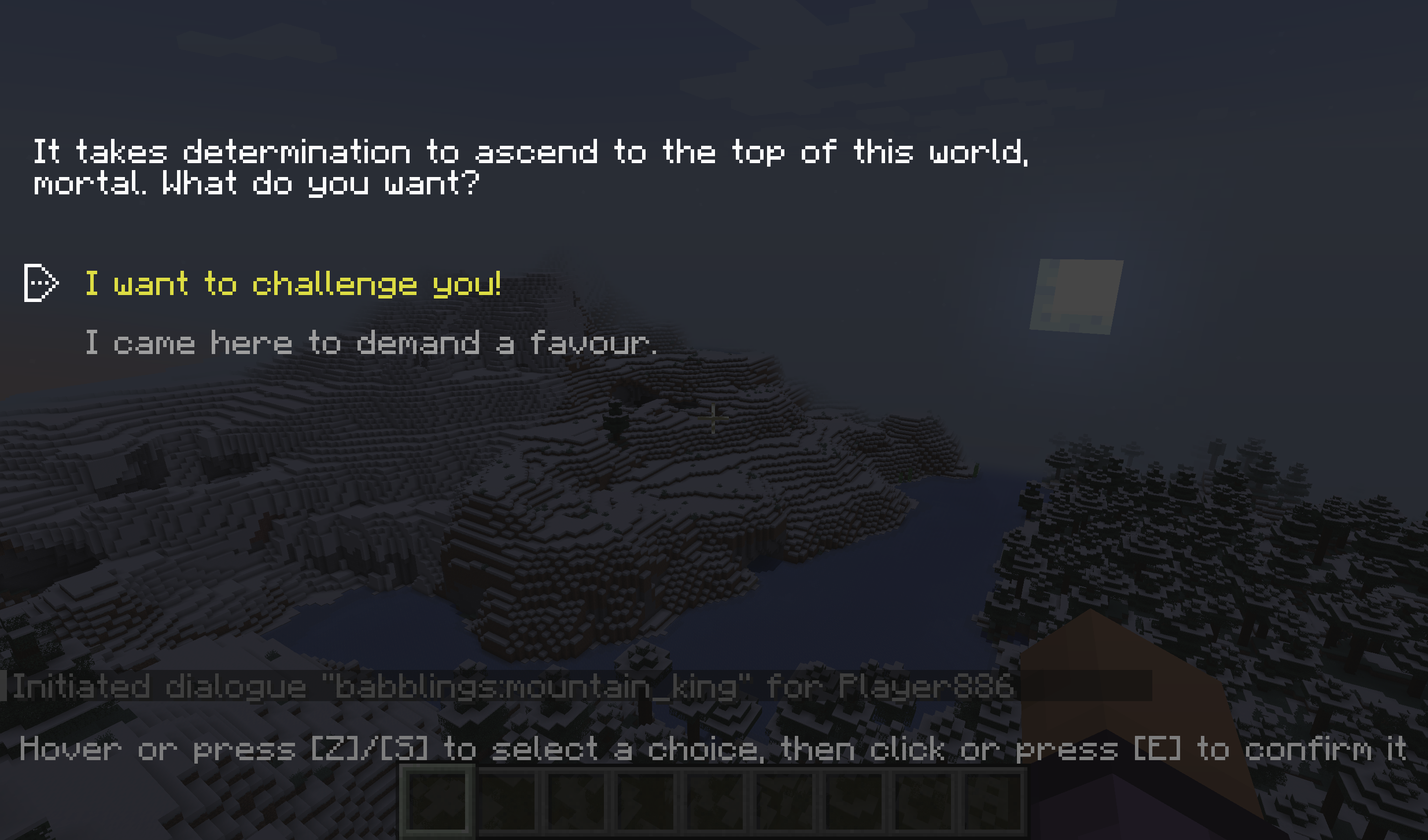
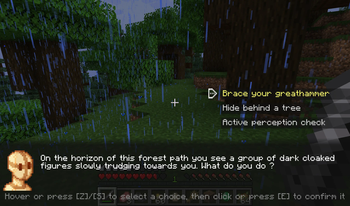
Or like that:
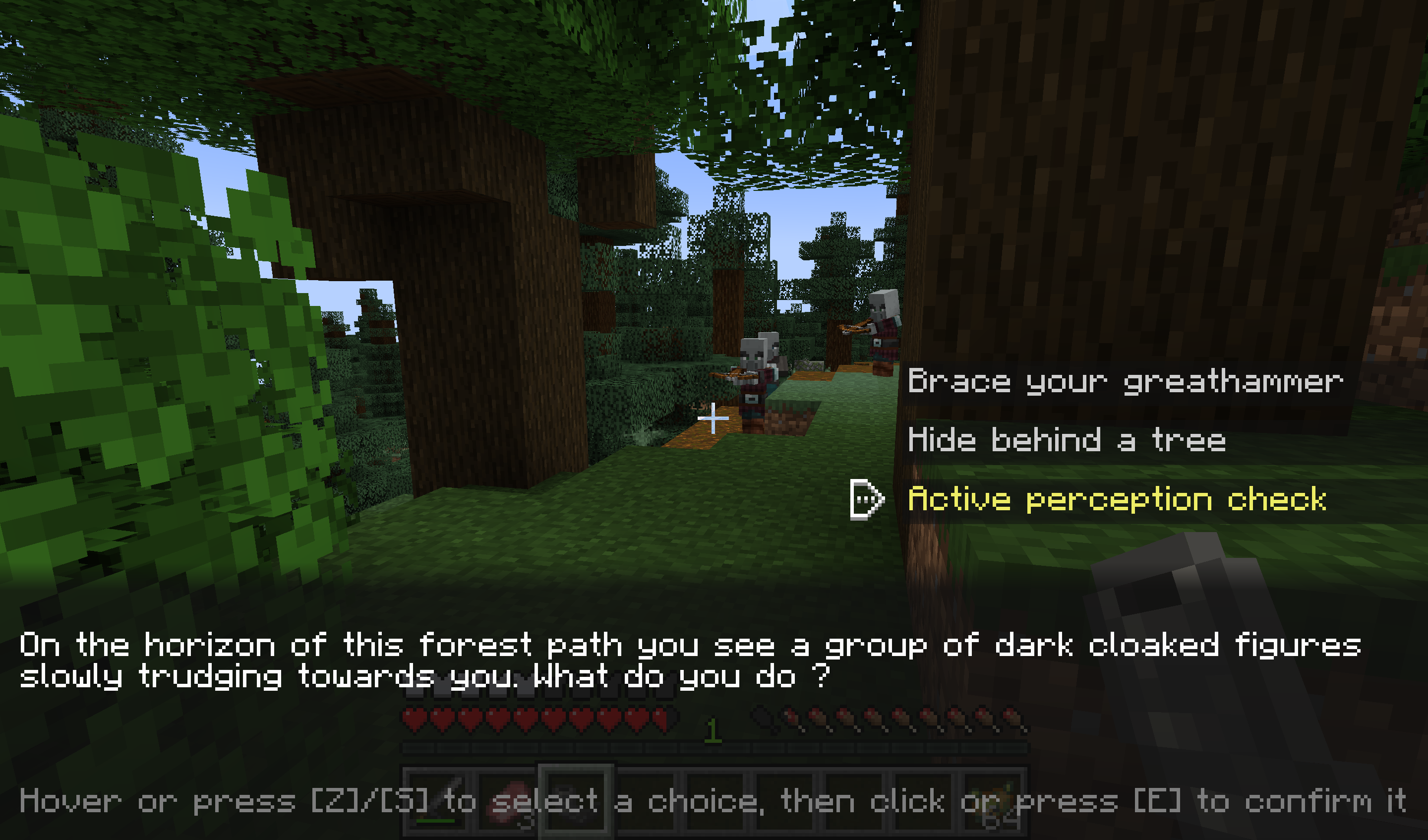
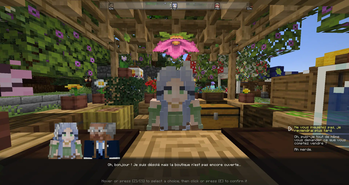
You get to choose per-dialogue.
And here's a little video showcase too:
How it works
Commands
Blabber adds the /blabber command, allowing server operators and mapmakers to interact with the mod through commands.
/blabber dialogue/blabber dialogue start <dialogue> [<targets>] [<interlocutor>]: Starts a dialogue for one or more players.<dialogue>: the unique identifier for the dialogue[<targets>](optional) : If specified, must be either a player's username or a target selector. If unspecified, defaults to the player using the command. When used in a command block,[<targets>]is not optional.[<interlocutor>](optional) : If specified, must be a target selector for a single entity. If unspecified, defaults to no interlocutor.
Format
Blabber will automatically load all JSON files in the data/[namespace]/blabber/dialogues directory.
Those can be provided either by mods, or by datapacks.
Each file describes the various states a dialogue can be in. You can find the full description on the website: https://ladysnake.org/wiki/blabber#format
Online Dialogue Maker
If you are allergic to code, try this online tool: blabber dialogue editor
Using Blabber (for developers)
You can find the instructions to add Blabber to your development environment on our website: https://ladysnake.org/wiki/blabber/#using-blabber-for-developers
Mod Compatibility
Heracles
The Heracles quest mod can be used with the Heracles for Blabber add-on
to incorporate dialogues into your modpack's or server's quests.
Text Animator
The Text Animator mod can be used to add special effects to your dialogues' texts.
Taterzens
The Taterzens mod can be used to create NPCs that can trigger Blabber dialogues when interacted with.
FAQ
Q: (Neo)Forge?
A: I do not wish to spend development time supporting Forge. However, on 1.20.1, you can use the Sinytra Connector mod to make Blabber run regardless. If you are a mod developer who wishes to provide support for another loader, you can get in touch with us on our Discord server.
Available Versions
How to Install Blabber on Your Server
Order Server
Order a Minecraft Java server with at least 3 GB RAM (4 GB recommended).
Set fabric Loader
In the panel under "Egg", select the fabric loader and matching Minecraft version (26.1.2).
Install Mod
Open the mod browser in the dashboard and search for "Blabber". Click "Install" – done! Alternatively, upload the .jar via SFTP to the /mods folder.
Compatibility
Mod Loaders
Minecraft Versions
26.1.2, 26.1.1, 26.1 (+12 more)
Server-side
✓ RequiredRecommended RAM
4 GB(min. 3 GB)Frequently Asked Questions
Blabber server crashes on startup – what to do?
Most common cause: wrong fabric version or insufficient RAM. Check the server log (latest.log) for "OutOfMemoryError" or "Mixin" errors. With Mado Hosting: ensure at least 3 GB RAM is allocated and the loader matches the mod version (26.1.2). You can switch loaders with one click in the panel.
Is Blabber compatible with fabric and quilt?
Blabber officially supports fabric, quilt for Minecraft 26.1.2, 26.1.1, 26.1. The Mado dashboard automatically detects incompatible loader combinations.
Server lagging with Blabber – how to optimize performance?
Recommended RAM: 4 GB (per 8 players). Use /spark profiler to check if Blabber consumes the most tick time. Common fixes: reduce server view-distance to 8-10, install "performant" or "starlight" as supplementary mods on Forge. With Mado Hosting, your server runs on NVMe SSDs with dedicated CPU cores for minimal latency.
Similar Mods



Rent Modded Server
Install Blabber with just one click on your server.