
Black Archive
Adding alien technology from Doctor Who to Minecraft.
Screenshots

About this Mod

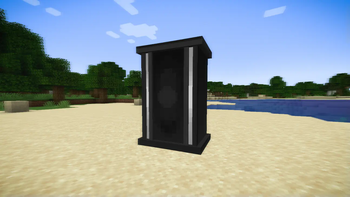
Step into the universe of Doctor Who with the Black Archive mod! Unleash the power of advanced Time Lord technology and beyond, bringing iconic gadgets and devices straight into your gameplay experience. Whether you're a seasoned Time Traveler or new to the mysteries of time and space, the Black Archive offers you the tools to explore the universe like never before.
Features:
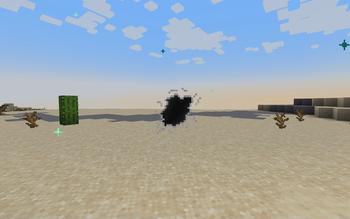
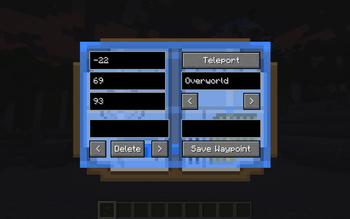
Vortex Manipulator: Master the art of time travel with the Vortex Manipulator, a compact and powerful device capable of transporting you across time and space. Navigate to any point in time or location with ease.
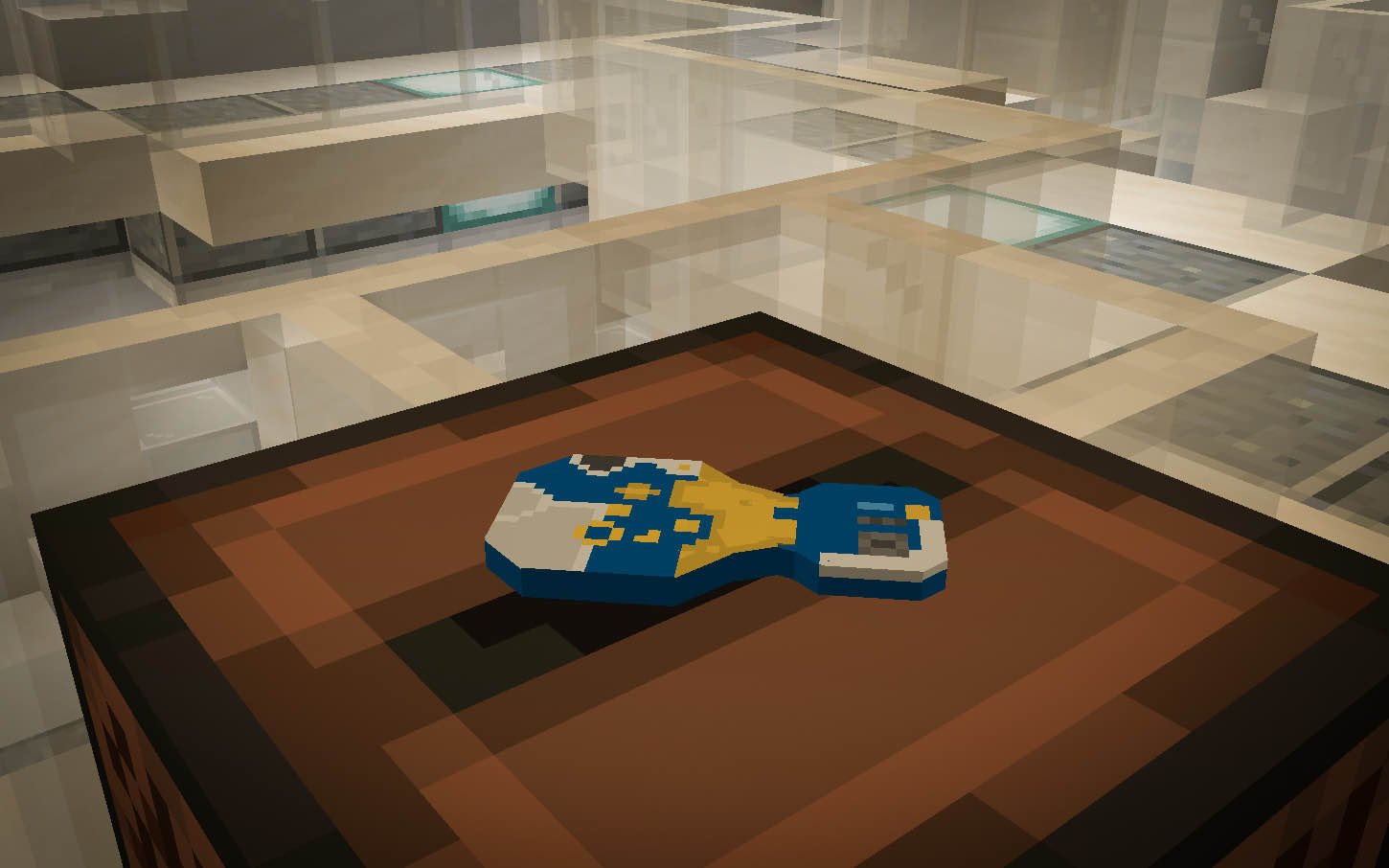
Contact Lenses: Sick of AR Glasses ruining your look? Craft some AR Lenses to look fly, whilst you fly.
Sonic Screwdriver: Now you can upgrade your amethyst screwdriver to something a little more functional!
Compatibility:
The Black Archive mod is designed to be compatible with most popular mods. However, if you encounter any issues, please refer to the mod's community page for troubleshooting tips and support.
Join the Community:
Connect with other Doctor Who enthusiasts and share your adventures using the Black Archive mod. This mod is part of the Adventure In Time and Space family, join our discord here!
Prepare to experience the universe like never before with the Black Archive mod. Allons-y!
Available Versions
How to Install Black Archive on Your Server
Order Server
Order a Minecraft Java server with at least 3 GB RAM (4 GB recommended).
Set fabric Loader
In the panel under "Egg", select the fabric loader and matching Minecraft version (1.20.1).
Install Mod
Open the mod browser in the dashboard and search for "Black Archive". Click "Install" – done! Alternatively, upload the .jar via SFTP to the /mods folder.
Compatibility
Mod Loaders
Minecraft Versions
1.20.1
Server-side
✓ RequiredRecommended RAM
4 GB(min. 3 GB)Frequently Asked Questions
Black Archive server crashes on startup – what to do?
Most common cause: wrong fabric version or insufficient RAM. Check the server log (latest.log) for "OutOfMemoryError" or "Mixin" errors. With Mado Hosting: ensure at least 3 GB RAM is allocated and the loader matches the mod version (1.20.1). You can switch loaders with one click in the panel.
Is Black Archive compatible with fabric and forge and neoforge?
Black Archive officially supports fabric, forge, neoforge for Minecraft 1.20.1. Note: Forge and Fabric mods are NOT cross-compatible – pick one loader and stick with it. The Mado dashboard automatically detects incompatible loader combinations.
Server lagging with Black Archive – how to optimize performance?
Recommended RAM: 4 GB (per 8 players). Use /spark profiler to check if Black Archive consumes the most tick time. Common fixes: reduce server view-distance to 8-10, install "performant" or "starlight" as supplementary mods on Forge. With Mado Hosting, your server runs on NVMe SSDs with dedicated CPU cores for minimal latency.
Similar Mods




Rent Modded Server
Install Black Archive with just one click on your server.