Blightwoods
An eerie dimension of unease and holes
Screenshots
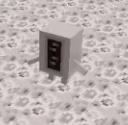
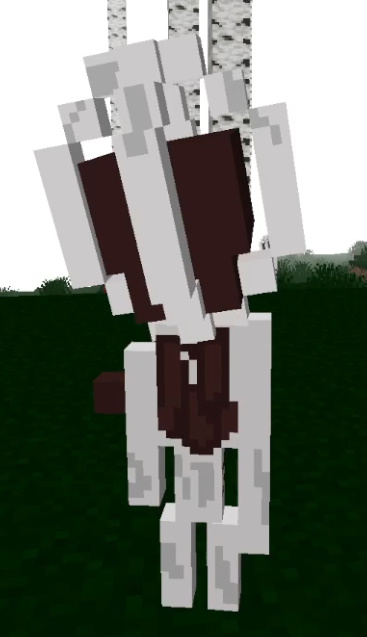

About this Mod
Based off of the Trypophobia Sculk concept art and unused Warden name.
This mod requires Curios and Geckolib and is compatible with Better Combat
What are the Blightwoods?
Nobody really knows, there have been many theories though. They fester and shift like a living thing, the creatures that live there are all strange and most are hostile. Fog covers the porous landscapes and nowhere is truly safe. Some say you may even hear breathing. Once you get in there may be no way back...
How to enter the Blightwoods?
First locate a birch forest, these now contain a hidden infection within the trees. In other words, all of the wood collected from birch trees now has a chance to drop a Blighted Log. These can be placed on the ground and right clicked in order to break open a portal. Stand on the edge of the reddish blocks to be transported into the Blightwoods.
Biomes
Blightwood Forest
A forest that almost resembles a Birch Forest and the closest biome to resemble something from the Overworld. Hollowed creatures roam these landscapes, trees grow higher than they normally would. Always remember... all isn't as it seems.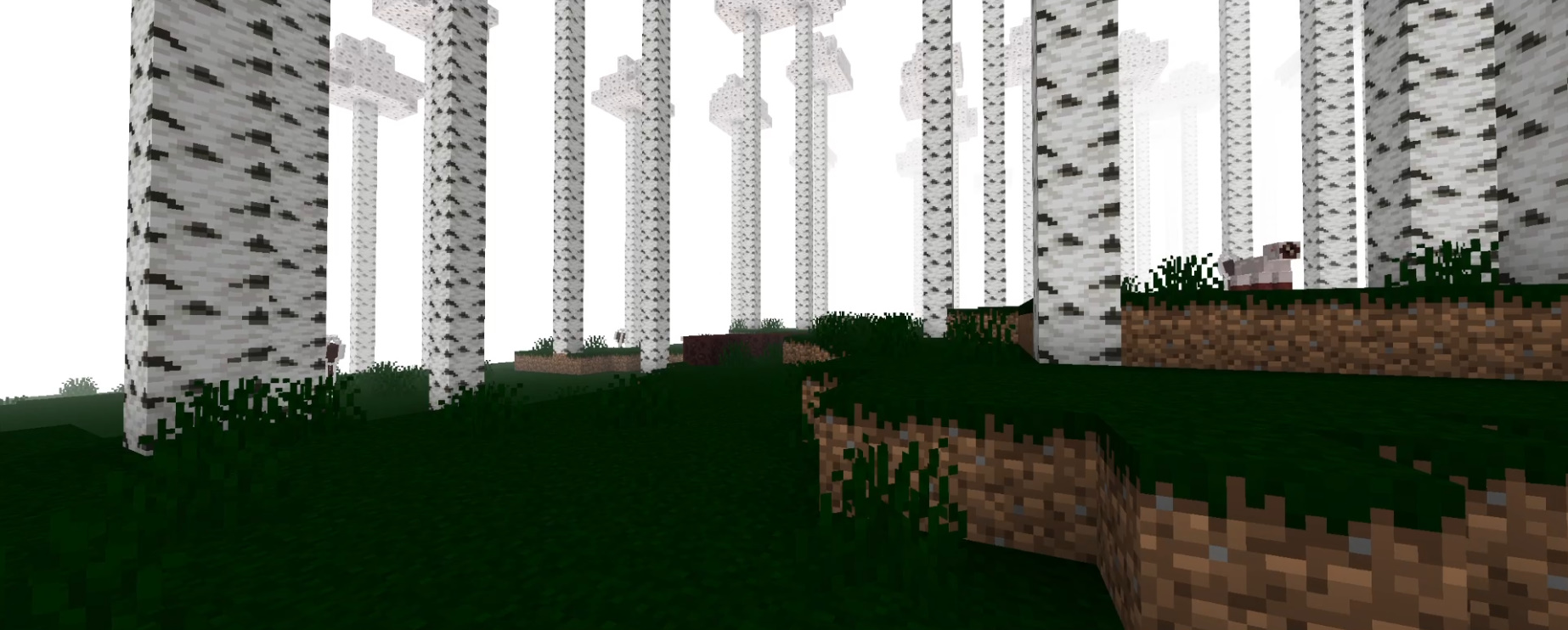
The Growth
A mass of tumorous growths bulging out of the ground. These biomes sometimes have tree like growths and lakes of water in between. Powerful Hollowed creatures spawn here and group up to ensure the death of all who enter. The ground may be of use though for special tools.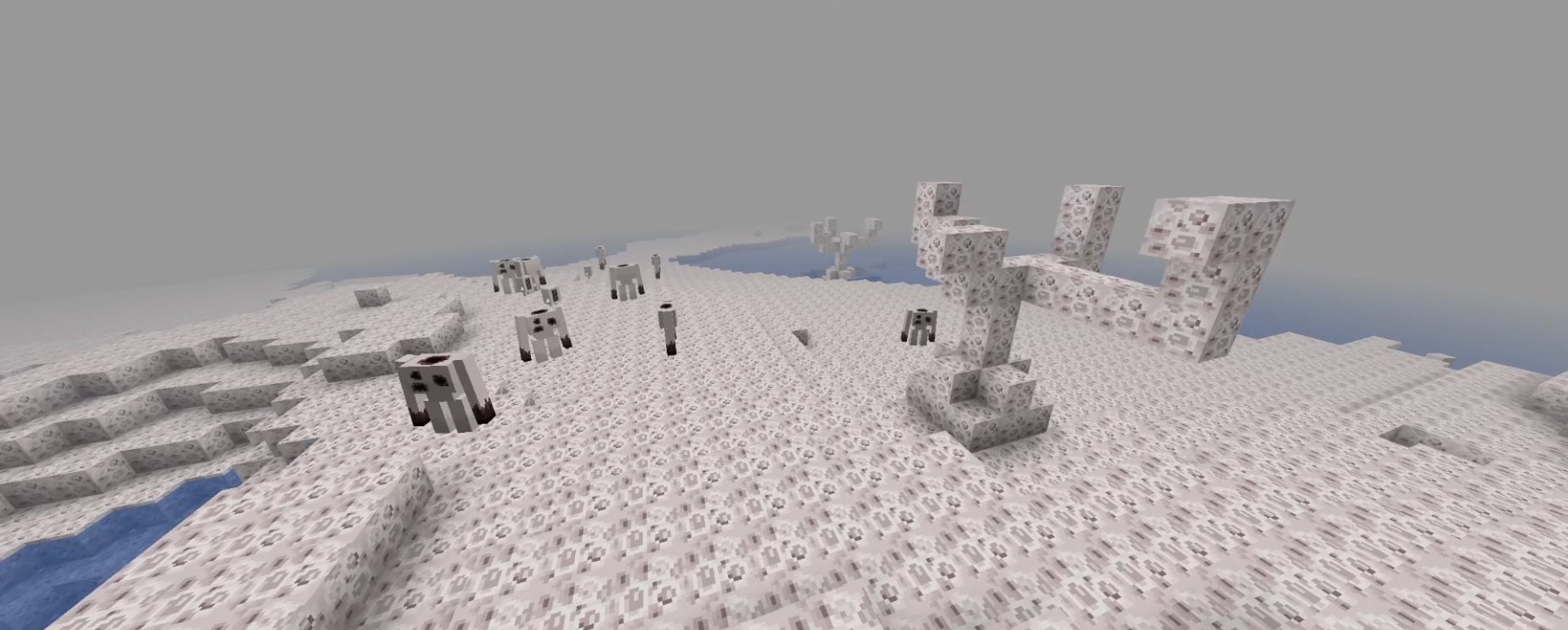
Rotten Mire
This biome was originally like the Blightwood Forest. Something has changed this biome, causing it to be a rot infested mire filled with corrosive ooze. Large oozes scour the biome, small Oozejellies swim in the waters and the Hollowblight has mutated differently here. If the ooze would be put together in a specific way it could make a useful sword or perhaps something more...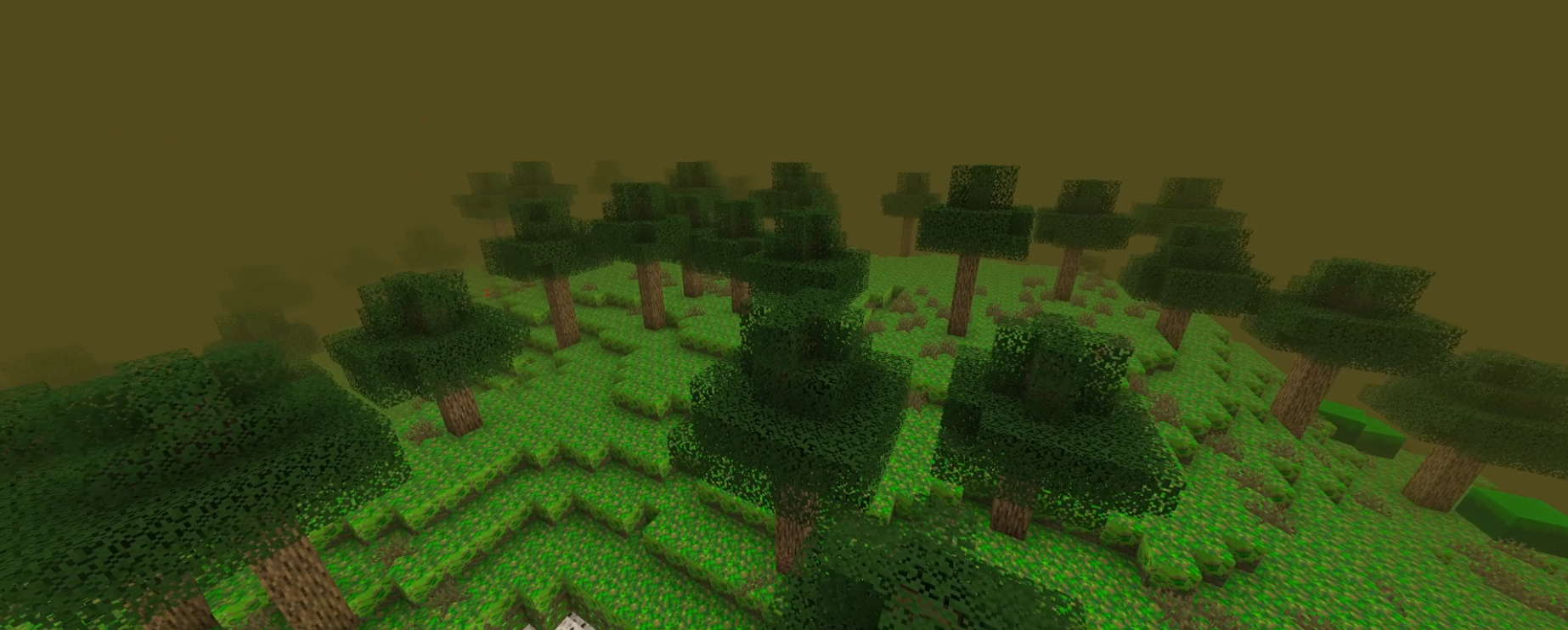
Escaping the Nightmare
There's only one escape from this nightmare, besides death. You must create an Empty Emblem and face your final opponent. Prepare all you can using the dimension's scarce resources. Hard difficulty may change the outcome of the escape though.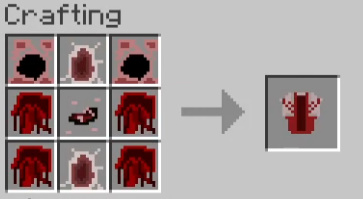
It may seem impossible, but it is possible to survive in the Blightwoods from the start!
Hard difficulty actually changes many elements of the Blightwoods so it is recommended you get used to it in normal difficulty first.
Available Versions
How to Install Blightwoods on Your Server
Order Server
Order a Minecraft Java server with at least 4 GB RAM (6 GB recommended).
Set forge Loader
In the panel under "Egg", select the forge loader and matching Minecraft version (1.19.2).
Install Mod
Open the mod browser in the dashboard and search for "Blightwoods". Click "Install" – done! Alternatively, upload the .jar via SFTP to the /mods folder.
Compatibility
Mod Loaders
Minecraft Versions
1.19.2
Server-side
✓ RequiredRecommended RAM
6 GB(min. 4 GB)Frequently Asked Questions
Blightwoods server crashes on startup – what to do?
Most common cause: wrong forge version or insufficient RAM. Check the server log (latest.log) for "OutOfMemoryError" or "Mixin" errors. With Mado Hosting: ensure at least 4 GB RAM is allocated and the loader matches the mod version (1.19.2). You can switch loaders with one click in the panel.
Is Blightwoods compatible with forge?
Blightwoods officially supports forge for Minecraft 1.19.2. The Mado dashboard automatically detects incompatible loader combinations.
Server lagging with Blightwoods – how to optimize performance?
Recommended RAM: 6 GB (per 5 players). Use /spark profiler to check if Blightwoods consumes the most tick time. Common fixes: reduce server view-distance to 8-10, install "performant" or "starlight" as supplementary mods on Forge. With Mado Hosting, your server runs on NVMe SSDs with dedicated CPU cores for minimal latency.
Similar Mods




Rent Modded Server
Install Blightwoods with just one click on your server.