
Block Express
Stations that automatically connect your bases
Screenshots
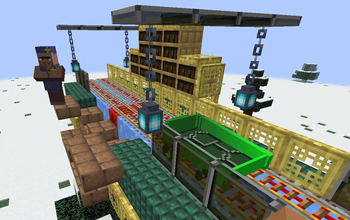
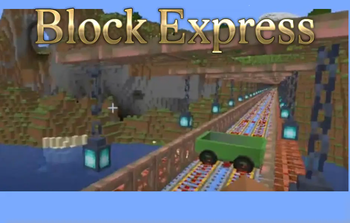
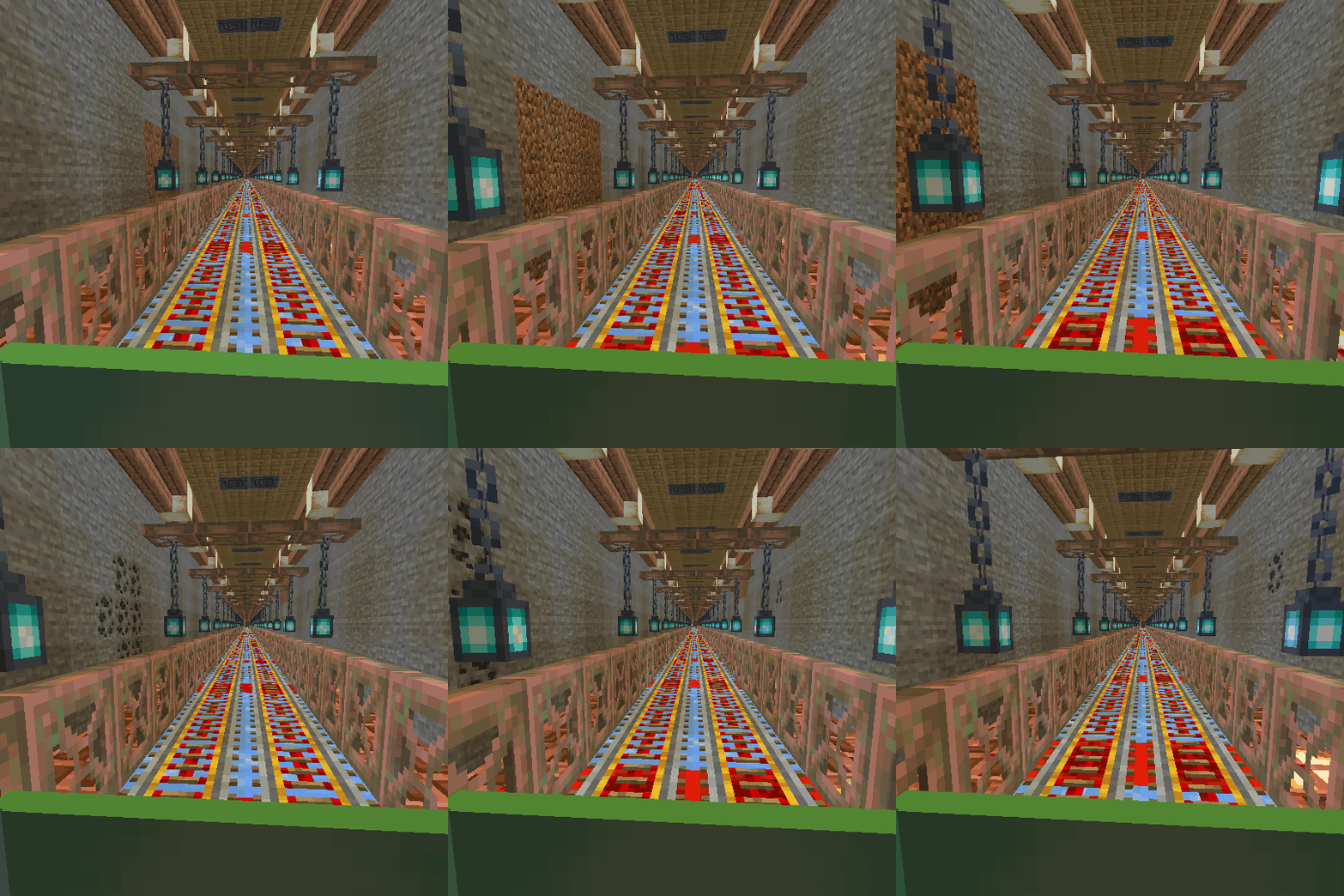
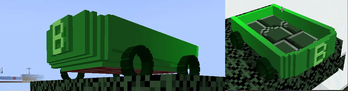
About this Mod
To create your station; first, craft the Station Builder block.
When you place this block, a station will be created at that location. If you place this block a second time, a railway will be established between the first and second stations, allowing for fast travel between your bases. You can also create connecting routes between more than two stations.
For the Station Builder block to connect to the previous station, it must be at the same Y-coordinate, and the X and Z coordinates must be at least 20 blocks apart. Depending on the direction of the connected stations, some old tracks may become damaged; you can manually repair these sections.
If you wish to disconnect from old stations and start a new station network from scratch, you will need to craft the Station Builder block again. Each time you craft a Station Builder, it resets your connection to the old station network. Therefore, ensure you craft enough Station Builder blocks before creating your initial station and starting your network.
When you craft a Station Builder block, your connection to the old station network is reset, allowing you to set up a station at your desired Y-coordinate to start a new network.
Conductor can spawn Blocktrain when you right click on him (cooldown 120 second)
I haven't set a limit on the distance for creating railway. However, I recommend keeping this distance low depending on your computer's power. When I tested with 8GB of RAM, a distance of about 4000 blocks caused issues and posed a crash risk, so be careful.
Available Versions
How to Install Block Express on Your Server
Order Server
Order a Minecraft Java server with at least 3 GB RAM (4 GB recommended).
Set forge Loader
In the panel under "Egg", select the forge loader and matching Minecraft version (1.21.1).
Install Mod
Open the mod browser in the dashboard and search for "Block Express". Click "Install" – done! Alternatively, upload the .jar via SFTP to the /mods folder.
Compatibility
Mod Loaders
Minecraft Versions
1.21.1, 1.20.1
Server-side
✓ RequiredRecommended RAM
4 GB(min. 3 GB)Frequently Asked Questions
Block Express server crashes on startup – what to do?
Most common cause: wrong forge version or insufficient RAM. Check the server log (latest.log) for "OutOfMemoryError" or "Mixin" errors. With Mado Hosting: ensure at least 3 GB RAM is allocated and the loader matches the mod version (1.21.1). You can switch loaders with one click in the panel.
Is Block Express compatible with forge and neoforge?
Block Express officially supports forge, neoforge for Minecraft 1.21.1, 1.20.1. The Mado dashboard automatically detects incompatible loader combinations.
Server lagging with Block Express – how to optimize performance?
Recommended RAM: 4 GB (per 8 players). Use /spark profiler to check if Block Express consumes the most tick time. Common fixes: reduce server view-distance to 8-10, install "performant" or "starlight" as supplementary mods on Forge. With Mado Hosting, your server runs on NVMe SSDs with dedicated CPU cores for minimal latency.
Similar Mods





Rent Modded Server
Install Block Express with just one click on your server.