BlockFront Survival Patch
Datapack designed to enhance your BlockFront experience outside of custom games
Screenshots
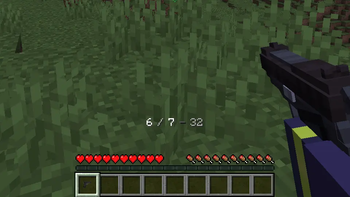
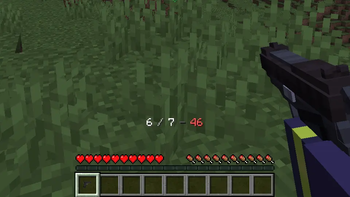
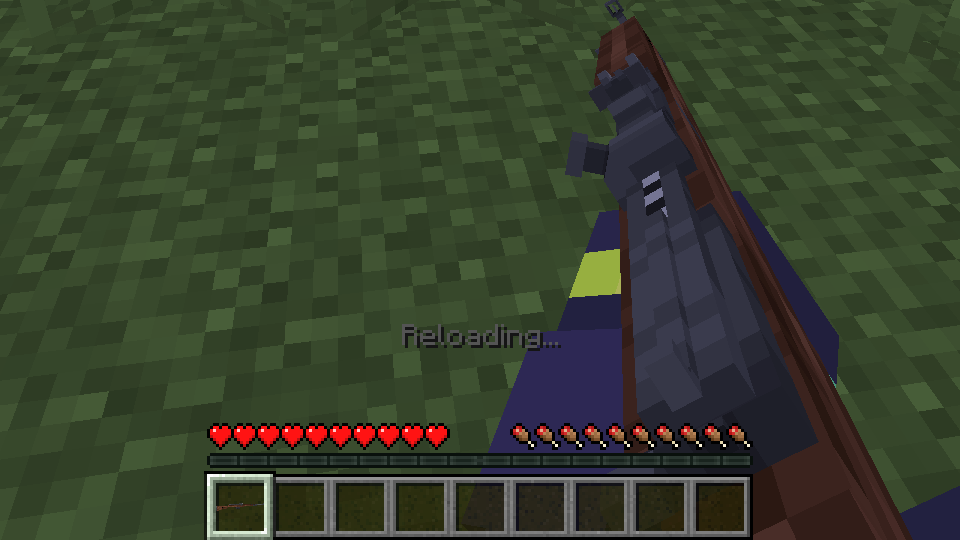
About this Mod
This datapack aims to restore and recreate many of BlockFront’s functionalities and features, bringing them into your survival worlds and adding support for the mod even outside of custom matchmaking.
Features
- Ammo indicator HUD
- Custom ammo system & ammo items
- Custom crafting method, including all weapons, vehicles, grenades & more
- Custom attachments system
- New ability to use syringes on yourself
- New ability to apply certain skins to guns and melees
- Recreated medic bags functionality
- Restored flamethrower tanks mechanic
- Restored weapon inspect mechanic
- Restored hitmarker and kill sound effects
- Locked offhand when holding a weapon
Help
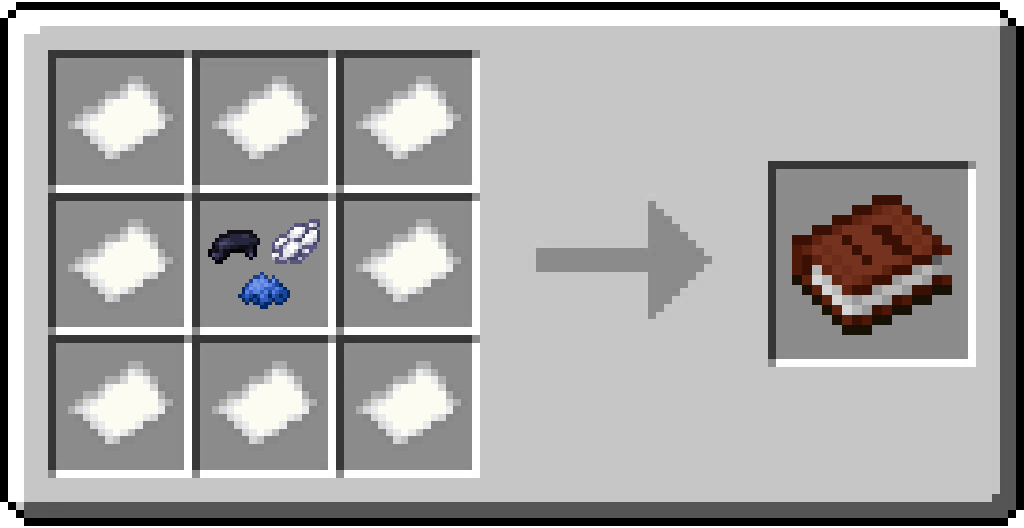
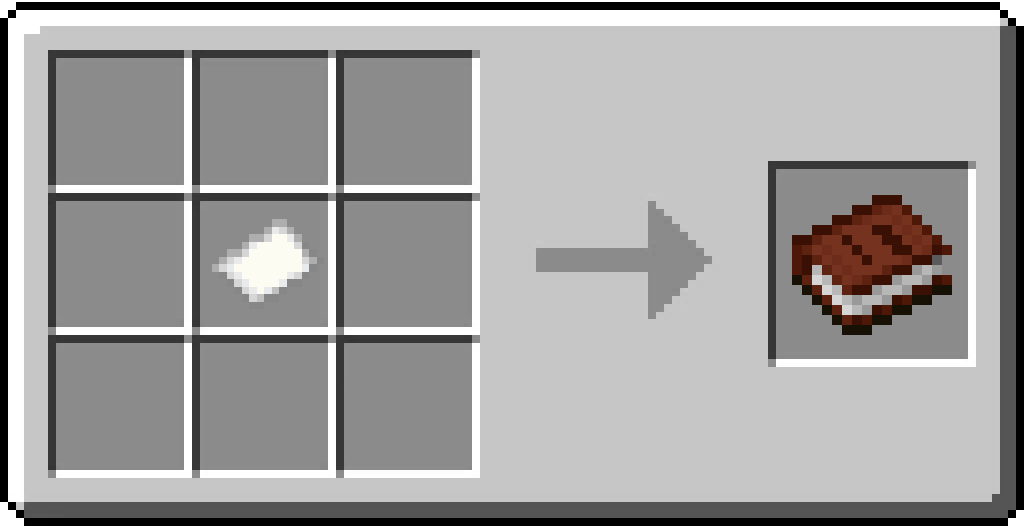
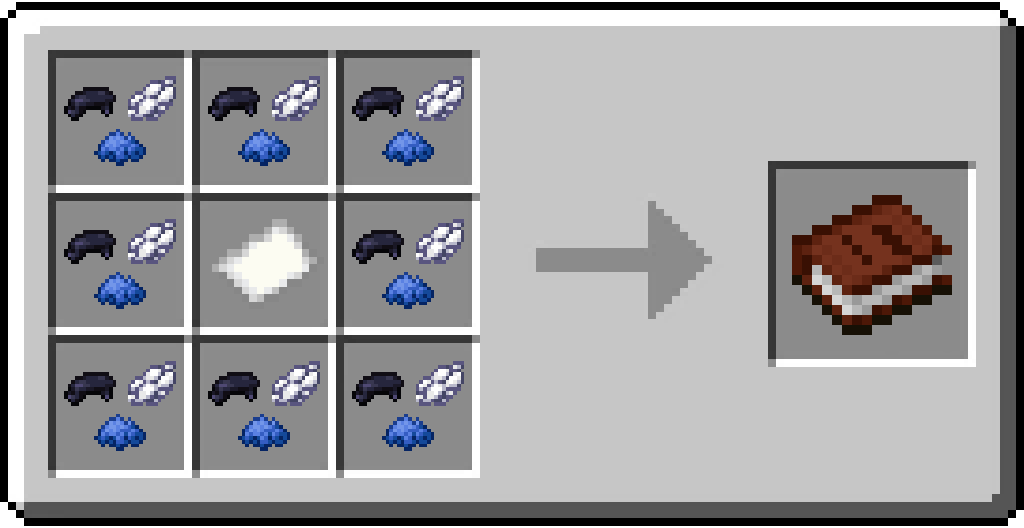
- Crafting: You will find three custom books in your recipe book. You can easily locate them by typing "Blueprint" in your search bar. These books (Weapons Blueprint, Supplies Blueprint & Vehicles Blueprint) are used to craft everything in this datapack. (Crafting in creative mode doesn't require any materials).
- Load ammo: Hold an ammo item in your main hand and press the F key. Alternatively, you can drag the item into your off-hand slot.
- Attachments: Hold a compatible weapon (Guide included in the Supplies Blueprint), open your inventory and drag the attachment item onto your selected gun. To remove your attachments, use the same method, but with a wrench.
- Syringes: You can use adrenaline or medical syringes on yourself by holding down the shift key and right-clicking on your feet, while standing still.
(Any bugs or missing features in creative mode may either be intentional or impossible to fix)
- Weapons from the creative menu won't have any of the datapack features. This is intentional behavior. The datapack only affects crafted weapons to prevent messing with your existing worlds.
- The attachments system doesn't work in creative mode. Due to limitations of Minecraft datapacks, this cannot be fixed. To apply or remove an attachment, you must be in survival or adventure mode.
Useful commands
- HUD Toggle:
/scoreboard players set #hud bfusp_toggle {0/1} - Ammo:
/scoreboard players {add/remove/set} {player} bfusp_ammo_{type} {amount} - Blueprints:
/function bfusp:crafting/blueprint{1/2/3} - Joke weapons ingredient:
/function bfusp:crafting/permit - Randomize Mint:
/function bfusp:randomize_mint
Requirements
The official BlockFront mod is required to work.
Latest tested version: 0.8.0.15b
Special thanks to
TNT1243 (Original idea)
_vuis (Some testing, help and ideas)
_JustaDude_ [IGN] (Recipes and balancing suggestions)
This datapack is not affiliated with the BlockFront mod or its development team.
Available Versions
How to Install BlockFront Survival Patch on Your Server
Order Server
Order a Minecraft Java server with at least 3 GB RAM (4 GB recommended).
Set datapack Loader
In the panel under "Egg", select the datapack loader and matching Minecraft version (1.21.1).
Install Mod
Open the mod browser in the dashboard and search for "BlockFront Survival Patch". Click "Install" – done! Alternatively, upload the .jar via SFTP to the /mods folder.
Compatibility
Mod Loaders
Minecraft Versions
1.21.1
Server-side
✓ RequiredRecommended RAM
4 GB(min. 3 GB)Frequently Asked Questions
BlockFront Survival Patch server crashes on startup – what to do?
Most common cause: wrong datapack version or insufficient RAM. Check the server log (latest.log) for "OutOfMemoryError" or "Mixin" errors. With Mado Hosting: ensure at least 3 GB RAM is allocated and the loader matches the mod version (1.21.1). You can switch loaders with one click in the panel.
Is BlockFront Survival Patch compatible with datapack and neoforge?
BlockFront Survival Patch officially supports datapack, neoforge for Minecraft 1.21.1. The Mado dashboard automatically detects incompatible loader combinations.
Server lagging with BlockFront Survival Patch – how to optimize performance?
Recommended RAM: 4 GB (per 8 players). Use /spark profiler to check if BlockFront Survival Patch consumes the most tick time. Common fixes: reduce server view-distance to 8-10, install "performant" or "starlight" as supplementary mods on Forge. With Mado Hosting, your server runs on NVMe SSDs with dedicated CPU cores for minimal latency.
Similar Mods



![[TaCZ] Timeless and Classics Zero](https://cdn.modrinth.com/data/SzzJttH8/fd27766d2bb8390d284696b1dbd358f87e081439_96.webp)


Rent Modded Server
Install BlockFront Survival Patch with just one click on your server.