
BlockOwner
Find out who placed THIS block!
Screenshots
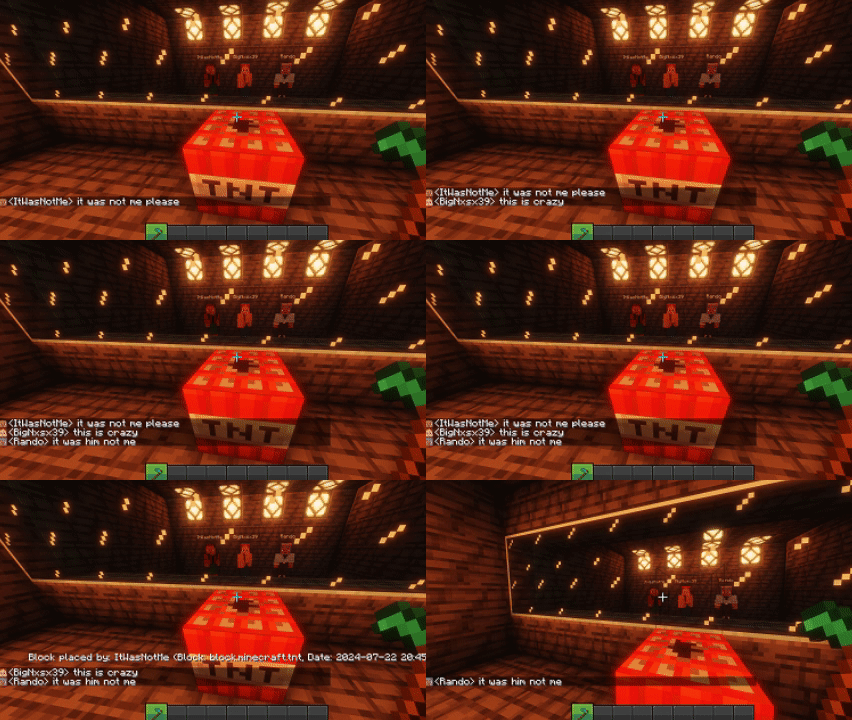
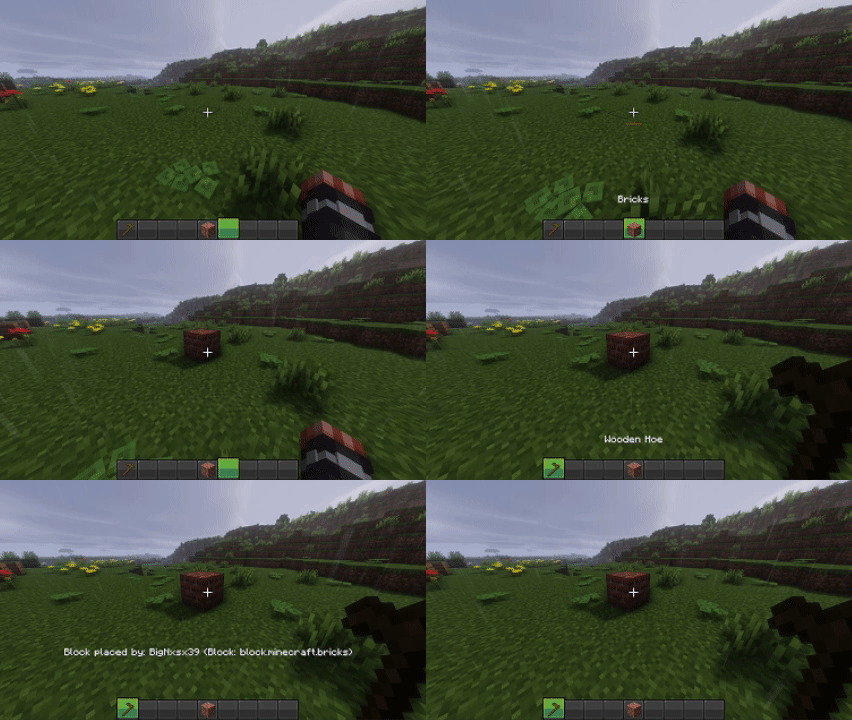
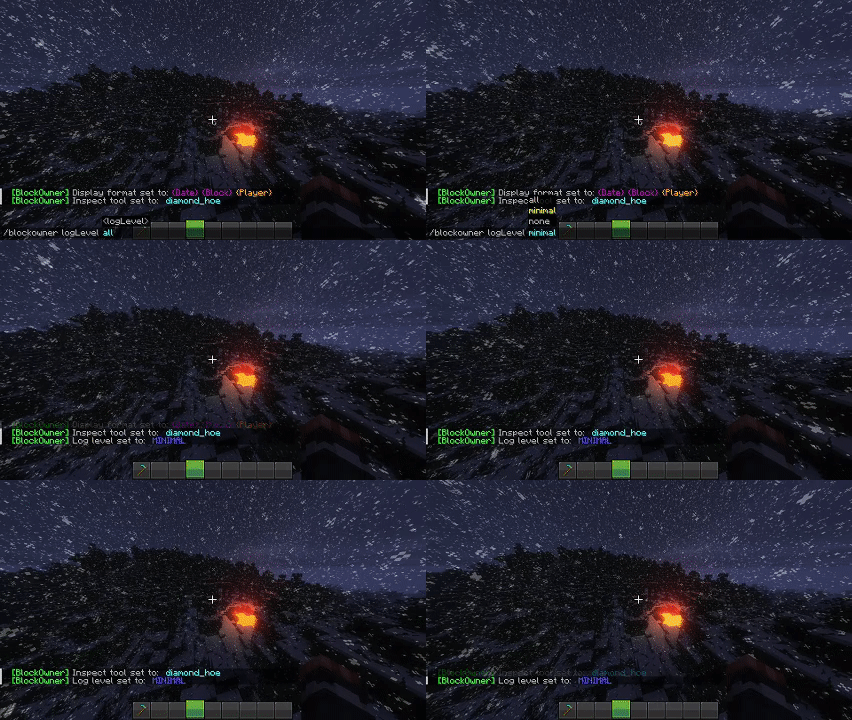
About this Mod
BlockOwner
To describe the mod in few words. You now know who placed that block!
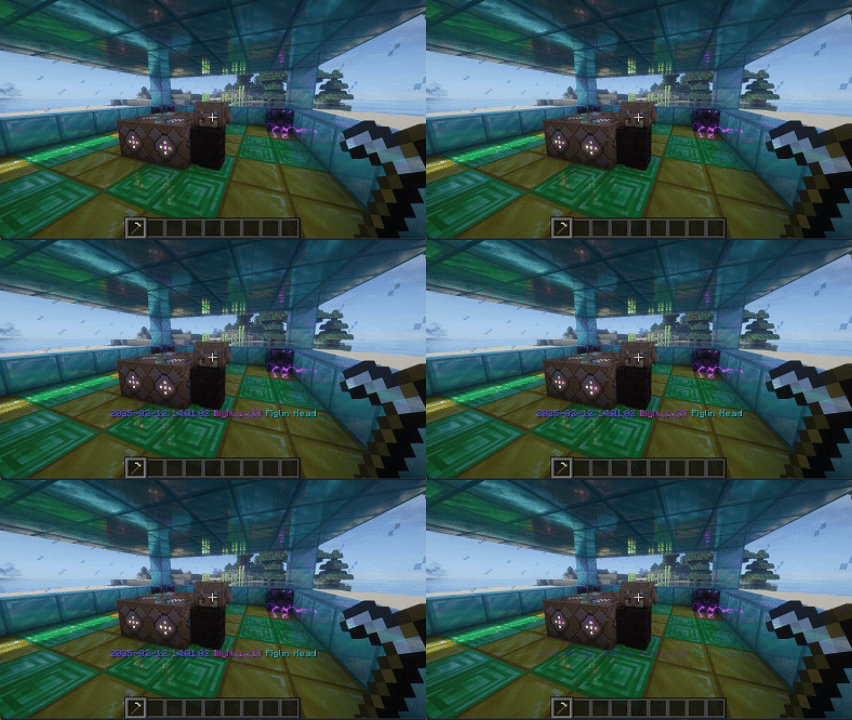
Preview
BlockOwner Gui
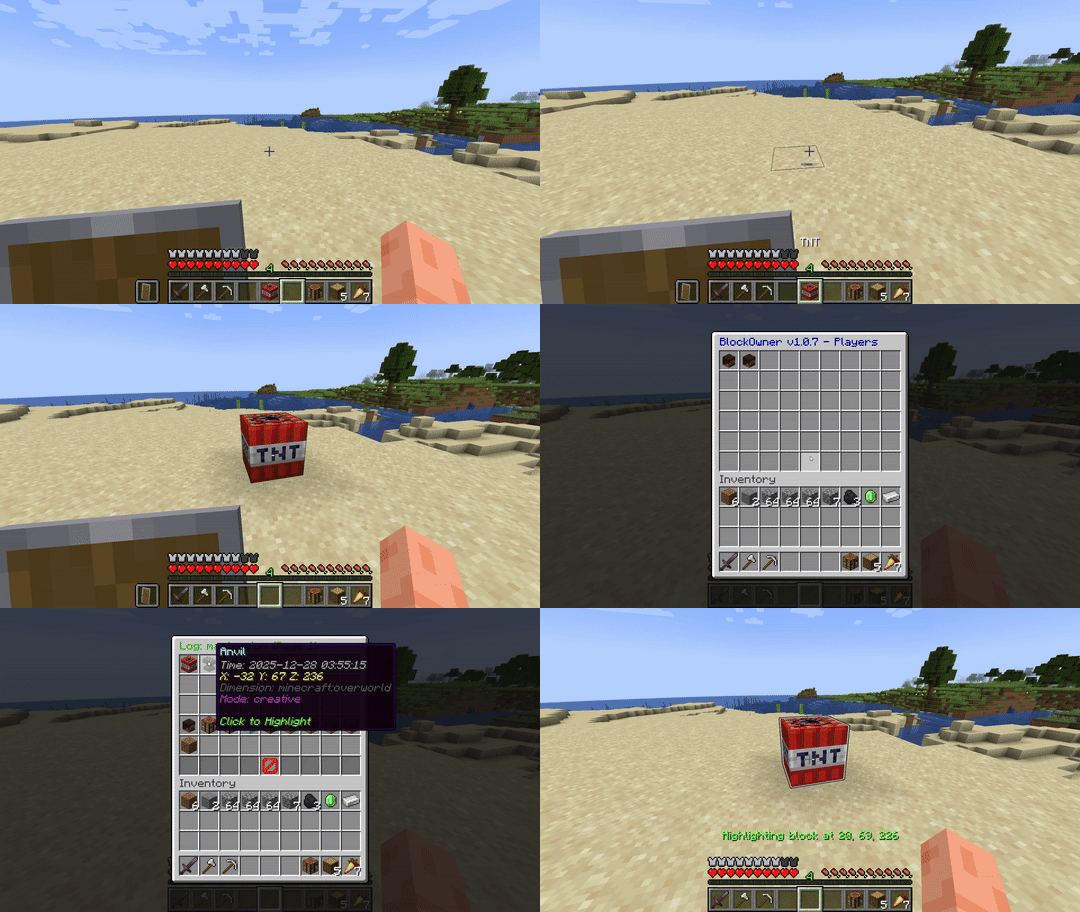
specific block search
BlockOwner Tool
The default tool is the wooden_hoe
Commands:
This mod requires operator permissions to function and works entirely server-side, so there's no need for any client-side installation or configuration.
/blockowner gui
Opens a Menu where you can view Player placed Blocks and highlight them. (avaible since v1.0.7)
/blockowner level [none|minimal|all]
Adjusts the log level for the mod, controlling the verbosity of logs.
/blockowner tool minecraft:item_name
Sets the tool used for inspecting blocks. The selected tool is saved in the configuration file for persistent use.
/blockowner style &1-9{Date} &1-9{Player} &1-9{Block}
Allows you to customize the Message of the inspect tool in the way you want it. You can change the order of {Date} {Player} {Block} any way you want and assign minecraft color codes to them.
/blockowner visualize [playername|clear] range(min10)
Allows you to visualize the Blocks placed by the Person with extra info. (avaible since v1.0.7)
All issues and planned stuff here
Feel free to submit your ideas!
To-Do list: Open issue Page
You can view current known bugs here:
Bug list: Open issue Page
FAQ
How does it work?
It tracks each block placed by every player on the server and stores them on a per-player basis to be later viewed using the selection tool.
Will more versions be supported?
Currently I use this mod on my server, wich runs on this specific version. More versions are on the way but are not the top priority!
License
This mod is available under the Apache-2.0 license. Feel free to learn from it and incorporate it into your own projects.
Available Versions
How to Install BlockOwner on Your Server
Order Server
Order a Minecraft Java server with at least 3 GB RAM (4 GB recommended).
Set fabric Loader
In the panel under "Egg", select the fabric loader and matching Minecraft version (1.21.2).
Install Mod
Open the mod browser in the dashboard and search for "BlockOwner". Click "Install" – done! Alternatively, upload the .jar via SFTP to the /mods folder.
Compatibility
Mod Loaders
Minecraft Versions
1.21.2, 1.21.1, 1.21 (+2 more)
Server-side
✓ RequiredRecommended RAM
4 GB(min. 3 GB)Frequently Asked Questions
BlockOwner server crashes on startup – what to do?
Most common cause: wrong fabric version or insufficient RAM. Check the server log (latest.log) for "OutOfMemoryError" or "Mixin" errors. With Mado Hosting: ensure at least 3 GB RAM is allocated and the loader matches the mod version (1.21.2). You can switch loaders with one click in the panel.
Is BlockOwner compatible with fabric?
BlockOwner officially supports fabric for Minecraft 1.21.2, 1.21.1, 1.21. The Mado dashboard automatically detects incompatible loader combinations.
Server lagging with BlockOwner – how to optimize performance?
Recommended RAM: 4 GB (per 8 players). Use /spark profiler to check if BlockOwner consumes the most tick time. Common fixes: reduce server view-distance to 8-10, install "performant" or "starlight" as supplementary mods on Forge. With Mado Hosting, your server runs on NVMe SSDs with dedicated CPU cores for minimal latency.
Similar Mods






Rent Modded Server
Install BlockOwner with just one click on your server.