
BlueMap Banners
Adds banners to BlueMap when players place banners in game.
Screenshots
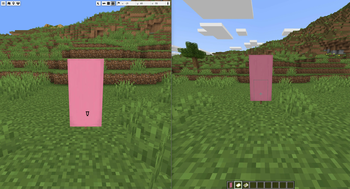

About this Mod
BlueMap Banners



A Minecraft Fabric mod that supports displaying Minecraft banners as markers on BlueMap.
This is a continuation of Banners4BM originally by Nincodedo.
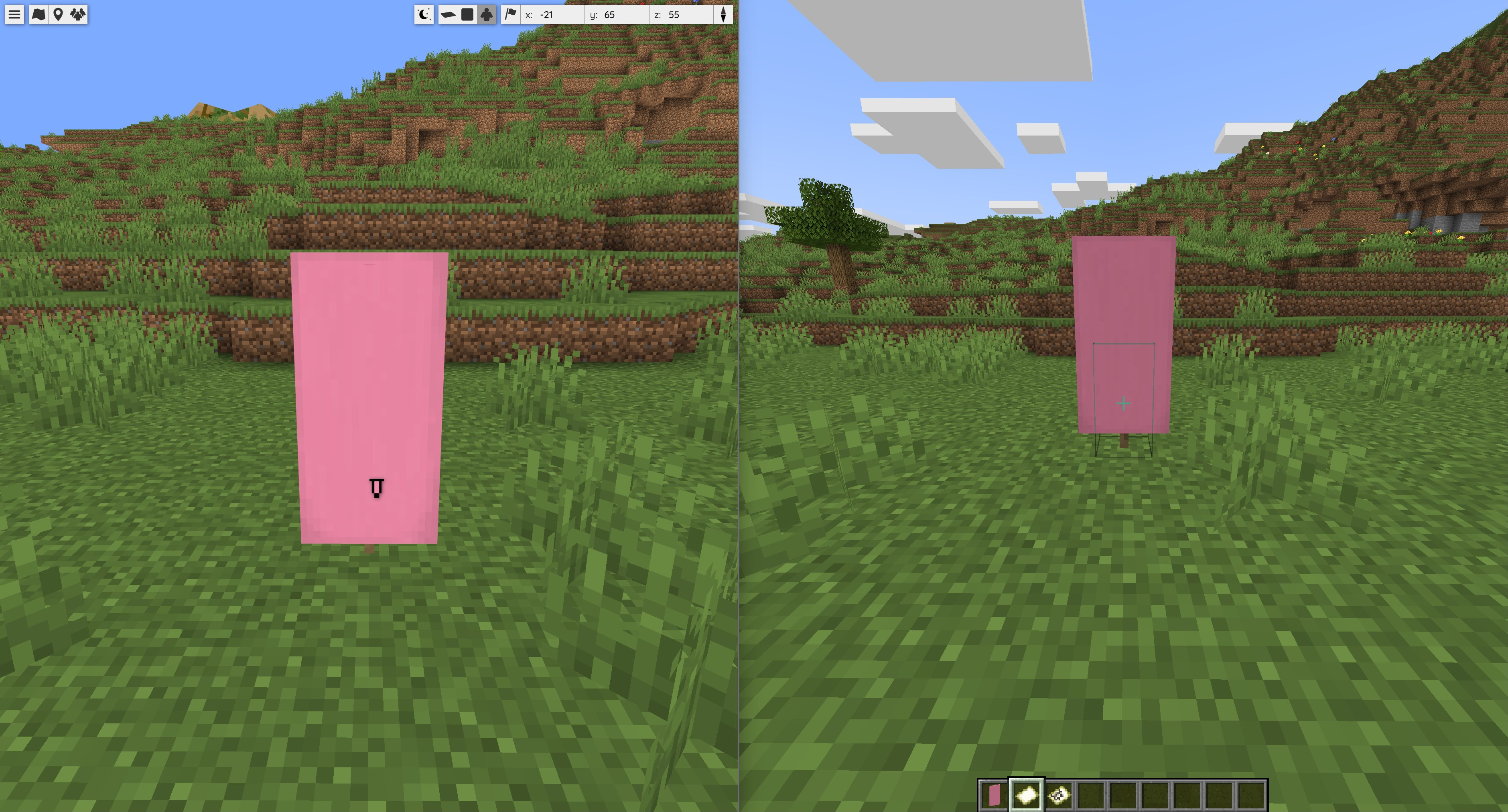
Player usage
This mod supports custom-named banners. (Just like the vanilla feature of banners on map items.)
Renamed banners are shown with the customized name on BlueMap as a POI marker.
When using a map item on an existing banner (enabled by default)
- Players can use map items on banners to create the marker on BlueMap.
- Players can use map items on banners to remove the marker.
When using direct placing of banners (disabled by default)
- Players place banners and markers are instantaneously created.
Other interactions (always enabled)
- Players can break the banner by hand to remove the marker.
- External sources can break banners to remove the marker. (TNT, support block broken)
Commands
The main command is /bluemapbanners, but there is also the alias /bb you can use.
/bluemapbanners
/bluemapbanners notifyPlayerOnBannerPlace [true|false]
/bluemapbanners notifyPlayerOnMarkerAdd [true|false]
/bluemapbanners notifyPlayerOnMarkerRemove [true|false]
/bluemapbanners notifyGlobalOnMarkerRemove [true|false]
/bluemapbanners markerAddInstantOnBannerPlace [true|false]
/bluemapbanners markerAddWithOriginalName [true|false]
/bluemapbanners markerMaxViewDistance [<number>]
/bluemapbanners bluemapUrl [<url>]
Config file
# Wheter players should be notified and introduced how to add markers to BlueMap
notifyPlayerOnBannerPlace=true

# Wheter players should be notified if they add a marker
notifyPlayerOnMarkerAdd=true

# Wheter players should be notified if they remove a marker
notifyPlayerOnMarkerRemove=true

# Wheter all players on the server should be notified a banner has been removed
notifyGlobalOnMarkerRemove=false

# Wheter markers are created instantaneously on banner place
markerAddInstantOnBannerPlace=false

# Wheter instantly created markers with an original unchanged name are added
markerAddWithOriginalName=false

# For how far you want to be able to see these banners on BlueMap
markerMaxViewDistance=10000000

# Your url on which players can click in notifications, to your BlueMap instance
bluemapUrl=https://your-url-to-bluemap.com/

# Wheter this mod sends some usage metrics, a metric looks like: (fabric, 1.21.11, 2.2.3)
# These metrics include which server implementation, Minecraft version and mod version you are using
sendMetrics=true
Available Versions
How to Install BlueMap Banners on Your Server
Order Server
Order a Minecraft Java server with at least 3 GB RAM (4 GB recommended).
Set fabric Loader
In the panel under "Egg", select the fabric loader and matching Minecraft version (26.1.2).
Install Mod
Open the mod browser in the dashboard and search for "BlueMap Banners". Click "Install" – done! Alternatively, upload the .jar via SFTP to the /mods folder.
Compatibility
Mod Loaders
Minecraft Versions
26.1.2, 26.1.1, 26.1 (+11 more)
Server-side
✓ RequiredRecommended RAM
4 GB(min. 3 GB)Frequently Asked Questions
BlueMap Banners server crashes on startup – what to do?
Most common cause: wrong fabric version or insufficient RAM. Check the server log (latest.log) for "OutOfMemoryError" or "Mixin" errors. With Mado Hosting: ensure at least 3 GB RAM is allocated and the loader matches the mod version (26.1.2). You can switch loaders with one click in the panel.
Is BlueMap Banners compatible with fabric?
BlueMap Banners officially supports fabric for Minecraft 26.1.2, 26.1.1, 26.1. The Mado dashboard automatically detects incompatible loader combinations.
Server lagging with BlueMap Banners – how to optimize performance?
Recommended RAM: 4 GB (per 8 players). Use /spark profiler to check if BlueMap Banners consumes the most tick time. Common fixes: reduce server view-distance to 8-10, install "performant" or "starlight" as supplementary mods on Forge. With Mado Hosting, your server runs on NVMe SSDs with dedicated CPU cores for minimal latency.
Similar Mods




Rent Modded Server
Install BlueMap Banners with just one click on your server.