
MobilityPlus
Make Minecraft more dynamic and fast with new forms of movement like dashes and boost totems while maintaining the vanilla style and fluid and fun gameplay.
Screenshots
About this Mod

MOBILITYPLUS is constantly evolving! Future updates will bring optimized performance and enhanced visuals, making your movement experience smoother and even more stylish. Stay tuned for new versions that will take your gameplay to the next level!
✨ Features:
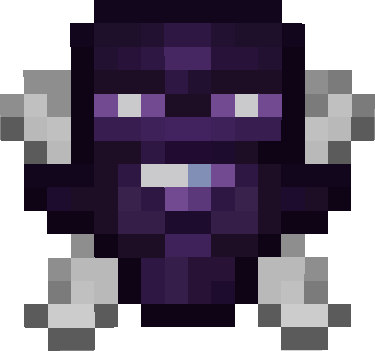
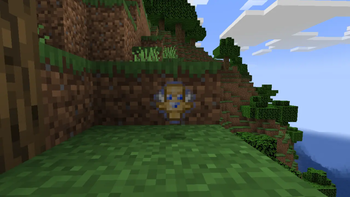
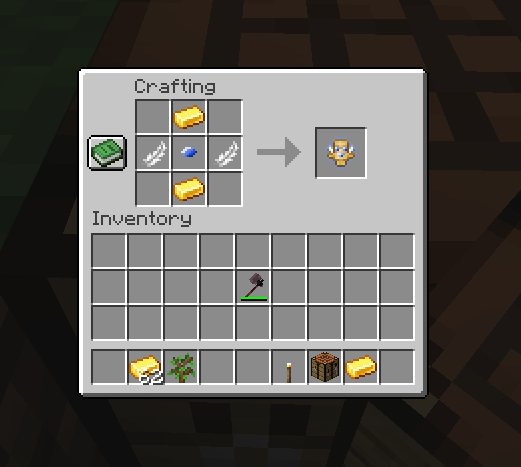
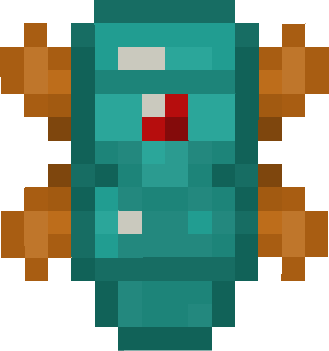
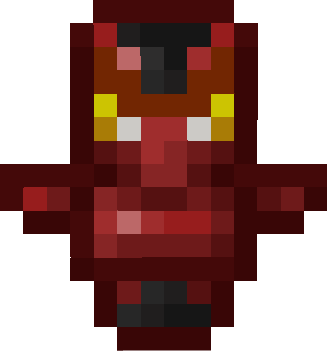
Boost Totem 🪄 – An item you can hold in your hand. Use it to propel yourself forward and overcome obstacles.
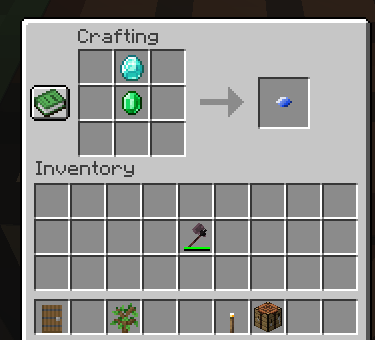
Boost Crystal 💎 – A usable item that deals damage and can be integrated into movement combos.
Item Crafting ⚒️ – Craft new blocks and items with special recipes.
Achievements (Advancements) 🏆 – Complete unique tasks and actions to unlock achievements and rewards.
🎮 Gameplay Enhancements:
Makes movement and exploration more fluid and dynamic.
Adds strategic challenges with items that can be used in multiple ways.
Encourages players to experiment with new ways of interacting with the world.
💡 Tip: Use combo items to explore difficult areas or complete challenging parkours!
CRAFT


Made by B3SS4
Available Versions
How to Install MobilityPlus on Your Server
Order Server
Order a Minecraft Java server with at least 3 GB RAM (4 GB recommended).
Set forge Loader
In the panel under "Egg", select the forge loader and matching Minecraft version (1.20.1).
Install Mod
Open the mod browser in the dashboard and search for "MobilityPlus". Click "Install" – done! Alternatively, upload the .jar via SFTP to the /mods folder.
Compatibility
Mod Loaders
Minecraft Versions
1.20.1
Server-side
✓ RequiredRecommended RAM
4 GB(min. 3 GB)Frequently Asked Questions
MobilityPlus server crashes on startup – what to do?
Most common cause: wrong forge version or insufficient RAM. Check the server log (latest.log) for "OutOfMemoryError" or "Mixin" errors. With Mado Hosting: ensure at least 3 GB RAM is allocated and the loader matches the mod version (1.20.1). You can switch loaders with one click in the panel.
Is MobilityPlus compatible with forge?
MobilityPlus officially supports forge for Minecraft 1.20.1. The Mado dashboard automatically detects incompatible loader combinations.
Server lagging with MobilityPlus – how to optimize performance?
Recommended RAM: 4 GB (per 8 players). Use /spark profiler to check if MobilityPlus consumes the most tick time. Common fixes: reduce server view-distance to 8-10, install "performant" or "starlight" as supplementary mods on Forge. With Mado Hosting, your server runs on NVMe SSDs with dedicated CPU cores for minimal latency.
Similar Mods




![[TaCZ] Timeless and Classics Zero](https://cdn.modrinth.com/data/SzzJttH8/fd27766d2bb8390d284696b1dbd358f87e081439_96.webp)

Rent Modded Server
Install MobilityPlus with just one click on your server.