
Bones Update
Explore a world where skeletons decided to come back to life to defend their pairs! New mobs, illagers and structures awaits you!
Screenshots
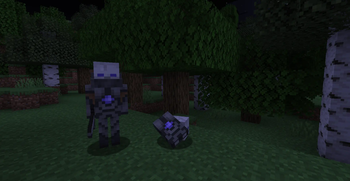
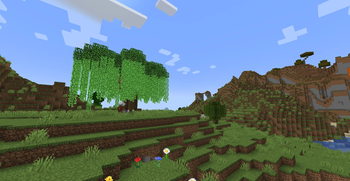
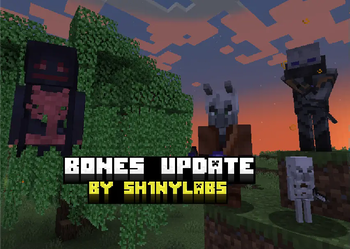
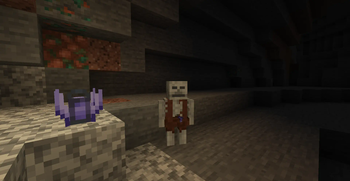
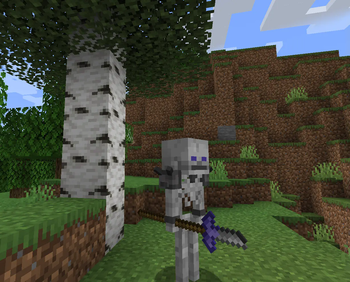
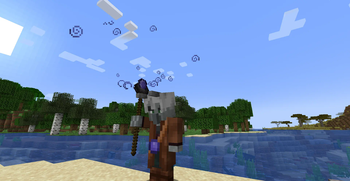
About this Mod
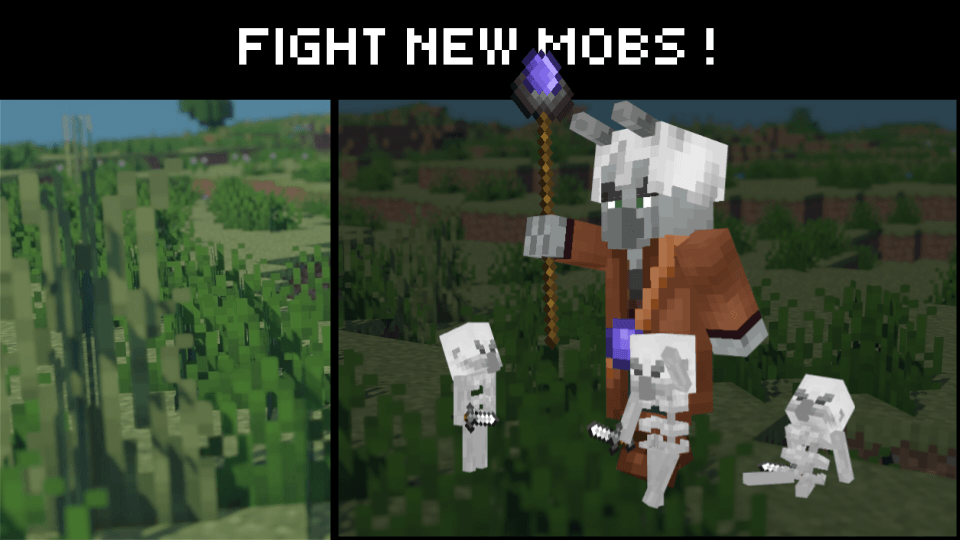
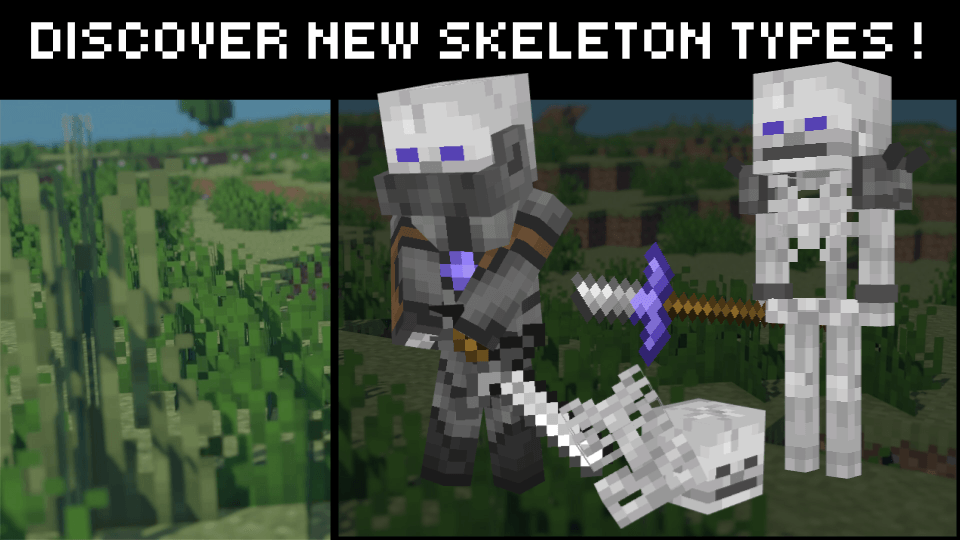
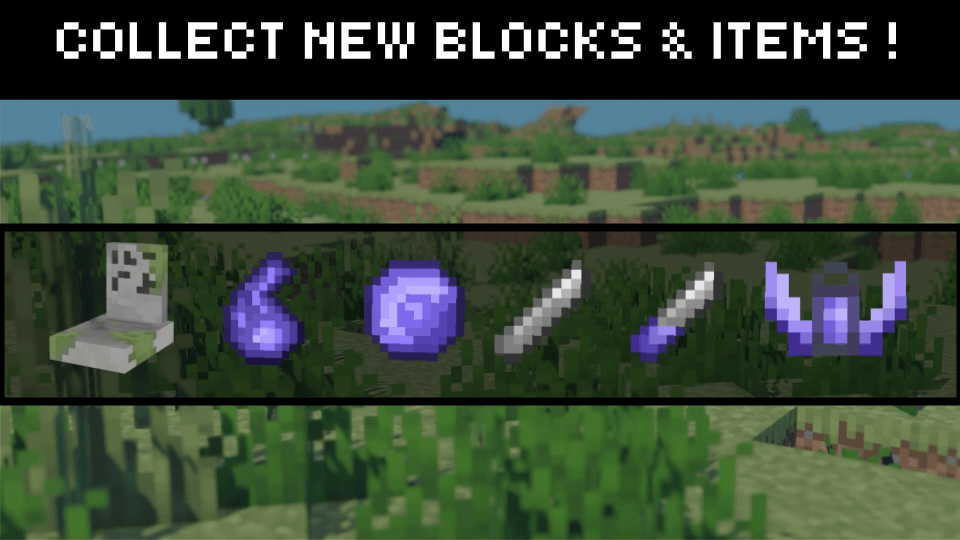
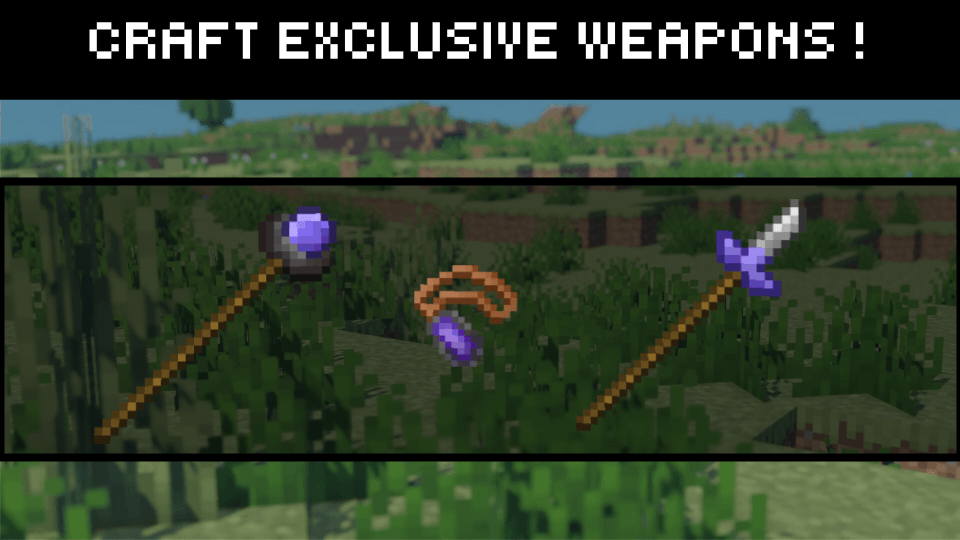
More information about the mod content
MOBS:
Reaper: Fight against the death! It can appear when you break graves.
Necromancer: This pillager decided to unleash the power of his fallen peers...
Grabber: They prefer smarter moves than fighting.
Minion: The Necromancer managed to revive the dead, they are not resistant but might annoy you...
Knight skeleton: This skeleton has mastered sword abilities, to the point that it can hit you from far away. Be careful when engaging fight, it hurts...
Haunter skeleton: A skeleton who likes teaming up with knights to defeat you! He is not so sturdy, but approaching him might be difficult...
ITEMS
Amulet: You might need this tool to beat the skeletons and get their loot...
Necromancer Scepter: This item gives you the powers of the Necromancer, and even more! With great power comes great responsibility...
Haunter Spear: You want to master the ability of the Haunter skeleton? Craft this item!
Skeleton Soul: Extract this item from new skeletons!
Soul Orb: Use this item to craft the necromancer scepter, and to revive minions!
Blade: This item will be needed to craft the main ingredient for a haunter spear.
Haunter Blade: Get this item from a cleric or after defeating a haunter skeleton.
ENCHANTMENTS:
Leader: When using the necromancer scepter, more minions will join you!
Subaltern: Use it to force some specific enemies to serve you!
Serenity: Use it to prevent graves spawning new mobs!
BLOCKS:
Grave: A block where entities have been buried. It looks like they are not so friendly...
Weeping Willow Leaves: A Leave block you might use for decorations. Find it on Weeping Willow trees!
Weeping Willow Vines: A new vine type which can be found on Weeping Willow trees.
Cursed Lantern: Use this new lantern to put a mystic atmosphere on your builds!
Get more information on our github page: https://github.com/Sh1nyLabs/Bones-update
---------------------------------------------------------------------------------------------------------------------------------------------------------------------------------
You have an idea to share? We are open to constructive comments!
You want to be part of the team? You like to create models and textures? Send us a message at: [email protected]!
Available Versions
How to Install Bones Update on Your Server
Order Server
Order a Minecraft Java server with at least 3 GB RAM (4 GB recommended).
Set forge Loader
In the panel under "Egg", select the forge loader and matching Minecraft version (1.21.5).
Install Mod
Open the mod browser in the dashboard and search for "Bones Update". Click "Install" – done! Alternatively, upload the .jar via SFTP to the /mods folder.
Compatibility
Mod Loaders
Minecraft Versions
1.21.5, 1.21.4, 1.21.3 (+7 more)
Server-side
✓ RequiredRecommended RAM
4 GB(min. 3 GB)Frequently Asked Questions
Bones Update server crashes on startup – what to do?
Most common cause: wrong forge version or insufficient RAM. Check the server log (latest.log) for "OutOfMemoryError" or "Mixin" errors. With Mado Hosting: ensure at least 3 GB RAM is allocated and the loader matches the mod version (1.21.5). You can switch loaders with one click in the panel.
Is Bones Update compatible with forge and neoforge?
Bones Update officially supports forge, neoforge for Minecraft 1.21.5, 1.21.4, 1.21.3. The Mado dashboard automatically detects incompatible loader combinations.
Server lagging with Bones Update – how to optimize performance?
Recommended RAM: 4 GB (per 8 players). Use /spark profiler to check if Bones Update consumes the most tick time. Common fixes: reduce server view-distance to 8-10, install "performant" or "starlight" as supplementary mods on Forge. With Mado Hosting, your server runs on NVMe SSDs with dedicated CPU cores for minimal latency.
Similar Mods




Rent Modded Server
Install Bones Update with just one click on your server.