Botanical Pots
Simple, yet effective way to automate any tree-collection process you have going on.
Screenshots
About this Mod
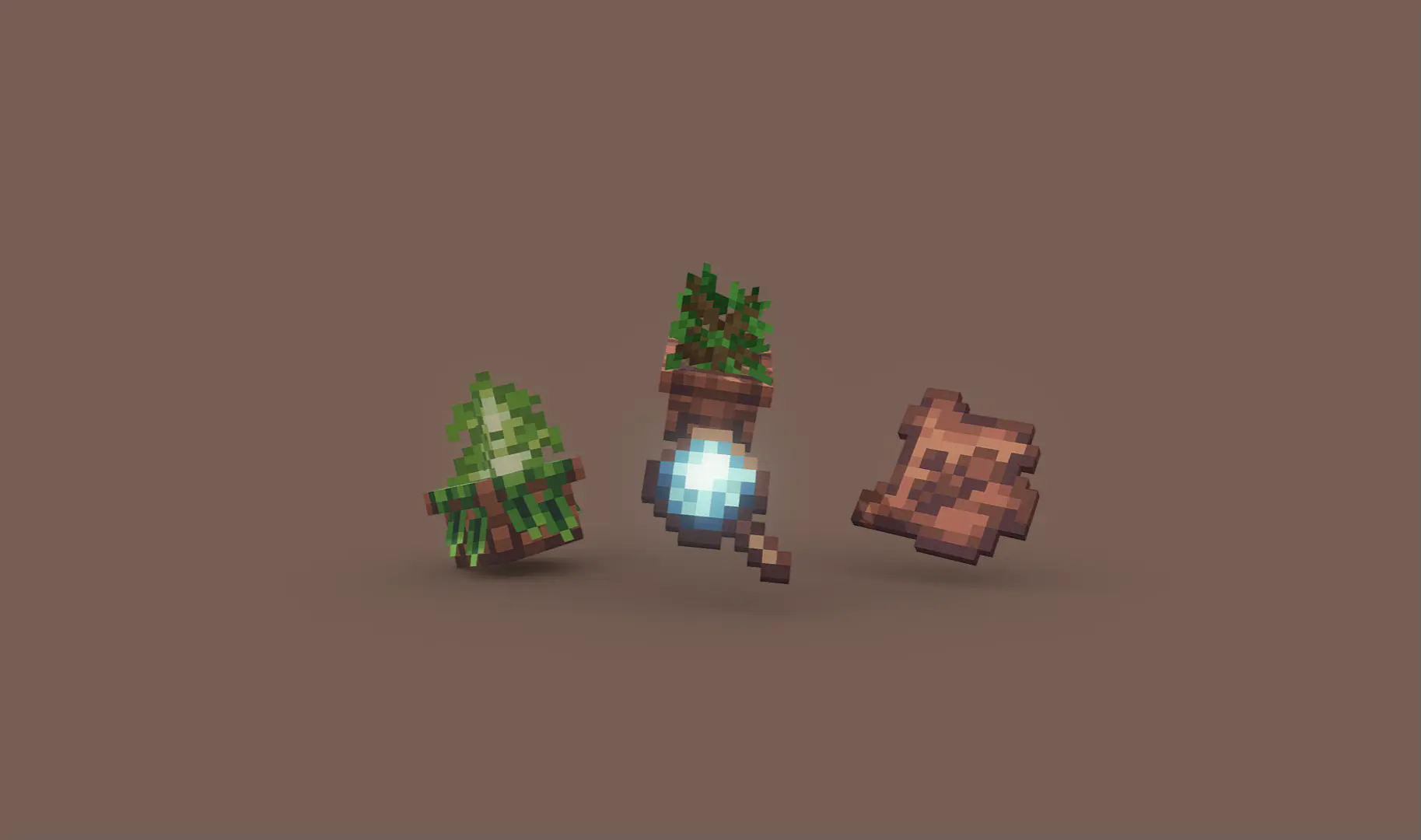
Botanical Pots 🪴



‼️Important
Botanical Pots is a data-pack that requires a resource pack. The resource pack is attached to the data-pack version you're downloading. Please make sure to grab the resource pack as well!
If you're downloading it as a mod, all the assets are already included in the JAR file.
Have you ever felt bored whilst waiting for a plant to grow? Or maybe you're simply not satisfied with how hard it is to automate the process of farming flowers, fungi, and most importantly - trees?. Botanical Pots is a quick, yet powerful solution to both of these problems!
⚙️ Getting Started
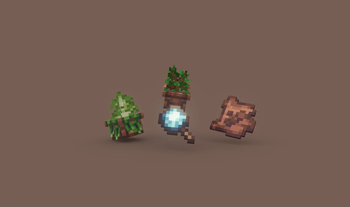
To get your hands on a botanical pot, simply click a regular one with a bone meal. You can then dye the ornament and even upgrade the pot, but more on this later.
Botanical Pots allow you to grow trees (and, if upgraded, other plants) in a much more reliable way since there's no need to chop down the grown result anymore - such a toolbag! In fact, they even allow you to automate the process further.
👀 Psst...
Every plant has a small chance of 5% of dropping a treat, this ranges from apples to honeycombs, just stay patient.
Automation ⚙️
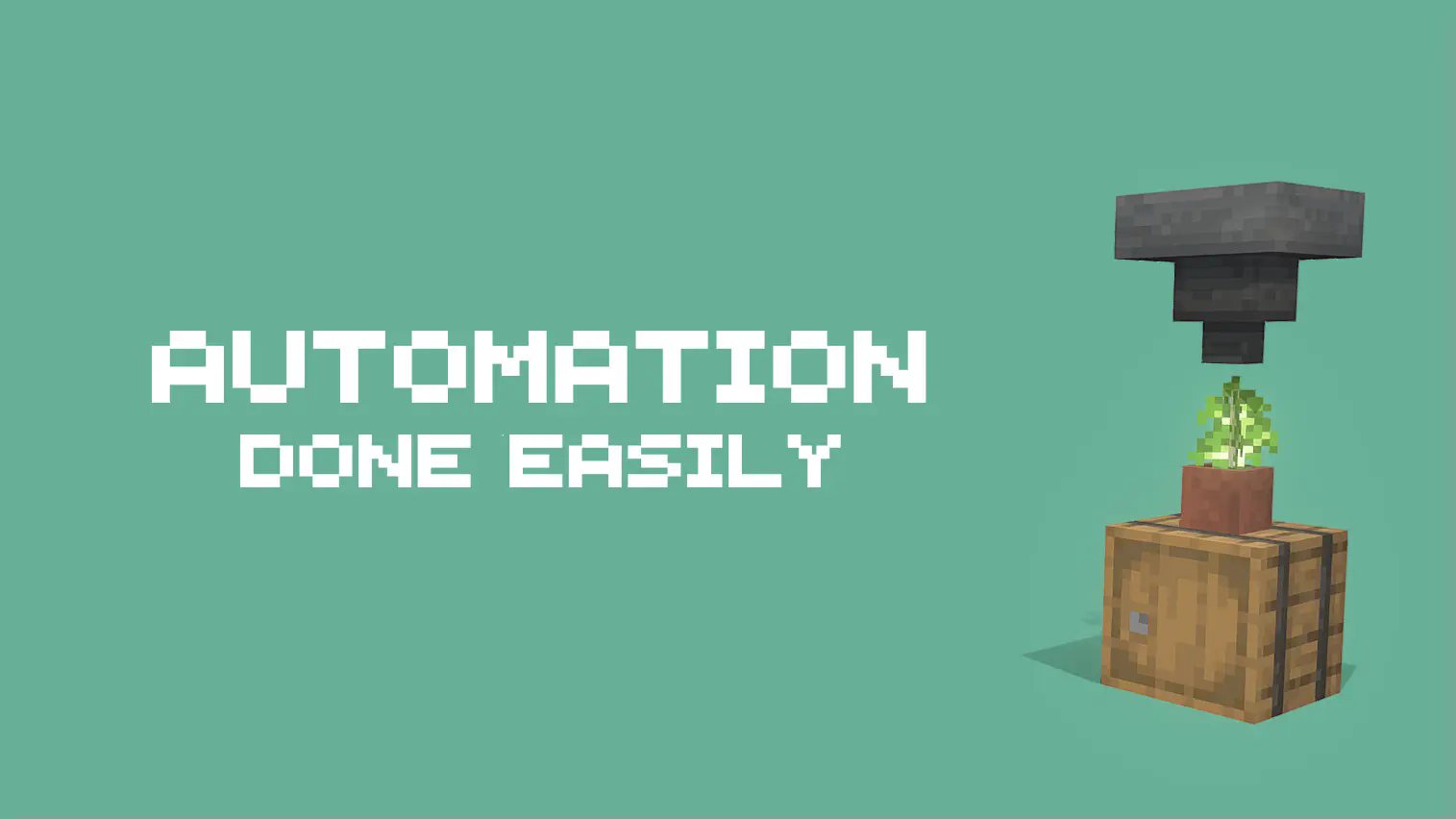
As said, you're able to fully automate the process of collecting wood. Doing so is even simpler than it might sound. As long as there is a container below, all the produced resources will be automatically put there. This even works on modded blocks - it's as easy as it gets!
Refilling the pot isn't hard either, a simple hopper on top will do the trick!
💡 Good-To-Know
The speed rate of botanical pots is directly influenced by therandomTickSpeedgamerule. This also means that setting it to 0 completely disables all pots.
Upgrading 🪽

As previously mentioned, pots can be upgraded to gain different buffs. To upgrade a pot, use an upgrade on it. If you, for some unknown reason, want to remove an upgrade from a pot, it's possible as well! Just use your axe!
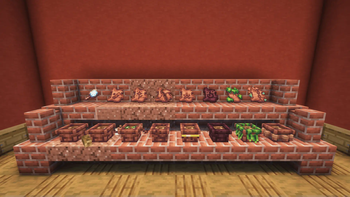
There are two main categories of upgrades, common and rare ones. Just as always, the common ones are easier to get but provide arguably fewer buffs than rare ones.
There's no need to list all upgrades in a row here, just remember that whenever you create a botanical pot for the first time, all recipes will be added to your recipe book. Just follow it to obtain the upgrade you want!
💡 Good-To-Know
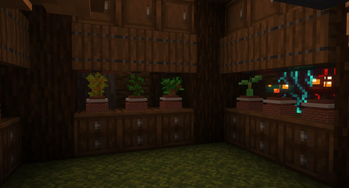
You can grow other plants in pots but under one single condition: the pot must have the rich soil upgrade applied! It's even shown in the image above.
Available Versions
How to Install Botanical Pots on Your Server
Order Server
Order a Minecraft Java server with at least 3 GB RAM (4 GB recommended).
Set datapack Loader
In the panel under "Egg", select the datapack loader and matching Minecraft version (1.21.7).
Install Mod
Open the mod browser in the dashboard and search for "Botanical Pots". Click "Install" – done! Alternatively, upload the .jar via SFTP to the /mods folder.
Compatibility
Mod Loaders
Minecraft Versions
1.21.7, 1.21.6, 1.21.5 (+5 more)
Server-side
✓ RequiredRecommended RAM
4 GB(min. 3 GB)Frequently Asked Questions
Botanical Pots server crashes on startup – what to do?
Most common cause: wrong datapack version or insufficient RAM. Check the server log (latest.log) for "OutOfMemoryError" or "Mixin" errors. With Mado Hosting: ensure at least 3 GB RAM is allocated and the loader matches the mod version (1.21.7). You can switch loaders with one click in the panel.
Is Botanical Pots compatible with datapack and fabric and forge and neoforge and quilt?
Botanical Pots officially supports datapack, fabric, forge, neoforge, quilt for Minecraft 1.21.7, 1.21.6, 1.21.5. Note: Forge and Fabric mods are NOT cross-compatible – pick one loader and stick with it. The Mado dashboard automatically detects incompatible loader combinations.
Server lagging with Botanical Pots – how to optimize performance?
Recommended RAM: 4 GB (per 8 players). Use /spark profiler to check if Botanical Pots consumes the most tick time. Common fixes: reduce server view-distance to 8-10, install "performant" or "starlight" as supplementary mods on Forge. With Mado Hosting, your server runs on NVMe SSDs with dedicated CPU cores for minimal latency.
Rent Modded Server
Install Botanical Pots with just one click on your server.