
Bruno the CameraMan
Bruno is a cinematic camera api for ingame interactions or cutscenes!
Screenshots
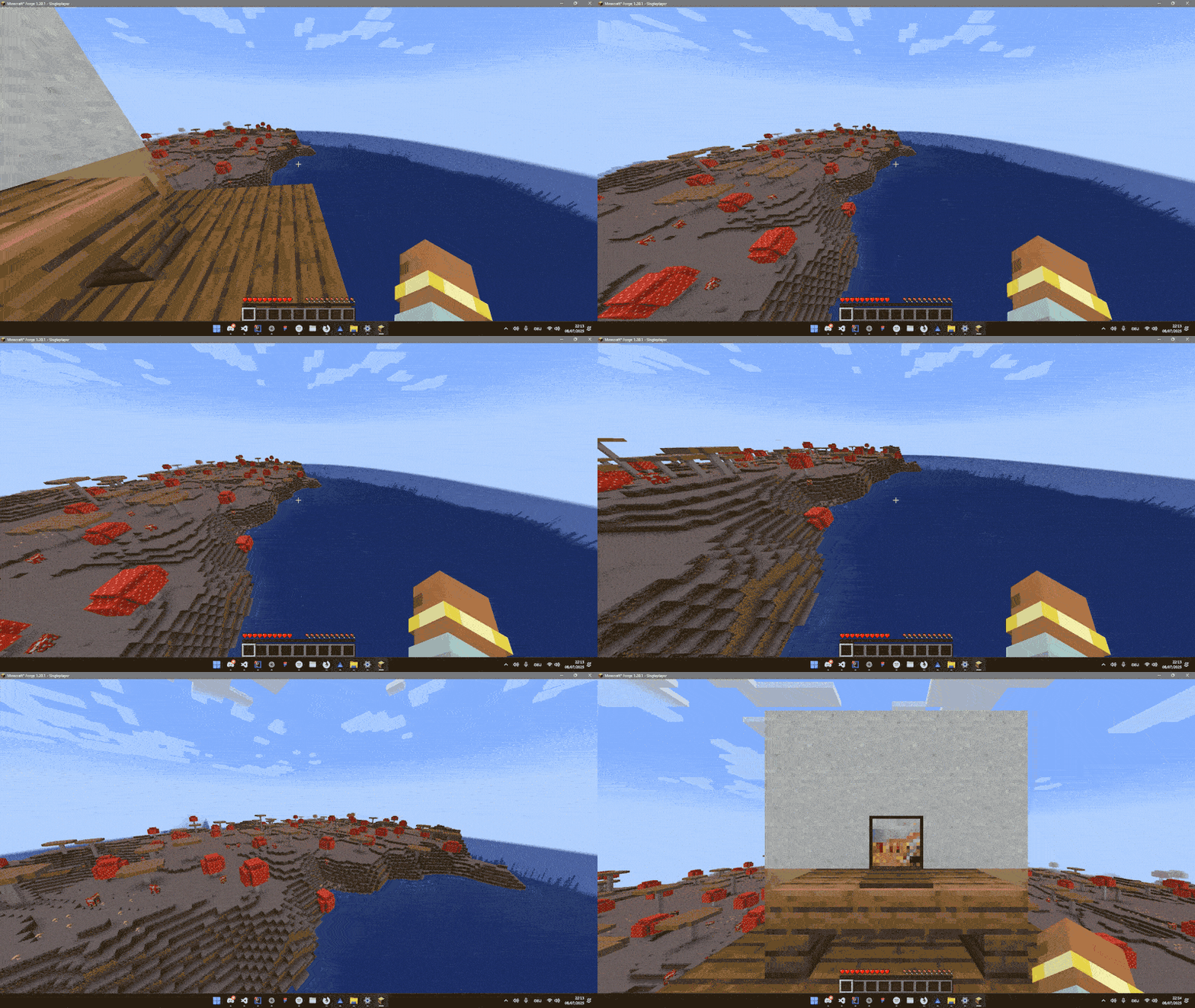
About this Mod
Bruno is a cinematic camera manager that can be used for interactions or cinematic scenes
To create a custom camera you need to register a CustomPoint
Here is an example how to register a CameraPoint
// registration
@Mod.EventBusSubscriber(modid = YourMod.MODID, bus = Mod.EventBusSubscriber.Bus.FORGE, value = Dist.CLIENT)
public class register {
    public static CameraPointAccessor POINT;

@SubscribeEvent
public static void onCameraManagerSetup(CameraManagerSetupEvent event) {
    POINT = event.manager.registerPoint("point", CameraPoint.of(
            new Vec3(
                    0,              // x
                    100,            // y
                    0               // z
            ),
            0,                      // yaw
            0,                      // pitch
            0.5f,                   // fov
            1000,                   // duration
            Easing::easeInOutQuad,  // Easing function
            false                   // renderPlayer
    ));
}

}
as soon as the CameraPoint is registered you can transition to the point on client like this
com.smibii.cameraman.listeners.Camera.manager.transitionToPoint(POINT_NAME)and on server like this
com.smibii.cameraman.network.NetworkHandler.sendToClient(
       new CameraToPointPacket(POINT_NAME),
       player);
If you want to get back to the player can eather transition back to the player
// Client
com.smibii.cameraman.listeners.Camera.manager.transitionToPlayer()

// Server
NetworkHandler.sendToClient(
       new CameraToPlayerPacket(),
       player);
or abruptly exit the camera with
// Client
com.smibii.cameraman.listeners.Camera.manager.setInUse(false);

// Server
NetworkHandler.sendToClient(
       new CameraSetInUsePacket(false),
       player);
Feel free to use the api in ur mod, modpack or modify it BUT make sure to mention me.
Thanks.
Available Versions
How to Install Bruno the CameraMan on Your Server
Order Server
Order a Minecraft Java server with at least 3 GB RAM (4 GB recommended).
Set forge Loader
In the panel under "Egg", select the forge loader and matching Minecraft version (1.20.6).
Install Mod
Open the mod browser in the dashboard and search for "Bruno the CameraMan". Click "Install" – done! Alternatively, upload the .jar via SFTP to the /mods folder.
Compatibility
Mod Loaders
Minecraft Versions
1.20.6, 1.20.5, 1.20.4 (+3 more)
Server-side
✓ RequiredRecommended RAM
4 GB(min. 3 GB)Frequently Asked Questions
Bruno the CameraMan server crashes on startup – what to do?
Most common cause: wrong forge version or insufficient RAM. Check the server log (latest.log) for "OutOfMemoryError" or "Mixin" errors. With Mado Hosting: ensure at least 3 GB RAM is allocated and the loader matches the mod version (1.20.6). You can switch loaders with one click in the panel.
Is Bruno the CameraMan compatible with forge?
Bruno the CameraMan officially supports forge for Minecraft 1.20.6, 1.20.5, 1.20.4. The Mado dashboard automatically detects incompatible loader combinations.
Server lagging with Bruno the CameraMan – how to optimize performance?
Recommended RAM: 4 GB (per 8 players). Use /spark profiler to check if Bruno the CameraMan consumes the most tick time. Common fixes: reduce server view-distance to 8-10, install "performant" or "starlight" as supplementary mods on Forge. With Mado Hosting, your server runs on NVMe SSDs with dedicated CPU cores for minimal latency.
Similar Mods



Rent Modded Server
Install Bruno the CameraMan with just one click on your server.