
Buggy Pickaxe
Inspired by the Bara Bara Fruit, this pickaxe lets you mine from a distance - up to 32 blocks (or infinity with gamerule)! Based on Buggy the Star Clown (One Piece).
Screenshots
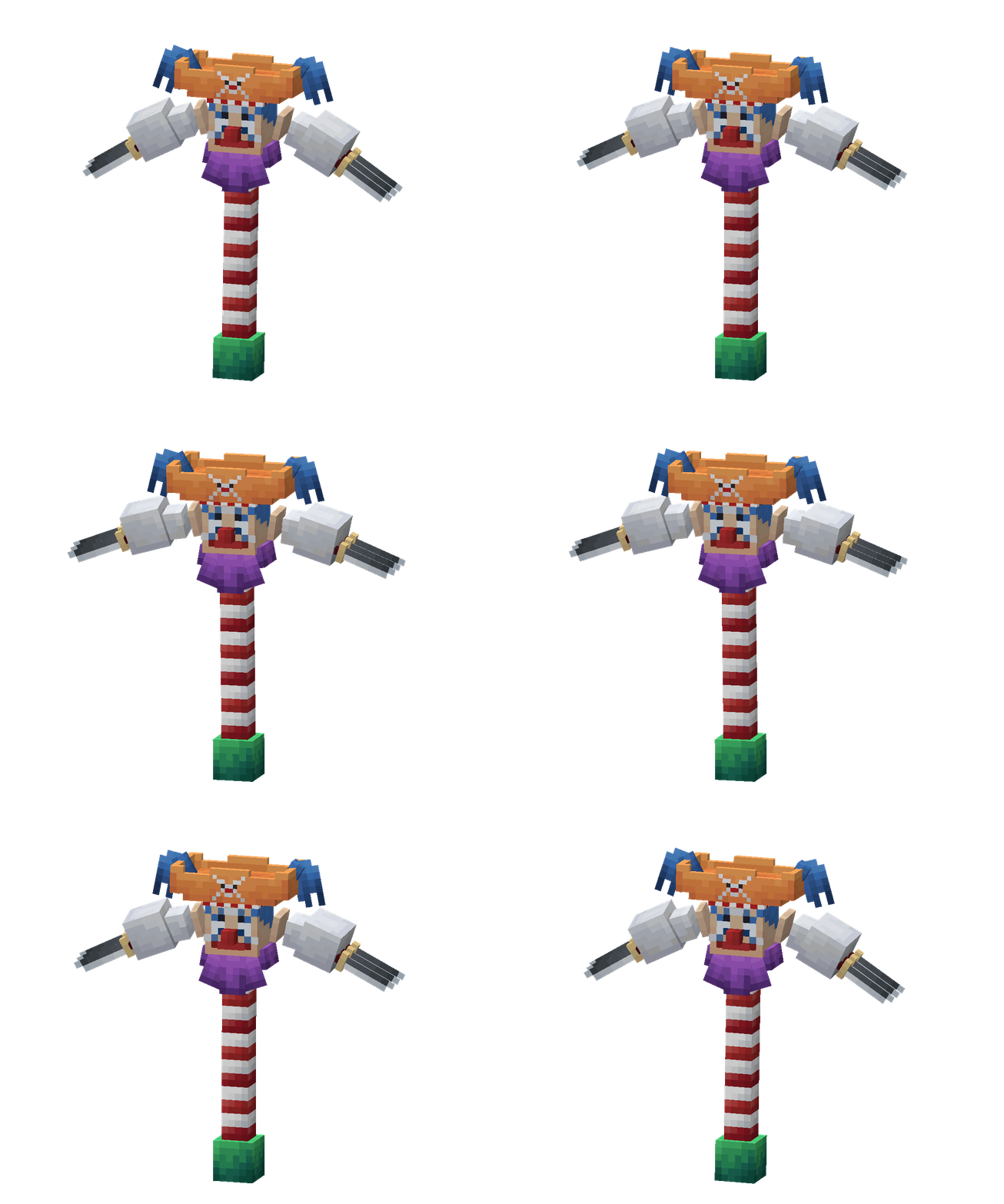
About this Mod
Buggy Pickaxe

Unleash the power of the legendary Buggy the Star Clown (from One Piece)! This mod adds the incredible Buggy Pickaxe, allowing you to break blocks (instantly) at an impressive distance of up to 32 blocks (or infinity with gamerule "buggyreachdistance")!
How It Works
1. Golem's Nose
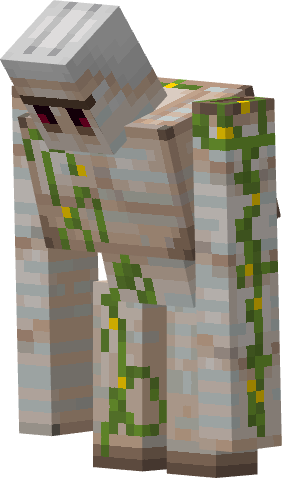
Use shears on an Iron Golem to steal its nose! The poor thing will be left noseless and drop the essential item on the ground.
It becomes so sad that it will no longer fight back against attacks and its health will decrease ( 50❤ > 40❤ ).
2. Paint it Red
The iron nose is boring. Paint it with red dye to turn it into a classic Clown Nose, worthy of the great Captain Buggy.
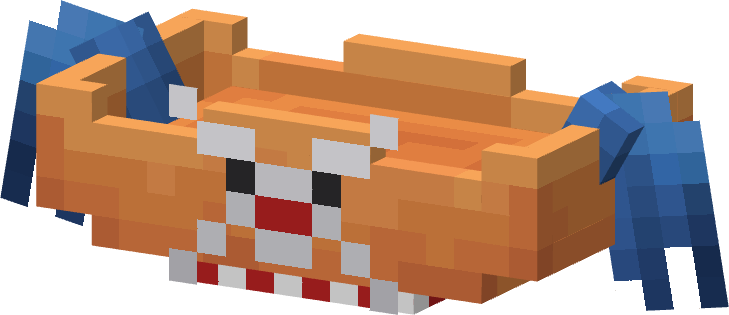
3. Make the Hat
Craft Buggy's iconic hat with leather and dyes. (Equippable on your head).
And it can be used in the Buggy Pickaxe recipe.

Usage Animation
See the Buggy Pickaxe in action! The animation shows how it breaks blocks at an incredible distance of up to 32 blocks, saving you time and effort.

Crafting Recipes


Important
GeckoLib
This mod requires the GeckoLib API installed to function correctly. It is an essential animation engine to ensure the tool's movements and visuals work perfectly in the game.
[Download GeckoLib]
Known Bugs
Currently, a bug exists where you can incorrectly place blocks if you attempt to use the Buggy Pickaxe while holding blocks in your off-hand. A fix is planned for upcoming updates!
Available Versions
How to Install Buggy Pickaxe on Your Server
Order Server
Order a Minecraft Java server with at least 3 GB RAM (4 GB recommended).
Set forge Loader
In the panel under "Egg", select the forge loader and matching Minecraft version (1.20.1).
Install Mod
Open the mod browser in the dashboard and search for "Buggy Pickaxe". Click "Install" – done! Alternatively, upload the .jar via SFTP to the /mods folder.
Compatibility
Mod Loaders
Minecraft Versions
1.20.1
Server-side
✓ RequiredRecommended RAM
4 GB(min. 3 GB)Frequently Asked Questions
Buggy Pickaxe server crashes on startup – what to do?
Most common cause: wrong forge version or insufficient RAM. Check the server log (latest.log) for "OutOfMemoryError" or "Mixin" errors. With Mado Hosting: ensure at least 3 GB RAM is allocated and the loader matches the mod version (1.20.1). You can switch loaders with one click in the panel.
Is Buggy Pickaxe compatible with forge?
Buggy Pickaxe officially supports forge for Minecraft 1.20.1. The Mado dashboard automatically detects incompatible loader combinations.
Server lagging with Buggy Pickaxe – how to optimize performance?
Recommended RAM: 4 GB (per 8 players). Use /spark profiler to check if Buggy Pickaxe consumes the most tick time. Common fixes: reduce server view-distance to 8-10, install "performant" or "starlight" as supplementary mods on Forge. With Mado Hosting, your server runs on NVMe SSDs with dedicated CPU cores for minimal latency.
Similar Mods




![[TaCZ] Timeless and Classics Zero](https://cdn.modrinth.com/data/SzzJttH8/fd27766d2bb8390d284696b1dbd358f87e081439_96.webp)

Rent Modded Server
Install Buggy Pickaxe with just one click on your server.