Burger Mod
A fun little mod that adds in burgers and other types of food to extend the vanilla food experience!
Screenshots
About this Mod

Burger Mod
A fun little mod that adds in burgers and other types of food to extend the vanilla food experience!

✅ Features
- 4 types of meat burgers
- 2 types of fish burgers
- All burgers are available in 3 variants: Egg, Cheese and Champignon!
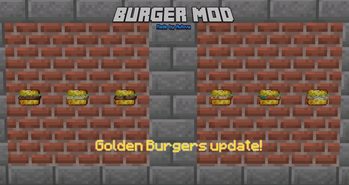
- Golden Burgers, similar to Golden Apples
- Other types of food such as: fries, scrambled eggs, cheese, chicken nuggets and more!
- Various food items have been added as chest loot
- Support with items from other (food) mods through tags
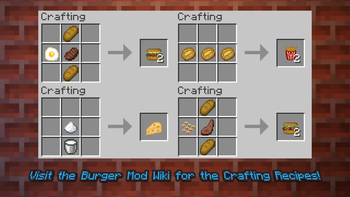
🔨 Crafting Recipes
Check the Burger Mod Wiki for all the crafting recipes or install JEI!
📷 Images
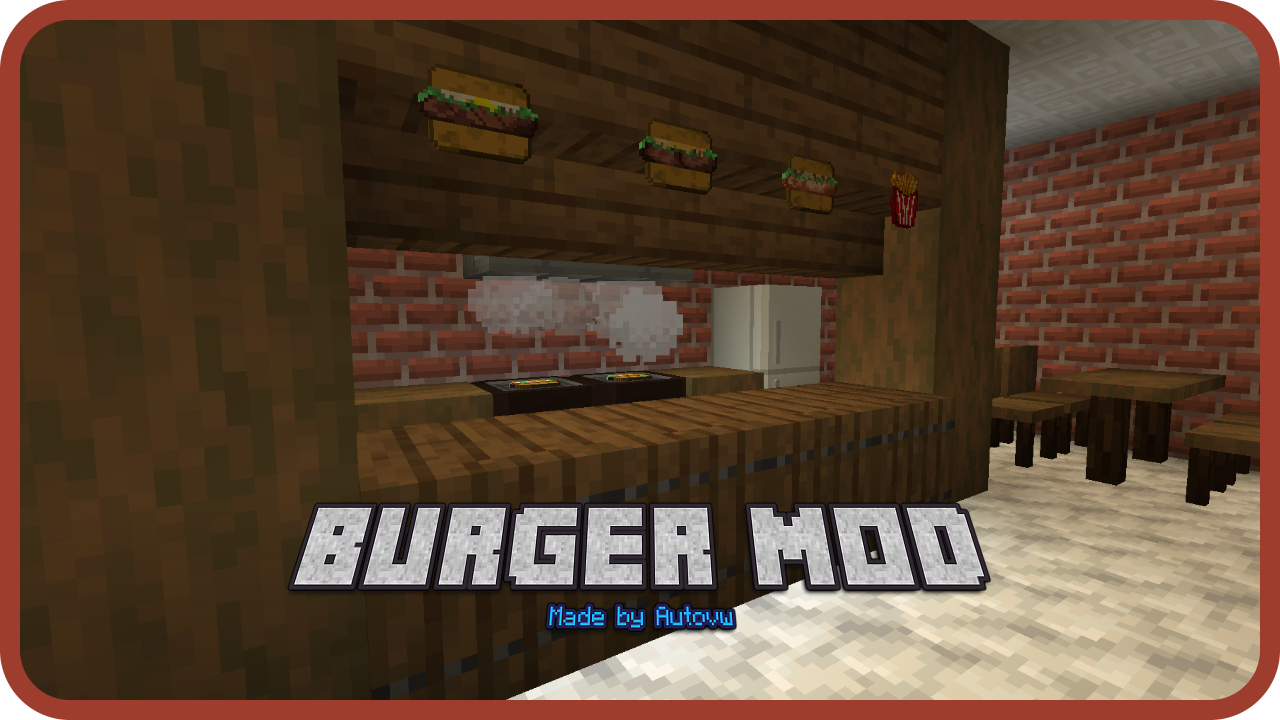
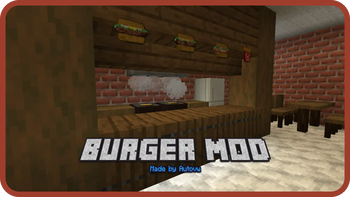
Furniture in this picture is from MrCrayfish's Furniture Mod!
Check the Images tab on CurseForge for more pictures and screenshots!
ℹ More Information
- Please report issues to the issue tracker on GitHub!
- May I feature your mod in my modpack? Yes, absolutely!
- The Burger Mod is currently available for Forge and NeoForge. A Fabric version is in the works, but no ETA can be given yet.
- Visit the Burger Mod Wiki for more information on everything this mod adds.
💬 Join my Discord server!
Join my Discord server if you want to get notified when there's a new update, mod support and more!
⚠️ Disclaimer
This mod is only distributed through CurseForge, Modrinth and the official GitHub repository. Please do not redistribute this mod or download this mod from any other download source.
For more detail on mod reposts, and how to stay protected against them, visit: stopmodreposts.org.
Available Versions
How to Install Burger Mod on Your Server
Order Server
Order a Minecraft Java server with at least 3 GB RAM (4 GB recommended).
Set forge Loader
In the panel under "Egg", select the forge loader and matching Minecraft version (26.1.2).
Install Mod
Open the mod browser in the dashboard and search for "Burger Mod". Click "Install" – done! Alternatively, upload the .jar via SFTP to the /mods folder.
Compatibility
Mod Loaders
Minecraft Versions
26.1.2, 1.21.11, 1.21.10 (+21 more)
Server-side
✓ RequiredRecommended RAM
4 GB(min. 3 GB)Frequently Asked Questions
Burger Mod server crashes on startup – what to do?
Most common cause: wrong forge version or insufficient RAM. Check the server log (latest.log) for "OutOfMemoryError" or "Mixin" errors. With Mado Hosting: ensure at least 3 GB RAM is allocated and the loader matches the mod version (26.1.2). You can switch loaders with one click in the panel.
Is Burger Mod compatible with forge and neoforge?
Burger Mod officially supports forge, neoforge for Minecraft 26.1.2, 1.21.11, 1.21.10. The Mado dashboard automatically detects incompatible loader combinations.
Server lagging with Burger Mod – how to optimize performance?
Recommended RAM: 4 GB (per 8 players). Use /spark profiler to check if Burger Mod consumes the most tick time. Common fixes: reduce server view-distance to 8-10, install "performant" or "starlight" as supplementary mods on Forge. With Mado Hosting, your server runs on NVMe SSDs with dedicated CPU cores for minimal latency.
Similar Mods




Rent Modded Server
Install Burger Mod with just one click on your server.