
ChestsToFox
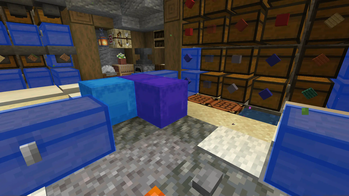
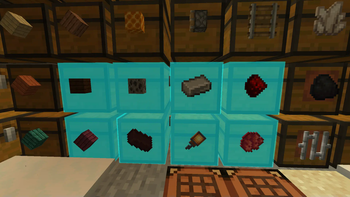
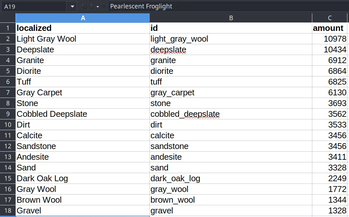
Exports chests to spreadsheet file format (.csv)
Screenshots
About this Mod
RU:
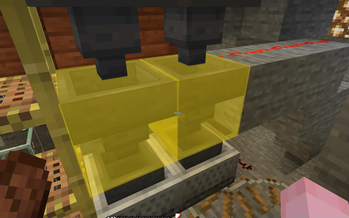
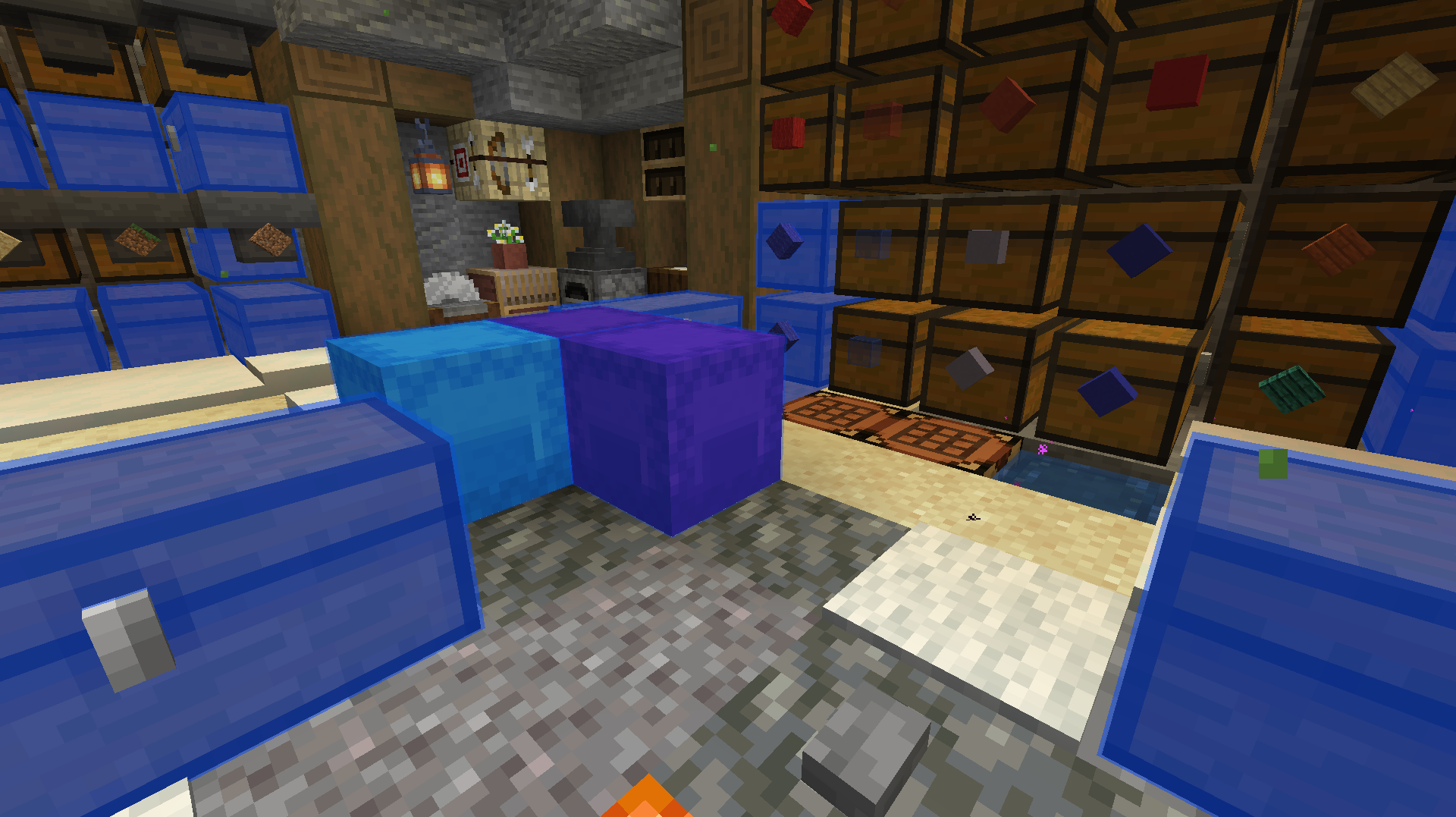
Мод позволяет кэшировать содержимое сундуков, шалкеров, воронок, бочек чтобы потом сохранить в .CSV формат, который потом можно загрузить в таблицу.
Возможные ошибки:
Белеберда вместо текста - Если вы открыли сам .CSV файл там может быть по умолчанию неверная кодировка, лучше импортировать уже в созданную эксель таблицу и при импорте выбрать кодировку UTF-8
Явно лишние ковычки - При импорте "Классификатор текста" должен быть двойными ковычками.
Команды
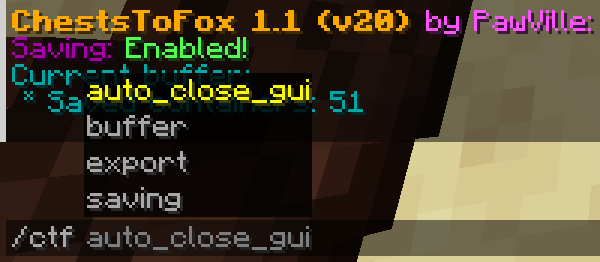
/ctf saving - Включение/Выключение кэширования./ctf buffer clear - Полностью очистить буфер кэширования./ctf buffer clear_once - Удалить один объект из выделения/ctf export all - Глобальный экспорт (Все существующие предметы в Майнкрафте)/ctf export available - Доступный экспорт (Только содержимое)/ctf auto_close_gui - Включить/Выключить авто закрытие инвентаря когда он закешировался
EN:
The mod allows you to cache the contents of chests, shulkers, funnels, barrels and then save them in .CSV format, which can then be loaded into a spreadsheet.
Commands
/ctf saving - Enable/Disable caching./ctf buffer clear - Completely clear the cache buffer./ctf buffer clear_once - Remove one object from the selection/ctf export all - Global export (All existing items in Minecraft)/ctf export available - Available export (Content only)/ctf auto_close_gui - Enable/Disable auto closing of inventory when it is cached
Available Versions
How to Install ChestsToFox on Your Server
Order Server
Order a Minecraft Java server with at least 3 GB RAM (4 GB recommended).
Set fabric Loader
In the panel under "Egg", select the fabric loader and matching Minecraft version (1.21.10).
Install Mod
Open the mod browser in the dashboard and search for "ChestsToFox". Click "Install" – done! Alternatively, upload the .jar via SFTP to the /mods folder.
Compatibility
Mod Loaders
Minecraft Versions
1.21.10, 1.21.9, 1.21.8 (+11 more)
Server-side
✗ UnsupportedRecommended RAM
4 GB(min. 3 GB)Frequently Asked Questions
ChestsToFox server crashes on startup – what to do?
Most common cause: wrong fabric version or insufficient RAM. Check the server log (latest.log) for "OutOfMemoryError" or "Mixin" errors. With Mado Hosting: ensure at least 3 GB RAM is allocated and the loader matches the mod version (1.21.10). You can switch loaders with one click in the panel.
Is ChestsToFox compatible with fabric?
ChestsToFox officially supports fabric for Minecraft 1.21.10, 1.21.9, 1.21.8. The Mado dashboard automatically detects incompatible loader combinations.
Server lagging with ChestsToFox – how to optimize performance?
Recommended RAM: 4 GB (per 8 players). Use /spark profiler to check if ChestsToFox consumes the most tick time. Common fixes: reduce server view-distance to 8-10, install "performant" or "starlight" as supplementary mods on Forge. With Mado Hosting, your server runs on NVMe SSDs with dedicated CPU cores for minimal latency.
Similar Mods






Rent Modded Server
Install ChestsToFox with just one click on your server.