
Chrono Compass
Chrono Compass is a lightweight, highly responsive utility mod that introduces a brand-new tracking tool. Instead of just pointing to the world spawn, the Chrono Compass allows you to dynamically track temporary world events
Screenshots
About this Mod
Chrono Compass
Never lose your gear, miss a rare event, or spend hours hunting for a Wandering Trader again.
Chrono Compass is a lightweight, highly responsive utility mod that introduces a brand-new tracking tool. Instead of just pointing to the world spawn, the Chrono Compass allows you to dynamically track temporary world events in real-time with a sleek, on-screen HUD.
Features
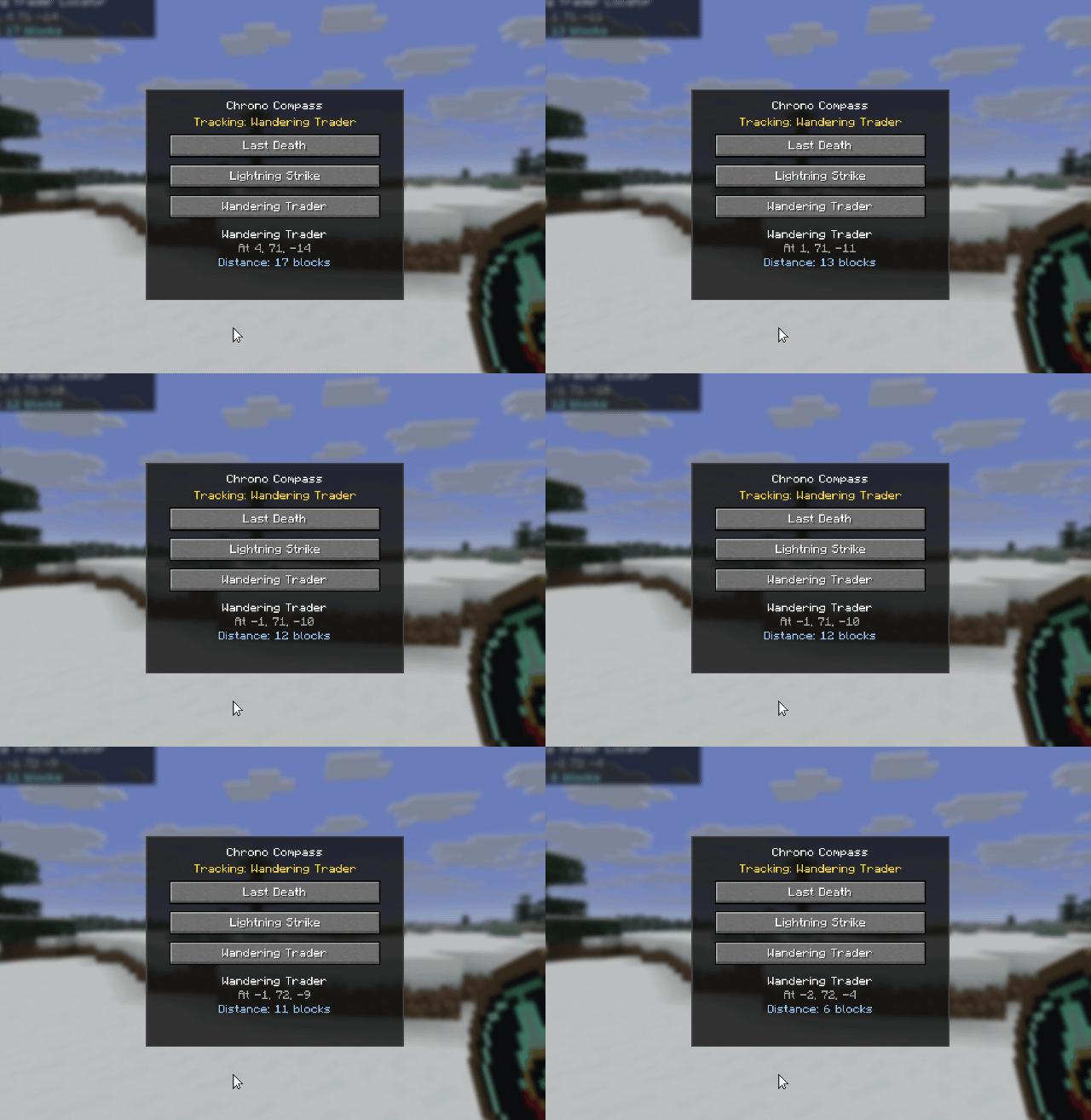
Equip the compass and right-click to open the target selection GUI. You can actively track:
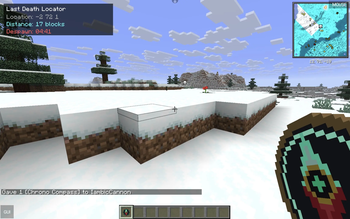
- Last Death Locator: Instantly track the exact coordinates of your previous death. The custom HUD even includes a real-time Despawn Timer so you know exactly how long you have to recover your items before they vanish.
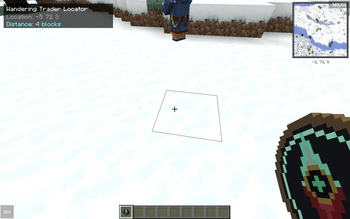
- Wandering Trader Finder: Stop wandering aimlessly. The compass locks onto the nearest Wandering Trader, updating your distance and their coordinates in real-time as they move around the world.
- Lightning Strike Tracker: Chasing charged creepers or looking for rare spawns? The compass can pinpoint the exact location of the most recent lightning strike.
Custom HUD & Real-Time Tracking
No need to constantly open chat or check debug screens. When holding the Chrono Compass, a clean, non-intrusive HUD appears on your screen displaying:
- Active Target Type
- Exact XYZ Coordinates
- Live Distance Calculation (in blocks)
- Dynamic Timers (for temporary entities or item drops)
Screenshots
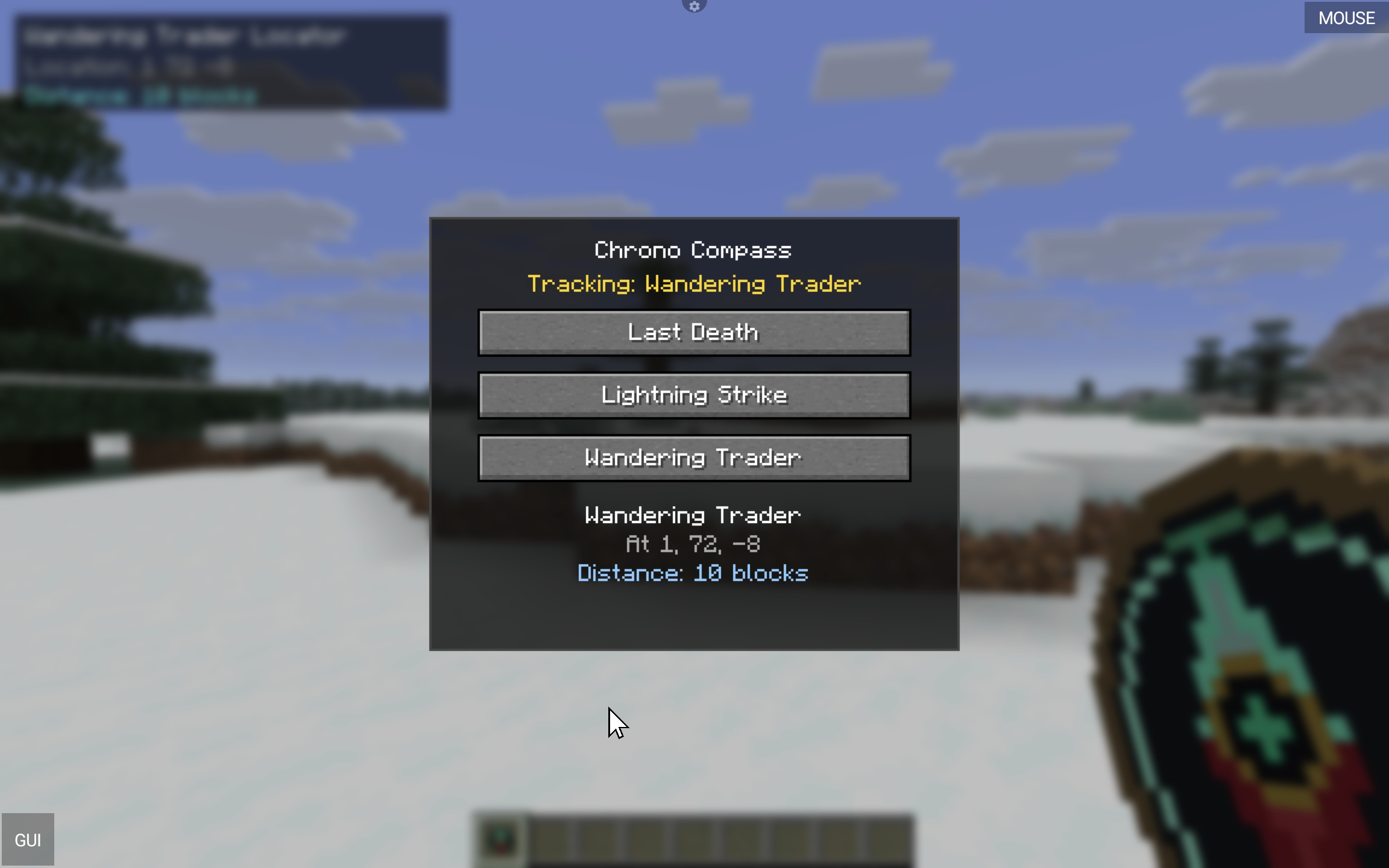
Caption: The dynamic HUD tracking a Wandering Trader in real-time.
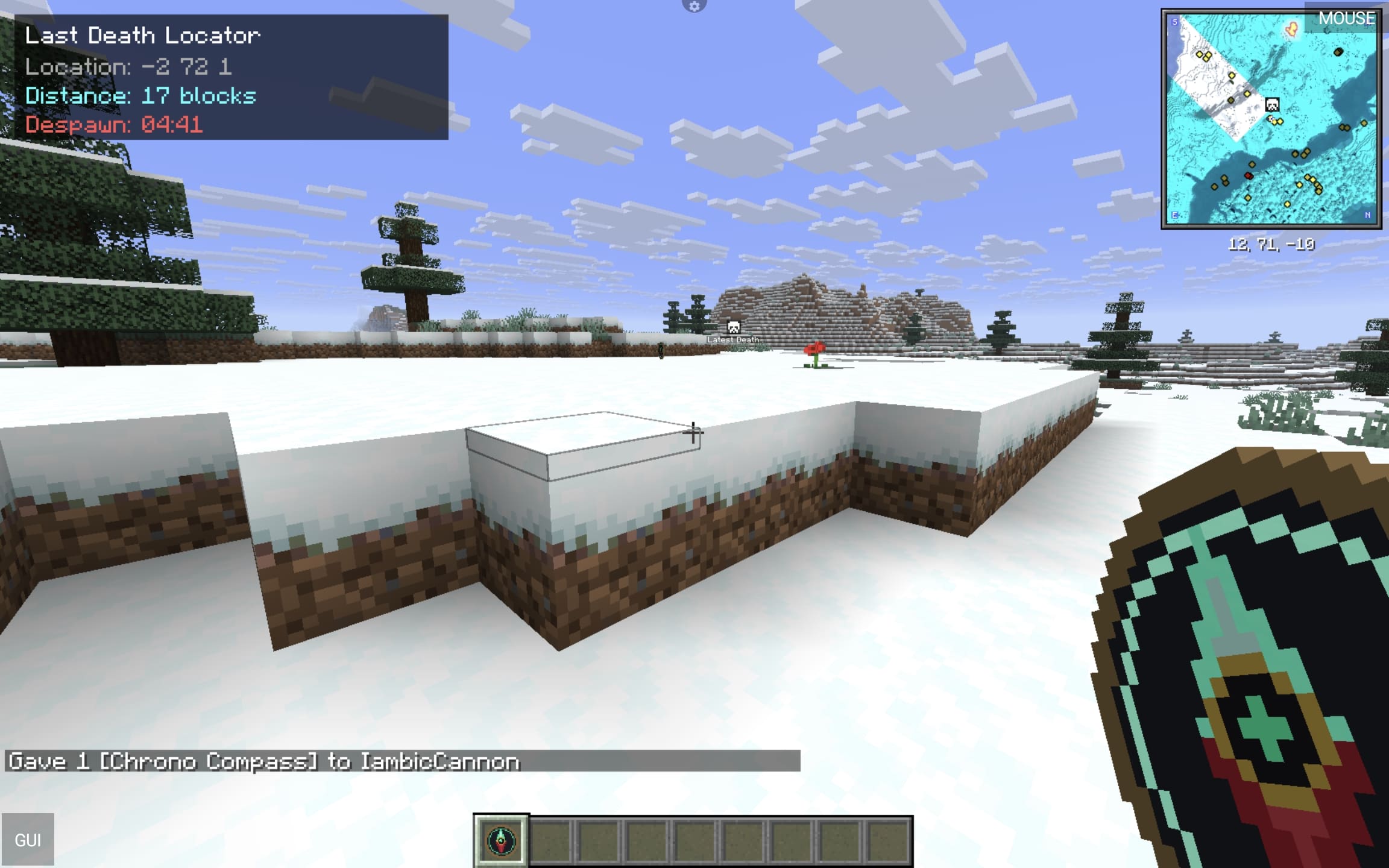
Easily locate your dropped items before the despawn timer runs out.
If you encounter any bugs or have feature requests, please drop them in the issues tab!
Available Versions
How to Install Chrono Compass on Your Server
Order Server
Order a Minecraft Java server with at least 3 GB RAM (4 GB recommended).
Set fabric Loader
In the panel under "Egg", select the fabric loader and matching Minecraft version (26.1.2).
Install Mod
Open the mod browser in the dashboard and search for "Chrono Compass". Click "Install" – done! Alternatively, upload the .jar via SFTP to the /mods folder.
Compatibility
Mod Loaders
Minecraft Versions
26.1.2
Server-side
✗ UnsupportedRecommended RAM
4 GB(min. 3 GB)Frequently Asked Questions
Chrono Compass server crashes on startup – what to do?
Most common cause: wrong fabric version or insufficient RAM. Check the server log (latest.log) for "OutOfMemoryError" or "Mixin" errors. With Mado Hosting: ensure at least 3 GB RAM is allocated and the loader matches the mod version (26.1.2). You can switch loaders with one click in the panel.
Is Chrono Compass compatible with fabric?
Chrono Compass officially supports fabric for Minecraft 26.1.2. The Mado dashboard automatically detects incompatible loader combinations.
Server lagging with Chrono Compass – how to optimize performance?
Recommended RAM: 4 GB (per 8 players). Use /spark profiler to check if Chrono Compass consumes the most tick time. Common fixes: reduce server view-distance to 8-10, install "performant" or "starlight" as supplementary mods on Forge. With Mado Hosting, your server runs on NVMe SSDs with dedicated CPU cores for minimal latency.
Similar Mods




Rent Modded Server
Install Chrono Compass with just one click on your server.