
Classic Battle Towers
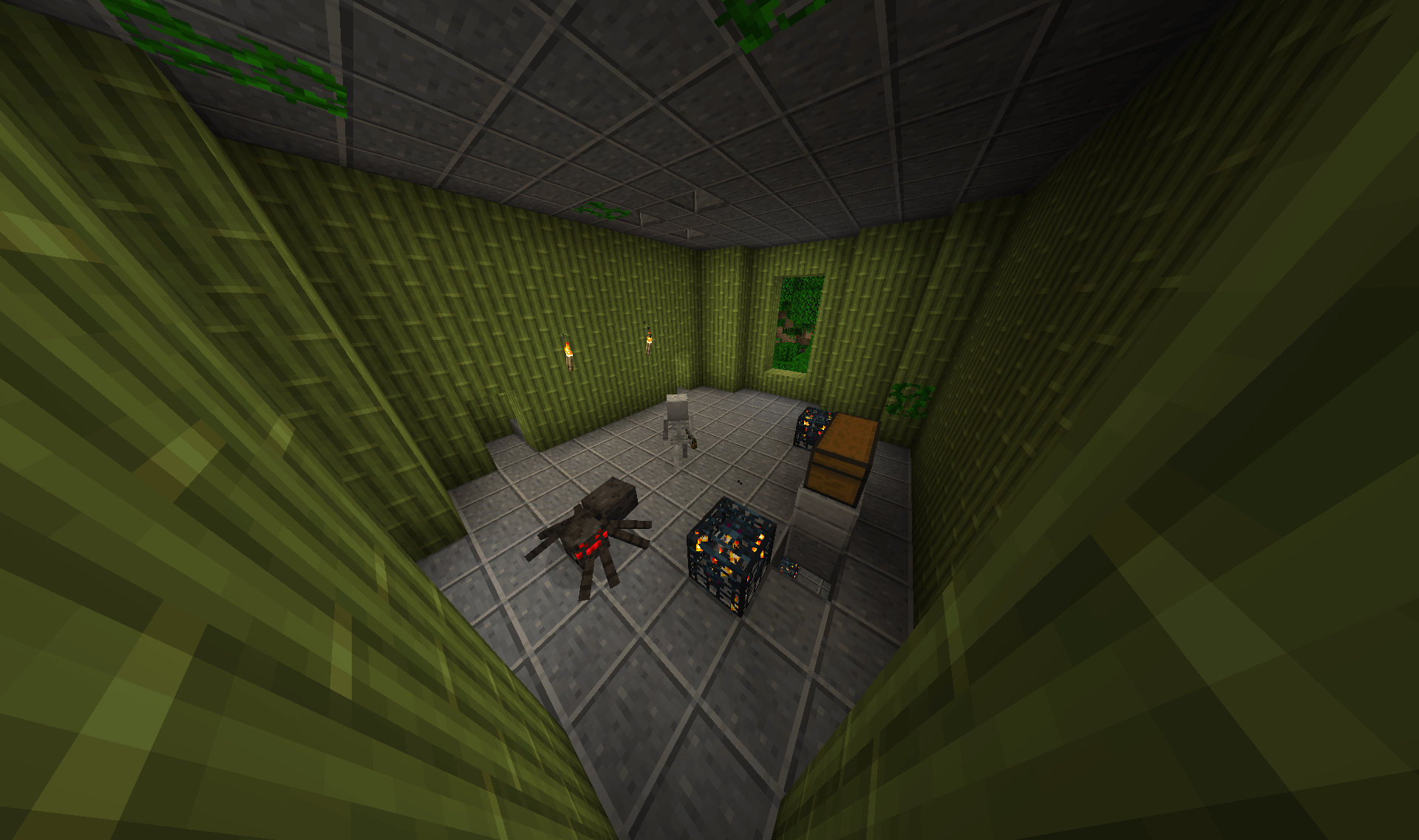
Generates challenging towers full of monsters.
Screenshots

About this Mod
This mod brings the original ideas of Kodaichi's and AtomicStryker's Battle Tower Mods back to newer versions.
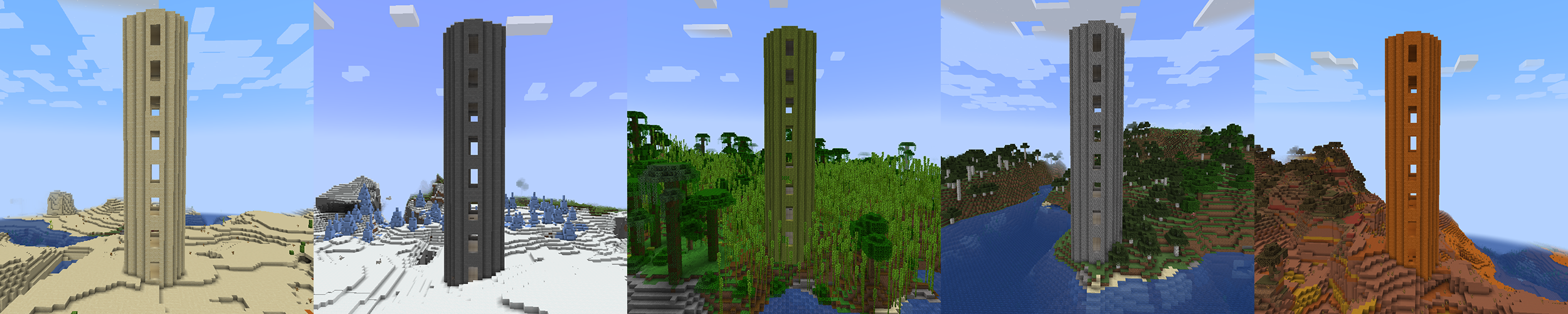
Discover challenging towers full of monsters and fight your way to the top.
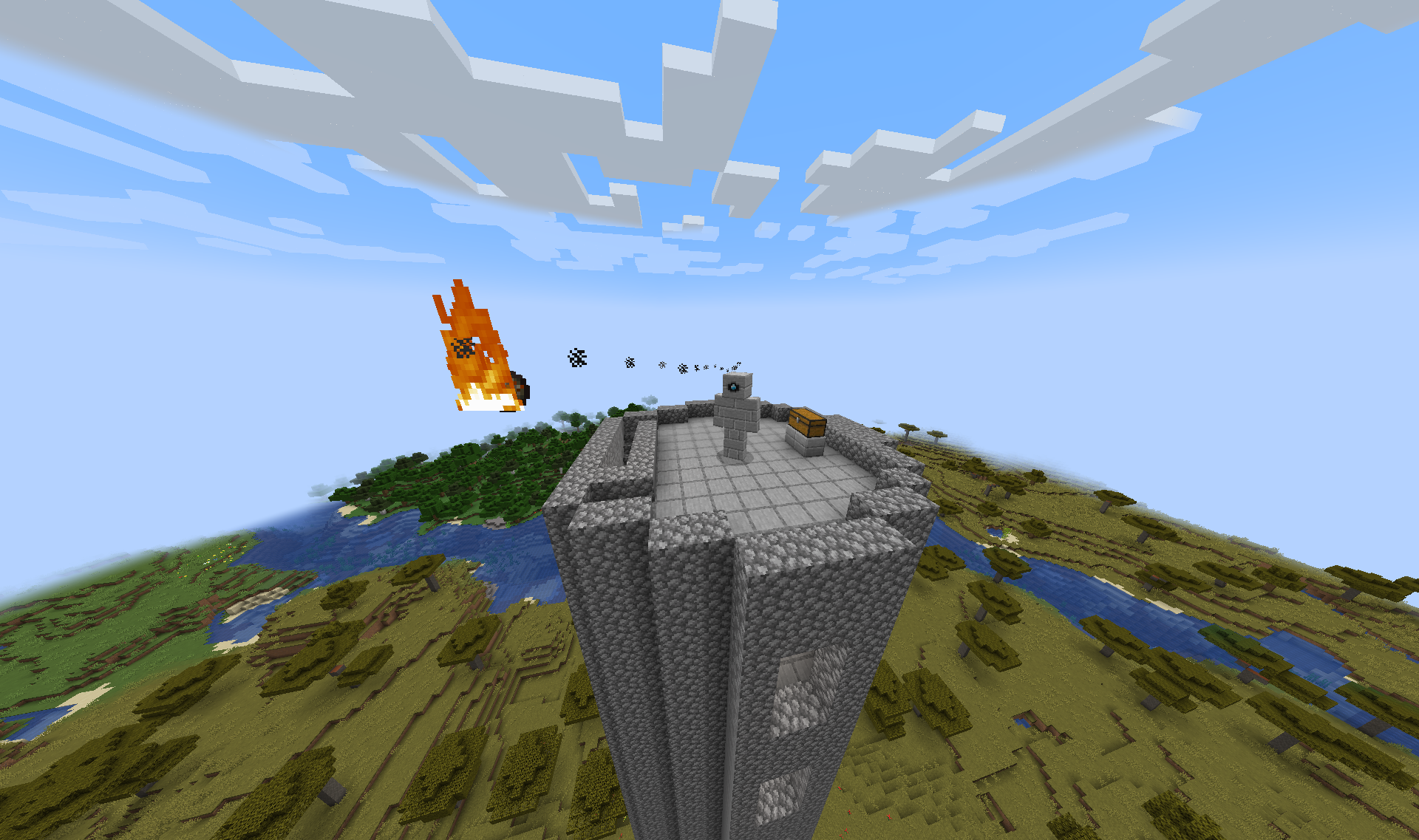
Show your skills against the Battle Tower's Guardian waiting to test the bravest adventurers.
Actual Features
- Design: Simple, biome-specific and survival-friendly Battle Towers
- Mechanics: Battle Tower Golem with melee and ranged attacks and special attack when player is hiding
- Intuitive: Battle Towers will spawn randomly in the world
- Integrated: Locate or spawn Battle Towers manually with vanilla commands like:
/locate structure battletowers:cobblestone_tower
/place structure battletowers:bamboo_tower
- Customizable: Design of the towers, spawning and all loot items can be modified with datapacks
Planned Features
- Adding a documentation on how to modify towers and loot with data packs
- Golems have different designs according to the tower they're spawned in
Frequently Asked Questions
Q: Is there a Forge port planned? Or to other modloaders?
A: No. There are actually many good alternatives for Forge, so we currently don't plan any Forge port. But the license allows you to port it on your own if you wish.
Q: Do you plan to port it back to version 1.x?
A: We are currently focusing on new versions. Apart from that, there are many interesting alternatives in older versions.
This is a Fabric mod. You're allowed to include this mod in any modpack.
Available Versions
How to Install Classic Battle Towers on Your Server
Order Server
Order a Minecraft Java server with at least 4 GB RAM (6 GB recommended).
Set fabric Loader
In the panel under "Egg", select the fabric loader and matching Minecraft version (1.21.5).
Install Mod
Open the mod browser in the dashboard and search for "Classic Battle Towers". Click "Install" – done! Alternatively, upload the .jar via SFTP to the /mods folder.
Compatibility
Mod Loaders
Minecraft Versions
1.21.5
Server-side
✓ RequiredRecommended RAM
6 GB(min. 4 GB)Frequently Asked Questions
Classic Battle Towers server crashes on startup – what to do?
Most common cause: wrong fabric version or insufficient RAM. Check the server log (latest.log) for "OutOfMemoryError" or "Mixin" errors. With Mado Hosting: ensure at least 4 GB RAM is allocated and the loader matches the mod version (1.21.5). You can switch loaders with one click in the panel.
Is Classic Battle Towers compatible with fabric?
Classic Battle Towers officially supports fabric for Minecraft 1.21.5. The Mado dashboard automatically detects incompatible loader combinations.
Server lagging with Classic Battle Towers – how to optimize performance?
Recommended RAM: 6 GB (per 5 players). Use /spark profiler to check if Classic Battle Towers consumes the most tick time. Common fixes: reduce server view-distance to 8-10, install "performant" or "starlight" as supplementary mods on Forge. With Mado Hosting, your server runs on NVMe SSDs with dedicated CPU cores for minimal latency.
Similar Mods




Rent Modded Server
Install Classic Battle Towers with just one click on your server.