
Combat Expansion
Adds a whole new collection of weapons, armor, and enchantments for PvP
Screenshots
About this Mod
⚔️ Combat Expansion ⚔️
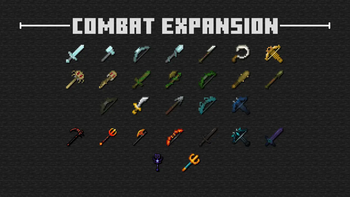
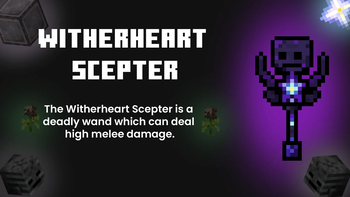
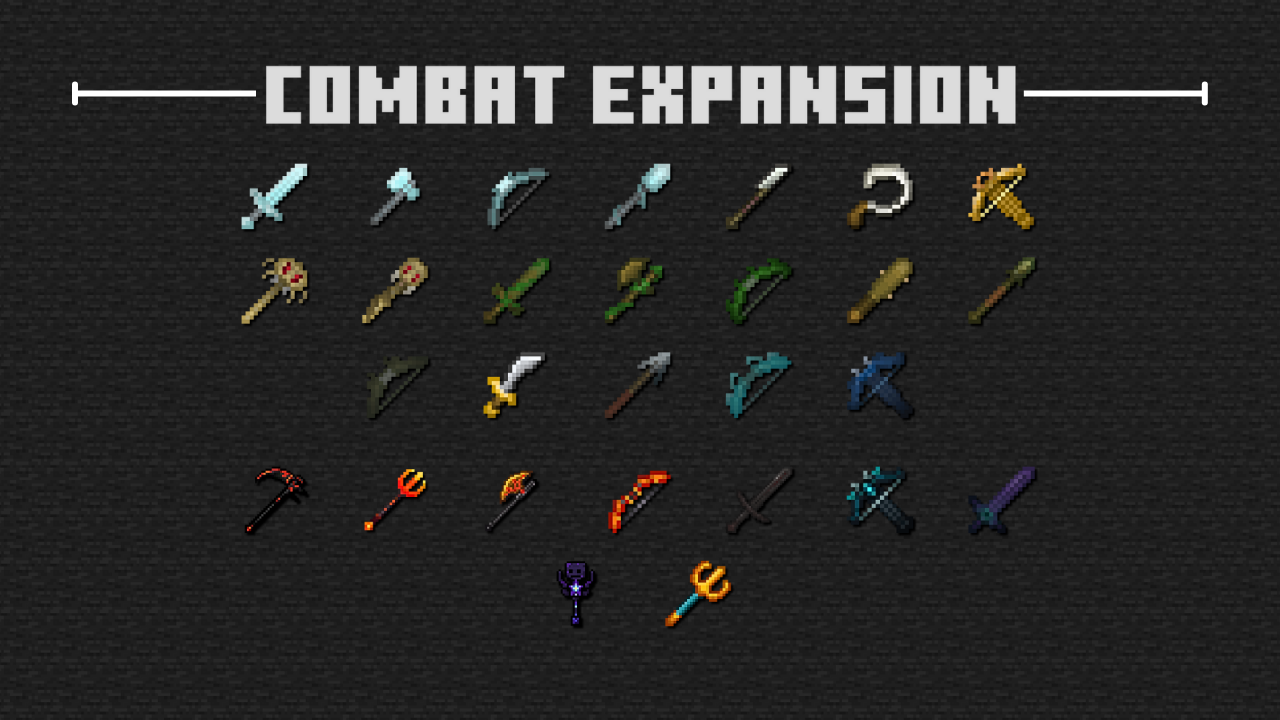
This Minecraft Dungeons-inspired data pack adds many different weapons, armor sets, and even enchantments to enhance your PvP experience!
Below is a list of how many new items/enchantments there are:
- 33 different weapons
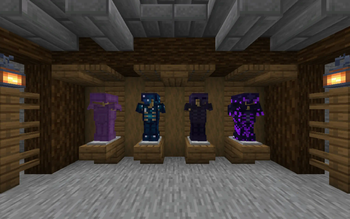
- 4 overpowered armor sets
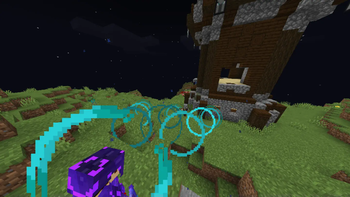
- 16 enchantments
More items are coming in the future!
🟢 Features
Apart from the equipment and the enchantments, a few features have been implemented to enhance both the adventure and combat parts of Minecraft.
💪 Powerful Mobs
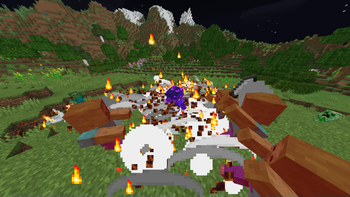
Many of the weapons can easily defeat large numbers of hostile mobs. So, we added Powerful Mobs that have a rare chance of spawning. They are variants of regular hostile mobs who wield strong weapons and wear tanky armor, making them a tough challenge for anyone who comes by.
Below is an example of what a Powerful Zombie looks like at its maximum level.
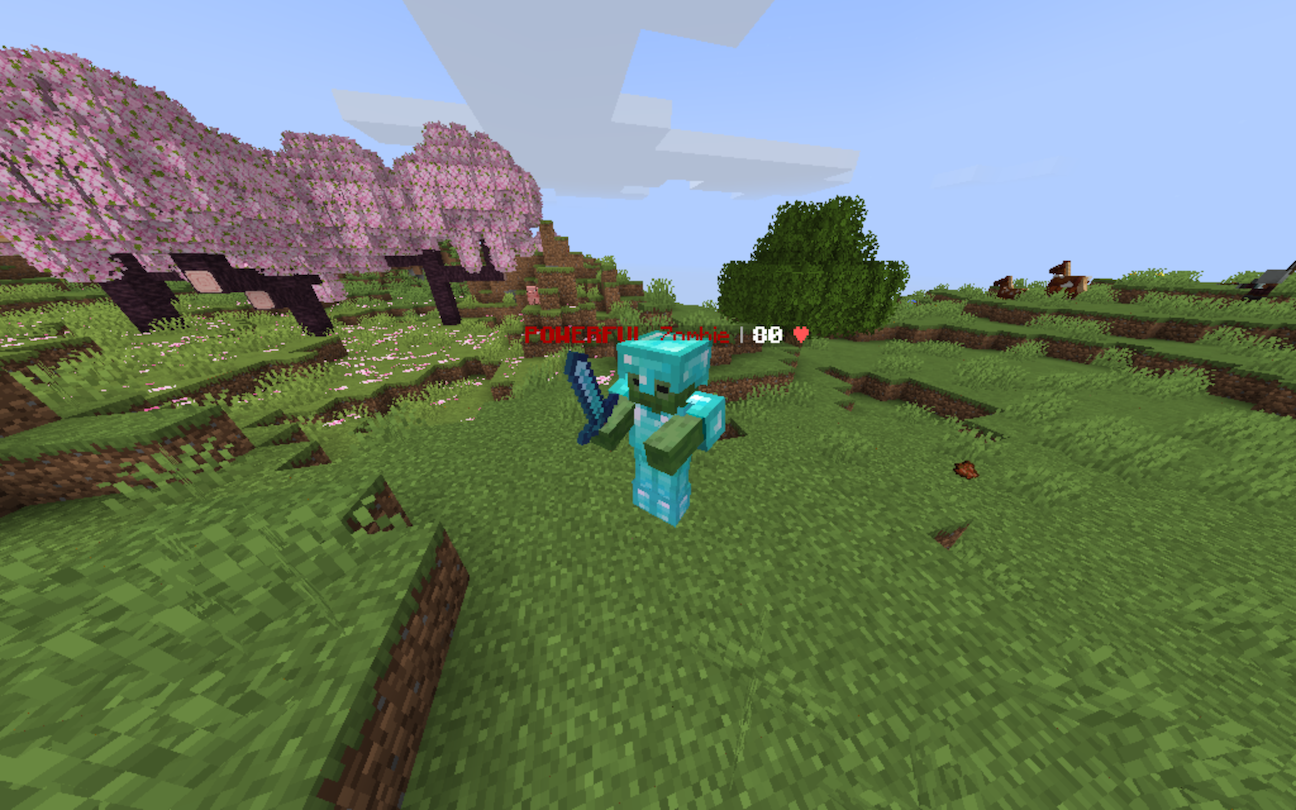
Over time, Powerful Mobs grow stronger. They drop good loot, such as diamonds or even netherite scraps.
The following list contains every mob which has a Powerful variant:
- Zombie
- Husk
- Drowned
- Skeleton
- Stray
- Bogged
- Evoker
- Vindicator
- Piglin
- Piglin Brute
- Zombified Piglin
- Wither Skeleton
- Vex
📖 Reworked Enchantments
Certain vanilla enchantments have been modified to become stronger. The list below includes which enchantments have been changed and how they have been changed.
- Sharpness: Now deals an extra 10% of damage per level rather than +0.5
- Impaling: Deals extra damage to all mobs, not just aquatic mobs
- Thorns: Returns more damage the lower the user is
- Piercing & Multishot: Both enchantments are now compatible
- Channeling: No longer needs a thunderstorm to strike lightning
🛠️ Installation and Usage
When installing any version, make sure you download both the data pack (marked with "[DP]") and the resource pack (marked with "[RP]").
For the data pack to work properly, the resource pack must also be installed; otherwise, all of the custom textures will break.
To apply the data pack to your new world, click on More, then click Datapacks, then you can drag-and-drop the data pack file into your Minecraft window.
To use the data pack, you can type /function combat_expansion:_all_items to view all of the different equipment and to give items to yourself.
If you are downloading the mod version, then there is no need to download the resource pack
🔴 Issues, Questions, and Suggestions
All bugs that you find should be reported on the official GitHub page. If you have any questions or suggestions, they can also be reported there.
❓ Wiki
The wiki for Combat Expansion can be accessed using this link.
Available Versions
How to Install Combat Expansion on Your Server
Order Server
Order a Minecraft Java server with at least 3 GB RAM (4 GB recommended).
Set datapack Loader
In the panel under "Egg", select the datapack loader and matching Minecraft version (1.21.8).
Install Mod
Open the mod browser in the dashboard and search for "Combat Expansion". Click "Install" – done! Alternatively, upload the .jar via SFTP to the /mods folder.
Compatibility
Mod Loaders
Minecraft Versions
1.21.8, 1.21.7, 1.21.6 (+2 more)
Server-side
✓ RequiredRecommended RAM
4 GB(min. 3 GB)Frequently Asked Questions
Combat Expansion server crashes on startup – what to do?
Most common cause: wrong datapack version or insufficient RAM. Check the server log (latest.log) for "OutOfMemoryError" or "Mixin" errors. With Mado Hosting: ensure at least 3 GB RAM is allocated and the loader matches the mod version (1.21.8). You can switch loaders with one click in the panel.
Is Combat Expansion compatible with datapack and fabric and forge and neoforge and quilt?
Combat Expansion officially supports datapack, fabric, forge, neoforge, quilt for Minecraft 1.21.8, 1.21.7, 1.21.6. Note: Forge and Fabric mods are NOT cross-compatible – pick one loader and stick with it. The Mado dashboard automatically detects incompatible loader combinations.
Server lagging with Combat Expansion – how to optimize performance?
Recommended RAM: 4 GB (per 8 players). Use /spark profiler to check if Combat Expansion consumes the most tick time. Common fixes: reduce server view-distance to 8-10, install "performant" or "starlight" as supplementary mods on Forge. With Mado Hosting, your server runs on NVMe SSDs with dedicated CPU cores for minimal latency.
Similar Mods




Rent Modded Server
Install Combat Expansion with just one click on your server.
Details
- License
- Creative Commons Attribution Non Commercial 4.0 International
- Server-side
- Required